3D Logo Mockup Generator
The X-design 3D logo mockup generator can be your go-to solution to generate 3D logo mockups within a limited timeline. It is an easy-to-use tool that benefits both beginners and professionals alike.
Where is the 3D Logo Mockup Generator Needed?
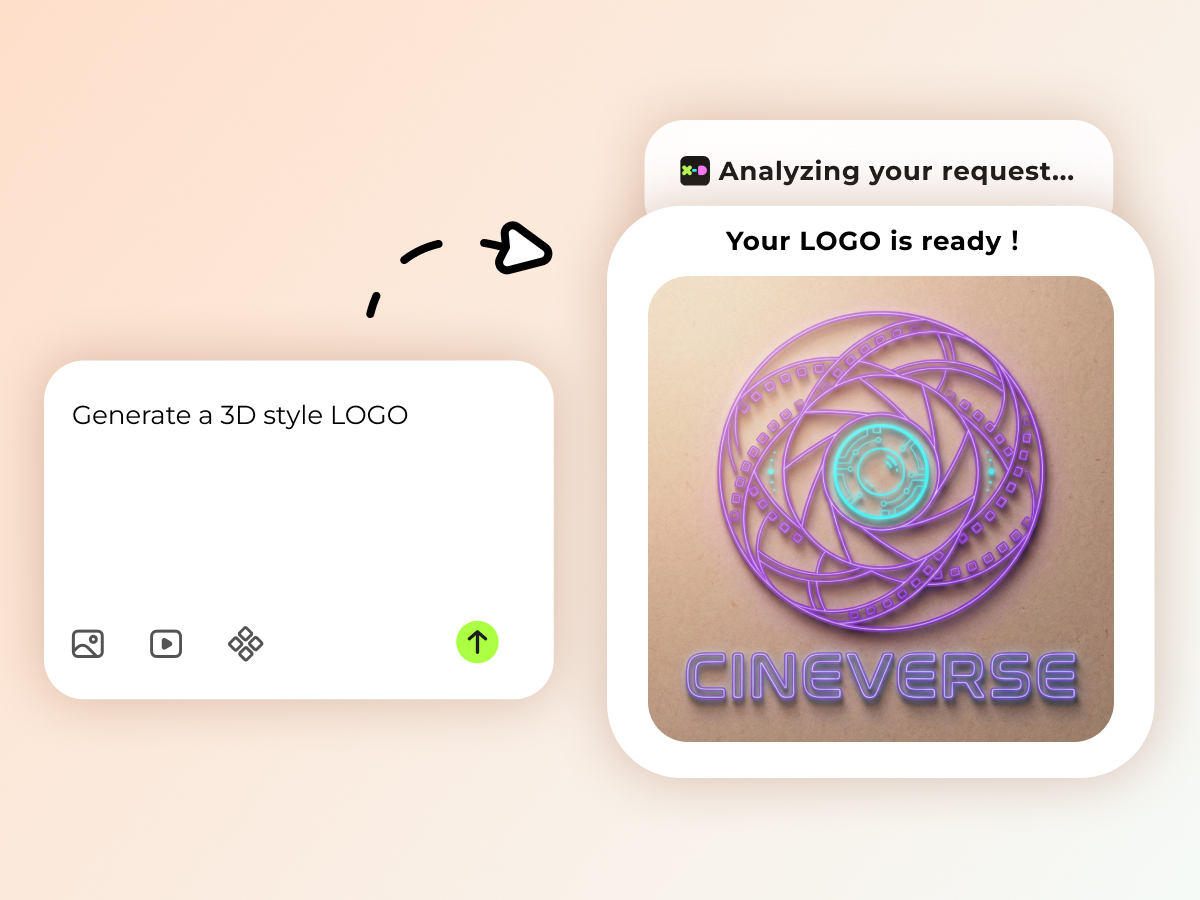
Advanced AI Technology
Why waste your efforts on learning complicated editing software when AI can help you generate professional mockups? The X-design 3D logo mockup generator eliminates the need to generate complex 3D logos manually. All the elements, color grading, background, text sizing, fonts, and shadows are adjusted automatically to turn a flat logo into a 3-dimensional logo. An AI mockup generator tool with advanced technology can replace professional designers and help save money.
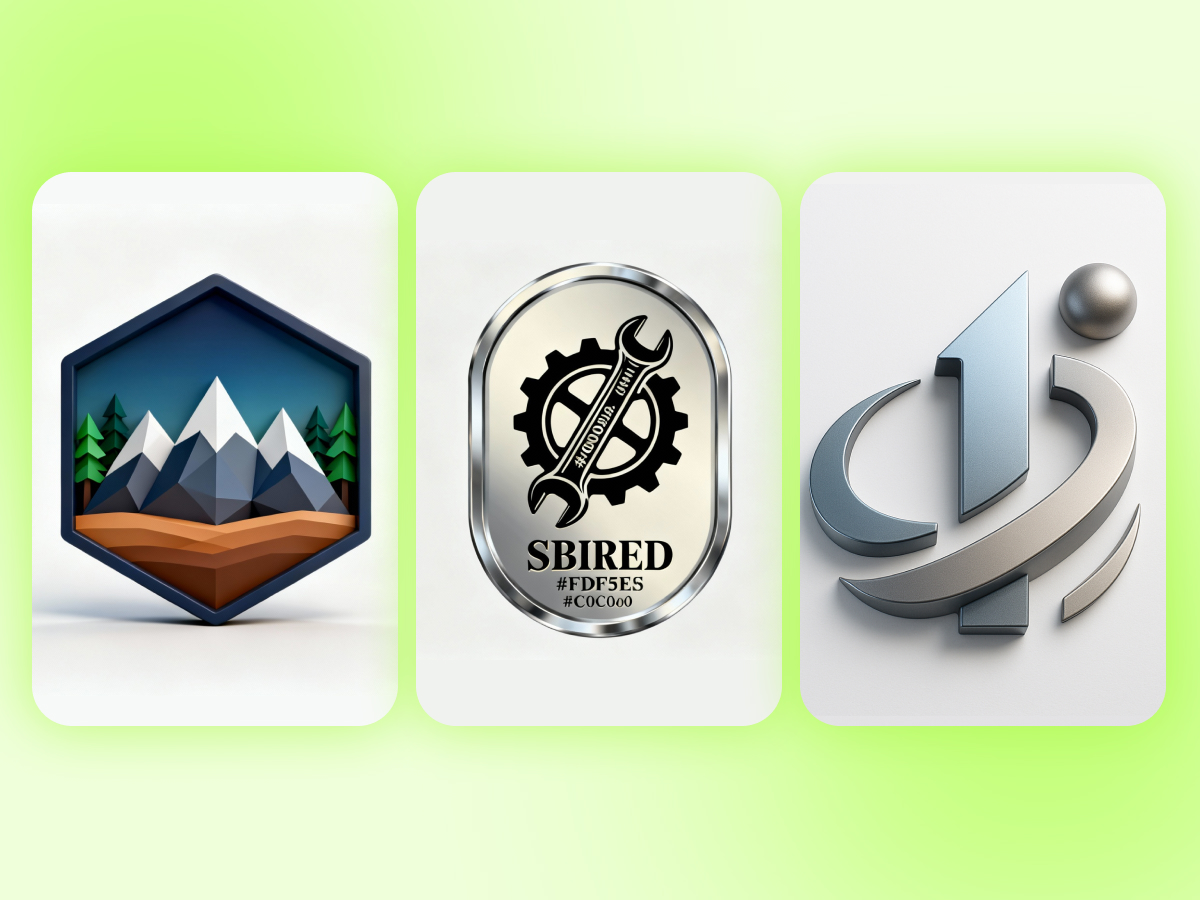
Customizable Designs
Every logo that you create with the X-design 3D logo mockup maker is completely customizable. Colors, font, layout, and every other element of the logo will be designed exactly according to your description. You also create variations of the logos depending on the purpose i.e. packaging, business cards or social media advertisements. In case you are not content with the output, it allows you to refine your designs while maintaining visual consistency.
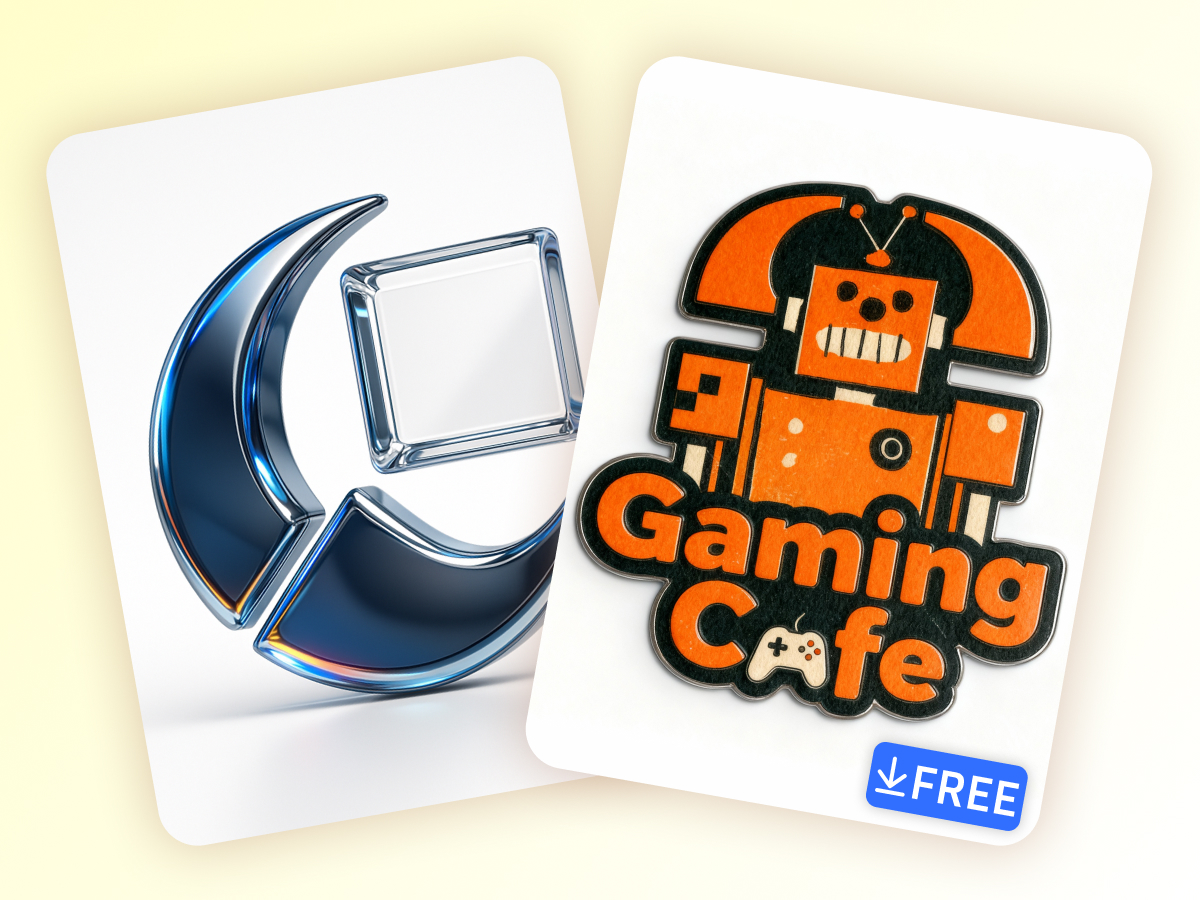
No Watermark, Free Downloads
Imagine a customized 3D brand logo that also has the name of the mockup generator tool used to make it. No one would want this. That is why X-design is the right choice to create 3D logo mockups. It generates logos without a watermark to ensure that the mockup looks clean. You can also download the watermark-free logo without paying any download fee. Use it for your marketing campaigns or social media ads, the design you create is entirely yours.
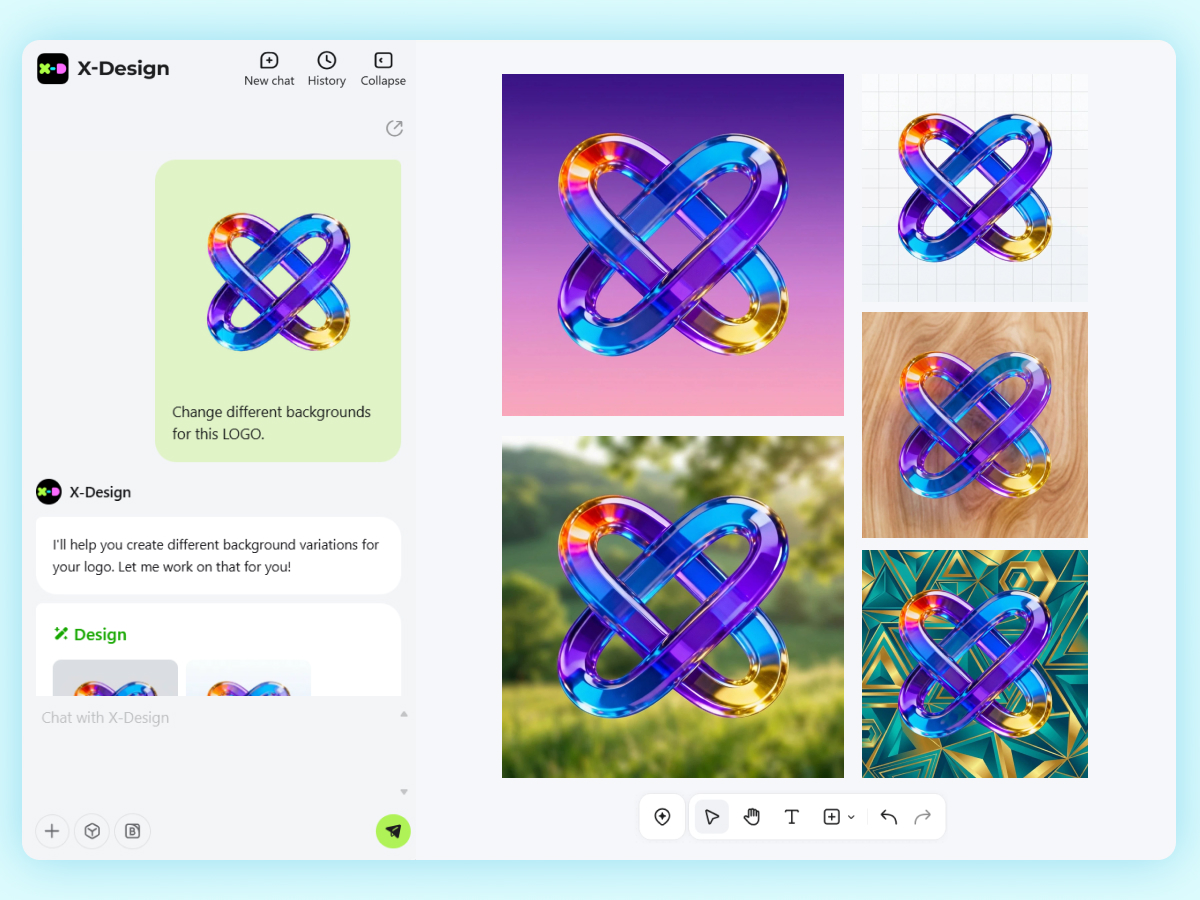
Try Different Backgrounds in Real-time
Want to know how your 3D logo will look across different backgrounds? Try the X-design online 3D logo maker to simulate real-life environments to test your logo design. You can prompt the AI to create a solid background for the logo. It can also create a contrasting logo for a textured background. Whether it is a logo for product packaging or brand introduction for social, X-design can generate designs fit for every background.
How to Use the 3D Logo Mockup Generator with X-design?
Enter Logo Description
Enter the 3D Logo name with correct spellings, its style, background, and the texture.
Upload Reference Image
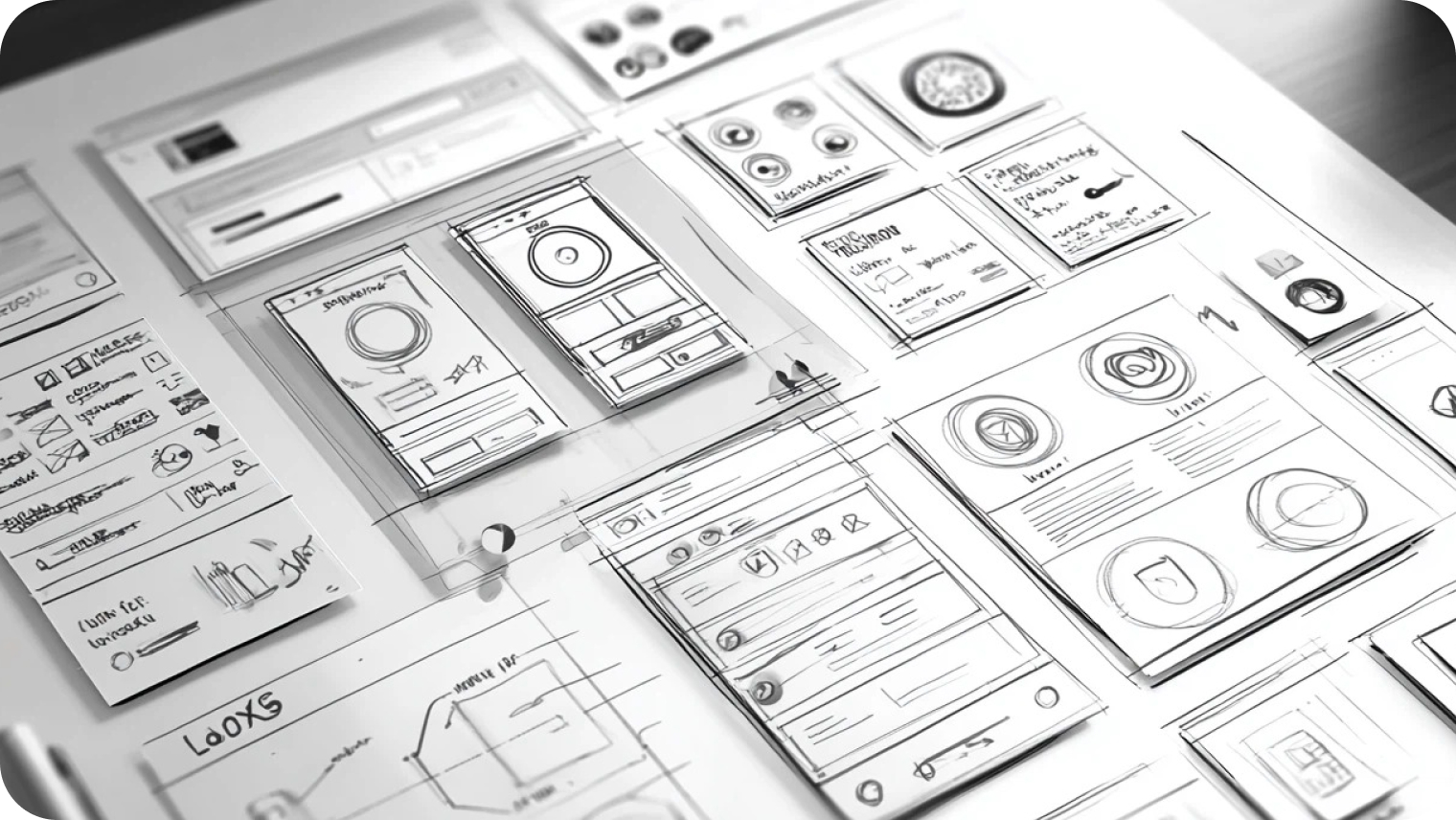
Upload an image or a sketch for the AI to understand your goals better.
Generate
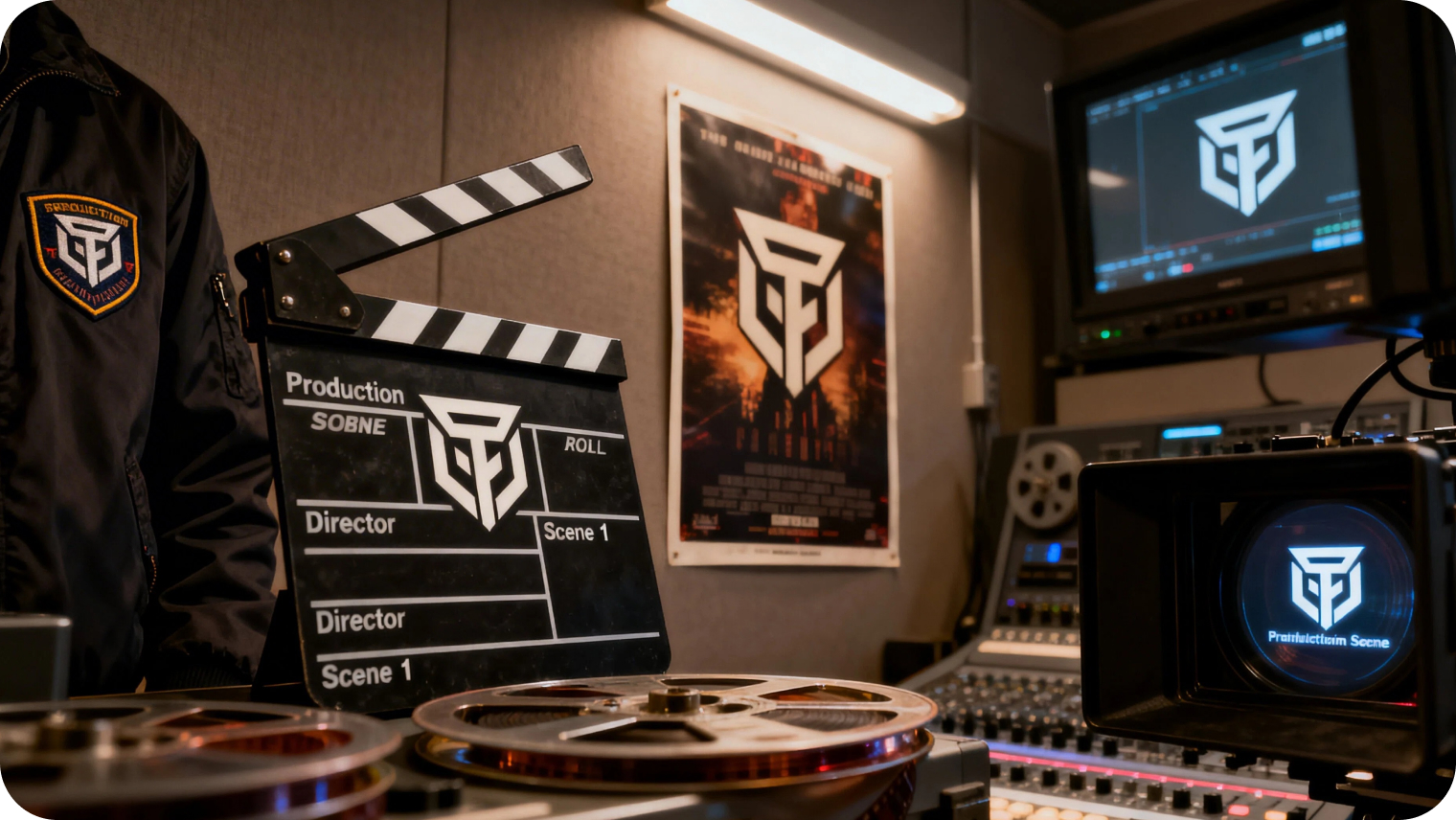
Generate your logo and test it across different mockups according to your requirements.
Where is the 3D Logo Mockup Generator Needed?

Branding for Startups
A logo determines the initial impression a brand is going to have on its prospective clientele. The richness and shadows of the 3D logo make it necessary to test the legibility of the logo at a range of angles on different surfaces.The X-design 3D logo mockup generator can be used to preview the logo in 3D form before it goes live. You can sneak a preview of the logo in advance so that when the brand is launched, it will have a high-quality and refined feeling.

Why Choose X-Design’s 3D Logo Mockup Generator?

Smooth Workflow
From logo designing to its creation and use in different scenarios, X-design mockup generator ensures a smooth workflow. No need to stress over production cost or time.

High-resolution Outputs
X-design mockup generator creates 3D logo mockups in high-resolution. You can download them and use them for social media, marketing, or presentations on large displays easily without worrying about quality.

Experiment Without Limits
With X-design, you can experiment with different variations of the style, design, color, background, and textures. The advanced can generate unlimited designs until you feel satisfied with the output.
Frequently Asked Questions
What is the Quickest Way to Generate a 3D Logo?
How to Get Free Credits for Using X-design Mockup Generator?
You can sign up to get free credits and generate 3D logo mockups. In addition, it also gives 50 free credits for inviting a friend to try the tool. You can avail up to 1500 free credits in this way.
Where to Find the Logos I Created?
The logos you create using the X-design logo generator are saved in it. From the main X-design workspace, go to “My designs.” You can find all your previously created 3D mockup logos in this folder.
Is a 3D Logo Better than a 2D Logo?
It depends on the situation you are using a logo for. A 2D logo is the better option for print media. On the other hand, if you need a logo design for e-commerce, digital branding, or video introductions, then go for a 3D logo design.
Can I Also Generate a 2D Logo Using X-design?
Yes, you can generate both 2D and 3D logo mockups using X-design. You just need to mention the type of logo you want in the prompt and you will get the required results.