Free Online 3D Mockup Generator
X-design 3D mockup generator is a versatile tool that can generate professional-quality 3D mockups with just a single click. You can use it to create personalized 3D mockup designs and download them for free.
Creates Personalized Designs
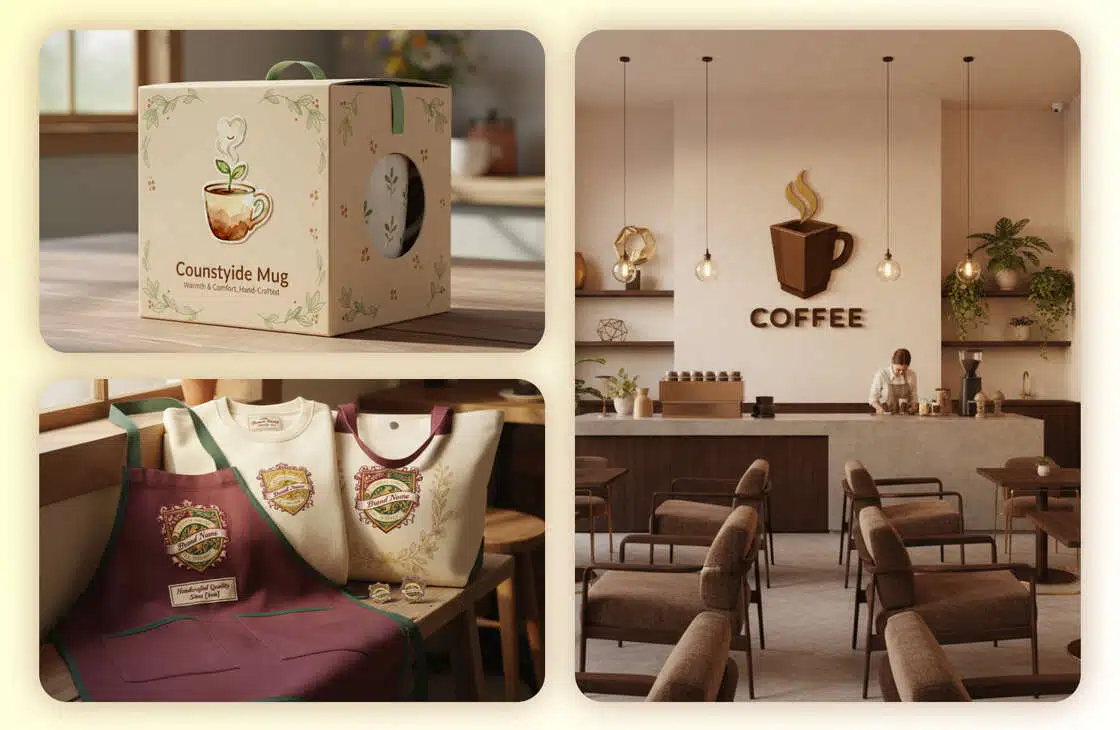
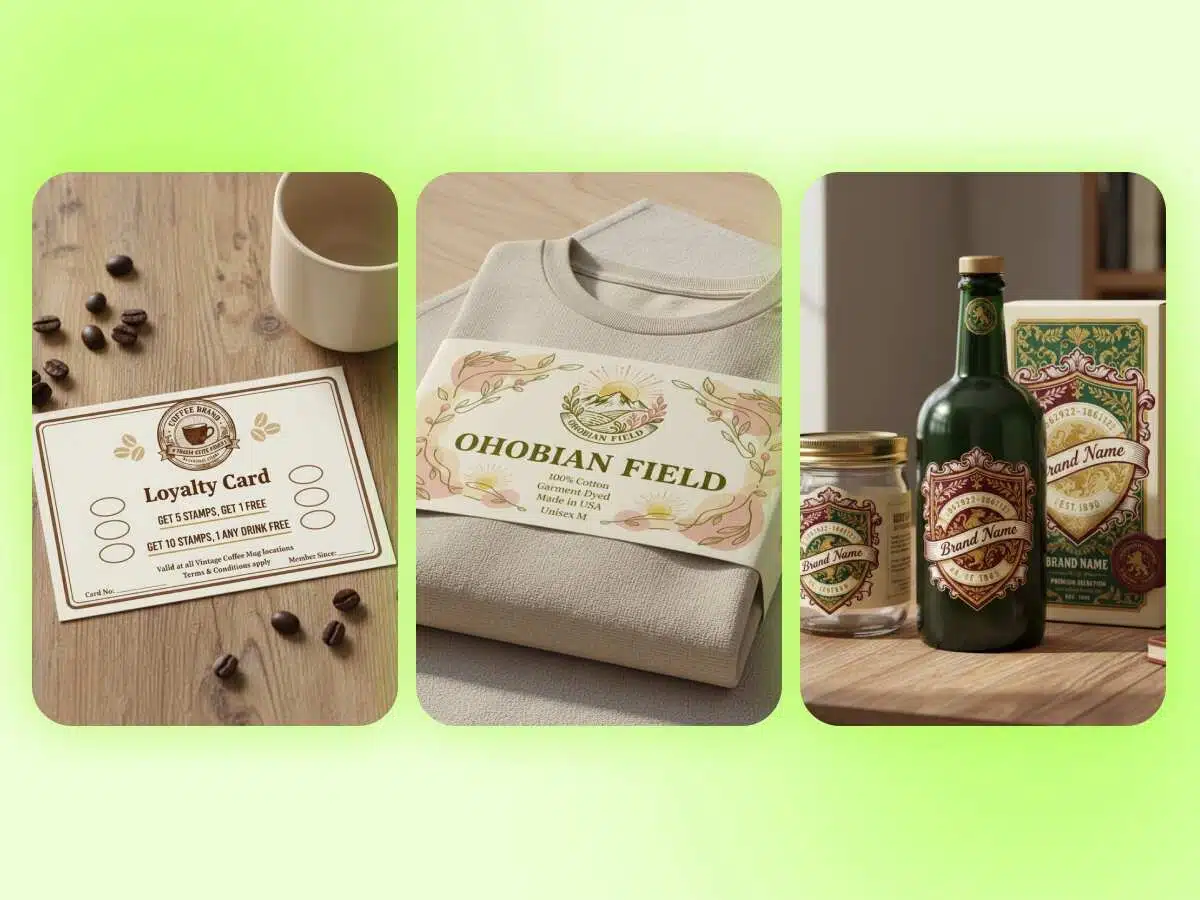
The X-design 3D mockup generator allows users to create realistic mockups that exactly match their ideas. It ensures that every mockup you create reflects your unique style accurately. The tool enables its users to have complete creative control over each element of the design. To provide exactly what you want, it comes with an “add reference image” option. Instead of relying on simple text prompts, it uses this visual guide to produce personalized 3D mockups that bring your vision to life.
Multiple Output Options
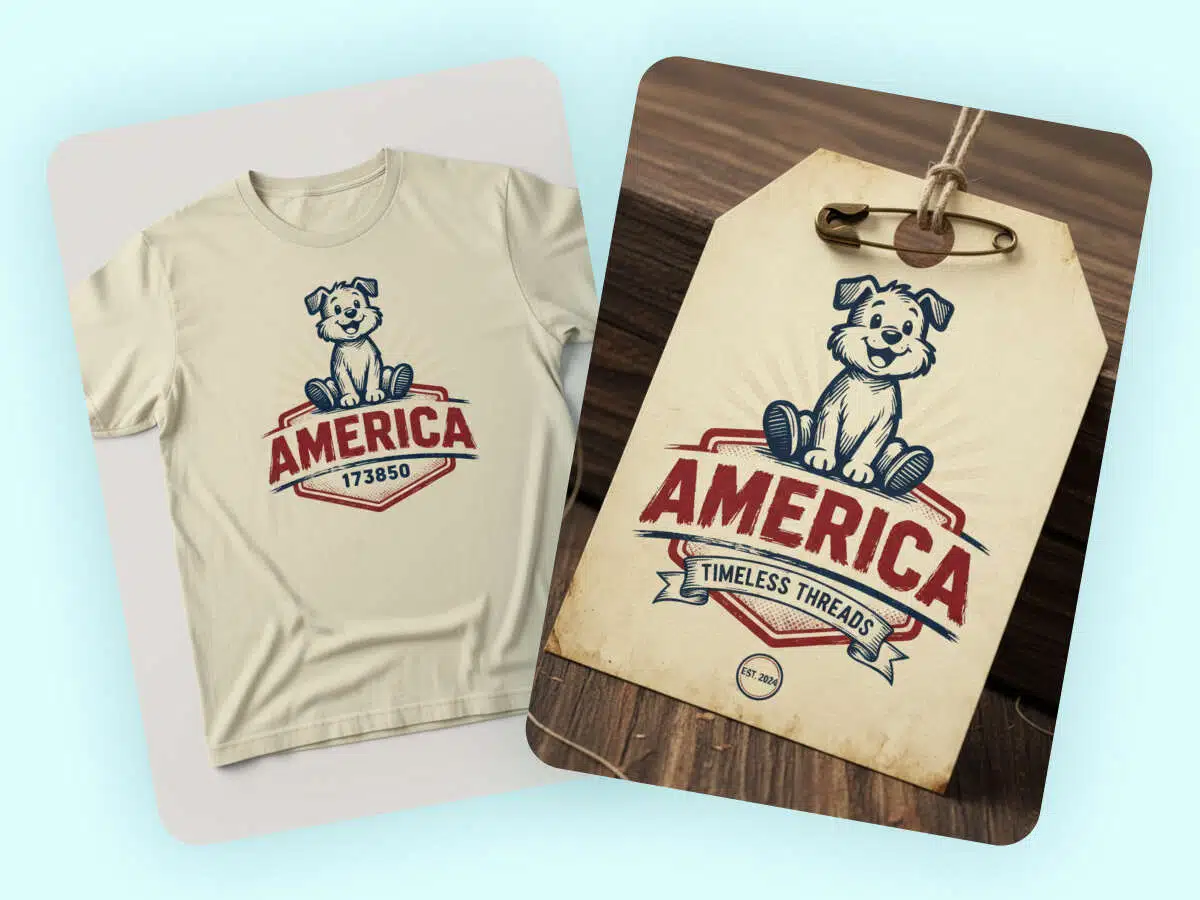
With the X-design free online 3D mockup generator, you do not need to rely on a single output. Depending upon the design requirements, it provides 2-4 mockup output options. You can choose the one that closely aligns with your intended design. With multiple outputs generated at once, you no longer need to wait for a single render to match your vision. Simply select the one that you like the most and start working.
Design-aware Prompt Interpretation
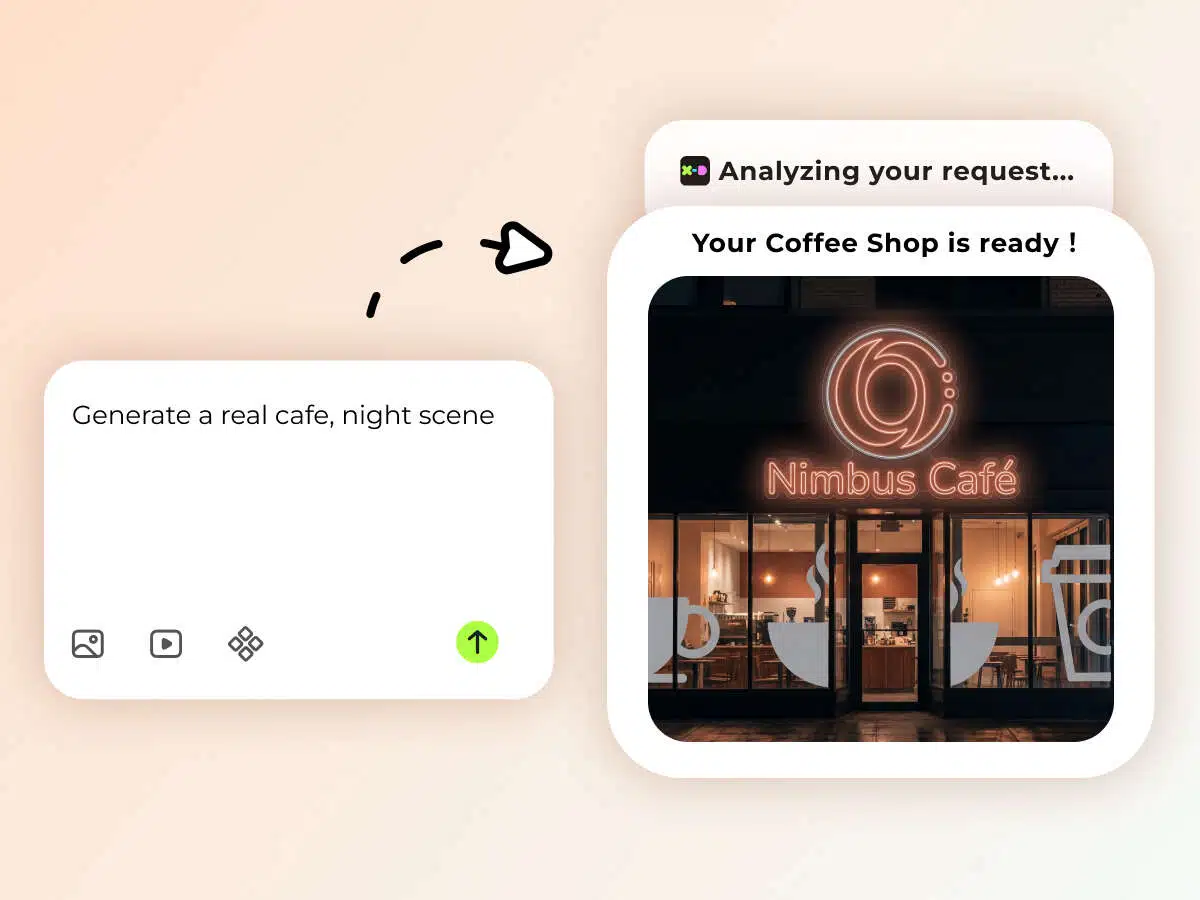
The X-design online 3D mockup generator does not focus only on the main keywords. Once you provide a reference image and prompt, it analyzes every aspect in detail. From background to layout and colors to size adjustment, our tool precisely interprets every design element. Rather than boring and generic mockups, it generates 3D mockups that align with the professional creative standards. By understanding the intent behind each input, the mockup generator creates mockups that reflect real-world design principles.
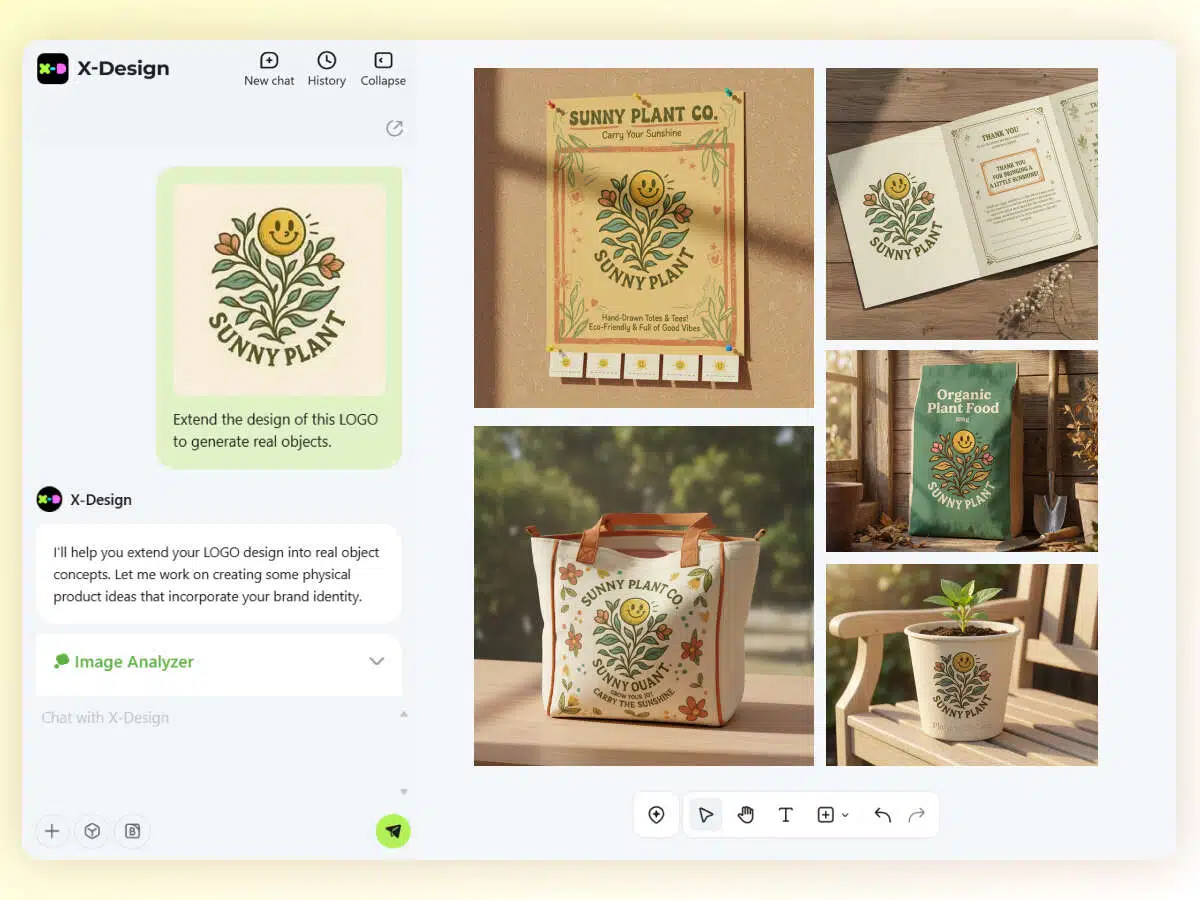
One-click Generation
X-design eliminates the need to go through complex and time-consuming steps to create 3D mockups. It is a one-click mockup generator tool that simplifies the design process like never before. You just have to explain your vision and hit the go button. From designing to adjusting colors and accurate alignment, our tool handles the rest seamlessly. It saves time, thus giving you freedom to focus on creative ideas.
How to Use the 3D Mockup Generator with X-design?
Add Reference Design
Go to the X-design mockup generator and upload the 3D reference design.
Enter Description
Add a prompt about the dimensions, visual concept, typography, and other important details of your 3D mockup and hit enter.
Preview and Save
Preview the mockup, refine it, and hit the download button.
Where is the 3D Mockup Generator Needed?

Presenting Product Concepts
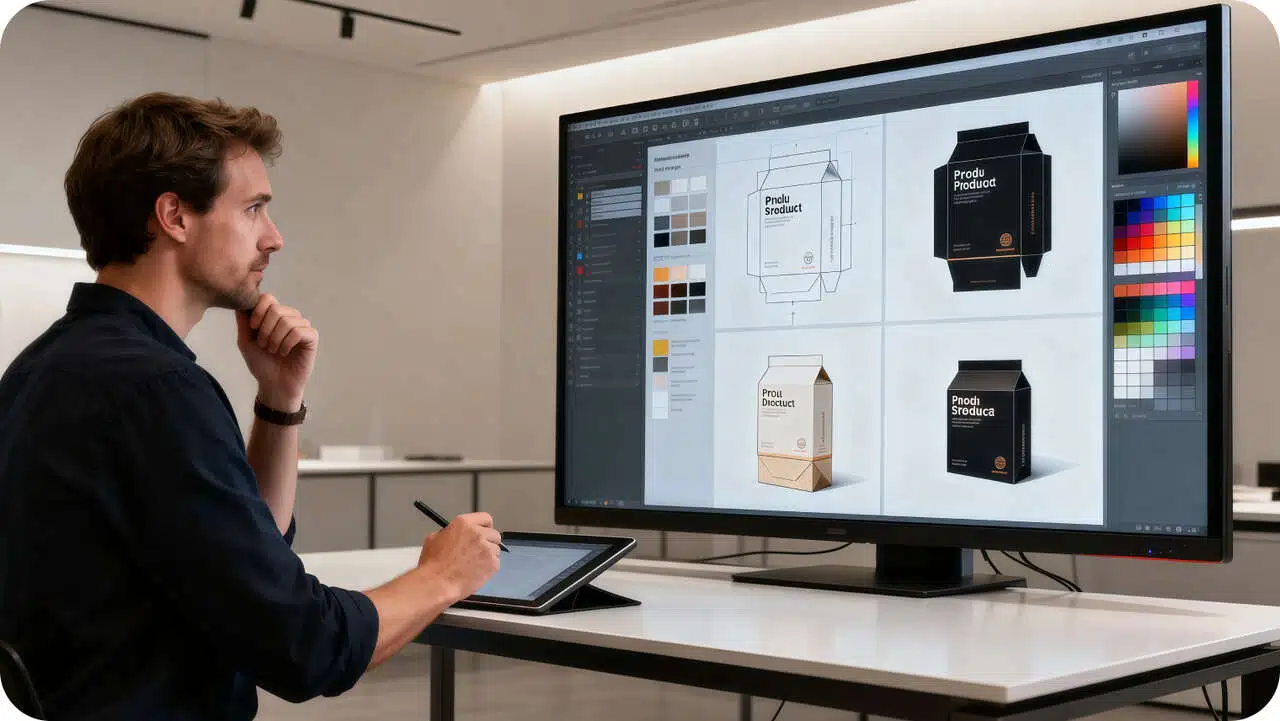
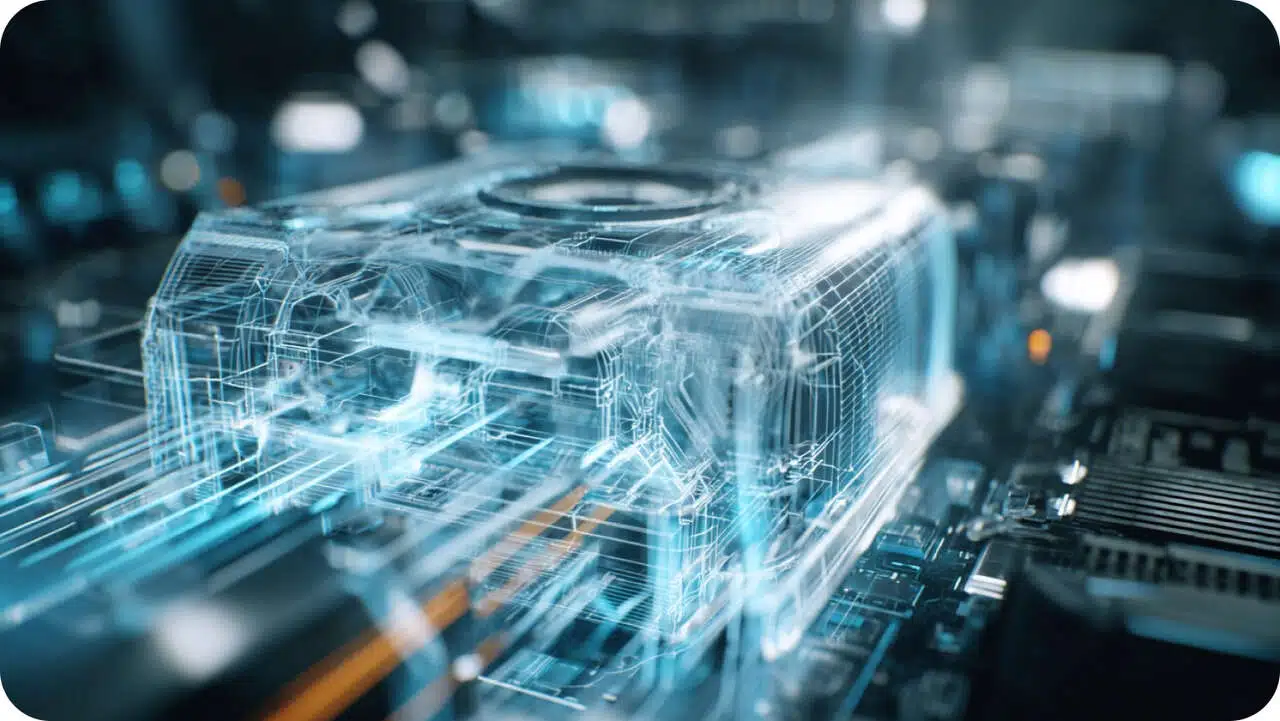
Flat designs or simple text-based presentations make it difficult to understand complex product concepts. Just try the X-design 3D mockup generator free to simplify this process. It helps simply convert the text-based descriptions into high-quality 3D product mockups. By using abstract ideas to create realistic product mockups, you can communicate product size, proportions, and design intent more effectively. This will eliminate the possibility of miscommunication and speed up the approval process.

Why Choose X-Design’s 3D Mockup Generator?

Goodbye to Photoshop
No more wasting time on learning complicated software to create a 3D mockup. X-design has made it easier for both professionals and beginners to generate HD mockups with simple prompts.

Real-time Editing
Do not like the output? X-design allows real-time editing to refine your 3D mockup designs and achieve the output of your choice.

Super Quick
X-Design streamlines your workflow by generating professional-quality mockups in seconds. Simply enter a few prompts, download instantly, and share polished 3D designs on any platform immediately.
Frequently Asked Questions
Is It Possible to Generate a 3D Clothing Mockup?
How Do I Generate a 3D Mockup for Free?
You can use the X-design 3D mockup generator tool to create a 3D mockup for free. It is an online tool that allows its users to generate mockups without requiring a subscription.
How to Generate the Best 3D Mockup?
To generate the best 3D mockup with X-design, you need to provide a detailed prompt. Mention the size, dimensions, and depth of your mockup design. Include how you want any text elements to appear on the mockup. Moreover, add the background information and the overall concept of the mockup.
How to Download a 3D Mockup Without a Watermark?
You can use the X-design 3D mockup generator to download your designs without a watermark. It creates 3D mockups without any apparent or invisible watermarks. Therefore, the mockups can be downloaded in their original form and used either personally or commercially.
Do I Need a Subscription to Download My 3D Mockup?
No. You do not need to pay for a subscription package to have your 3D mockup downloaded with the X-design 3D mockup generator. Simply sign up, design the file you desire, and download it.