Annotate Image Online for Free
How to use photo editor with AI
Upload Your Image
Let AI Enhance Your Image
Fine-Tune Your Image

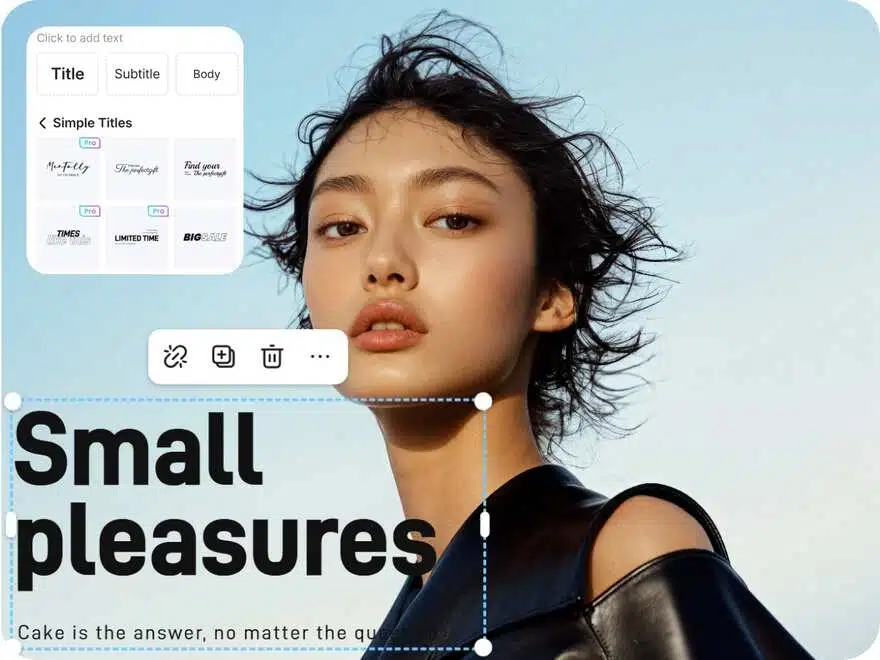
Add Text & Annotations Free
Use our free online tool to annotate images by adding text, labels, or comments directly to your photos. Whether for educational purposes, tutorials, or design work, this easy-to-use tool lets you personalize your images in seconds—no sign-up required.
Draw & Highlight Images Easily
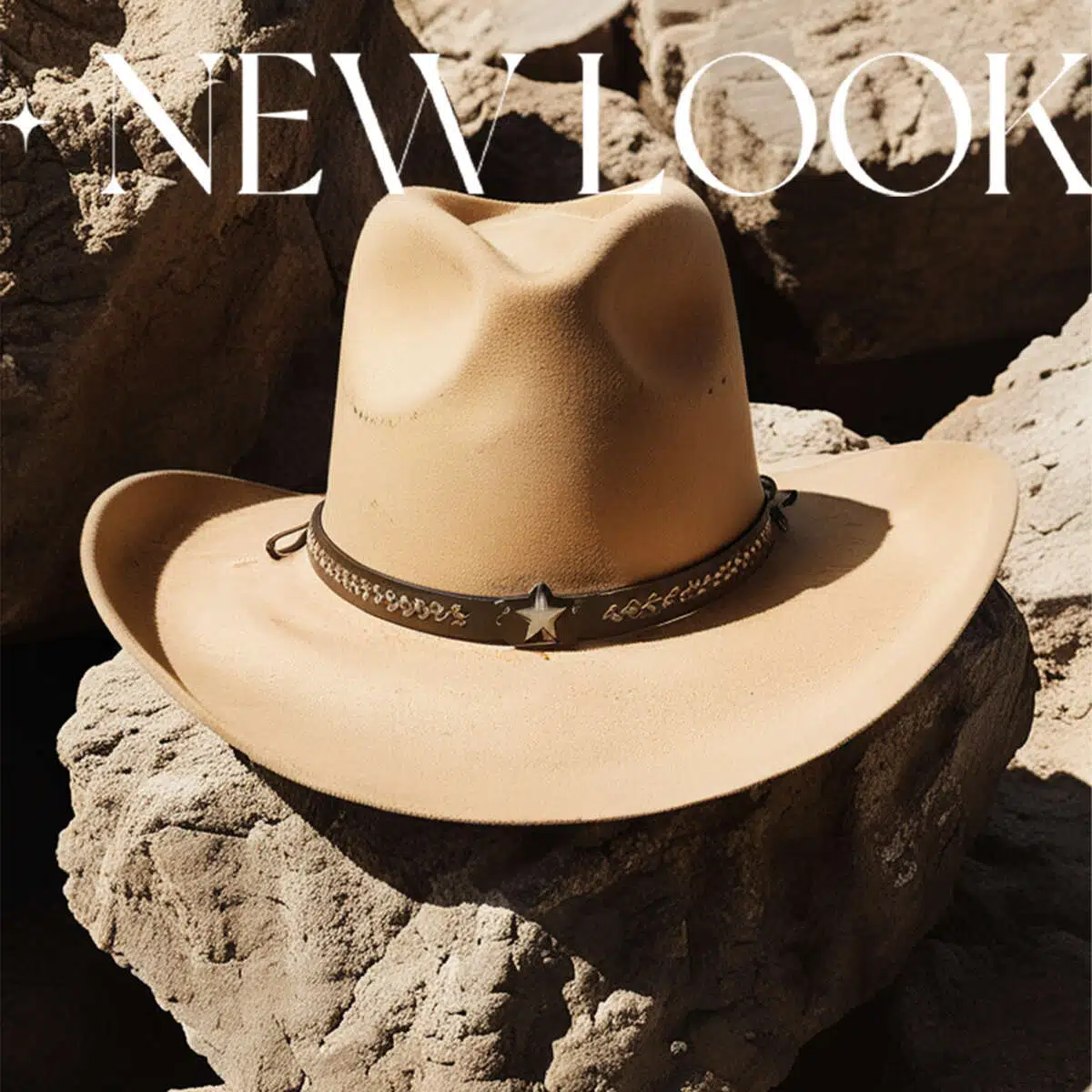
Our online platform allows you to draw and highlight images with ease. Whether you need to circle important areas or add custom shapes, our free annotator tool is ideal for marking up photos, diagrams, and screenshots. Enhance your visuals with simple annotation features.

Free Image Annotation Tool
Annotate images online for free with our intuitive, fast tool. Add text, arrows, shapes, and more to your photos or graphics. Ideal for making visual content more engaging, educational, or informative—perfect for businesses, educators, and creators who need clear image annotations.
Photo editor

Instant Professional-Grade Enhancements
X-Design’s AI delivers immediate improvements to your photos by automatically adjusting key elements, ensuring professional-quality results in a fraction of the time it would take with traditional photo editing tools.

Full Creative Control
While X-Design’s AI provides smart, automatic enhancements, you retain full control over the final outcome. Customize the details to match your exact vision, ensuring your image reflects your creative intentions.

Quick and Efficient Workflow
X-Design streamlines the editing process, allowing you to achieve high-quality results faster. Whether you’re editing one image or many, the tool is designed to be fast and efficient, saving you valuable time without sacrificing quality.
Frequently Asked Questions
How Do I Annotate the Image?
What Does Annotate an Image Mean?
Annotating an image means adding comments, labels, or graphical elements (such as arrows, circles, or text) to highlight or explain specific areas of the image. X-Design allows you to quickly add these elements, enhancing your visuals for presentations, instructions, or marketing materials.
How to Annotate Images for Free?
X-Design offers free tools to annotate images with ease. Simply upload your image, use our annotation features to add text, shapes, or other markers, and then download your annotated image. It’s a quick and cost-effective way to enhance your visuals.
How Do You Annotate a Screenshot?
To annotate a screenshot, simply upload it to X-Design’s platform. You can then add text, shapes, arrows, and other annotations to explain or highlight specific elements of the screenshot. X-Design makes it easy to edit and customize your screenshot for clarity or presentation.
How Do I Markup a JPG?
Marking up a JPG is simple in X-Design. Upload the JPG image to our platform, and use our annotation tools to add text, arrows, highlights, or other shapes. Once you’re done, you can save or export your marked-up image for use in presentations or reports.