Free Device Mockup Generator
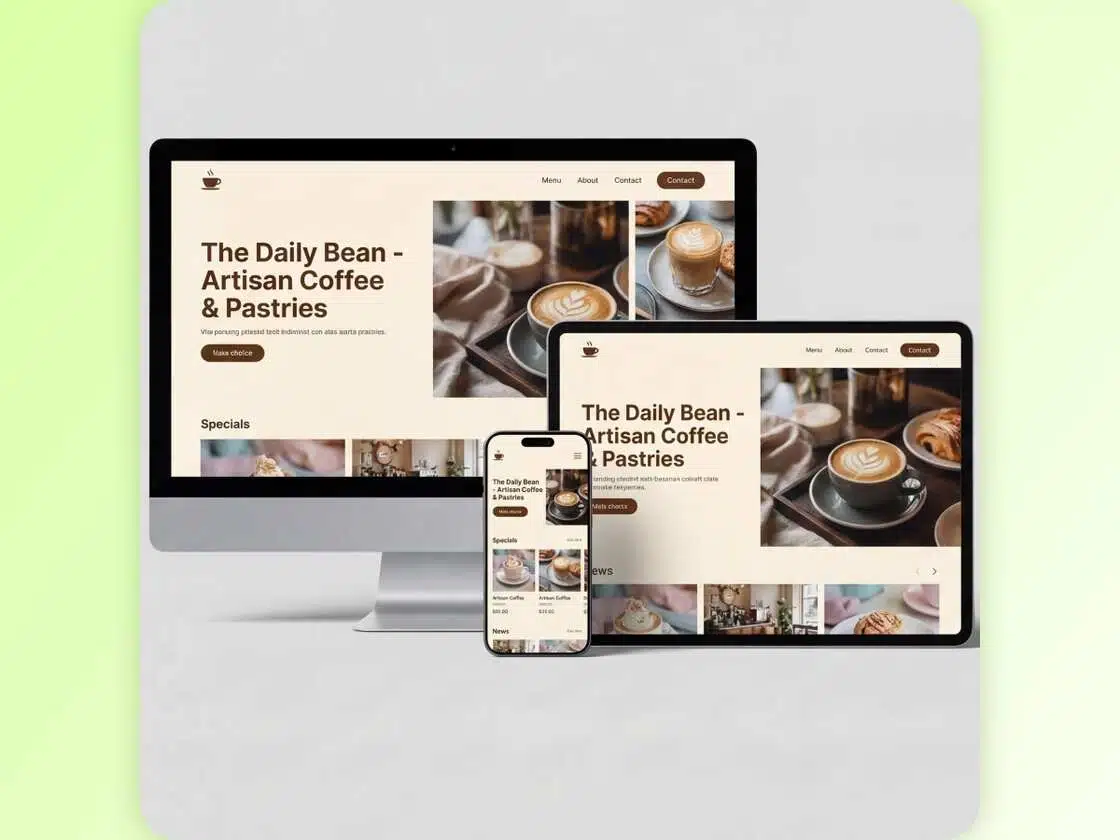
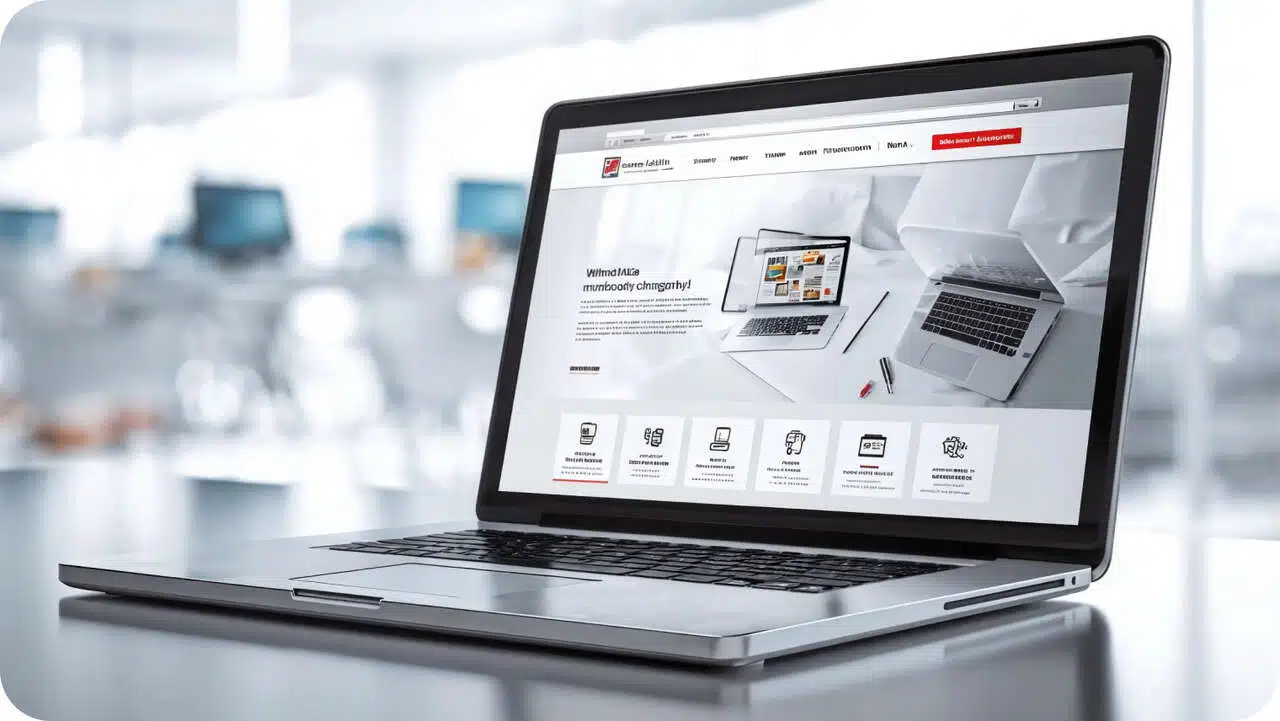
X-design device mockup generator can create premium-quality mockups for iPhone, Android, and Laptops. With its single-click operation, generating device mockups takes just a few seconds now. It ensures accurate screen placement so that the mockup looks realistic.
Multi-Device Mockup Creator
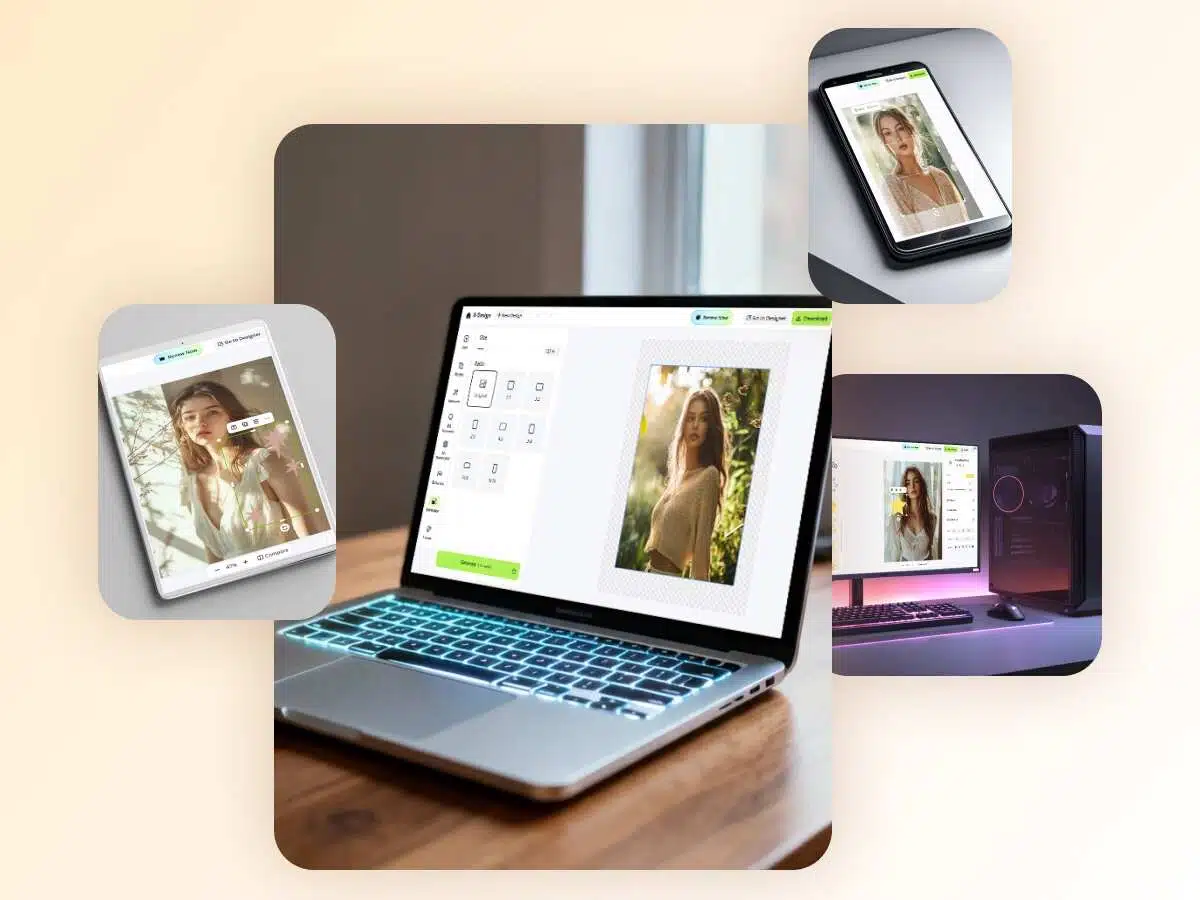
Visualize how your app or website looks across different devices with the X-design device mockup generator. Showcase your designs on laptops, mobile phones, tablets, or PCs. Whether it’s iPhone, Samsung, OnePlus, or Google Pixel, our AI-generated mockups are optimized for every device. Use this free tool to present your products on multiple screens and create a strong visual impact.
Contextual Backgrounds
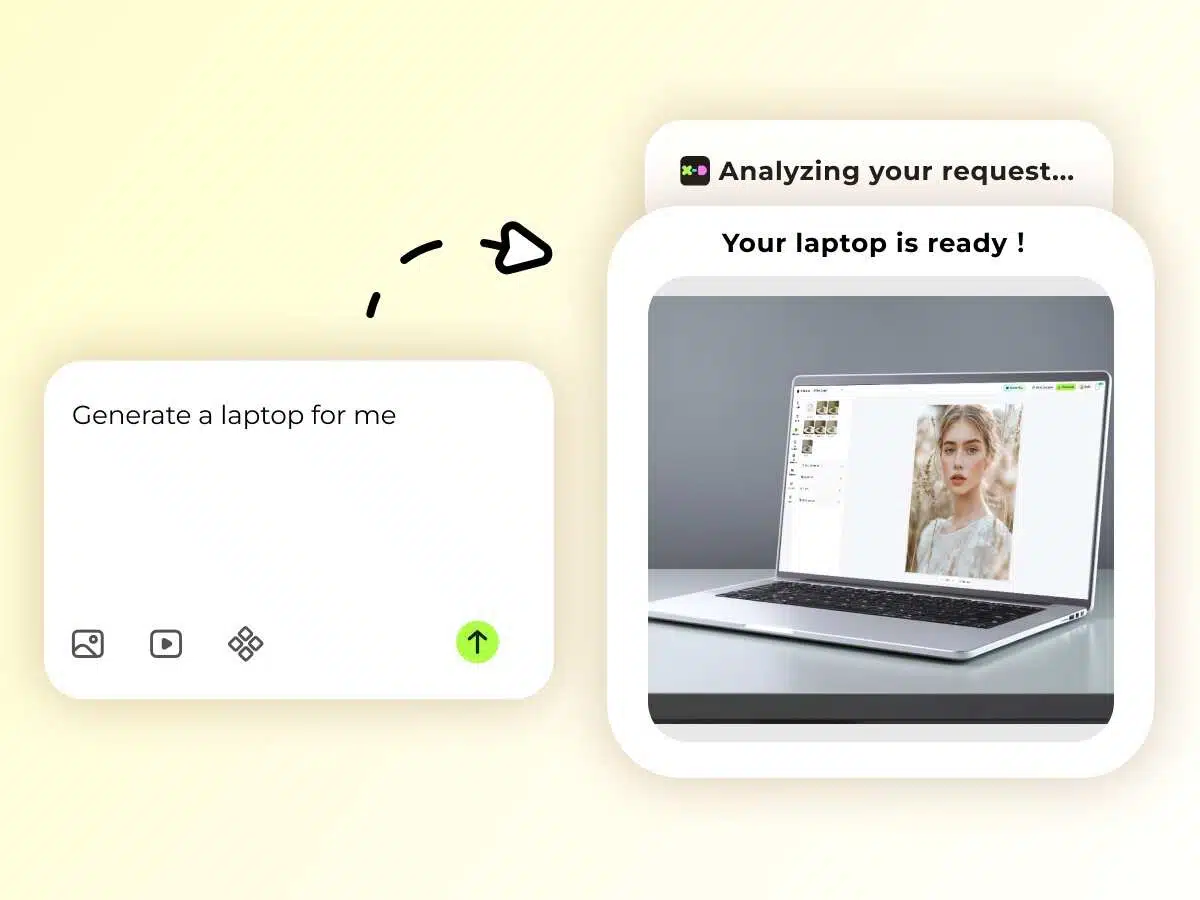
A great mockup should feel natural, not overly staged. With X-design, you can place your designs in realistic settings such as workspaces or hands-on scenes. From lighting and composition to background details, everything is under your control. Even without a clear moodboard, providing a rough idea is enough for the tool to generate the perfect background.
PhotoRealistic Mockups
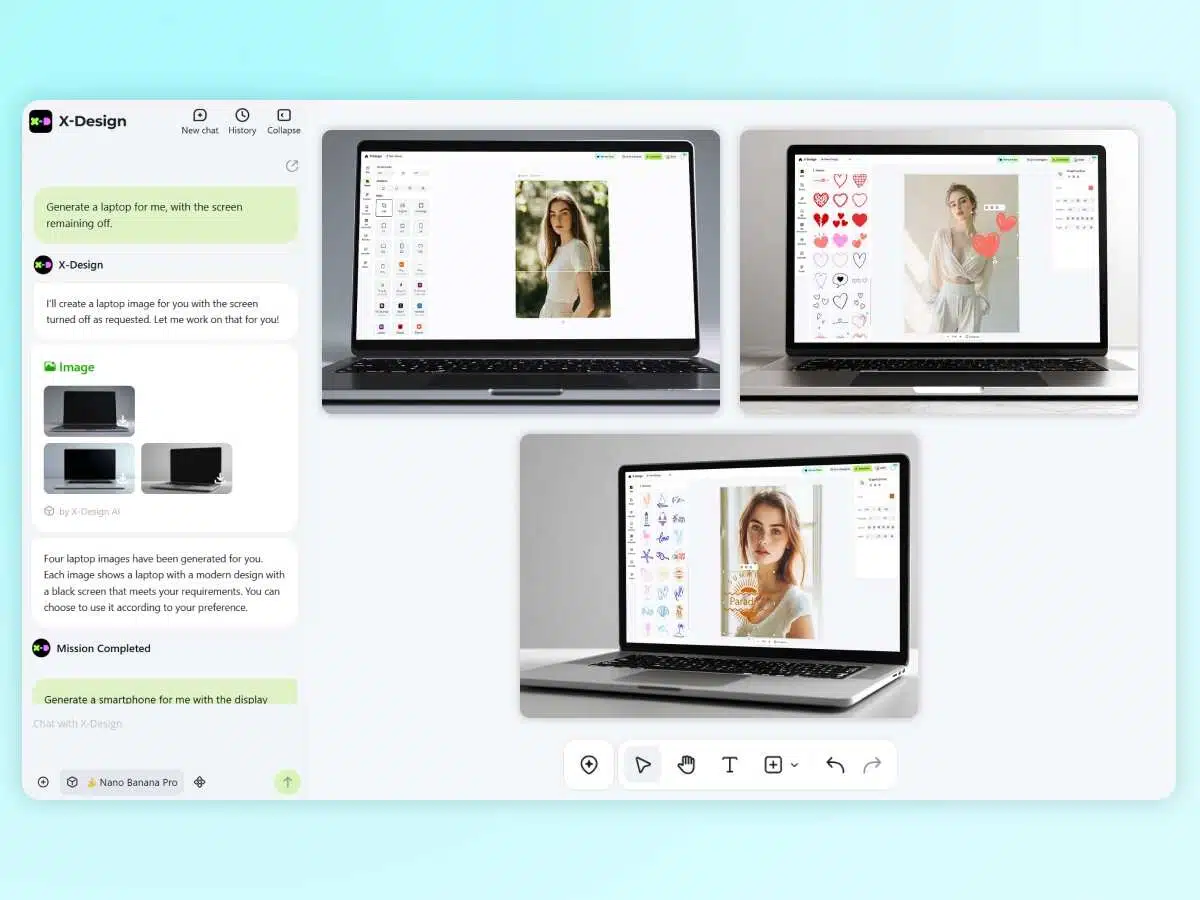
The X-design device mockup generator ensures your designs look realistic, not artificially generated. It replicates lighting, shadows, and settings to make your product appear professional and presentation-ready. Create lifelike mockups that build trust with your customers—without the cost of a photoshoot.
Screen-Accurate Placement
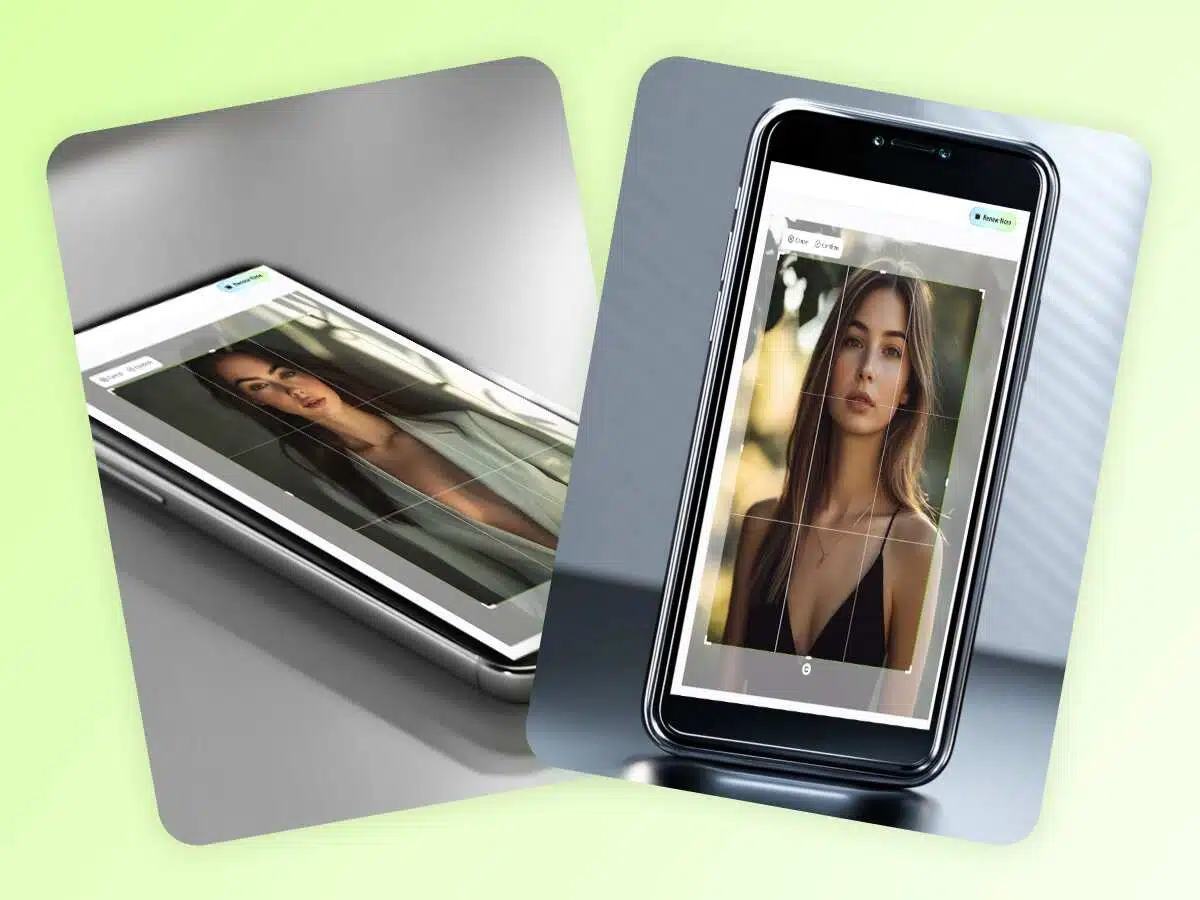
Your website or app design deserves a flawless showcase. X-design ensures that every element fits precisely within the mockup device frame, making the screen look realistic from any angle. Instead of a low-quality mockup with visual flaws, X-design delivers a seamless presentation that highlights clarity and quality. With accurate placement, you can impress stakeholders and build trust instantly.
How to Use the Device Mockup Generator with X-Design?
Upload Your Design File
Sign up for the X-design Mockup Generator and click on the “Plus” sign to upload your design file as a reference.
Define Your Mockup Details
Describe the details about the mockup you want. Include the layout, device type, background, and overall style to achieve high-quality results.
Edit and Download Your Mockup
Once the design is ready, use the editing option to make any adjustments. After finalizing, click the “Download” option in the top-right corner to save the final image.
Where Do You Need a Device Mockup Generator?
App Launch
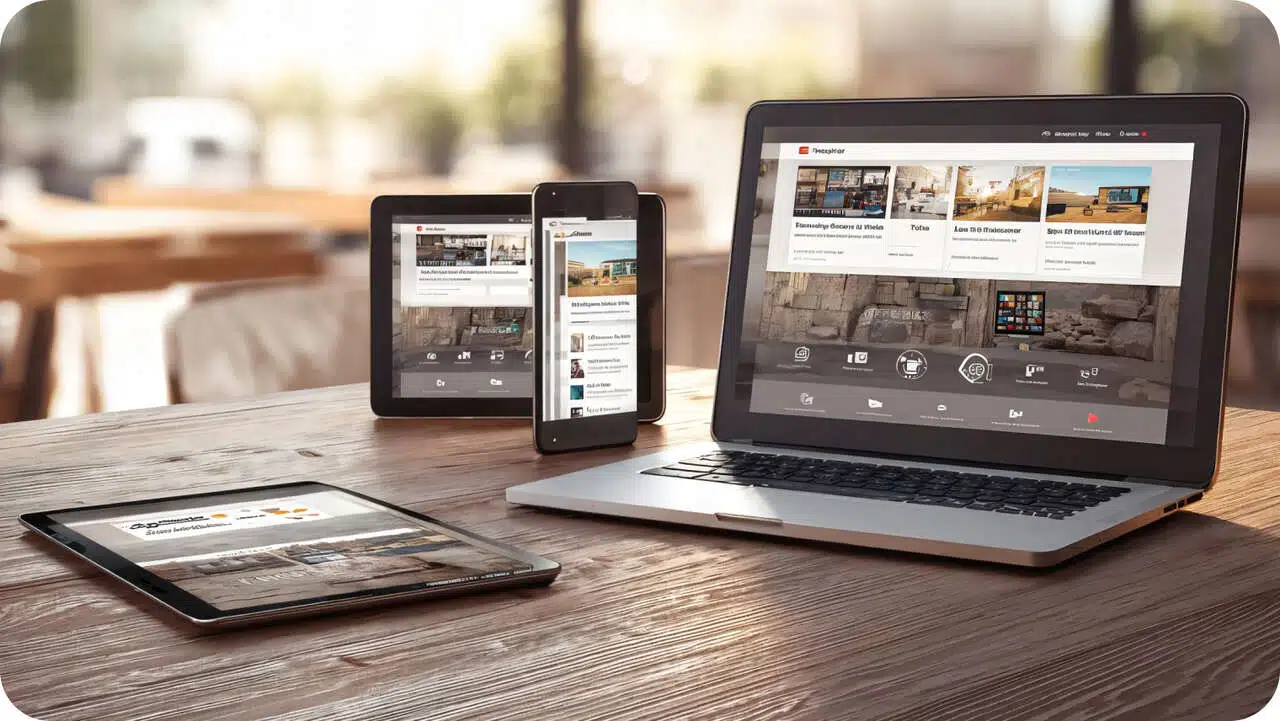
Done with your app design, but cannot visualize how it will look across different screens? Try our X-design free device mockup generator. It generates a mockup that will make your app look exactly how the users will experience it. Switch from simple app screenshots to high-quality mockups to make your app launch look professional. With premium-quality visuals, these mockups communicate usability, giving confidence to the viewers to try your app.
Why Choose Our X-Design’s Device Mockup Generator?

Seamless Presentations
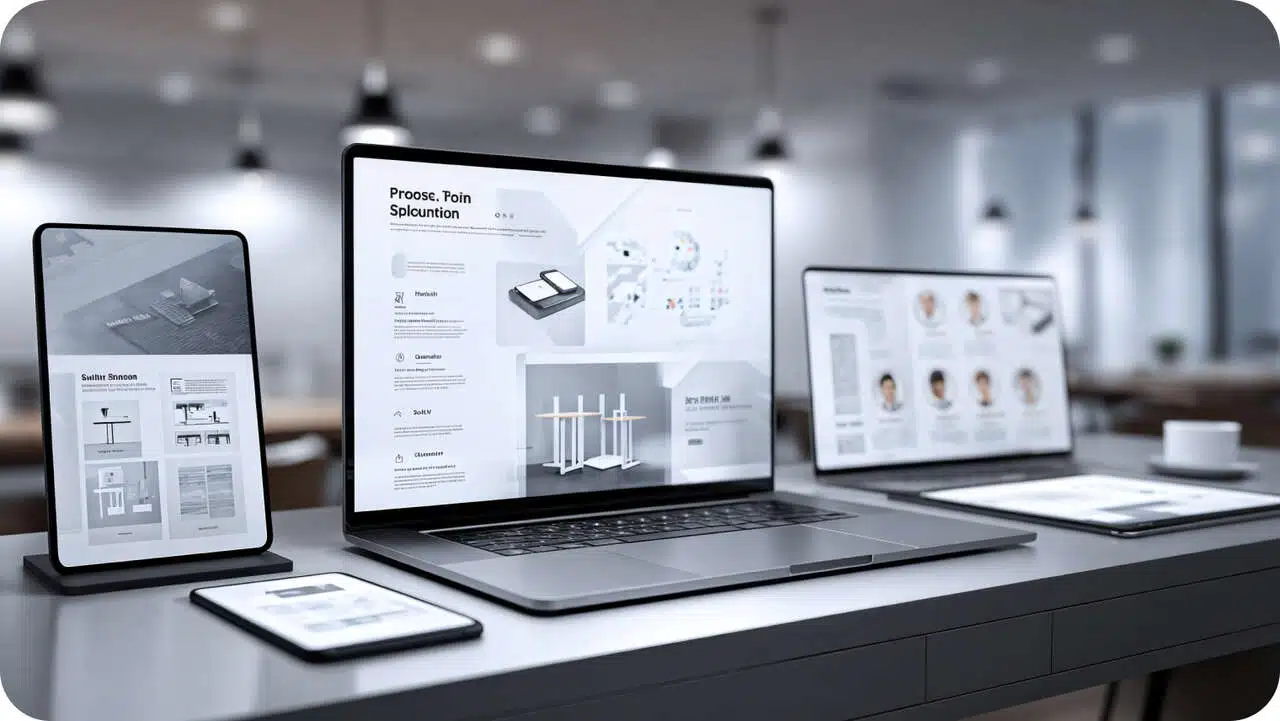
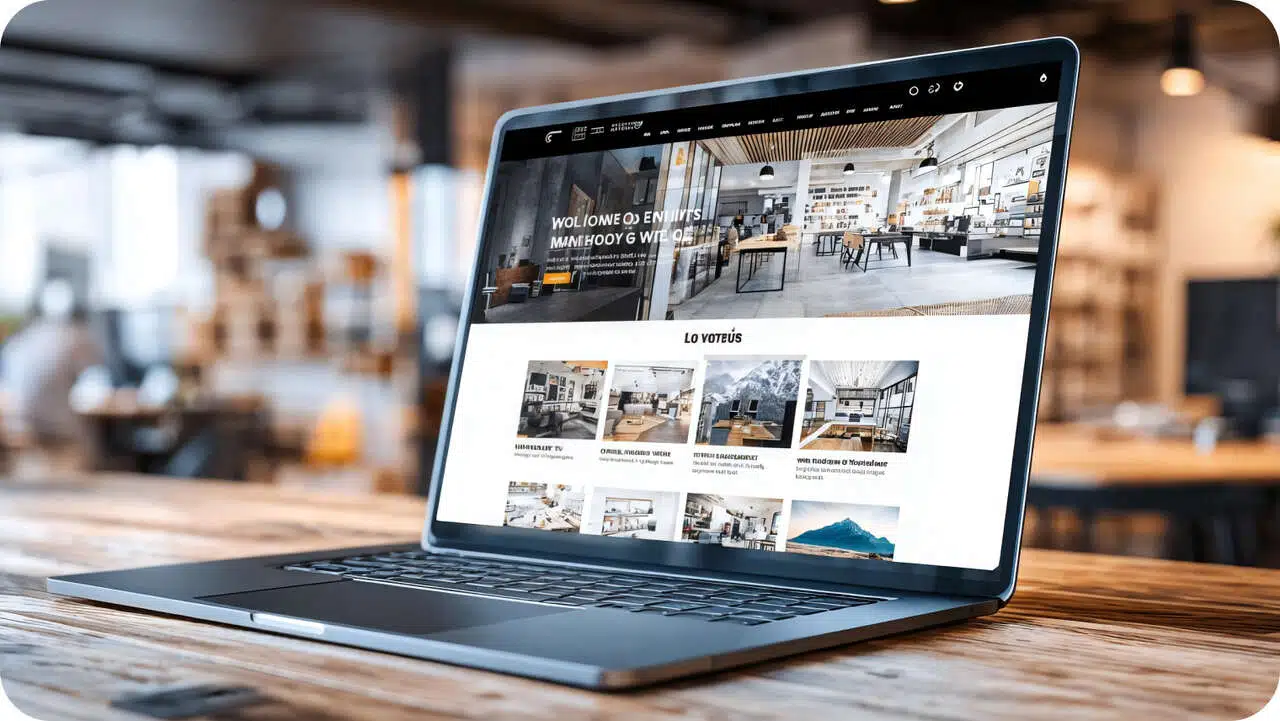
The X-design device mockup generator ensures high-quality output. With precise attention to every detail, it generates ready-to-present mockup designs for seamless presentations or demos.

No Watermark
Using an online mockup generator means the final image must have a watermark. This is not the case for our X-design mockup generator. It creates watermark-free mockups that you can use anywhere.

Polish Your Mockups
X-design mockup generator offers more than just creating simple device mockups. It also comes with editing tools to refine the mockup and get exactly what you want.
Frequently Asked Questions
Is X-Design AI Mockup Generator Free?
Where Can I Find a Multi-Device Mockup Generator?
To create mockups for different devices, you can use the X-design device mockup generator. It can create flawless mockups for tablets, iPhones, PC, laptops, and any model of Android mobile phones.
How to Create a Mockup on the Phone?
To create a mockup on the phone, you can try the X-design online mockup generator for mobile. It is an online tool that you can use from any device. Open a web browser, search X-design mockup generator, and you can use it instantly.
Can I Edit the Final Device Mockup Design?
Yes, you can edit the mockup generated by X-design. Once the design appears on your screen, there are editing tools with it. You can make any changes using those tools or give another prompt to the AI generator for the adjustments.
How Can I Make a Device Mockup Without Photoshop?
Rather than learning Photoshop and spending hours, you can just use an online mockup generator like X-design. It can help you create flawless mockups within seconds. All you need to do is provide prompts and click go.