Food Logo Maker
Start your food brand with a logo that looks as good as your dishes. Use our free food logo generator to craft a custom design that’s eye-catching and professional.
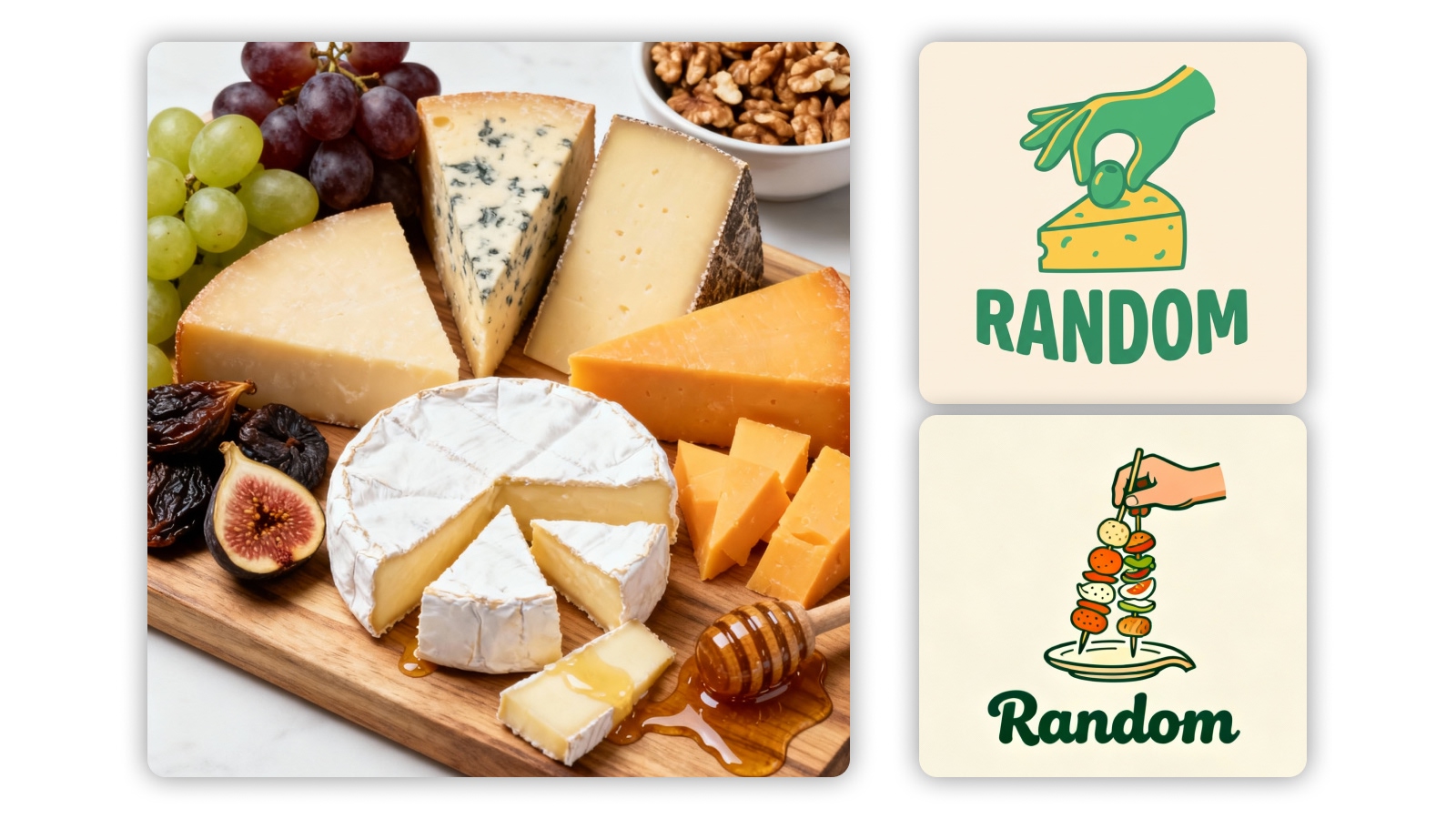
How to create AI logos
Choose Your Industry and Logo Shape
Start by selecting the industry that best fits your brand, whether it's technology, fashion, food, or anything else. Based on your selection, X-Design will suggest logo shapes and styles tailored to your industry. Choose the one that resonates most with your vision and brand identity.
Customize the Design
After selecting your logo shape, customize it further by adjusting colors, fonts, and icons. If you prefer, you can also choose from pre-designed models offered by X-Design, saving you time while ensuring your logo aligns with your brand's message. Whether you want a sleek, modern feel or a more traditional look, customization is quick and easy.
Generate, Review, and Download
Click ‘Generate’ to let the AI create multiple logo variations based on your selections. Review the options and choose the one that best represents your brand. Once you've made your decision, download the high-resolution logo for use across your website, social media, and other branding materials.
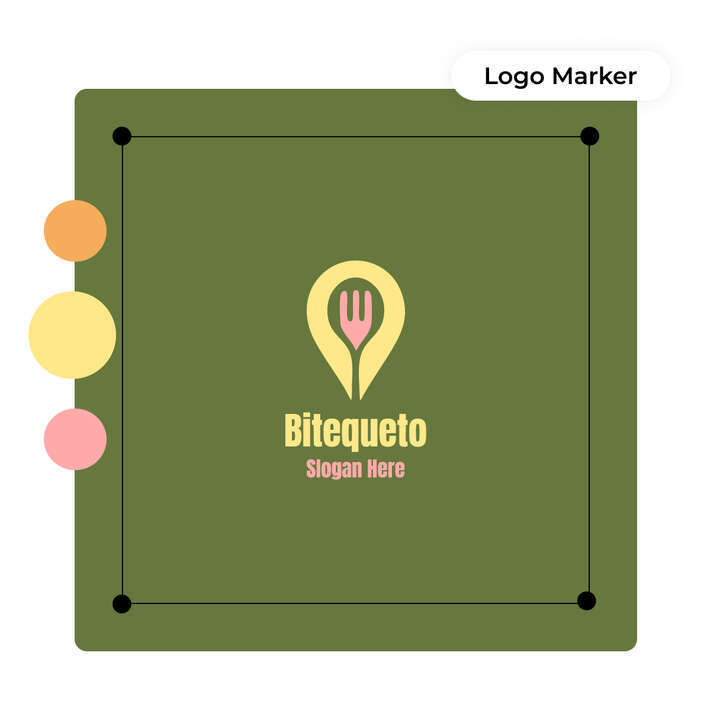
Create a Food Logo in Seconds
Design a mouthwatering brand identity with our free food logo generator. Use this tool to create a custom design for your café, bakery, or food truck. Start with your business name, choose a restaurant logo design, and explore templates made to suit your cooking style.
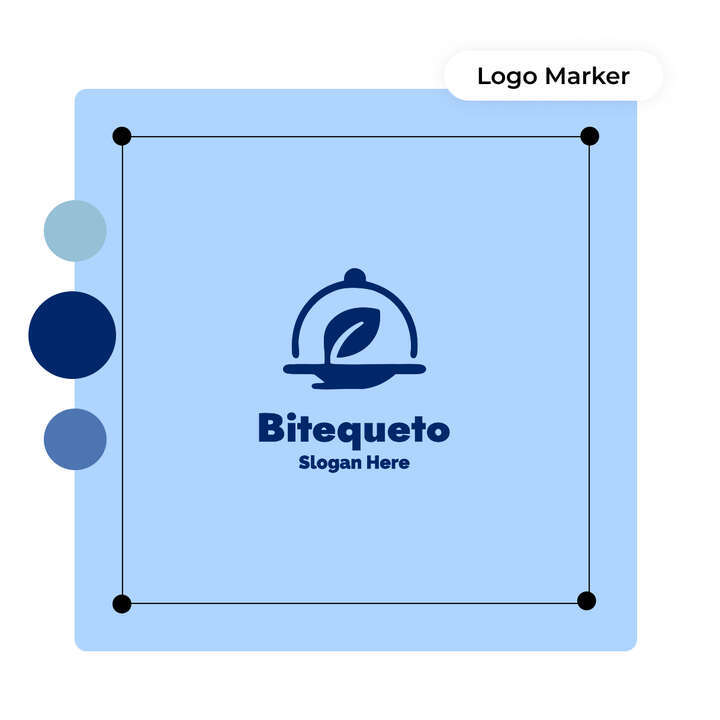
Templates That Match Your Flavor
The Food Logo Generator offers a wide range of template choices built for different styles and cuisines. Pick an elegant fine dining logo design or playful bakery logo templates for fast casual spots. Each layout is fully editable, giving you complete control to create a design that fits.
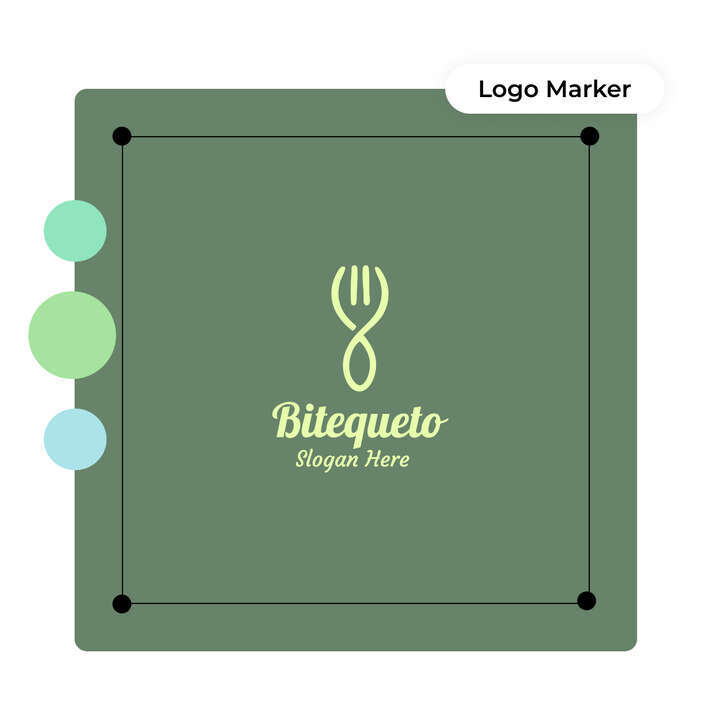
Fine-Tune Every Element with Precision
Customize your food business logo with full creative freedom. Change fonts, swap colors, and adjust icons using our built-in editor. You can build a unique cooking logo design that works across your menu and storefront. The design process is smooth, fast, and can be used without design skills.
Photo Editor

Instant Professional-Grade Enhancements
X-Design’s AI delivers immediate improvements to your photos by automatically adjusting key elements, ensuring professional-quality results in a fraction of the time it would take with traditional photo editing tools.

Full Creative Control
While X-Design’s AI provides smart, automatic enhancements, you retain full control over the final outcome. Customize the details to match your exact vision, ensuring your image reflects your creative intentions.

Quick and Efficient Workflow
X-Design streamlines the editing process, allowing you to achieve high-quality results faster. Whether you’re editing one image or many, the tool is designed to be fast and efficient, saving you valuable time without sacrificing quality.
FAQs
Can I use my food logo for commercial packaging and labels?
Is it possible to match the logo colors with my website or menu?
Yes, you can customize the logo to match your website and menu. Use the built-in editor and change the logo colour according to the theme of your website.
Can I change the business name after designing the logo?
Absolutely! Through the built-in editor, you can modify the business name. Just tap “Font” on the left side of the screen and enter the new business name in the input field.
Are there specific fonts available for food businesses?
You get the option to choose from a wide range of options for your food business. You can explore them all in the built-in editor.