Gemini Background Remover
Remove busy backgrounds from your Gemini-generated images in seconds with X-Design background remover, creating clean, transparent cutouts ready for any design, ad, or social post.
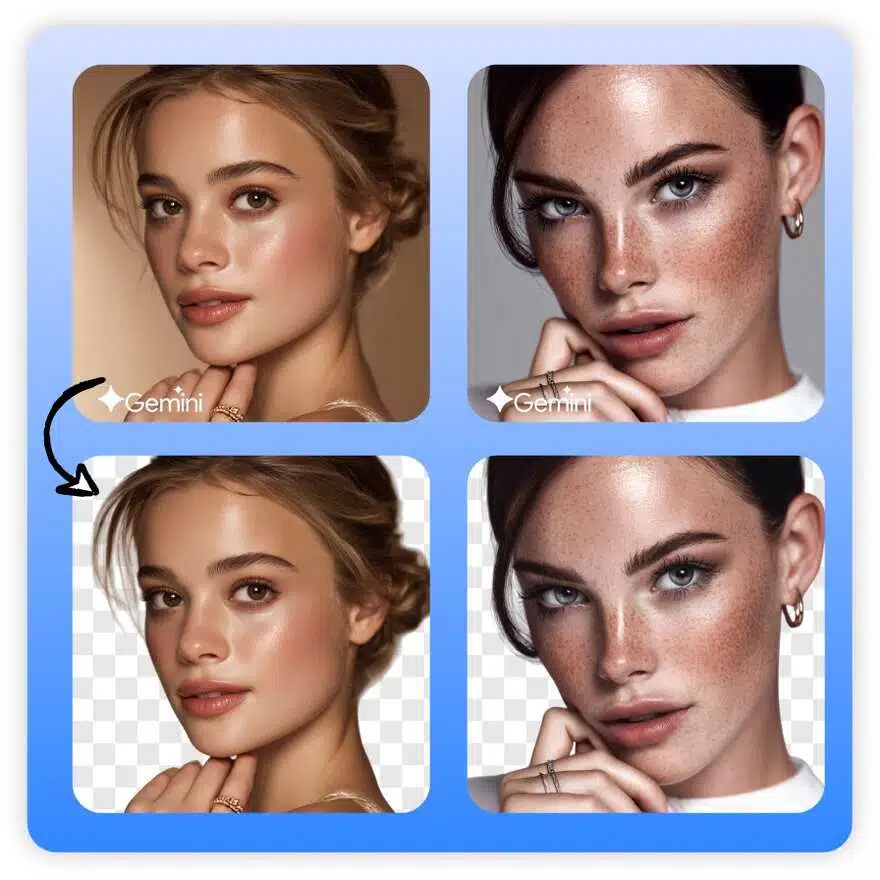
No image? Try one of these:



How to Remove the Background from a Gemini Image?
Upload your Image
Click the “Upload” button or drag your file into the editor to begin. X-Design works with JPG, JPEG, PNG, WEBP, and HEIC files.
Let AI Clear the Background
Sit back while our AI automatically detects your subject and removes the background for you.
Export the Image
Download your image with a transparent background, or stay in the workspace to keep refining it and add a new background.

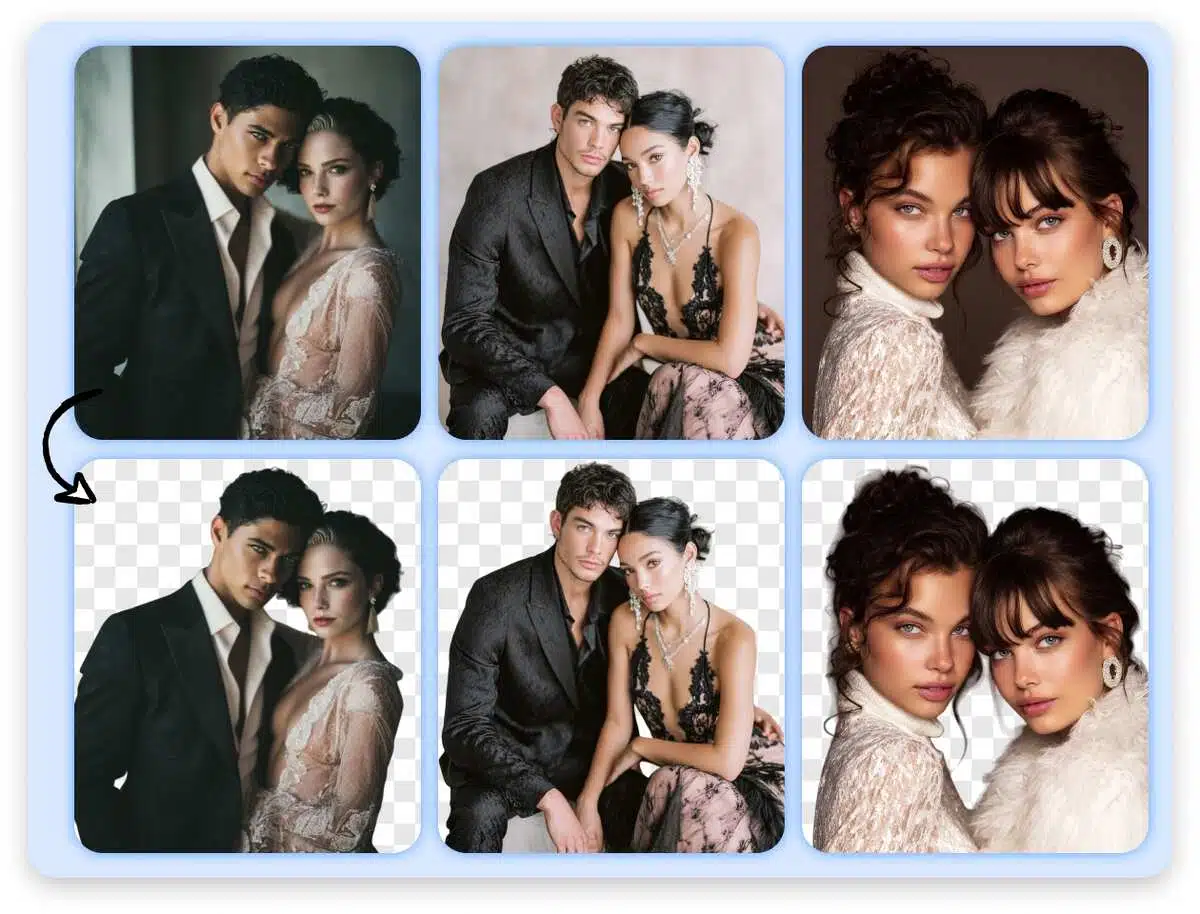
Precise Subject Recognition
Leveraging multimodal AI capabilities, our system automatically interprets the relationships between people, products, and scenes in Gemini images, intelligently pinpointing the true visual subject. Whether it's hair strands, sheer fabrics, glass reflections, complex props, or environmental clutter, we preserve subject texture and edge details to the greatest extent possible, ensuring every image achieves professional-grade quality.
Batch Processing with Consistent Visual Style
Unify the visual style of an entire batch of images under the same background and color scheme. Ensure main images, detail pages, and social media visuals appear as if crafted by the same designer across channels, significantly reducing manual costs for color grading, layout, and style consistency checks.
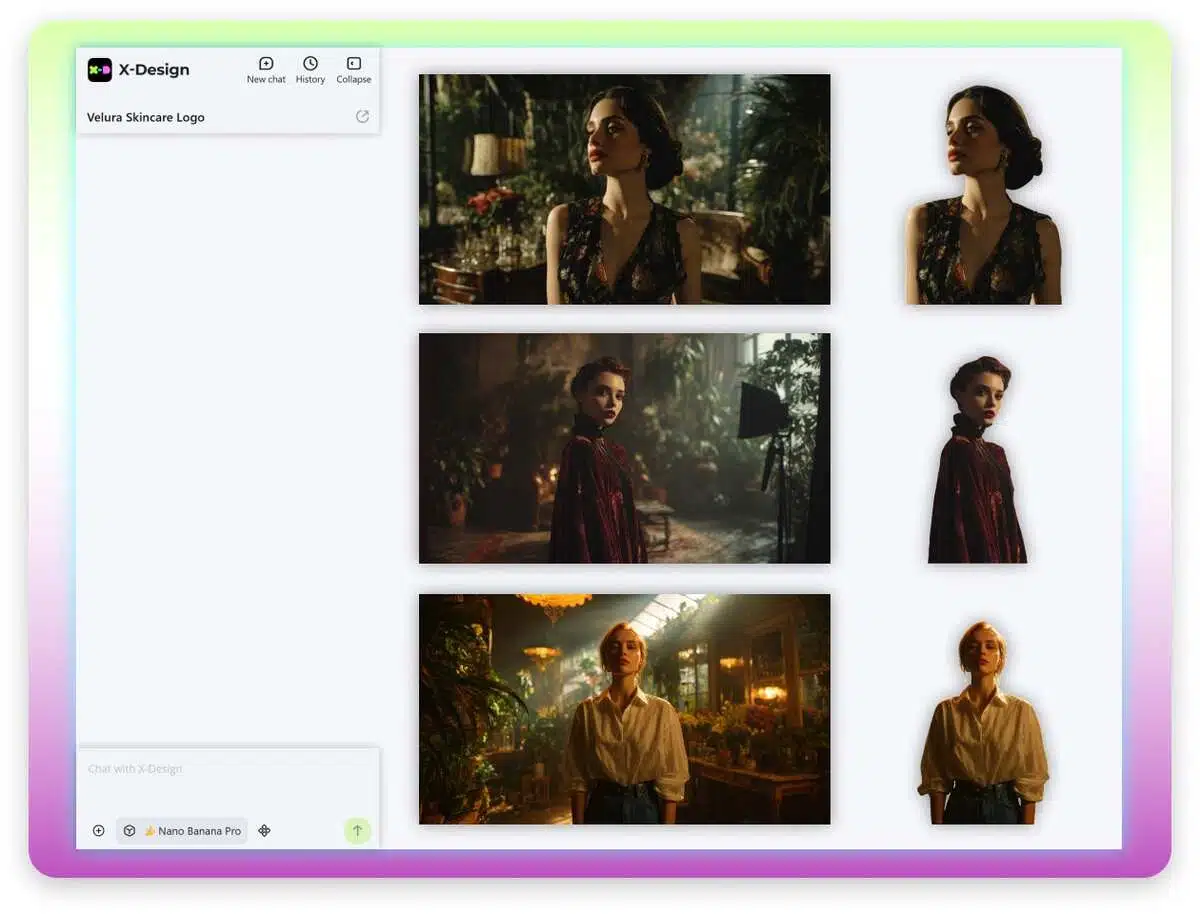
One-Click Entry into Branded Scenarios
Background removal is just the beginning. Now, within X-Design, you can instantly switch to brand scenarios: apply brand primary color backgrounds, gradient blocks, blurred real-world scenes, or directly generate AI-generated scene images. Seamlessly integrate your cutout subjects into diverse usage scenarios. Complete this in a continuous workflow—transitioning from a “clean subject” to a “ready-to-use finished visual” takes just a few clicks.
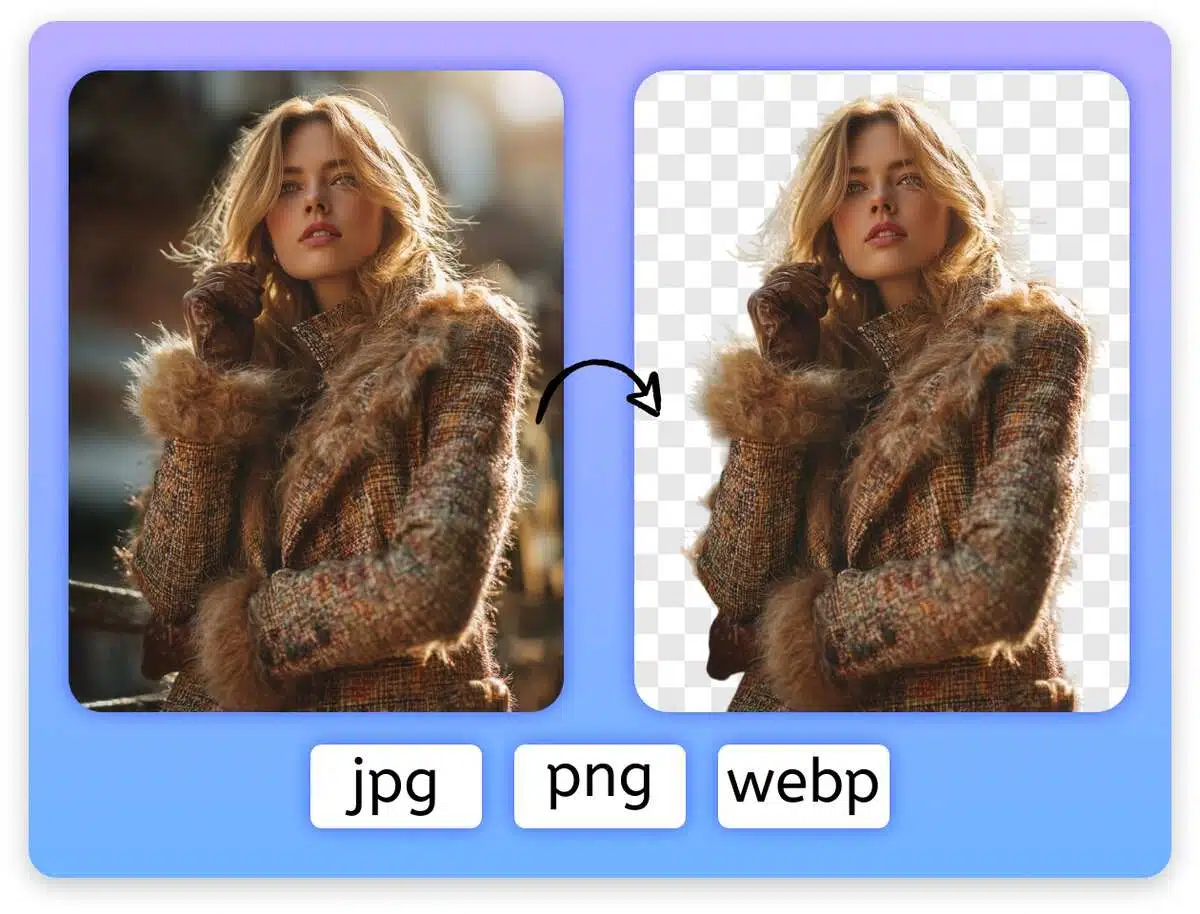
Multi-Format Compatibility with Lossless Detail
The tool supports input and output in multiple common formats, covering scenarios from mobile snapshots and web assets to high-resolution originals. Our algorithms prioritize preserving texture and clarity during processing, allowing designers, photographers, and operations teams to confidently zoom, crop, and re-edit in subsequent production stages.
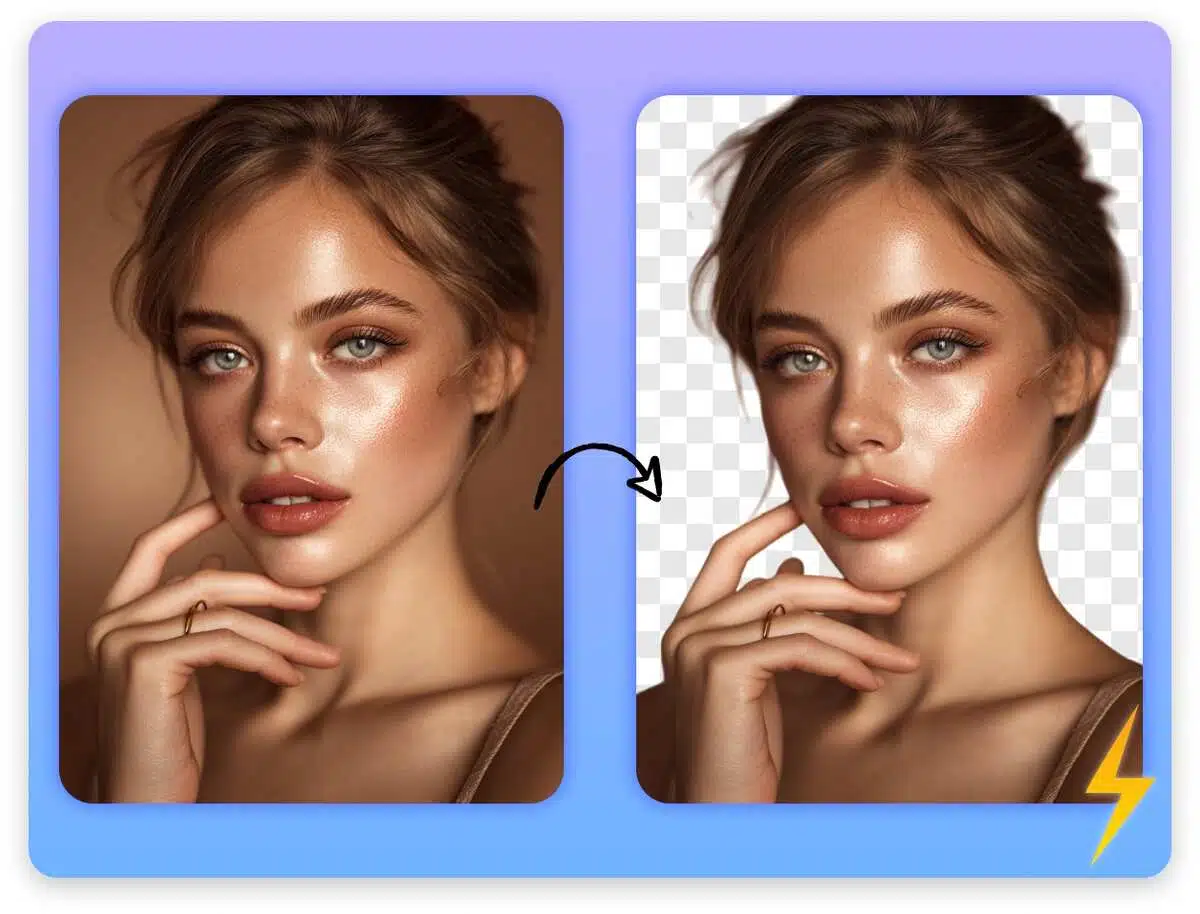
Lightning-Fast Processing Without Slowing Down
We've optimized performance for high-frequency use cases. From upload to completed cutout, results appear in seconds, with batch processing of multiple images remaining equally smooth. Eliminate wasted time on repeated imports/exports and progress bar waits. Let your team focus their energy on image selection, creativity, and conversion—not tedious technical tasks.
Why Choose X-Design’s Background Remover?

Remove Background Faster
Our advanced AI remover delivers sharp, clean, and professional-looking cutouts for every photo.

Ready fo Any Image
Remove distracting backgrounds from products, portraits, graphics, and more in just a few clicks.

Free Gemini Background Remover
Users can remove the image's background for free. X-Design is useful for people and brands with a tight budget who do not want to hire a professional designer.
Frequently Asked Questions
Is The Background Remover free to use?
What file formats does X-Design support?
You can upload JPG, JPEG, PNG, WEBP, and HEIC files. The processed images can be downloaded as transparent PNG or other commonly used formats, ready for further editing or publishing.
Will removing the background reduce my image quality?
No. Our algorithms are designed to preserve sharpness, texture, and fine details such as hair, fabric, and edges, so your cutouts remain clean and professional even after zooming or cropping.
Can I remove the background from multiple images at once?
Yes. X-Design supports batch processing, allowing you to upload and process multiple images in one go and keep them under a consistent visual style.
Do I need design skills or extra software to use it?
Not at all. Everything runs in your browser with an intuitive interface. Just upload your image, let AI clear the background, then download or continue editing in X-Design.
Are my images safe when I upload them to X-Design?
Your images are only used to provide the background removal and editing services. We do not share your files with third parties, so you can confidently process product images, portraits, and brand assets.