Gemini Image Enhancer Online for Free


No image? Try one of these:



How to Enhance Gemini Image Quality for Free
Upload your image
Simply browse your device’s storage and choose the file you want to enhance, or drag and drop it. Also, you can select one image or multiple images for batch enhancement. No complicated steps!
Choose enhancement type
Pick resolution type: high-definition or ultra HD. Customize according to your needs.
Download the result
No long waits—get your enhanced results instantly. It’s the easiest way to enhance image details.

One-Click Clarity Enhancement
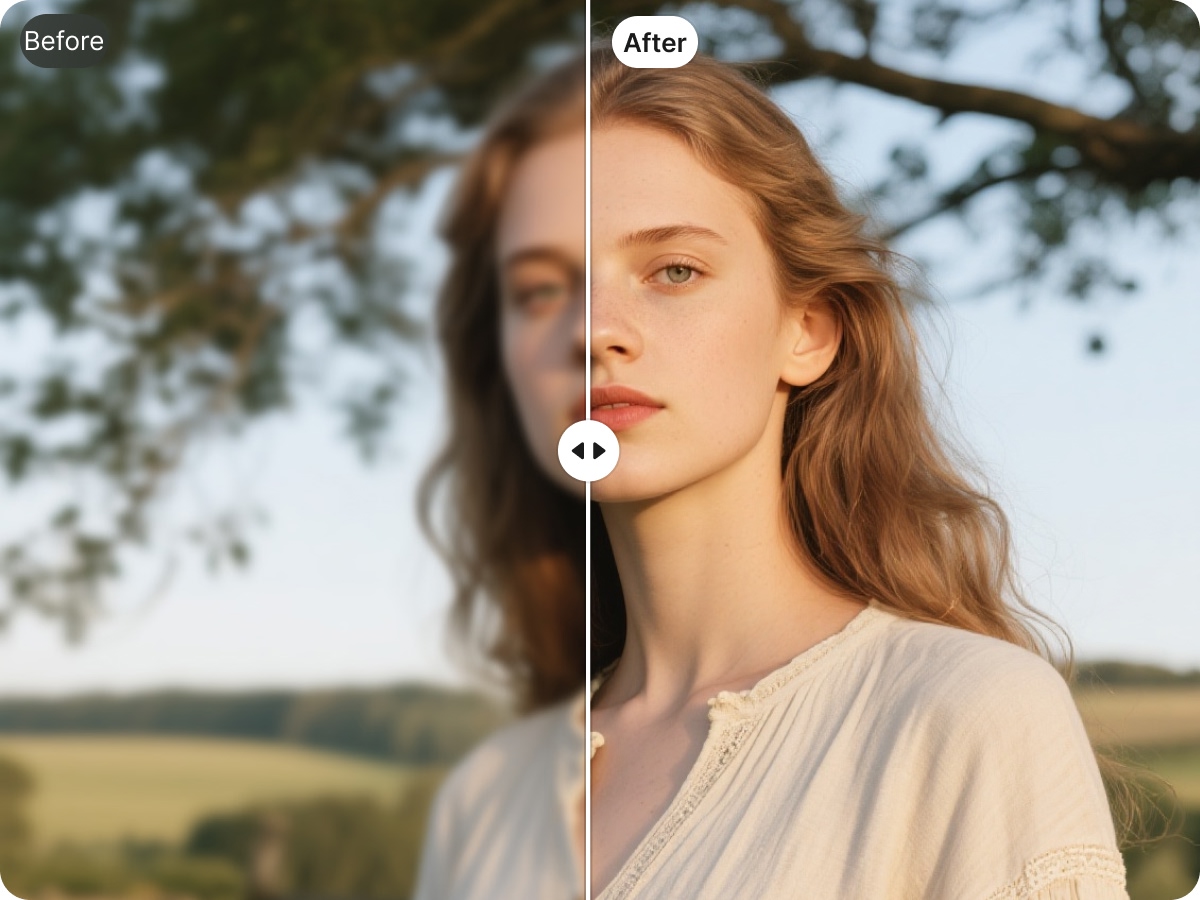
X-Design allows you to instantly enhance the clarity of your Gemini and Nano Banana Pro images with just one click. The AI automatically detects blurry or low-resolution areas and sharpens them without any manual effort. Whether you are working with portraits, product photos, or digital illustrations, your images become noticeably clearer in seconds.
Restore Image Details While Enhancing Clarity
Beyond simply sharpening images, X-Design intelligently reconstructs missing details. For portraits, it refines skin texture, hair strands, and facial features. For product images, it restores material textures, colors, and design elements. All enhancements preserve the original style and color palette, ensuring your images look natural and realistic.
Multi-Type Image Enhancement
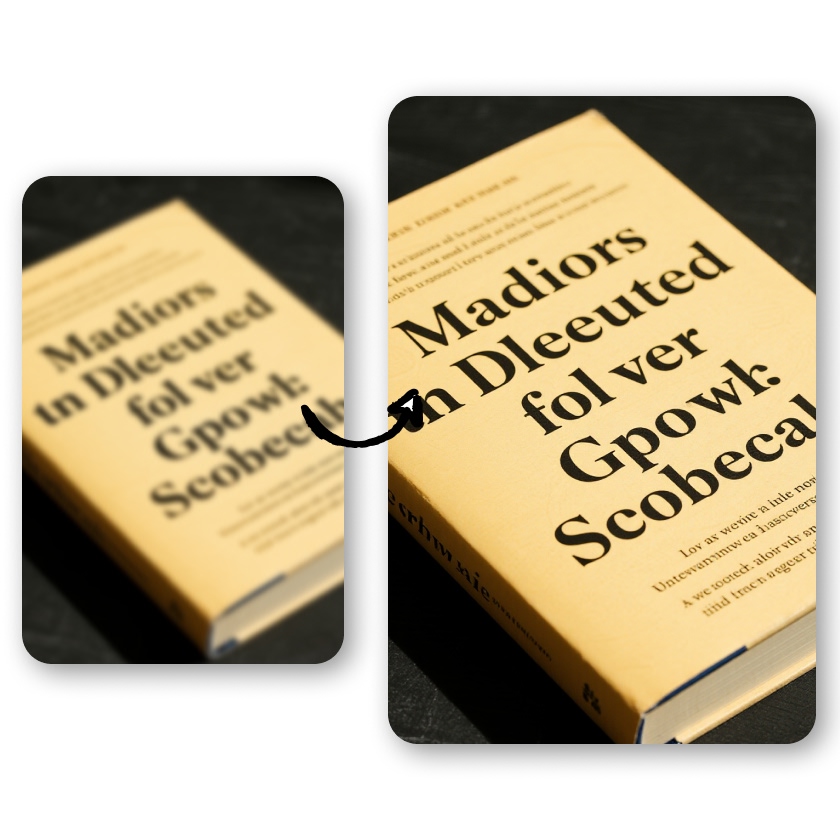
X-Design is versatile and works across a wide range of image types. From human portraits to product shots, from digital art and illustrations to images containing text, the AI enhances overall sharpness and detail. Your visuals become more professional and visually appealing, ready for presentations, marketing, or social media.
Batch Processing for Efficiency
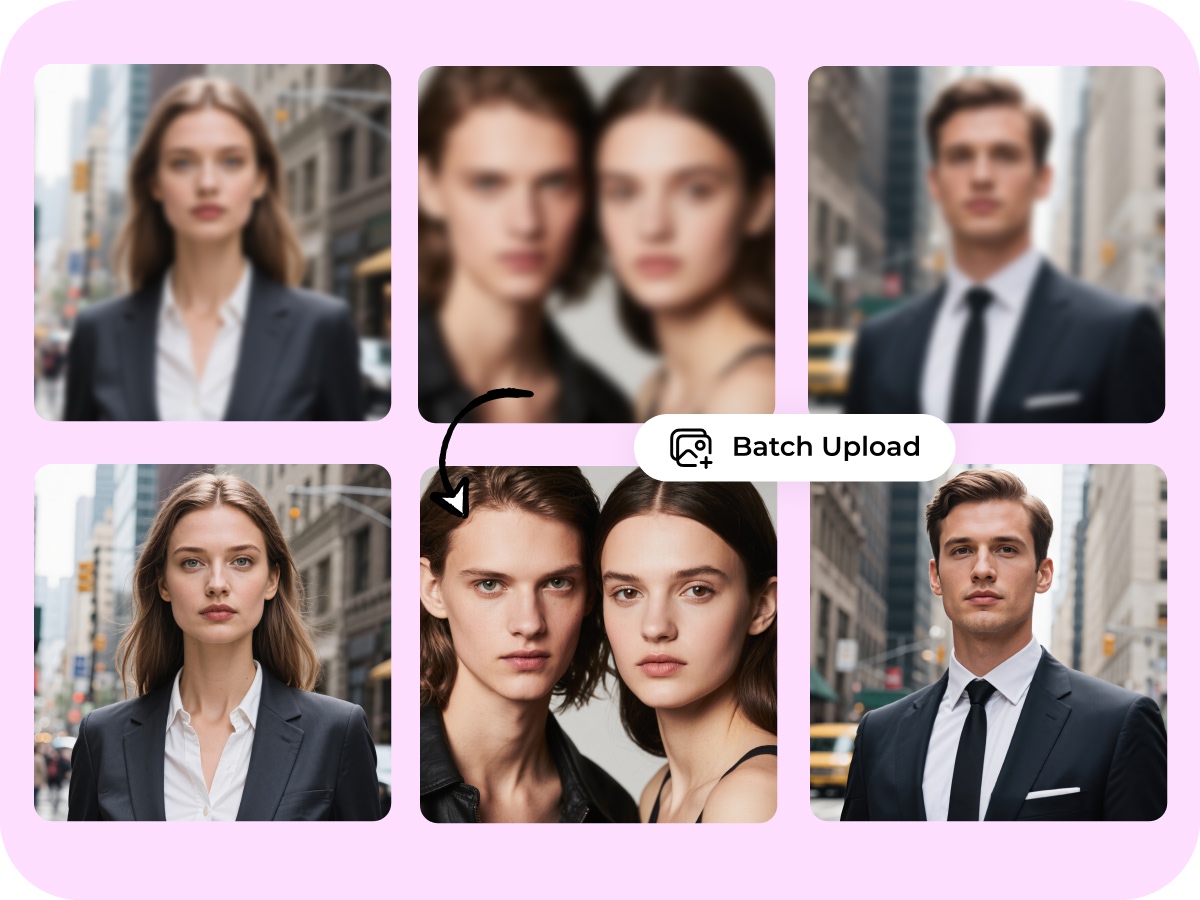
You don’t have to enhance images one by one. X-Design supports batch processing, allowing you to upload multiple Gemini images at once. The AI automatically processes each image, saving you time and effort, especially useful for creators, designers, and e-commerce professionals.
Frequently Asked Questions
Why do Gemini images appear blurry?
How does X-Design enhance image clarity?
X-Design’s AI automatically identifies blurry areas, enhances resolution, restores missing details, and improves texture, all while preserving the original style and color fidelity.
Can I process multiple Gemini images at once?
Yes. X-Design supports batch processing, allowing you to upload multiple images and enhance them automatically, saving significant time for bulk image projects.
Can it enhance portraits or product photos?
Absolutely. X-Design is particularly effective for human portraits, enhancing skin, hair, and facial details. It also restores material textures, colors, and environmental details for product images.
Can I use X-Design on mobile devices?
Yes. X-Design works perfectly in mobile browsers, or you can also download X-Design App.
Will the output images lose quality?
No. X-Design maintains the original quality and details of your images while enhancing clarity, ensuring a natural and high-resolution result.