Gemini Watermark Remover Online for Free


No image? Try one of these:




How to remove Gemini Watermark from images online?
Upload the image
Open the X-Design object remover. Choose the image that you want to get edited and upload it.
AI removes watermark instantly
Our AI object remover tool will detect the watermark from the image and remove the unwanted watermarks instantly.
Download the HD Image
Finally, you can choose to download the hd image without watermark to your local device.
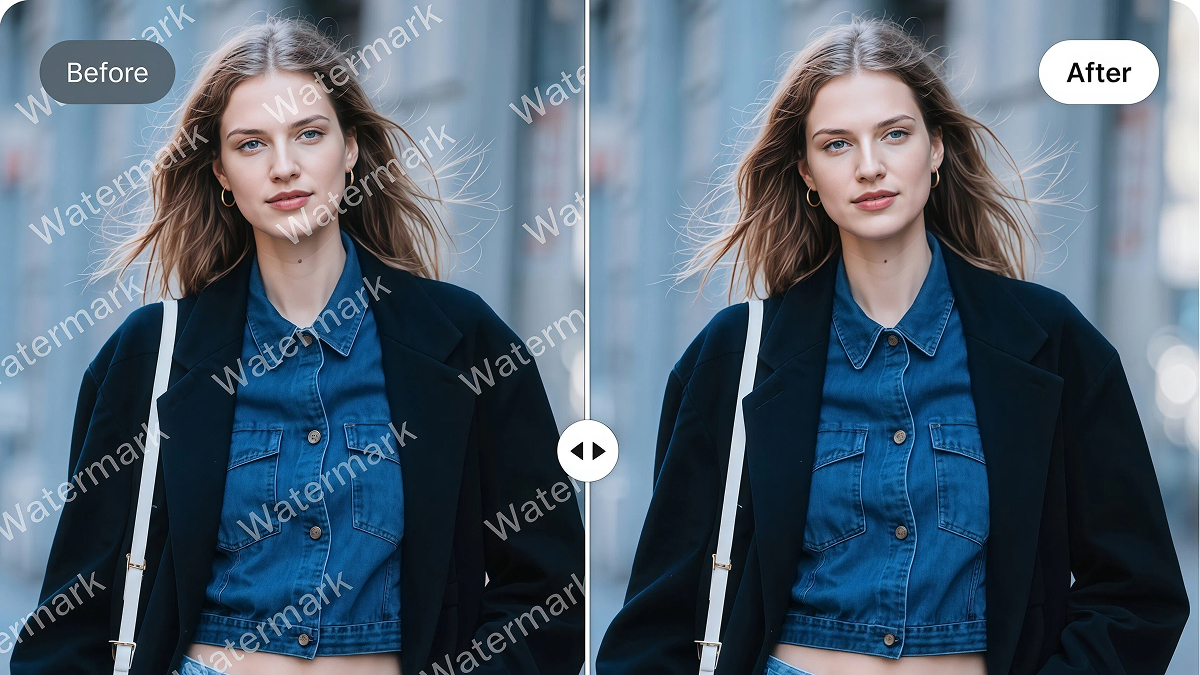
Quickly remove watermarks while maintaining high image quality
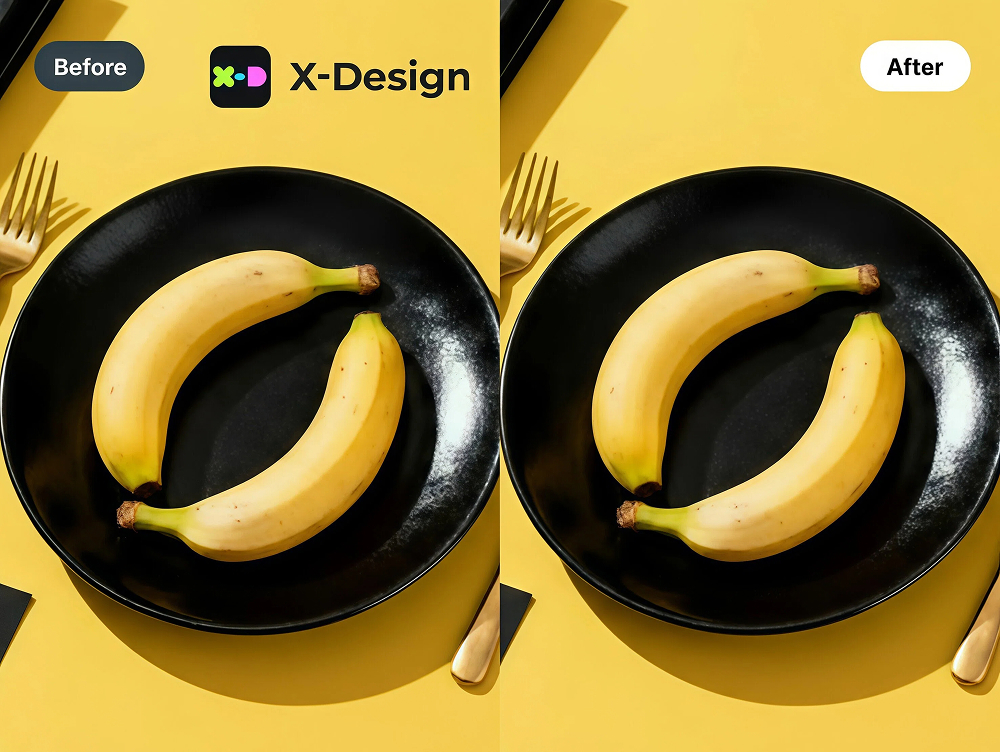
X-Design’s powerful watermark removal algorithm completes the task in just a few seconds and produces high-quality images. The AI automatically detects and removes the watermark area, perfectly restoring it to blend seamlessly with the original image. In just seconds, you can get a high-quality, watermark-free Gemini image.
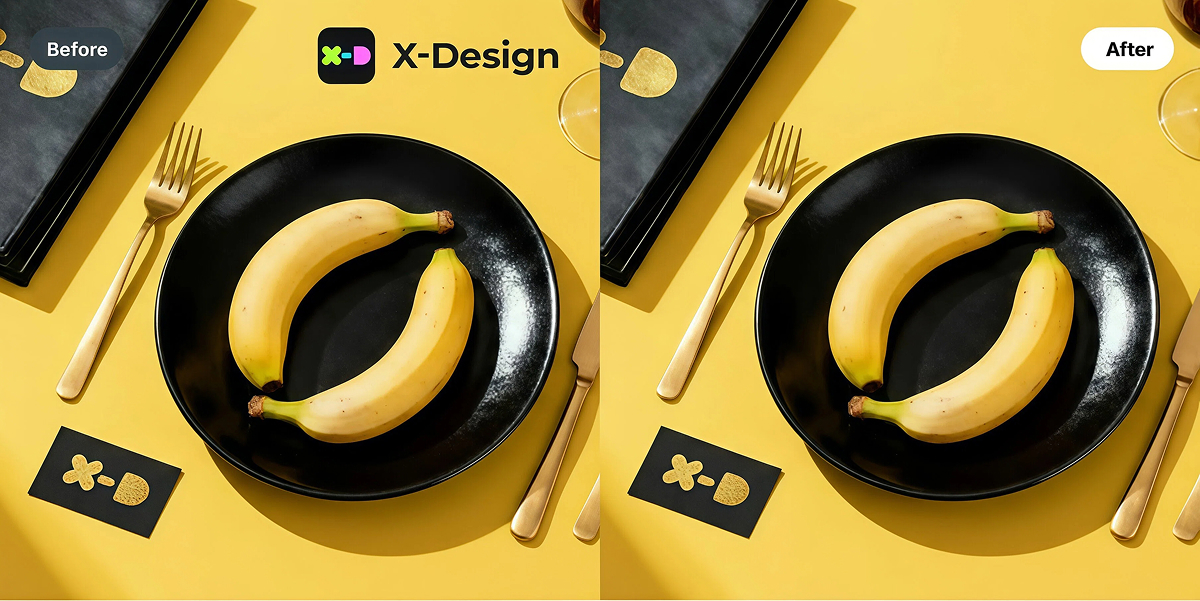
Supports removal of various Gemini watermark types
It supports removing various types of Nano Banana watermarks without altering the original image. This includes full-screen watermarks, partial watermarks, text watermarks, logo & icon watermarks, and transparent watermarks. Whatever watermark removal needs you have, X-Design can handle them. While removing watermarks, it preserves all key details — such as hair strands, skin texture, and facial features in portraits, as well as material, design, and environment details in product images.
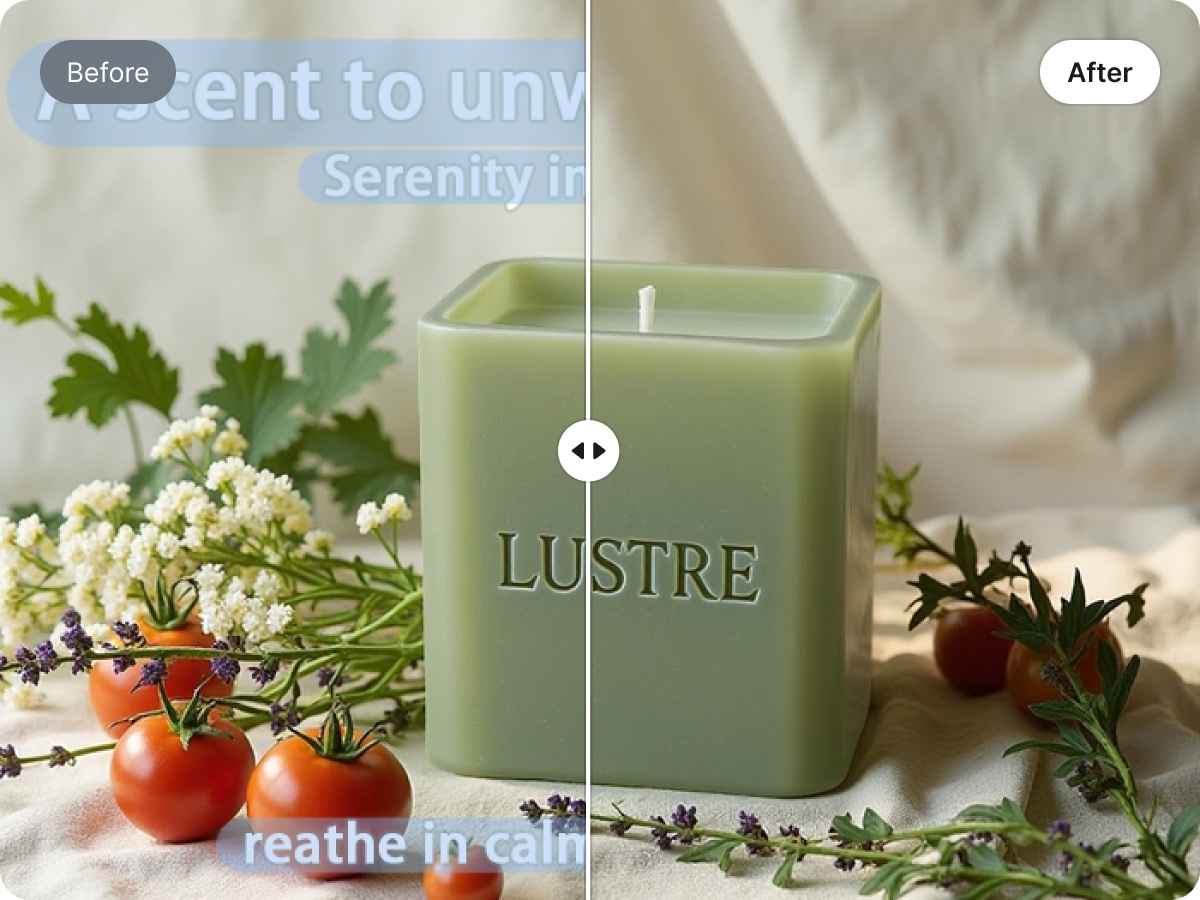
Perfect Text Watermark Remover
X-Design’s watermark removal feature delivers exceptional performance on text. Whether it’s a watermark or any other text, it can be removed cleanly and quickly. Whether you want to erase a logo or text from a poster, modify a menu, or edit any image with unwanted words, X-Design’s AI watermark removal tool is the ideal choice.

Batch Watermark Removal for Images
X-Design not only supports watermark removal for a single image but also allows you to remove watermarks from multiple Gemini images at once, making it ideal for users who work with large batches. Simply upload a folder and select the watermark removal mode, and you can focus on other tasks while X-Design acts as your intelligent assistant, accurately and quickly removing watermarks from all your Nano Banana images.
Leading AI Smart Tool

Powerful algorithmic capabilities
X-Design boasts powerful algorithms for AI image editing and processing. It not only leads in watermark removal but also delivers remarkable results in other image processing tasks, such as enhancing image clarity, removing backgrounds, and background generator.

Lossless Watermark Removal
To fully restore the image, our advanced algorithms fill in the missing parts while removing the watermark, achieving nearly 100% image restoration. Whether you’re working with portraits, products, or text, the automatically watermark-free images can be used directly with almost no need for further editing.

High-Quality Image Generation
With X-Design’s watermark removal feature, no further image editing is needed. X-Design automatically restores and blends the removed watermark areas, ensuring that the texture and details remain consistent with the original image, without any mismatched content or texture in the removed areas.
Remove All Types of Watermarks

Remove Full-Screen Watermark
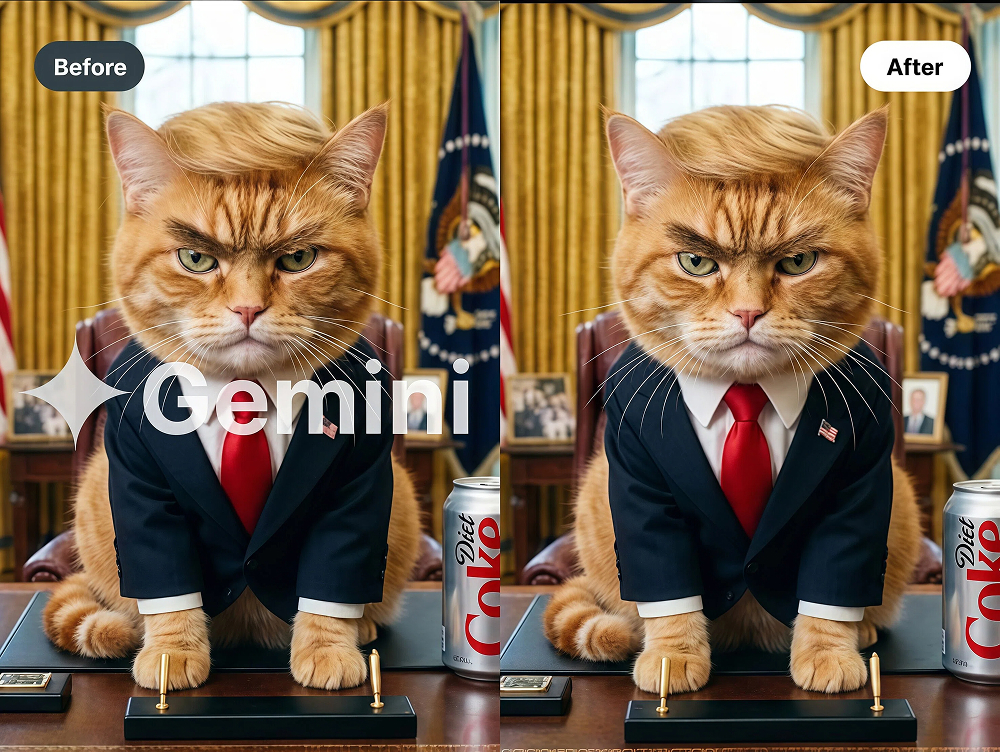
Full-screen watermarks can completely obscure your images, making them difficult to use for presentations, marketing, or personal projects. With X-Design’s advanced watermark removal technology, you can easily remove full-screen watermarks in just a few seconds. The AI intelligently detects the watermark across the entire image and reconstructs the covered areas, preserving original details, textures, and colors. Whether it’s a photography image, product photo, or digital artwork, X-Design ensures a clean, high-quality result without leaving any traces of the watermark.
Frequently Asked Questions
What is a Gemini watermark?
Can I remove Gemini watermarks without affecting image quality?
Yes. Using X-Design’s AI-powered watermark removal, you can remove watermarks cleanly while preserving all original textures, colors, and details in the image.
Does X-Design support different types of Gemini watermarks?
Absolutely. X-Design can remove full-screen watermarks, text watermarks, logo & icon watermarks, and transparent watermarks with high precision.
How fast is the watermark removal process?
X-Design completes watermark removal in just a few seconds, making it suitable for both single images and batch processing.
Can I remove watermarks from multiple images at once?
Yes. X-Design supports batch watermark removal. Simply upload a folder of images and the AI will process them all automatically.
Do I need Photoshop or technical skills to use X-Design?
No. X-Design is fully automated. The AI detects and removes watermarks without any manual editing, making it user-friendly for everyone.
Can I use the watermark-free images for commercial purposes?
Please ensure that the original image rights are clear. X-Design only removes the watermark; it does not grant usage rights. Always check the source image license for commercial use.
Can I use X-Design on mobile devices?
Yes. X-Design works on mobile browsers, allowing you to remove watermarks on the go.