
GIF Watermark Remover Online
No image? Try one of these:


How to remove watermarks from your image
Upload Your Image
Highlight the Watermark
Download Your Clean Image

Instant GIF Watermark Removal
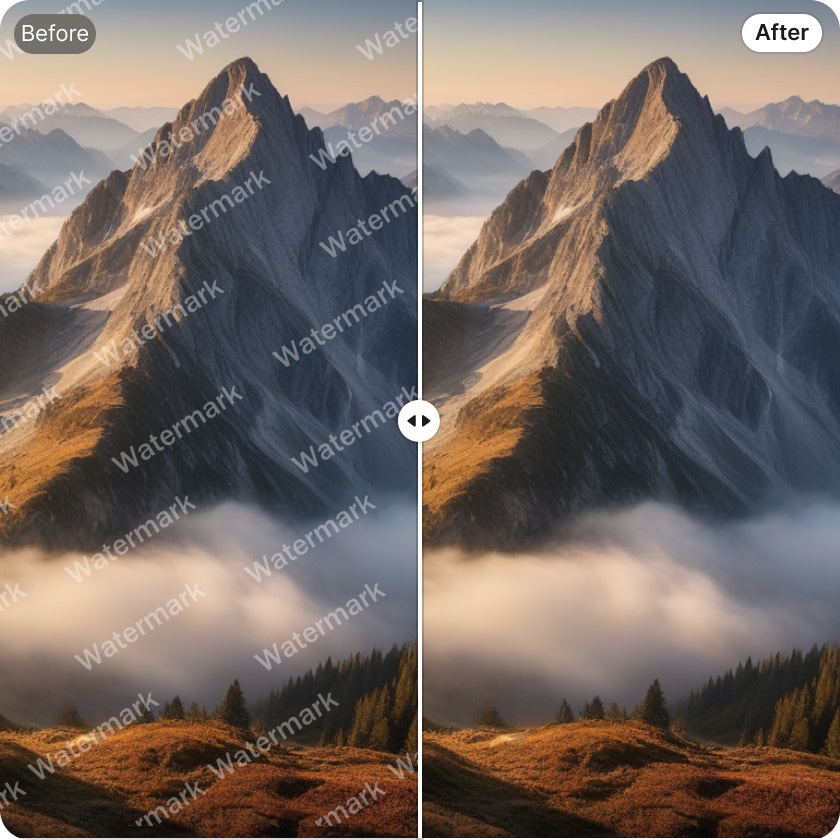
The Watermark Removal tool lets you quickly remove watermarks, logos, and text from your GIFs. Whether you're working on marketing materials or social media posts, this tool ensures your GIFs are clean, professional, and ready to share with your audience.

Seamless GIF Watermark Eraser
With the Watermark Removal tool, you can easily remove watermarks, logos, or text from your GIFs. This tool guarantees smooth, distraction-free visuals, perfect for enhancing your content, making it more polished and shareable on social media platforms.

Effortless GIF Clean-Up
The Watermark Removal tool helps you remove watermarks and logos from your GIFs in seconds. Whether you're editing promotional GIFs or cleaning up personal animations, this tool ensures your visuals are polished, watermark-free, and ready for professional use.
Frequently Asked Questions
What file formats does the AI watermark remover support?
Is there a size limit for GIF uploads?
There may be a size limit for GIF uploads depending on your plan. X-Design’s Watermark Removal tool allows you to upload and edit GIFs of reasonable file sizes, ensuring a smooth and efficient process for your watermark removal tasks.
Do I need any editing skills to use this watermark remove tool?
No, you do not need to download any software to use X-Design’s Watermark Removal tool. Our platform is web-based, so you can access it directly from your browser and start removing watermarks from your GIFs without any installation required.
What types of watermarks can this tool remove?
X-Design’s Watermark Removal tool can remove various types of watermarks, including logos, text, and graphics. Whether it's a brand logo or a watermark overlay, our AI is capable of detecting and erasing it cleanly from your GIFs, leaving behind a polished result.
Is this GIF watermark remover free to use?
Yes, X-Design’s Watermark Removal tool offers a free version for users. You can remove watermarks from your GIFs without any cost. For more advanced features, we offer premium options, but the basic watermark removal function is available at no charge.