Lanyard Mockup Generator
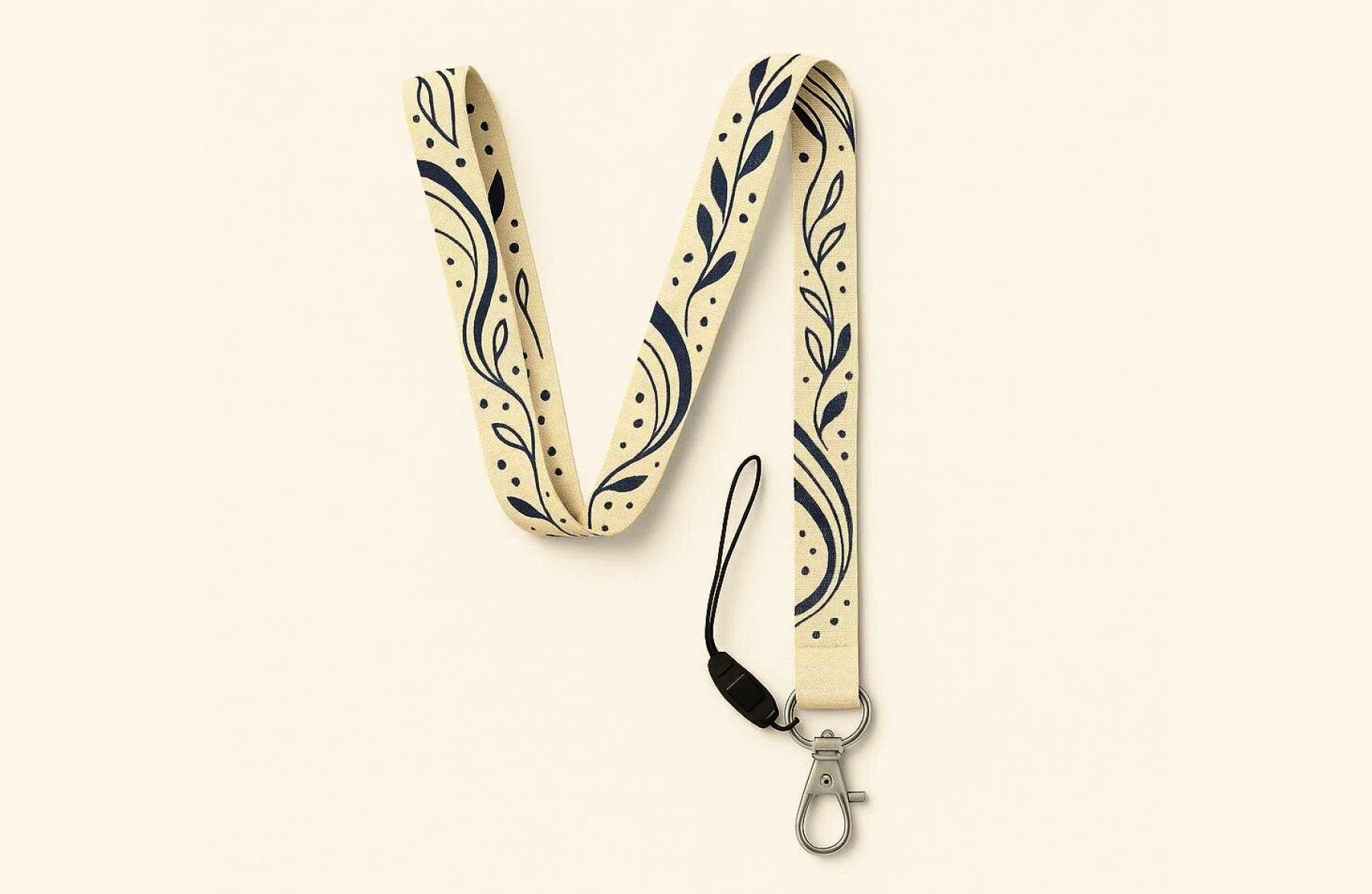
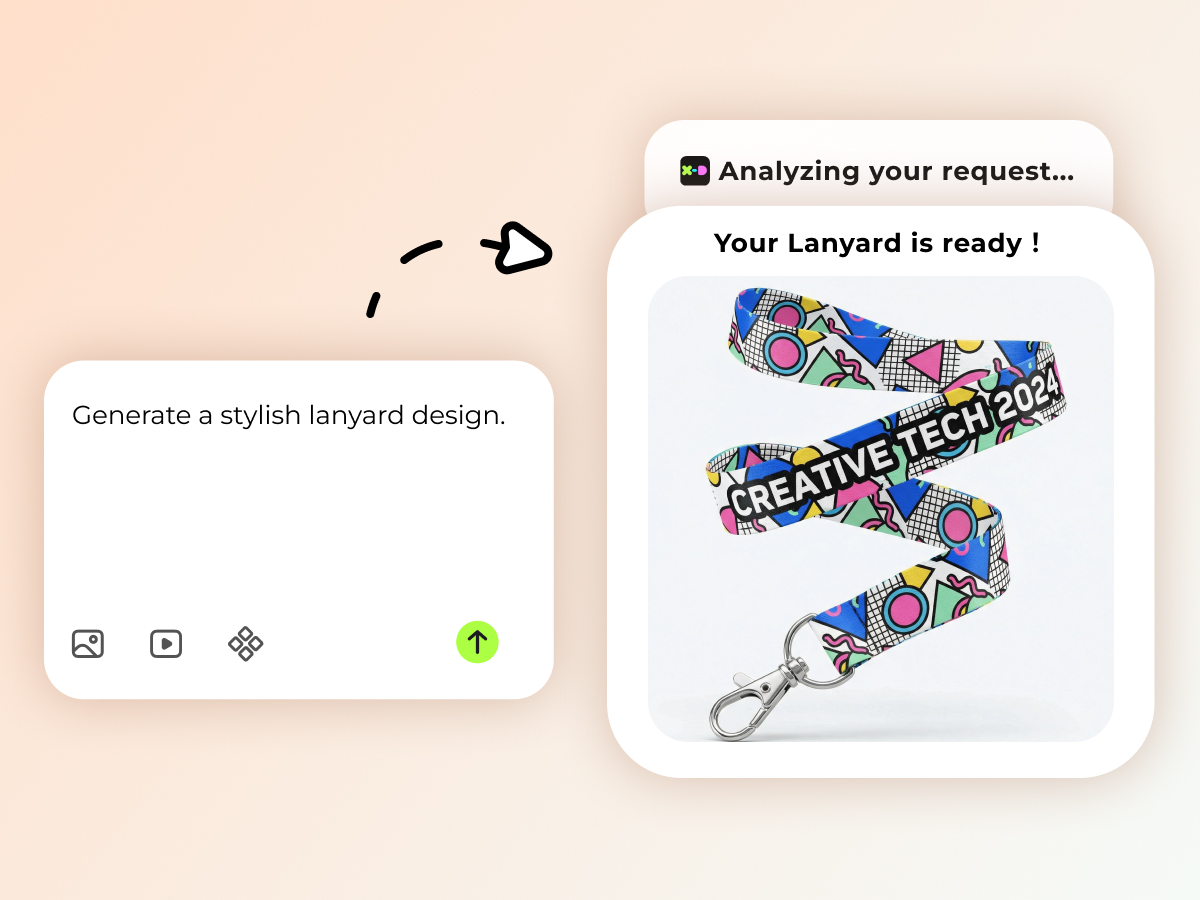
X-design lanyard mockup generator is a versatile mockup generation tool that can create different types of lanyard mockups suitable for every need. Use our tool to experiment with professional lanyard designs or create real-life shoots for free. It can help generate personalized designs without a watermark.
Different Lanyards for Different Needs
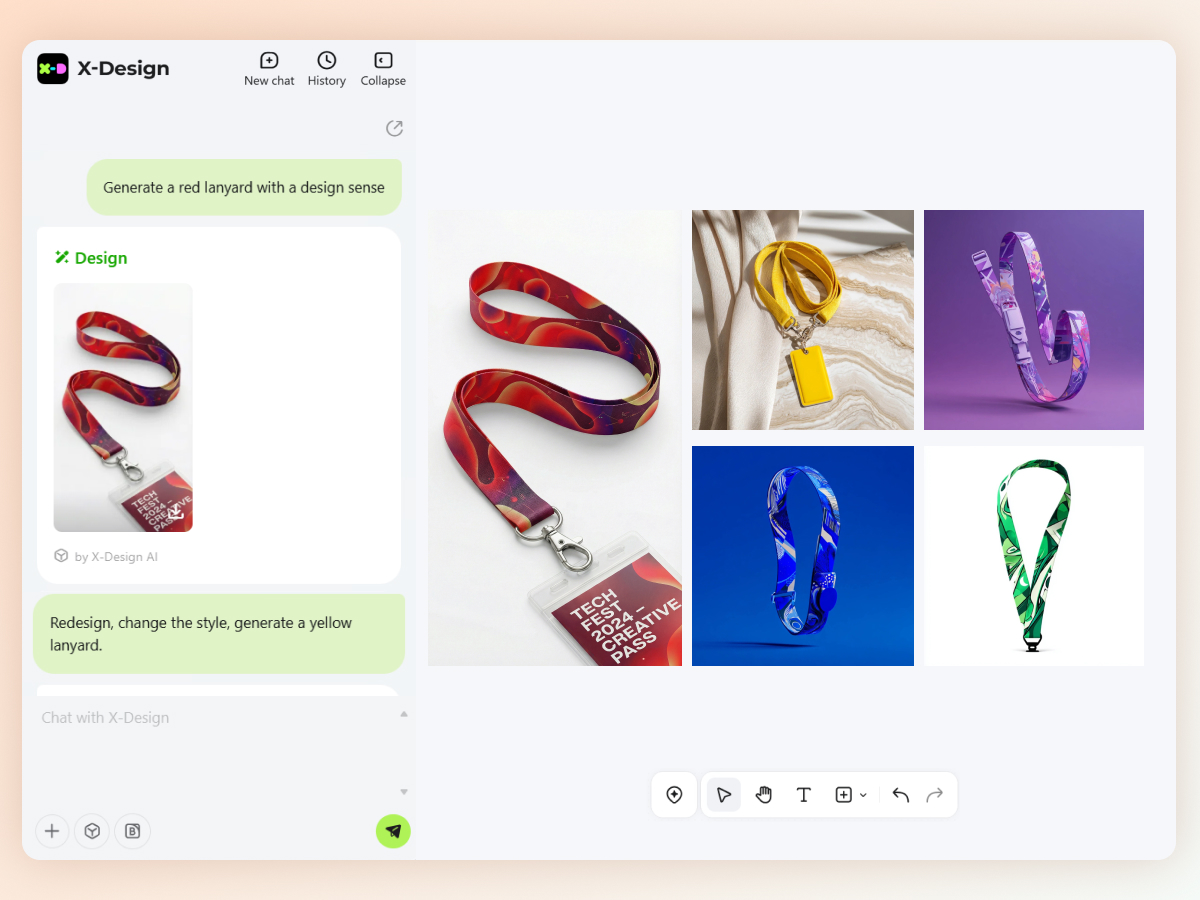
The X-design lanyard mockup generator is not limited to a single design. It can create different types of lanyard mockups to fit every need. From everyday lanyard mockups to professional lanyards, it can seamlessly generate every design. You can use it to create a simple lanyard mockup or one with a buckle. Want to try how an ID badge looks attached to the mockup you created? Simply prompt the AI to attach it to the mockup and see how the look comes together in the final design.
High-Quality Designs
Do you want to create a lanyard mockup to share with your clients but are worried about pixelation after downloading it? The X-design lanyard mockup generator creates high-quality mockups. Each element of the design appears sharp and clear even when zoomed in. You can download the mockup in HD quality and share it across any platform without worrying about the quality. Whether you are viewing the mockup of small mobile phone screens or large displays, our designs remain distortion-free.
Create Personalized Lanyards
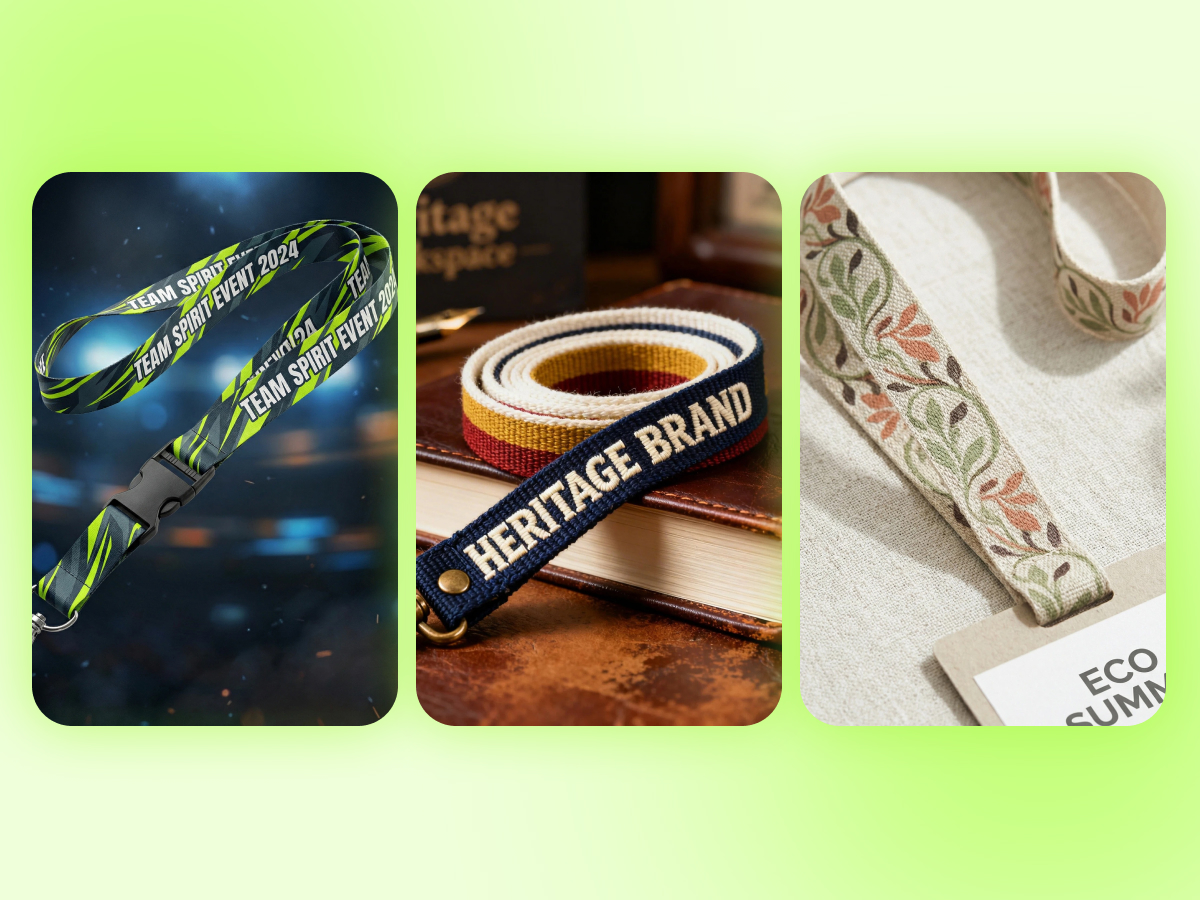
Customize your lanyards with X-design to ensure perfection in every way. From color to design, length, and attachments, you can choose even the slightest details and achieve exceptional results. Already have a lanyard design in mind but unable to describe it accurately? Use a similar image or simply sketch it, provide the reference to the X-design AI mockup generator and it will create a personalized mockup for you.
Immediate Access
No need to go through the complicated subscription process to create a lanyard mockup. The X-design mockup generator provides its users with immediate access to the AI tool. Just go to the X-design workspace and start creating your design. Sign up with your Google account to get daily free credits and generate customized designs within seconds. Even while collaborating with teams across different locations, it eliminates setup delays and allows instant generation of lanyard mockups.
How to Use the Lanyard Mockup Generator with X-design?
Input Relevant Details
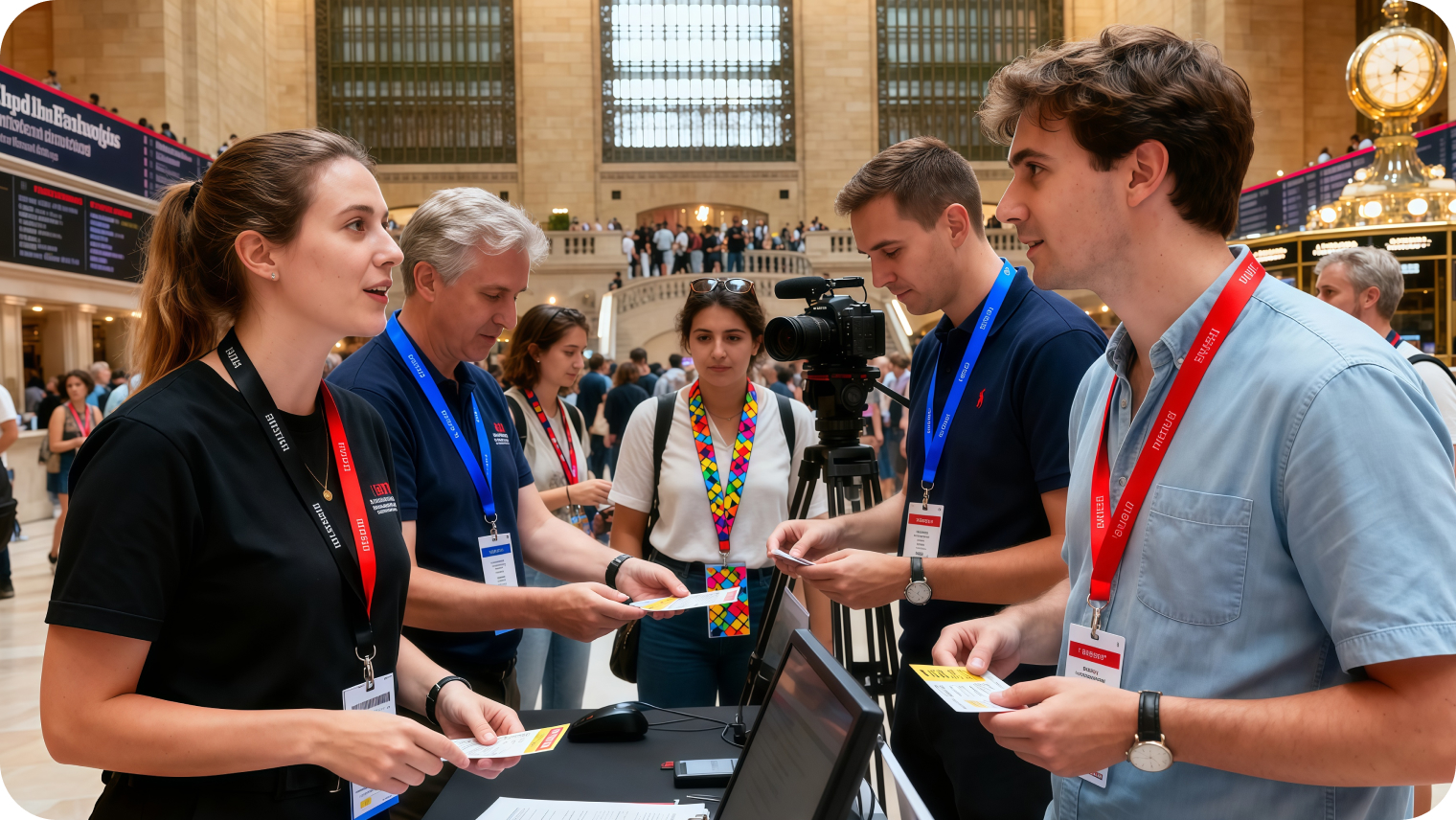
Provide all the details of the lanyard mockup you want to generate. You can choose to create only a lanyard mockup or lifeshots of a person wearing it.
Generate
Confirm details and press the “Go” button. The mockup will be generated instantly.
Modify and Download
Click on the output to make any changes and hit the download button.
Where is the Lanyard Mockup Generator Needed?

Create Your Employee IDs
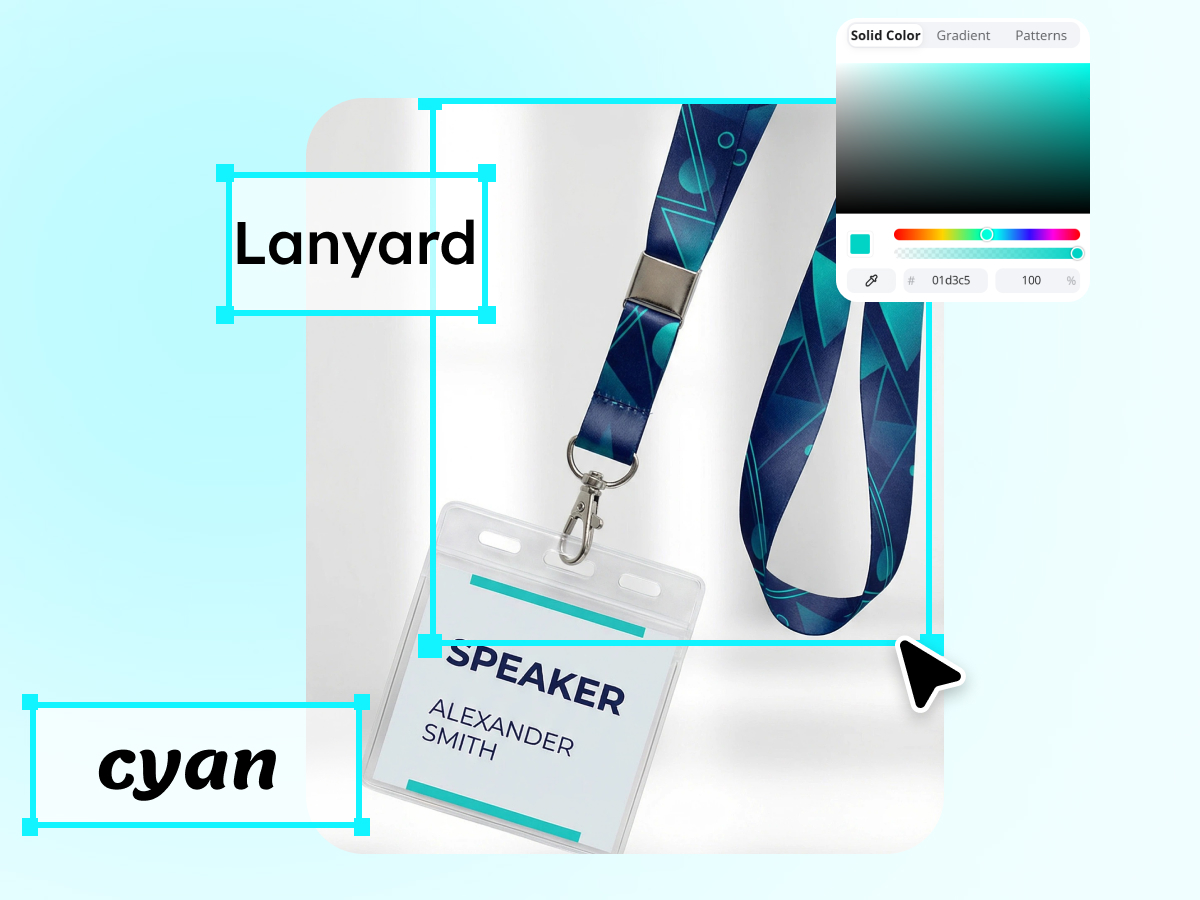
Assigning unique IDs to every employee helps in the identification of their department and duties easily. It is also necessary to ensure security. Lanyards serve as an important attachment to ensure those IDs never get lost.You can assign each department a separate color for easy identification. But this makes designing lanyards a hectic and time-consuming process. The X-design lanyard mockup generator can replace colors, texts, and patterns on the mockups automatically, thus eliminating the need for repetitive manual work.


Why Choose X-Design’s Lanyard Mockup Generator?

Perfect for Every Setting
Whether you want some neutral colored lanyards for workspaces or bright colored ones for volunteer duties, the X-design lanyard mockup generator creates designs that are fit for every setting.

Multiple Export Options
With the X-design mockup generator, you can download your lanyard mockup in JPG, PNG, or SVG formats. These are the common formats that can be used across various platforms including social media, powerpoint, or print media, etc.

Fast and Simple
Create customized lanyard mockups under 3-5 minutes using the X-design lanyard mockup generator. Access the mockup generator, write a prompt, and the output will be ready instantly.
Frequently Asked Questions
What is the Purpose of a Lanyard?
Which is the Best Format to Download Lanyard Mockup?
It depends on your goal for using the lanyard mockup. If you are using the mockup for presentation on large displays, go for SVG. For sharing on social media, JPG is the best option as it loads quickly. If you want high-resolution previews in compressed files, download in the PNG format.
How to Choose the Best Lanyard Mockup?
The best lanyard mockup is the one that visually aligns with your branding concepts. It must have clearly visible text or the brand logo. For the lifestyle shots of people wearing them, ensure the person’s clothes have a contrasting color with the mockup.
Can I Generate Professional Custom Lanyard Mockups for Free?
Yes, you can generate a professional customized lanyard mockup for free using the X-design lanyard mockup generator. It can generate lanyard mockups in any color, size, or type, and you can even personalize the text written on the mockup.
Can I Edit the Lanyard Mockups for Free?
Yes, you can edit the lanyard mockup for free with the X-design mockup generator. Open the mockup you created using the tool and click on it. You will be provided with editing options to enhance the mockup for free. You can manually edit it or prompt the AI to enhance the design. Regeneration may require some credits.