AI Logo Mockup Generator
Use the logo mockup generator to see how your brand appears in real environments. It supports faster decisions and approvals without extra design effort.

How to Make Logo Mockups Online?
Provide Input
Start by giving the tool something to work with. You can write a prompt describing your brand, select from your brand kit, or upload a visual reference to guide the design direction.
Generate Mockups Instantly
The AI analyzes the input and creates realistic logo mockups on different surfaces and use-cases automatically. You can review the results in real contexts without setting up any files manually.
Choose and Export
Select the mockup style you want to keep. Then export it in the required format. The final output is ready to use for reviews, presentations, listings, or brand approvals.

Instant AI Logo Mockup Generator
Our tool gives you a ready visual of how a logo could appear in real use within minutes, and not leave you to imagine it on a blank screen. The algorithm intelligently maps the design onto surfaces with realistic lighting, depth and texture. This helps you understand potential issues or strengths before spending time on full design work.
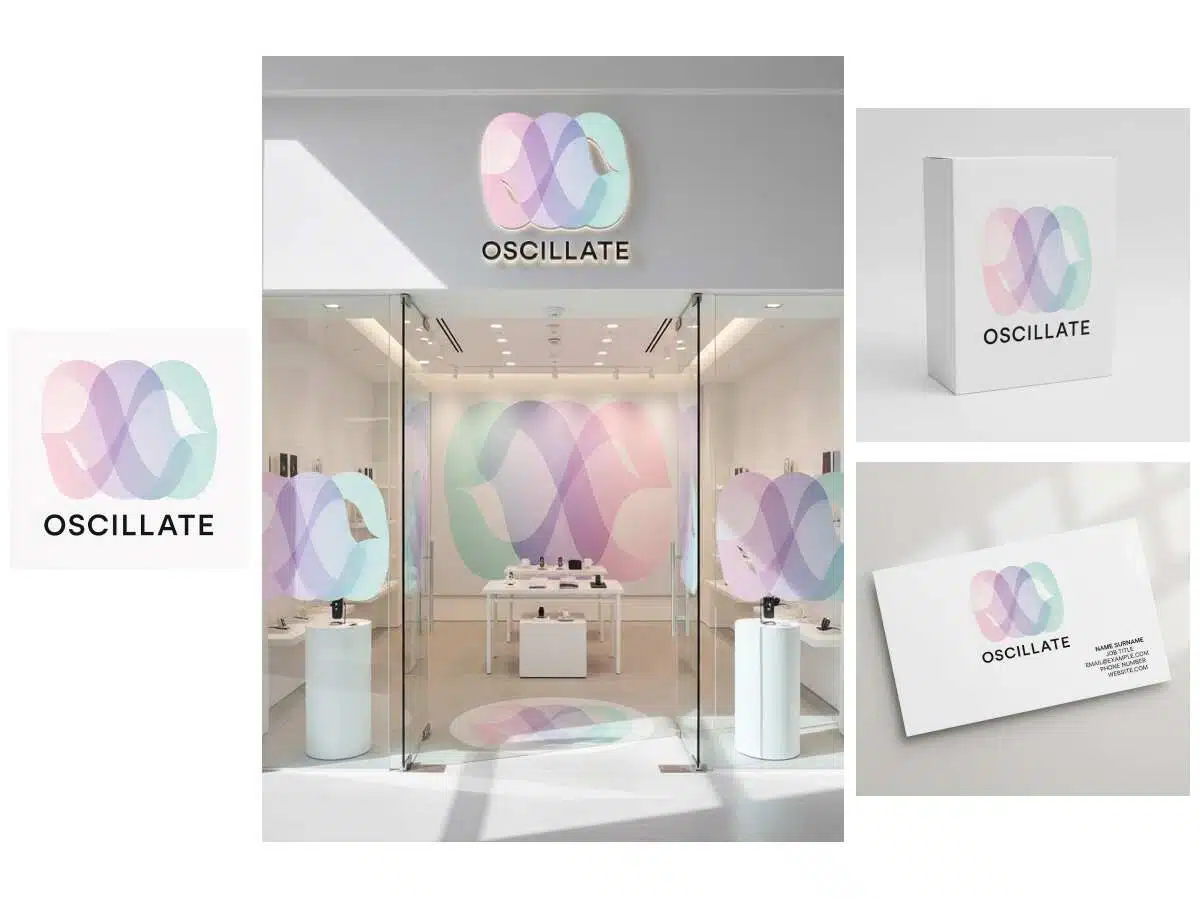
Multiple Mockup Variations
The tool creates multiple variations of the same logo and places them on various products, surfaces, and environments. This helps to evaluate how the logo behaves in varied use-cases without recreating separate mockups for each scenario.

Logo Mockup for Branding
For brand-identity reviews, the generator places the logo on stationery, signage, business cards, social headers, and website frames. This assists teams, clients, and decision-makers watch the identity before finalizing a direction or approving a deliverable.

Packaging-Ready Logo Mockups
When used for packaging, the tool maps the logo onto real packaging forms such as jars, cartons, sleeves, pouches, stickers, and mailers. Seeing the design in physical context allows better judgments. You can adjust readability, proportion, and contrast before printing or prototyping begins.

Marketplace-Focused Logo Mockups
For online sellers, the mockups show the logo on product renders, listing frames, storefront covers, and marketing materials. It helps in early branding of catalog images even before production, helping products turn brand-ready on marketplaces and ads from day one.

Fashion & Apparel Logo Mockups
X-Design shows how your logo would actually look on clothes instead of only on a flat screen. You can analyze it on shirts, hoodies, tags or bags with realistic sizing, so you know if it works before producing anything.

Free Online 3D Logo Mockup Generator
For objects that require depth and material realism, the 3D logo mockup generator produces results with lighting, perspective, reflection, and surface integration. Suitable for signage, glass, metal, and wood applications where a flat overlay would not represent a real-world look accurately.
Why Choose Us

Cost and time savings
X-Design AI Agent removes the need for photo shoots, print samples, or hired designers. You get usable mockups in minutes without extra cost. This compresses long creative cycles into a single session and keeps work moving without dependencies.

Enhanced branding and marketing
Mockups help keep your visuals consistent across packaging, web, ads, and print. Your brand looks aligned everywhere, not improvised. The same design logic carries across channels, which strengthens perception and professional credibility.

Early issue prevention
Mockups reveal problems such as poor contrast or bad sizing before production. You catch mistakes when they are still cheap to fix. Spotting these issues early prevents misprints, returns, and delays in launch timelines.
Frequently Asked Questions
Is there a version history so I can go back to prior mockups without regenerating?
Is there a way to match mockups to my existing brand tone or moodboard?
Logo mockup generator ensures the mockups follow your brand tone. If you already have a moodboard or a defined brand style, it can align the mockups to match that look and feel.
Can mockups be aligned to a specific brand guideline automatically?
Mockups can follow brand guidelines. Just share the logo and style details, and they will be saved. Thereafter, every mockup produced will stay aligned automatically.
What is the price of creating a logo on X-design?
You can make a logo mockup online for free. Unlike others, there is no hidden price associated with it.
Does X-Design support custom fonts or only system fonts when showing branding?
You’re not limited to system fonts only. If you share the font you want to use or describe the style, X-Design can apply that as well so that the mockups reflect the brand’s actual type.