
Magic Crop Tool Online For Free
No image? Try one of these:
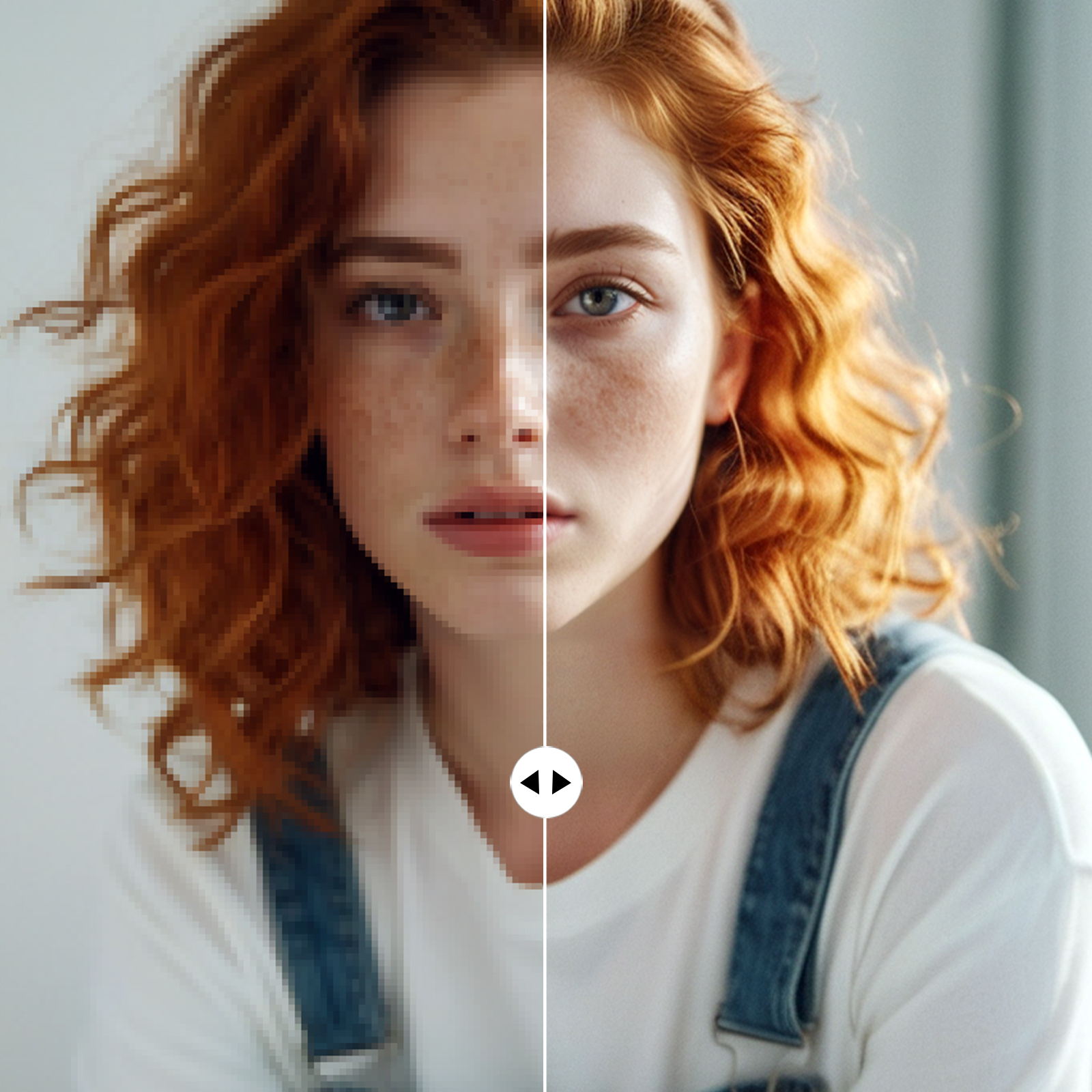
How to use photo editor with AI
Upload Your Image
Let AI Enhance Your Image
Fine-Tune Your Image
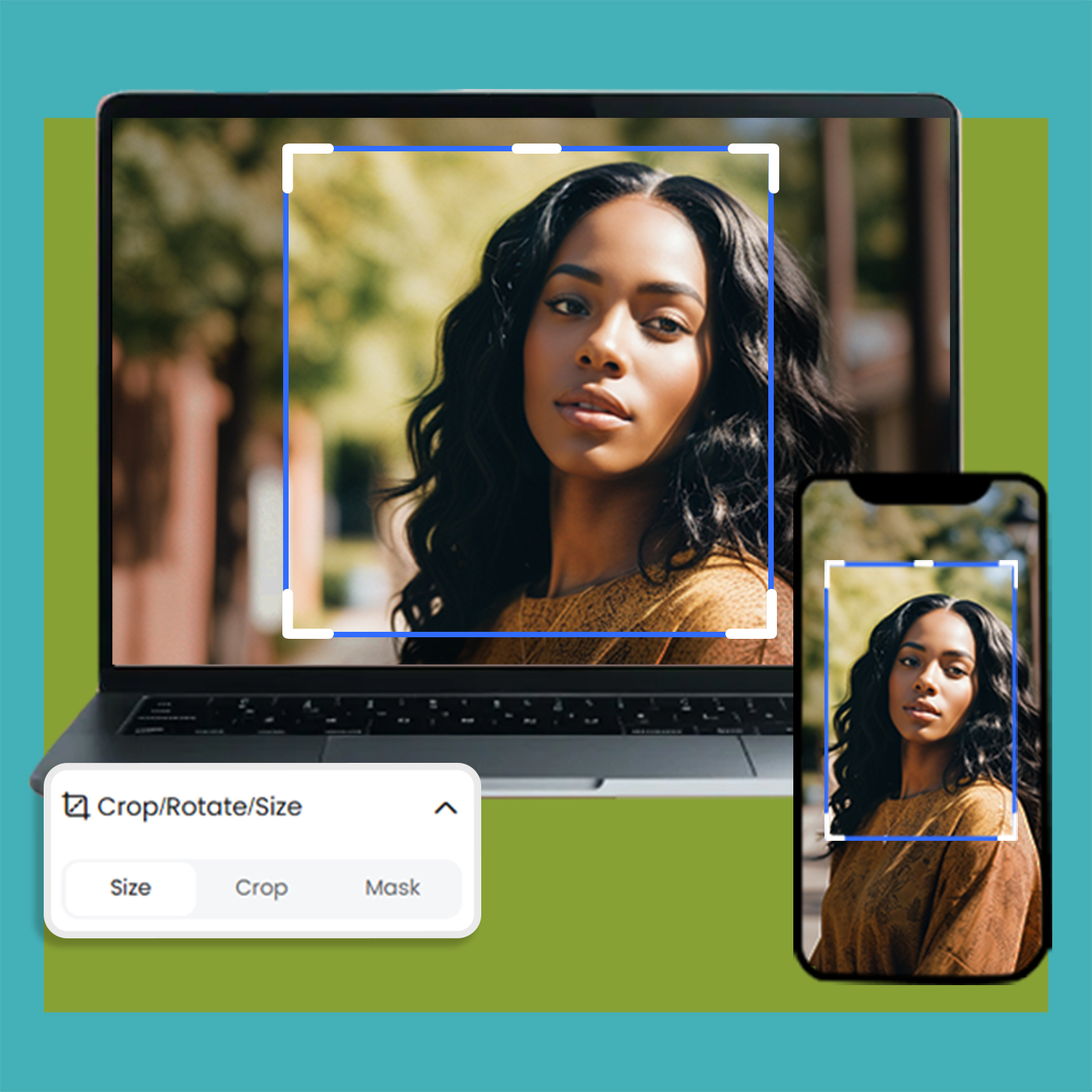
Easy Image Cropping Online
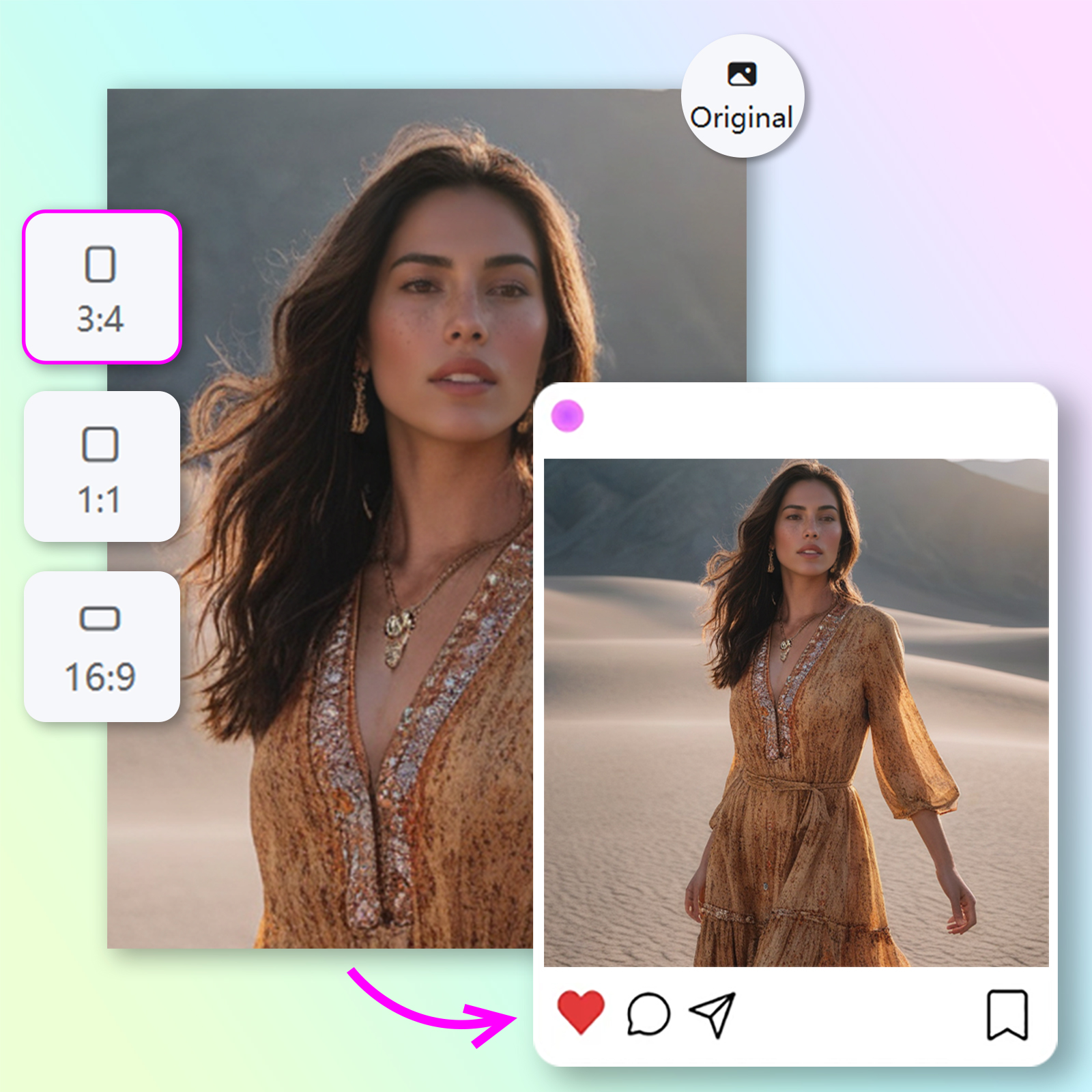
The Magic Crop Tool Online allows you to effortlessly crop images while preserving the integrity of your content. Resize, adjust, and fit your images perfectly for social media, websites, or print in just a few clicks, with no complicated steps involved.
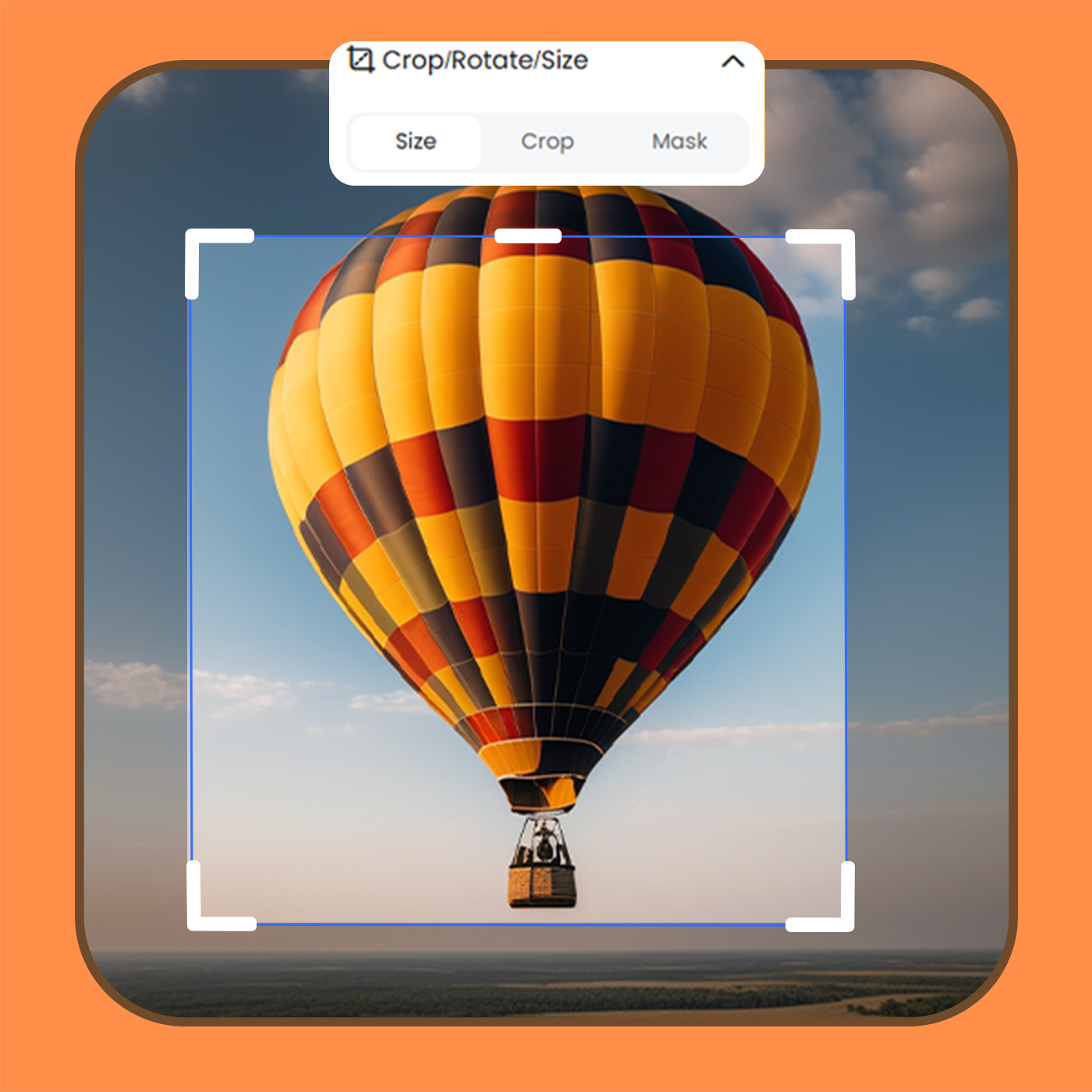
Quick & Precise Image Cropping
With the Magic Crop Tool Online, crop your images precisely and quickly. This tool helps you cut out unwanted areas while maintaining key details, making it ideal for creating professional-looking visuals for marketing, blogs, or personal projects.
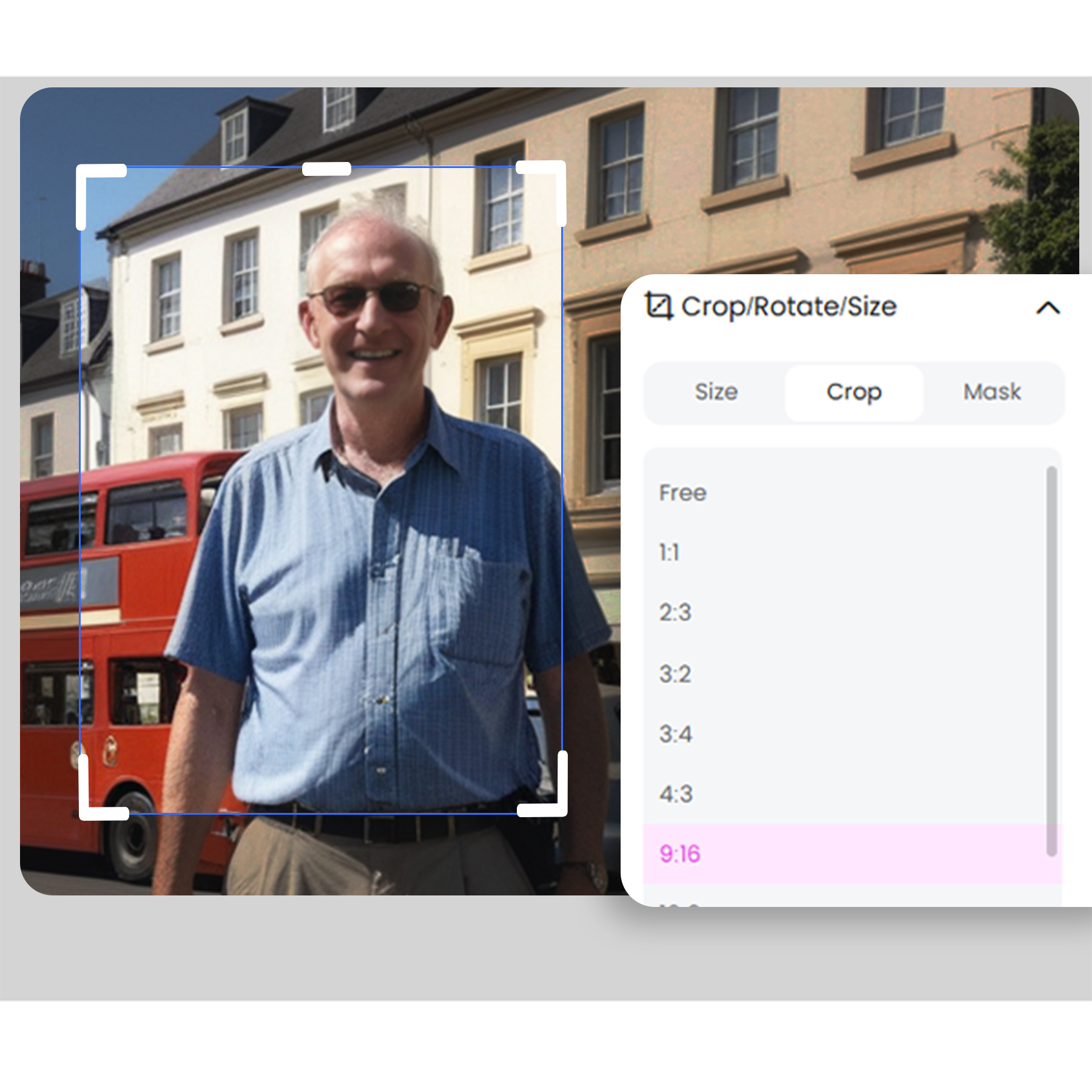
Seamless Image Cropping Online
Use the Magic Crop Tool Online to seamlessly crop and adjust your images. Whether you're resizing for social media, creating promotional materials, or just tidying up your photos, this intuitive tool ensures perfect results every time, with minimal effort.
Photo editor

Instant Professional-Grade Enhancements
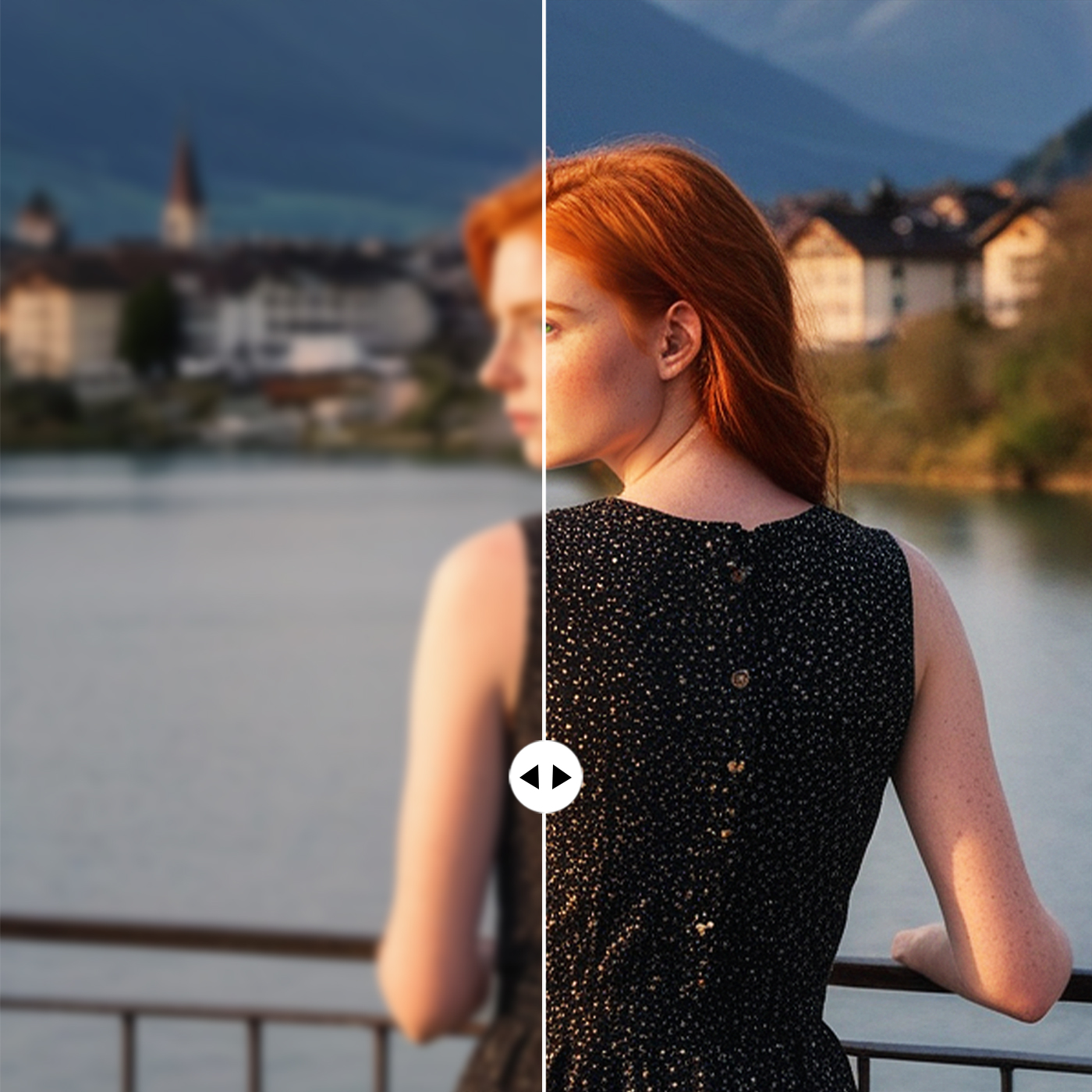
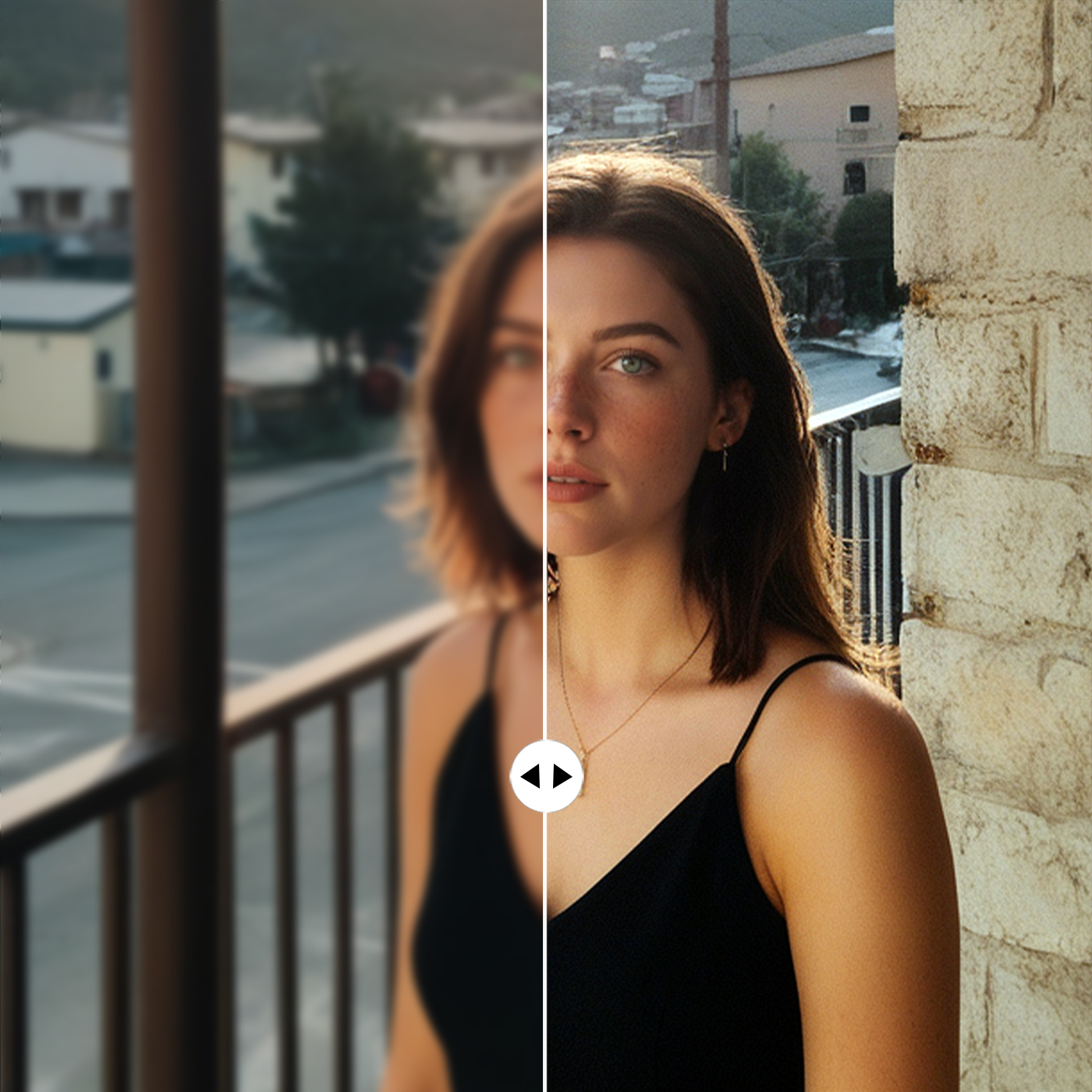
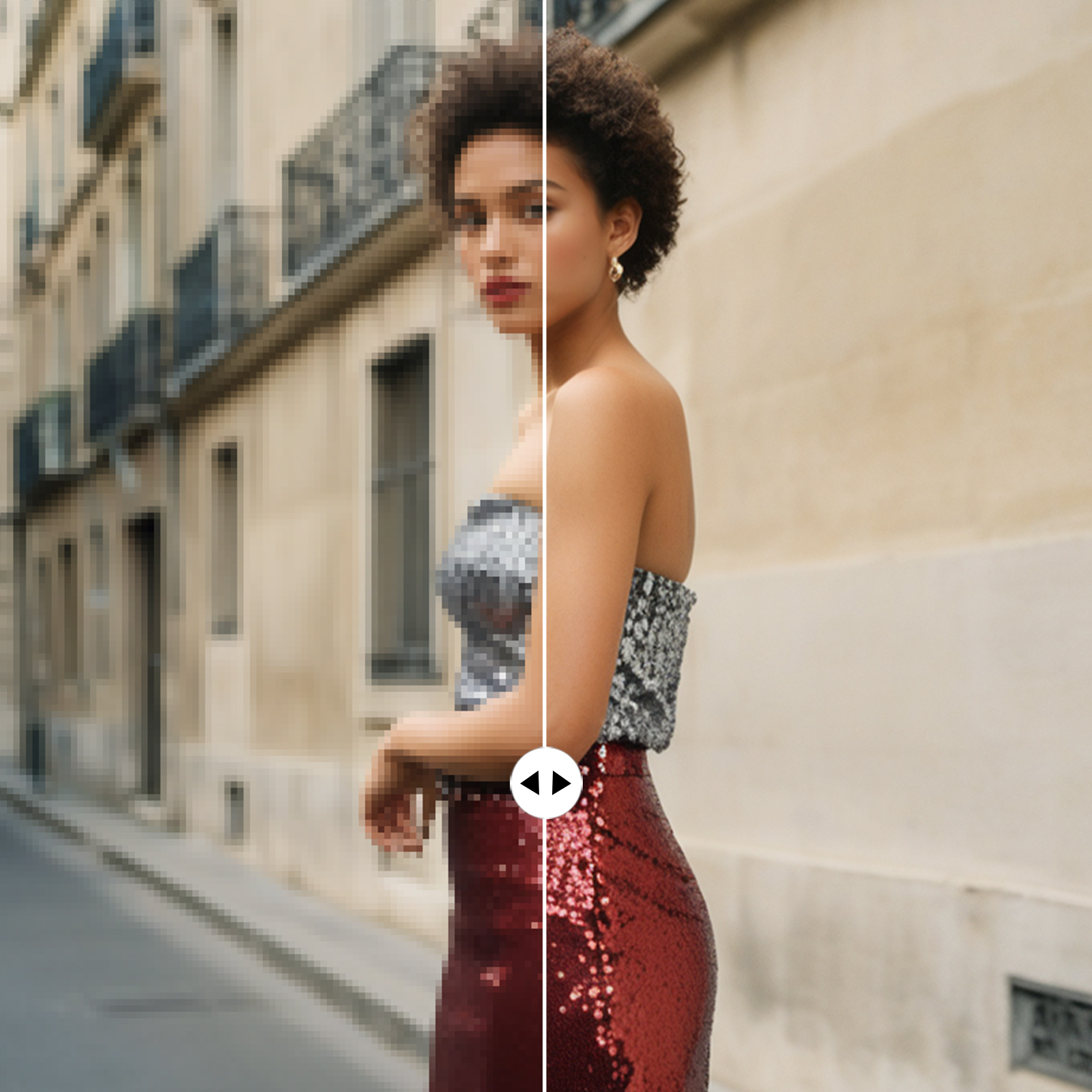
X-Design’s AI delivers immediate improvements to your photos by automatically adjusting key elements, ensuring professional-quality results in a fraction of the time it would take with traditional photo editing tools.

Full Creative Control
While X-Design’s AI provides smart, automatic enhancements, you retain full control over the final outcome. Customize the details to match your exact vision, ensuring your image reflects your creative intentions.

Quick and Efficient Workflow
X-Design streamlines the editing process, allowing you to achieve high-quality results faster. Whether you’re editing one image or many, the tool is designed to be fast and efficient, saving you valuable time without sacrificing quality.
Frequently Asked Questions
What is the free online crop tool?
What app has the magic wand tool?
Many photo editing apps include a magic wand tool for selecting areas of similar color or tone. Popular apps like X-Design's online editor feature the magic wand tool, allowing you to quickly select and modify parts of your image with ease.
How to select part of an image online?
To select part of an image online, use the selection tool in X-Design. Simply upload your image, click on the "Adjust" tool, and outline the area you want to focus on. You can adjust the selection using the lasso, rectangle, or other shapes depending on your needs.
How to cut only the image without background?
To cut only the image without the background, use X-Design's background remover tool. After uploading your image, select the object you want to keep and remove the background, leaving just the image to download or further edit as needed.
Is there a free app to crop pictures?
Yes, X-Design offers a free app to crop pictures online. You can crop, resize, and adjust your images in minutes without the need for additional software or downloads. Simply upload your image, crop it, and download the final version—all for free.