Free PNG Logo Maker
Level up your branding with X-Design’s AI-powered logo maker. Try it now to create professional PNG logos faster with full customization control.
Background Freedom Without Rework
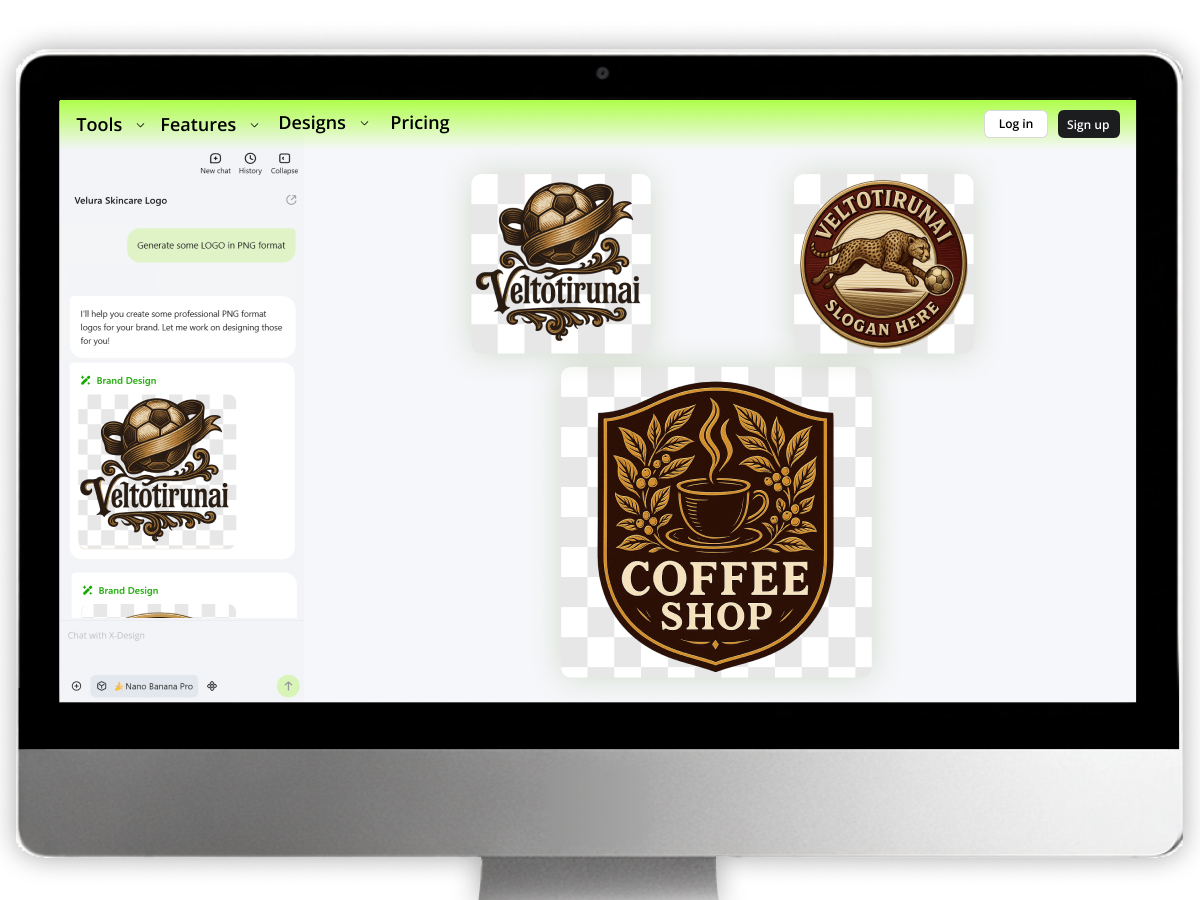
Modern users can feel the liberty to use PNG logos with X-Design for a cleaner look. Easily use them on any surface, like light or dark. You can even use them on textured or image-based backgrounds. It is best that they don’t require the redesigning, remasking, or extra exports.
Better Customization To Create Impactful Logos
X-Design enables you to personalize your PNG logos. You can generate the results with a particular prompt, including all the details. Once you get the generated PNG logo, you can edit it and make the adjustments. Proceed until you achieve the result you want for your particular projects.
Lightweight Files With Visual Impact
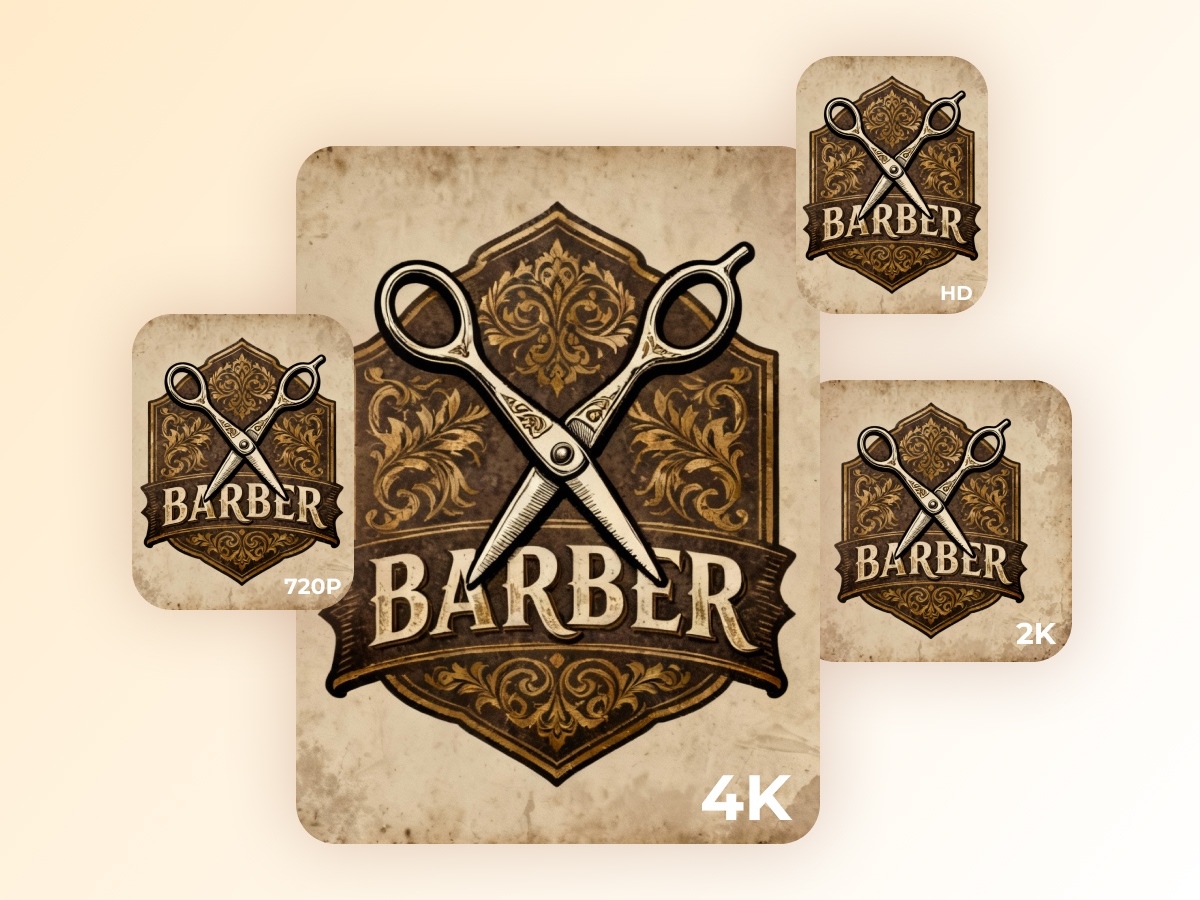
Super lightweight PNG logos to offer you fast online loading speeds. It makes your potential and existing clients check you online with ease. A PNG file is there to balance the quality and file size altogether. With X-Design, it becomes possible. And you can keep the speed of webpages fast without sacrificing brand clarity.
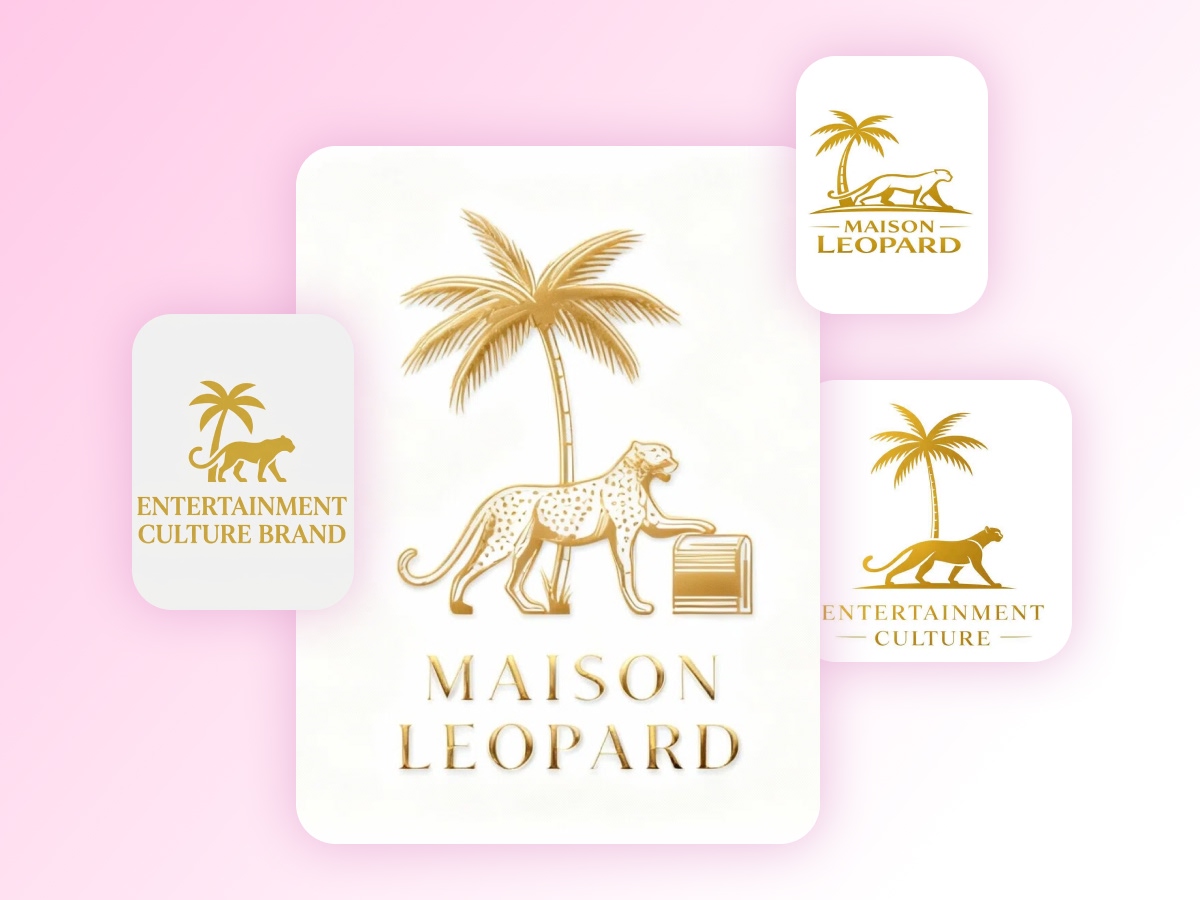
Cleaner First Impressions
Get ready to have impactful and clean first impressions with the AI-powered X-Design PNG logo maker. Transparent PNG logos look intentional and premium. They avoid the awkward white boxes around the brand visuals. Thus, a business can easily create a cleaner first impression and follow a consistent branding.
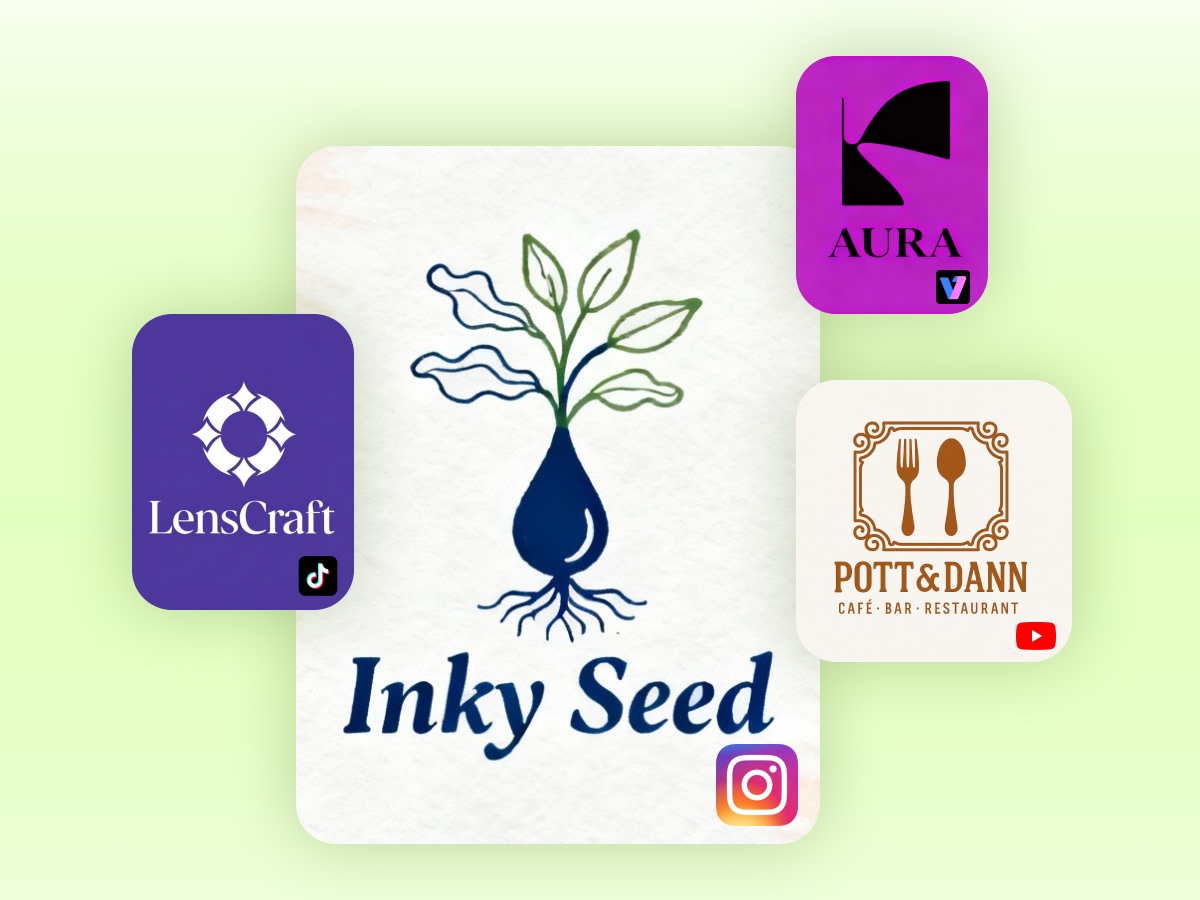
Successful Seamless Overlay Integration
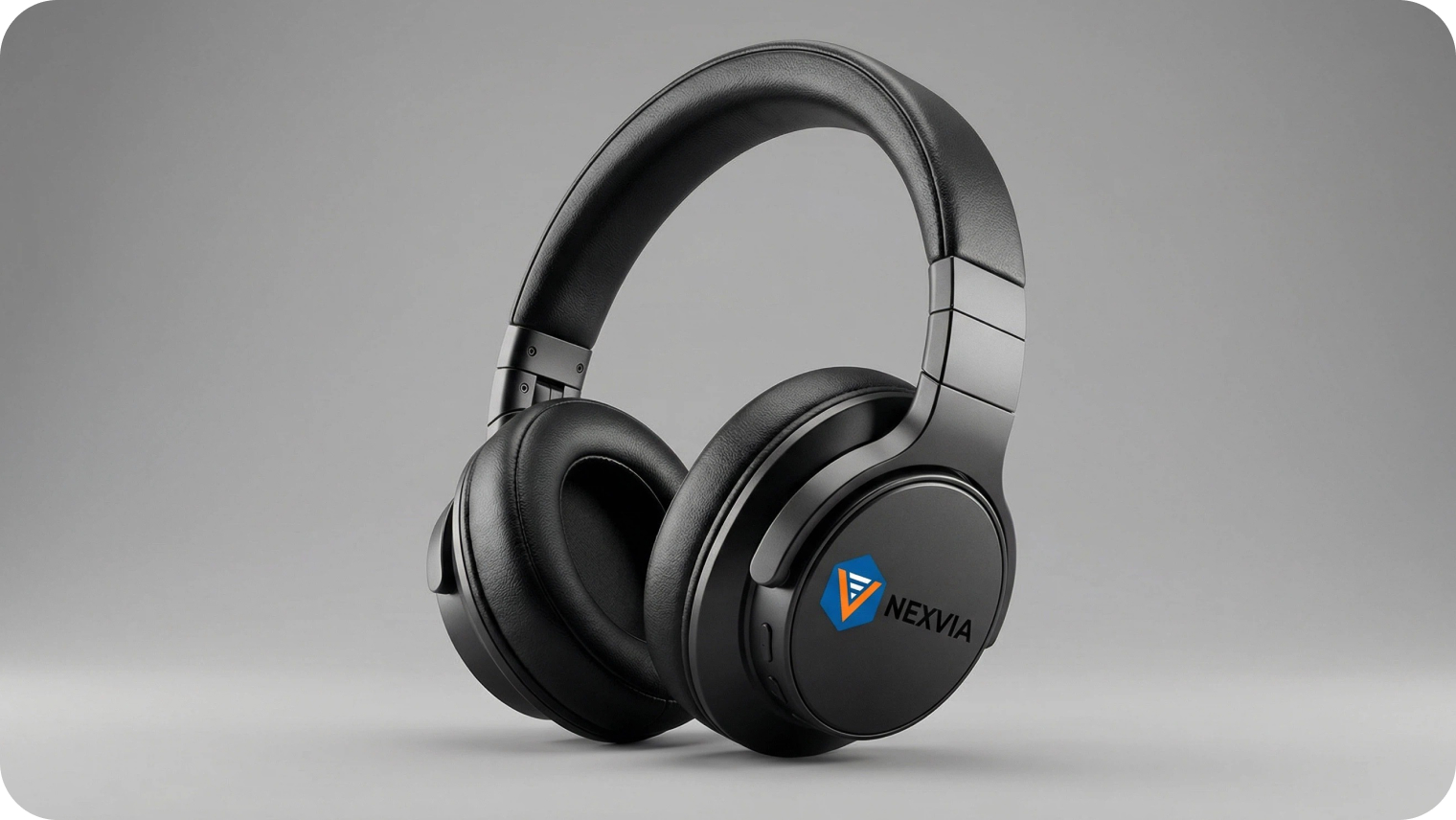
Different files have different uses and benefits. With flawless PNG logos, feel free to utilize them naturally on your online platforms. You can use it on your photos, videos, and UI elements. Without the harsh borders or boxes, you can integrate these logos everywhere to make the best use.
How to Create a PNG Logo with X-Design?
Enter Your Brand Details
Input your brand name and select your industry to help the AI Agent understand your style.
Customize Your Design
Choose from diverse fonts and text effects to personalize your logo’s look and feel.
Download the PNG Logo File
Download your finished logo in high-definition PNG format with a transparent background for professional use.
Where Can You Use the Png Logos?
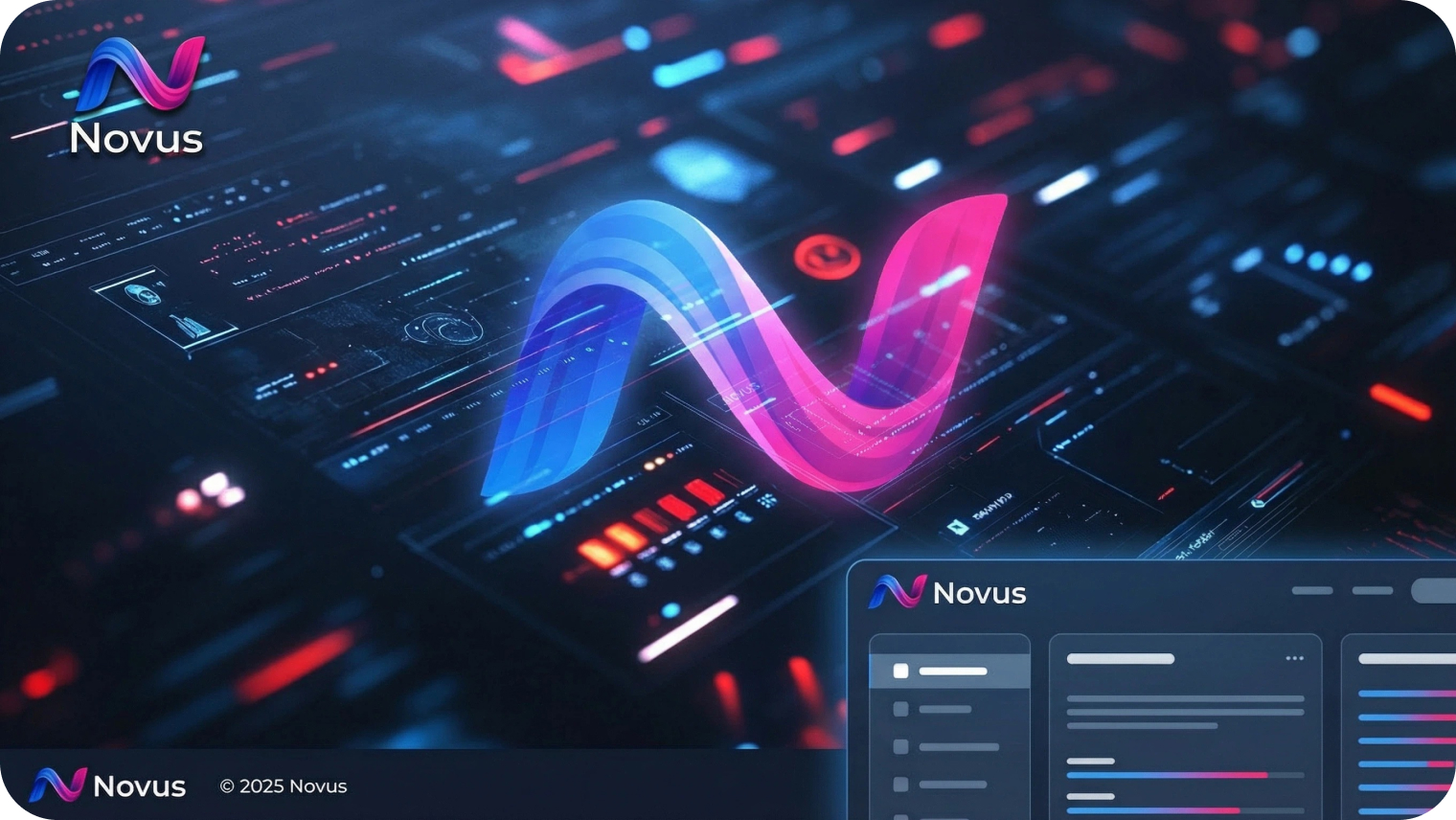
Websites and Digital Products
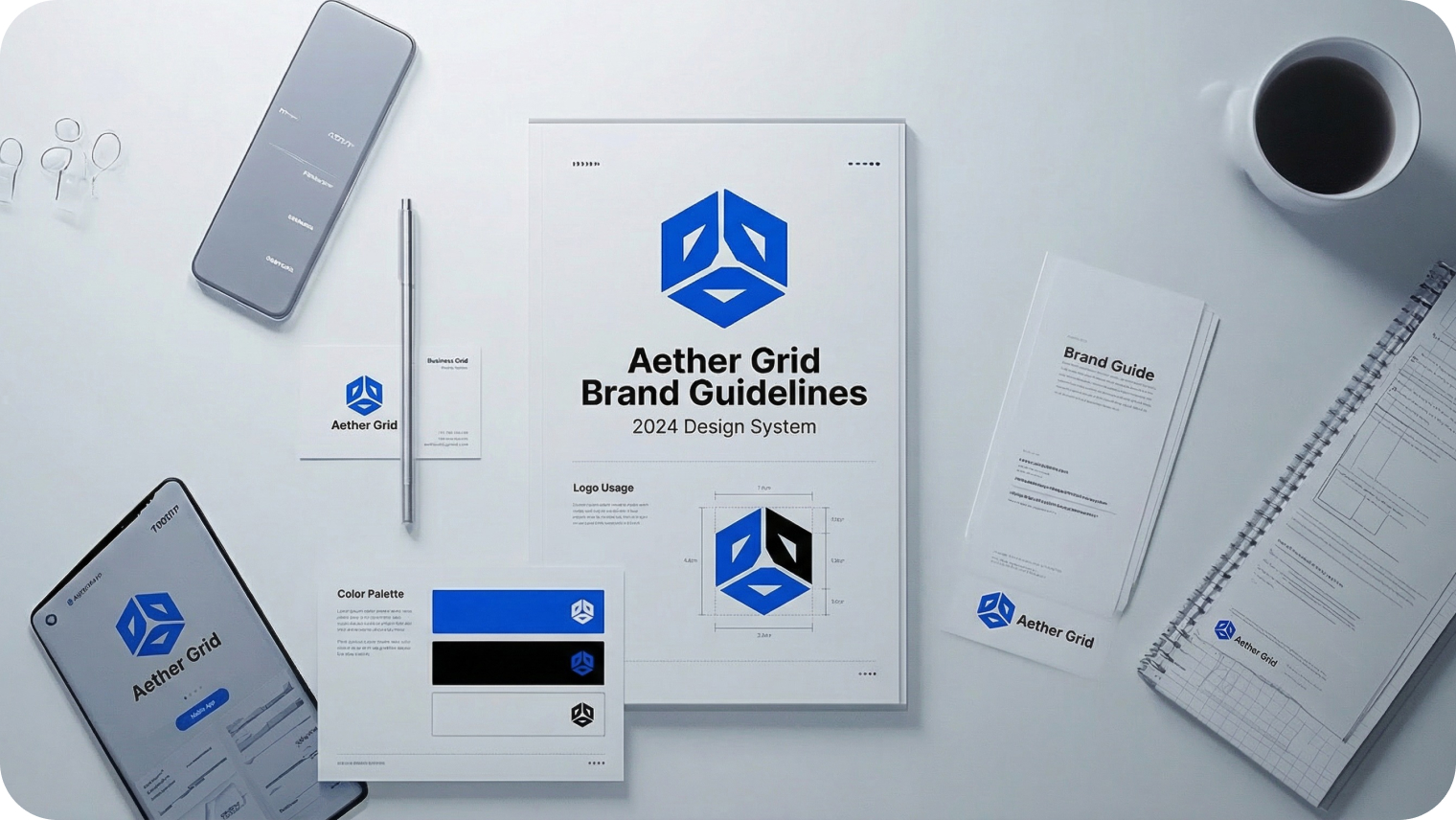
Modern businesses rely on various digital products that require high-quality PNG logos. Websites commonly use these logos in the header and footer sections to create a memorable impression while visitors enter and leave the website. Landing pages also include the PNG logos. Many businesses have their apps, where these logos are used, and allow users to remember the brand.

Why Choose Us?

Free to Use
X-Design is a free tool to use for new and professional users. Different pricing plans are also available to help you with more advanced features.

Zero Design Skills Required
You can feel the freedom to give and tweak the prompt for the AI agent to generate the desired logo designs. Make adjustments until you are satisfied with the results.

Quick Results with X-Design
Our advanced AI algorithm analyzes your requirements and generates high-quality PNG logos in seconds.
Frequently Asked Questions
1. Why are people choosing the PNG format for logos?
2. Is it true that PNG logos are suitable for websites?
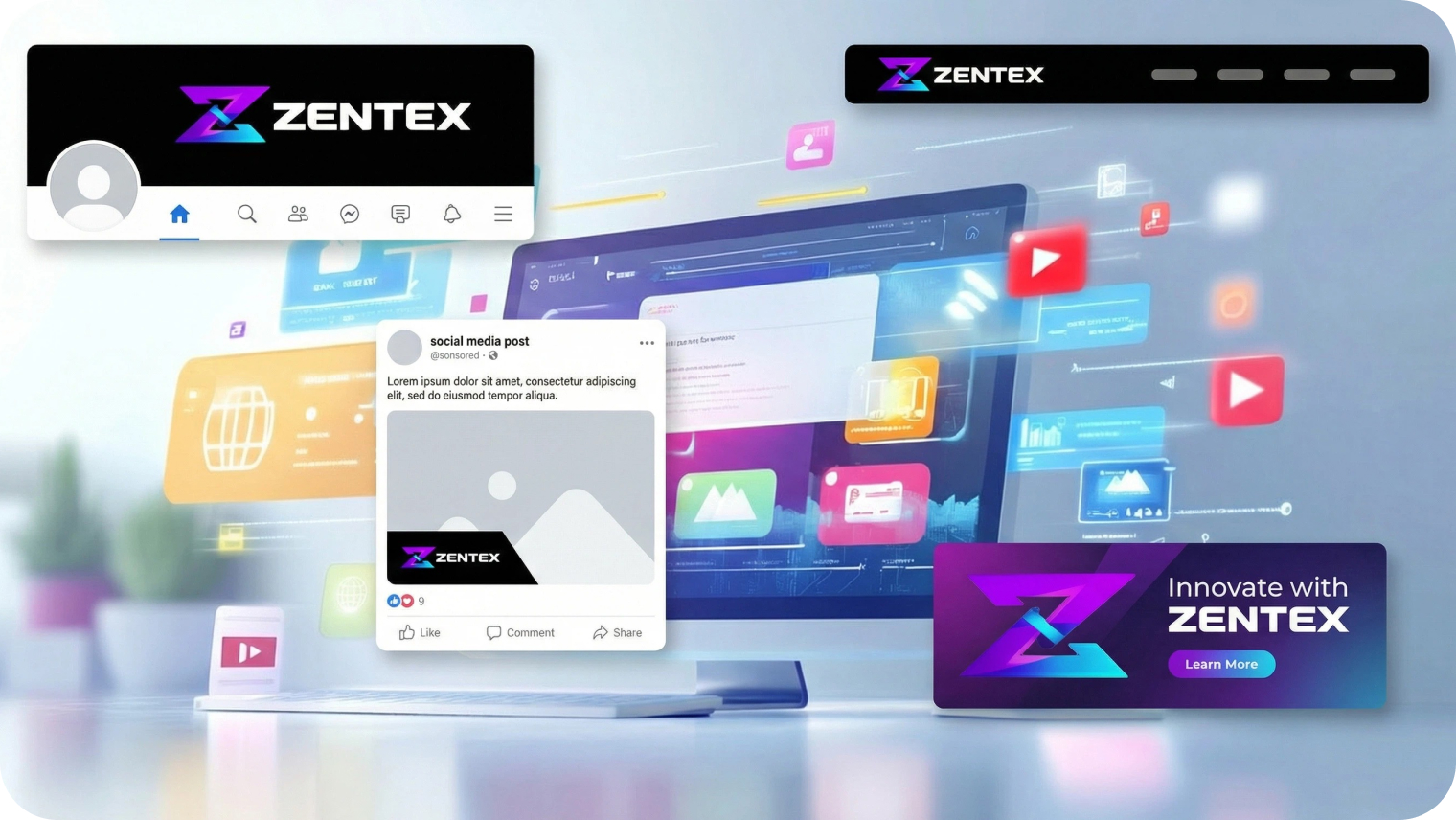
Yes. A PNG logo works fine on websites. It easily gets loaded and supports transparent backgrounds. With the transparency factor, logos appear super clean on the headers, footers, and banners. Besides, PNG files maintain the sharp edges and clear text. It helps your brand to appear more polished and consistent.
3. Is it fine to use a PNG logo for social media?
Yes. A user can easily use a PNG logo for social media platforms. These logos are ideal, as they appear clear on profile pictures. These logos also look amazing on the cover images. You can use these logos on any platform, like Instagram, Facebook, or LinkedIn.
4. Are PNG logos fine to use for printing?
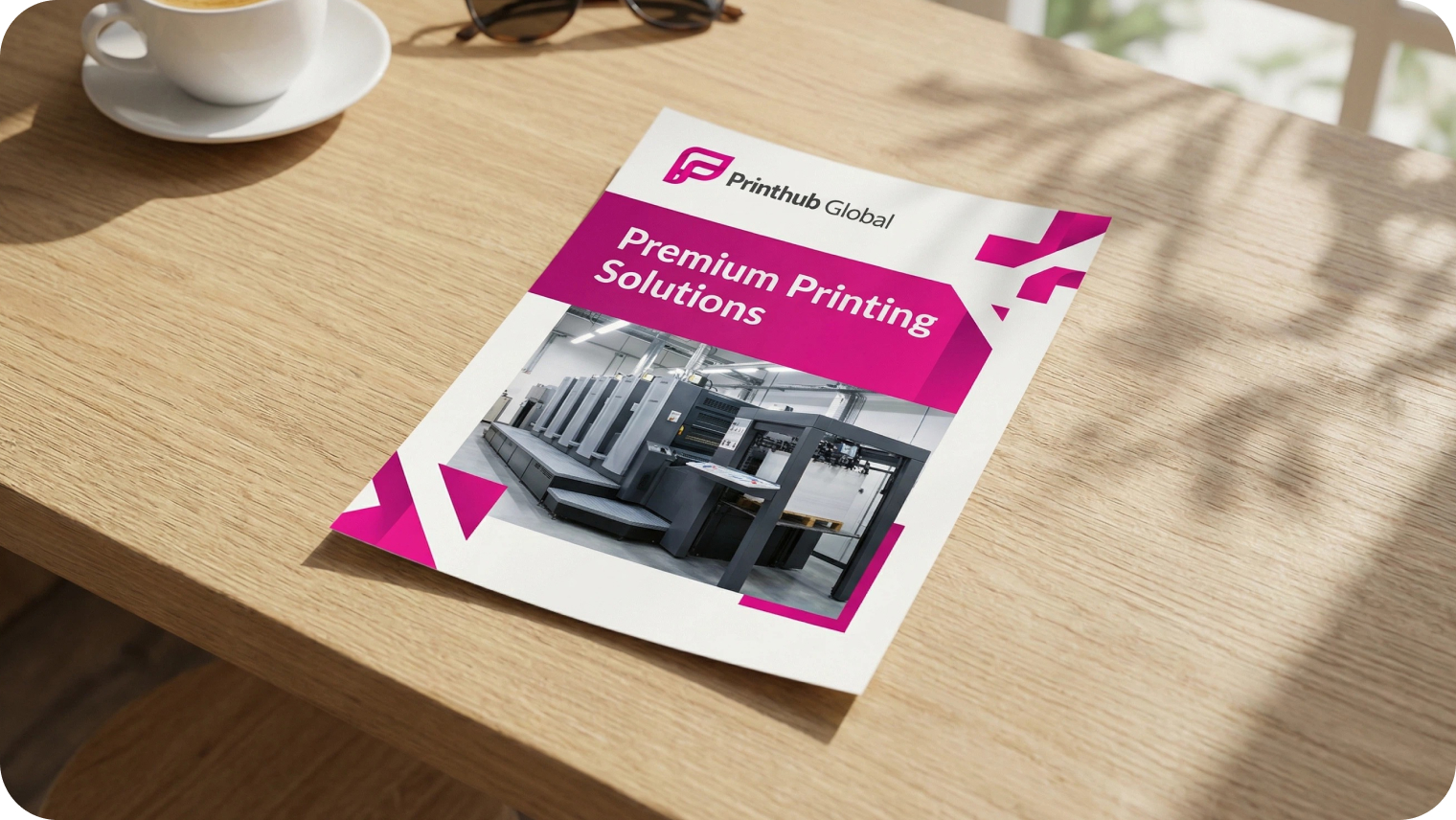
The answer is yes. You can use the PNG logos confidently for printing. It can range from a smaller to a larger size. These are mainly designed for digital use. However, large prints can include it. For example, banners or posters. With the high resolution, PNG logos are ideal for business cards, flyers, and other print materials.
5. Is it possible to edit a logo after you download it?
Yes. Several PNG logo makers enable users to save the design at present. And provide them with the facility to edit it later. You can easily update the colors, texts, icons, or the layout afterward. There is a point where some platforms may need you to have an account for access purposes.
6. Is a PNG logo creator good for commercial use?
Many PNG logo creators are ideal for commercial use. It relies on the platform and plan you choose. The free version may have restrictions for users. On the other hand, paid plans usually provide complete commercial rights. It is crucial to check the license terms. It ensures that your PNG logo can be used for business branding.
7. Can users upload the icons or images?
There are various PNG logo creators that allow users to upload icons and images. It means you can add your custom symbols. With this facility, you can create a unique logo. The one that reflects your brand identity. You can resize and reposition the upload. Besides, you can also personalize it further.
8. Are PNG logos compatible with every device?
Yes. PNG logos are compatible with different devices. They work well on your desktops and laptops. You can even see them fit on your tablets and smartphones. Thus, it makes them a reliable choice for modern brands to level up their branding game.