
Remove Blur Parts From Image
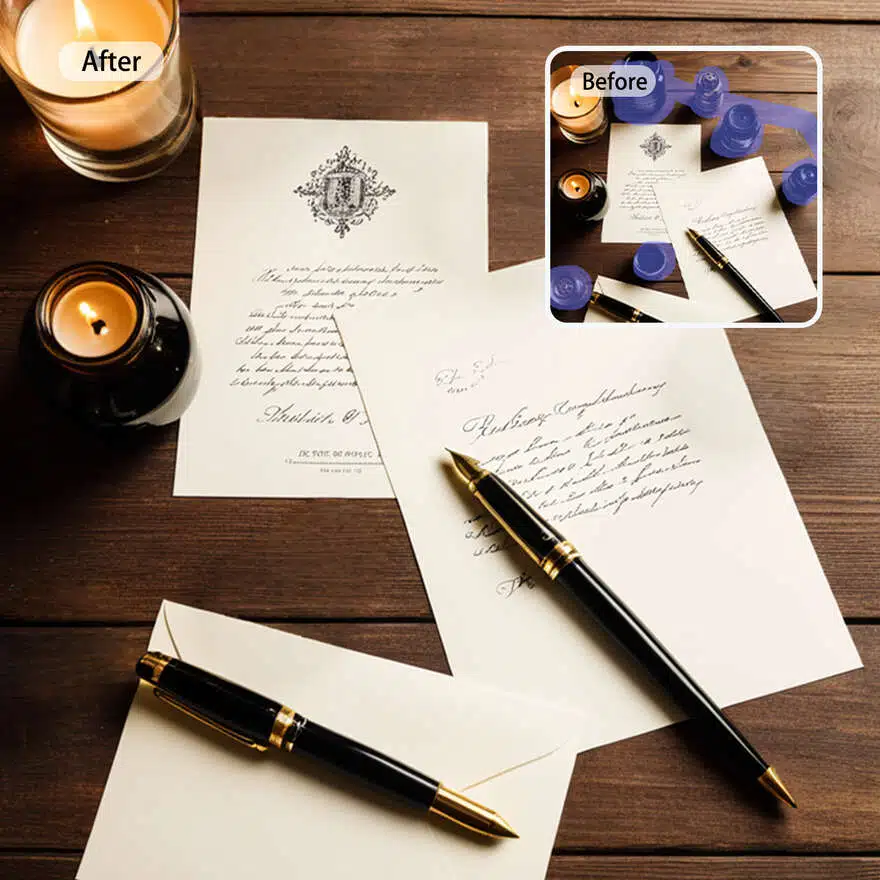
No image? Try one of these:


How to remove unwanted objects from your image
Upload your image
Select the unwanted object
Download your image
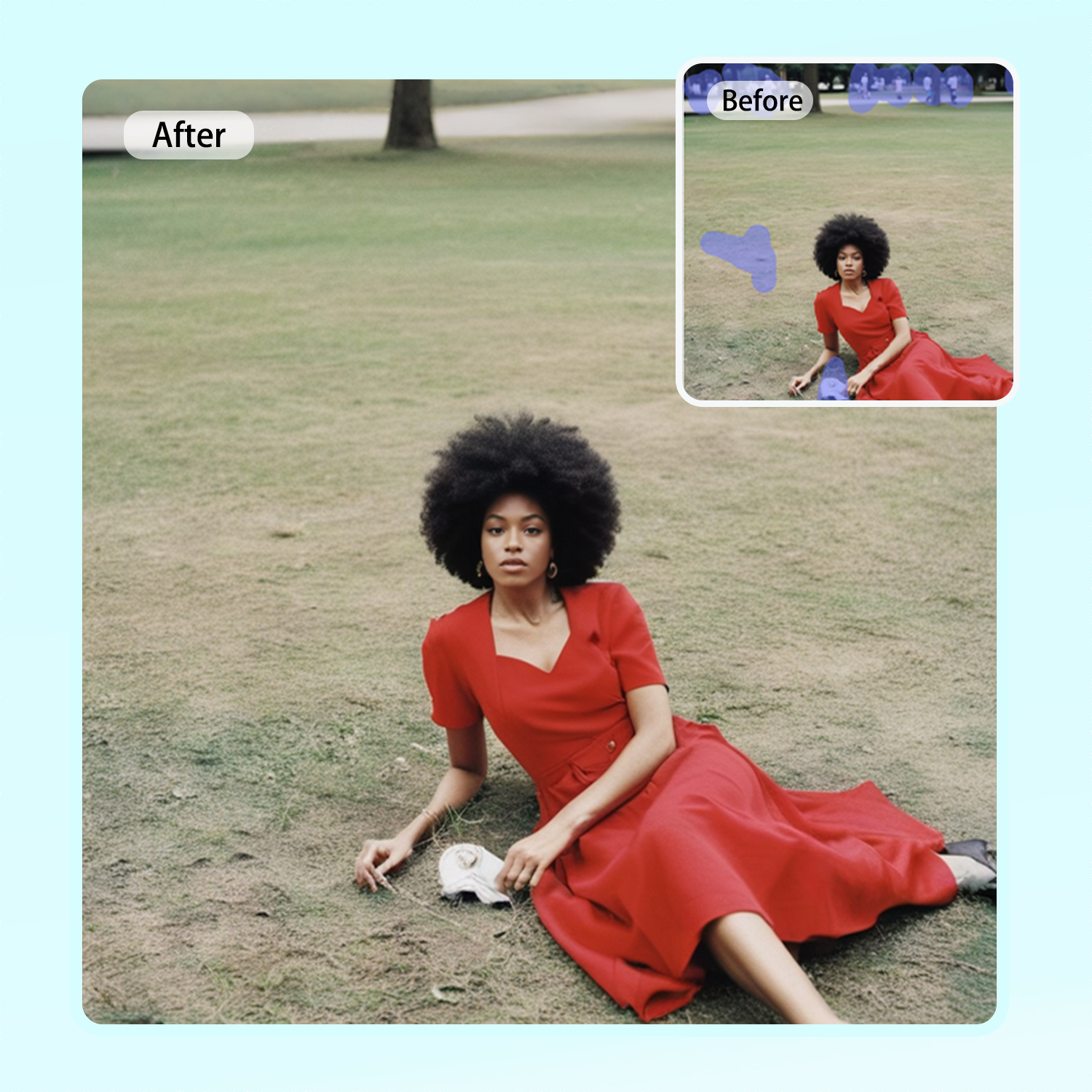
Quick Blur Removal
Achieve quick blur removal with our advanced editing tool. Upload your image and let our technology enhance clarity instantly. This user-friendly process allows you to restore details and make your photos look professional, whether for personal use or social media.
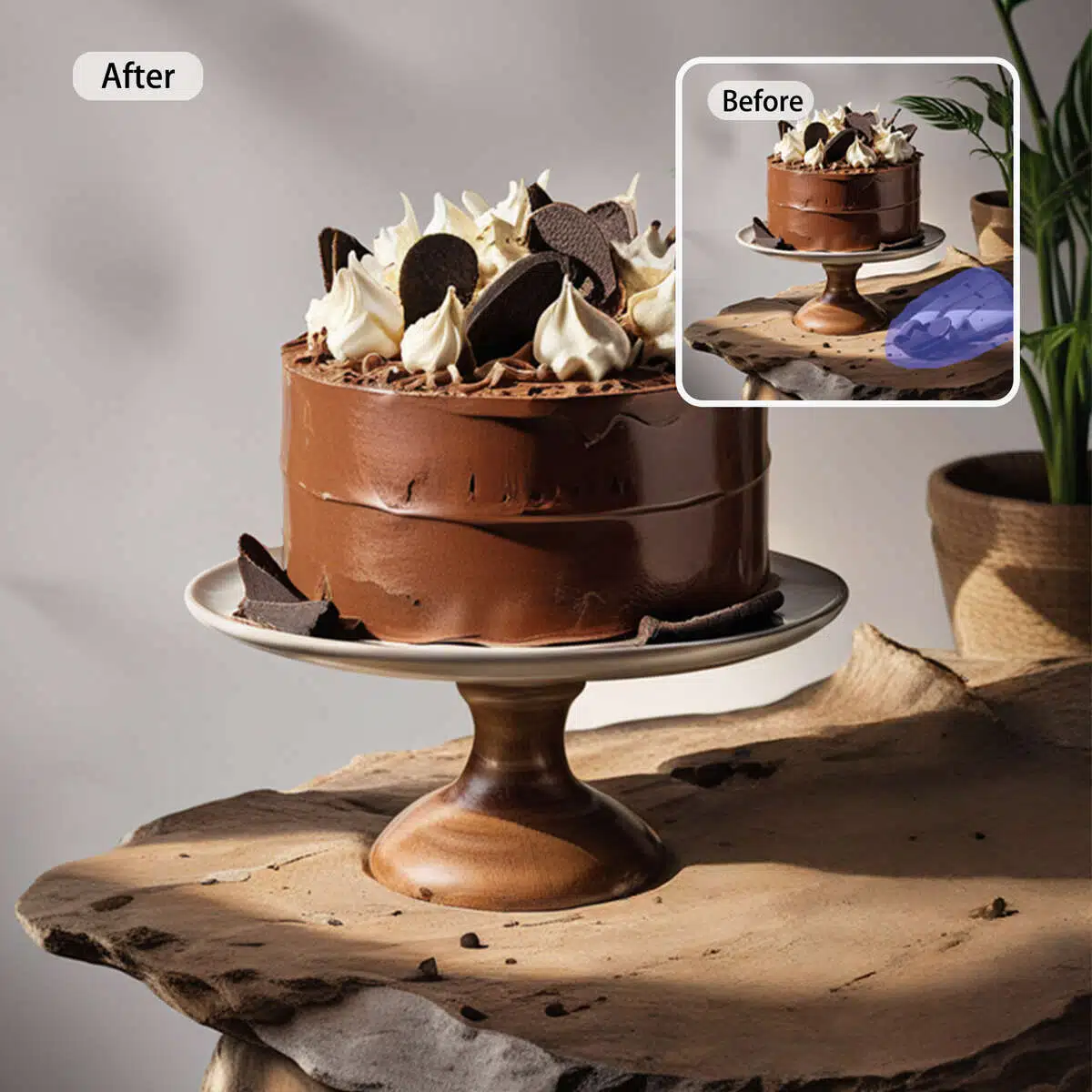
Simple Editing Process
Our simple editing process makes it easy to remove blur from images. With intuitive controls, you can adjust settings to achieve the desired sharpness. No need for complicated software—just upload your image and watch the improvements unfold, giving you confidence in your editing skills.

Enhance Image Quality
Enhance the quality of your images by removing blur effortlessly. This tool is perfect for restoring memories or preparing visuals for projects. Enjoy a polished look as you transform your images into stunning visuals that capture attention and convey your message effectively. Start editing today!
AI object remover

Remove Anything Unwanted
Besides removing objects from images, you can remove watermarks, date stamps, captions, logos, and even stickers.

Automatic & Fast
Just brush over the unwanted objects and you'll get a clean and flawless photo.

Accurate and Seamless
Recreate the removed area seamlessly using image inpainting techniques
Frequently Asked Questions
How to remove objects from pictures online?
How to remove paint edits from pictures?
With X-design, removing paint edits is easy. Use the eraser tool to eliminate the painted areas, and AI will restore the underlying image, delivering a professional, untouched look.
How to remove an item from an image?
With X-design, removing items from an image is quick and user-friendly. Highlight the unwanted item, and our intelligent AI will erase it while blending the surrounding areas, leaving your image looking professional and cohesive.
How to remove an object from a face in a photo using X-design?
X-design makes it easy to remove any object from a face in your photos. Upload your image, select the unwanted object, and let our advanced AI erase it, ensuring the face remains intact and the photo looks natural and professional.
How to use AI to remove objects in X-Design?
In X-Design, leverage our AI-powered tools to remove unwanted objects automatically. Simply select the object, and the AI will intelligently analyze and remove it, filling in the background. This advanced feature enhances your workflow, allowing you to focus on your creative ideas.