Resize Image for LinkedIn
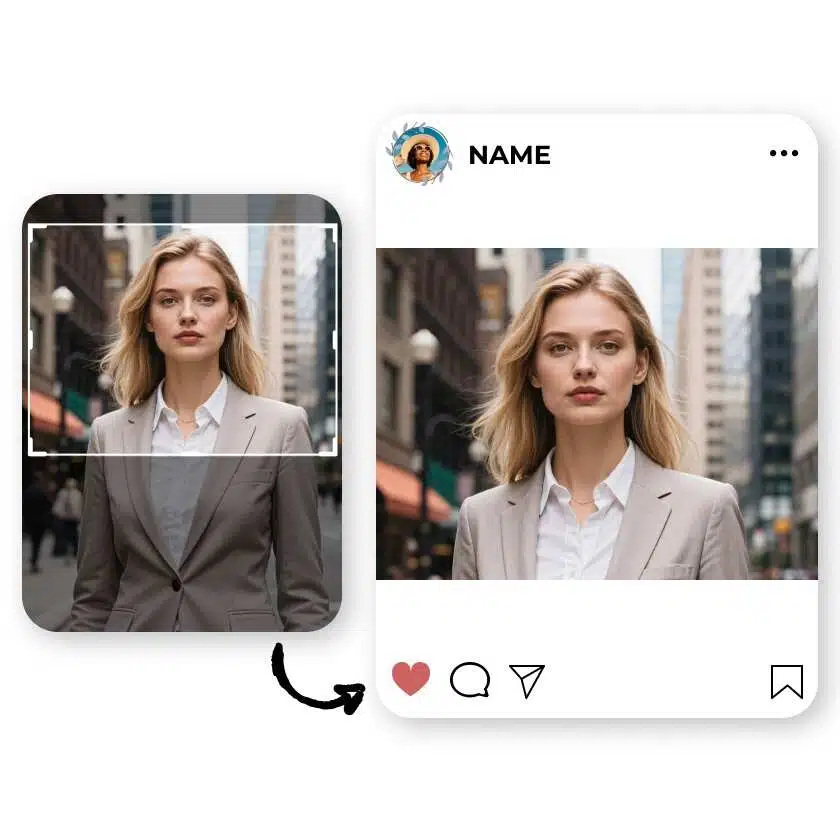
How to use photo editor with AI
Upload Your Image
Let AI Enhance Your Image
Fine-Tune Your Image

Quick LinkedIn Image Resizing
Get your images ready for LinkedIn in seconds. Our tool helps you meet exact LinkedIn dimensions, ensuring your profile pictures, banners, and posts look polished and professional with minimal effort.
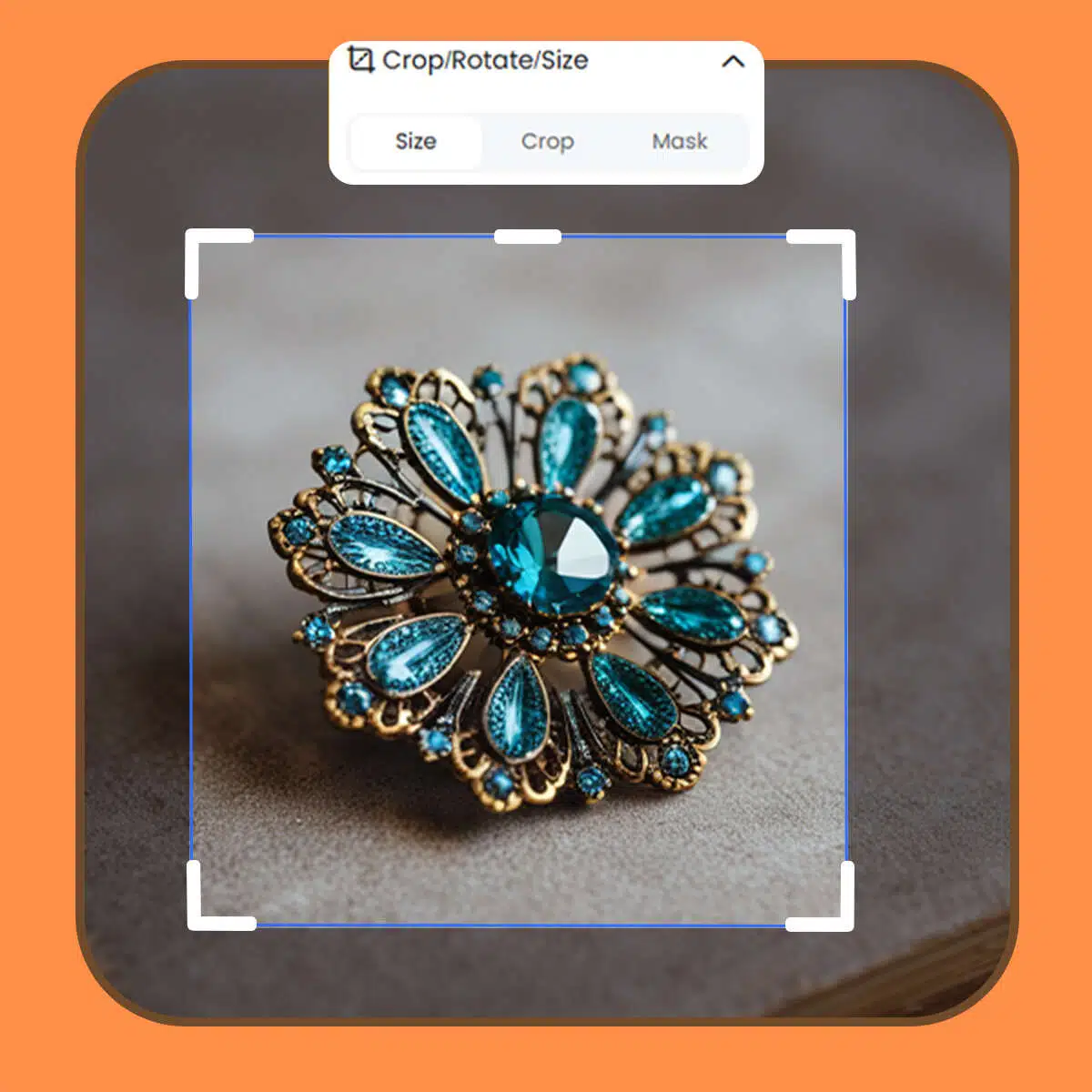
Boost LinkedIn Engagement
Elevate your LinkedIn presence by optimizing images that attract attention. Our resizing tools not only improve image quality but also help your posts make an impact. Stand out in the feed with content that looks tailored and intentional, motivating connections to engage.
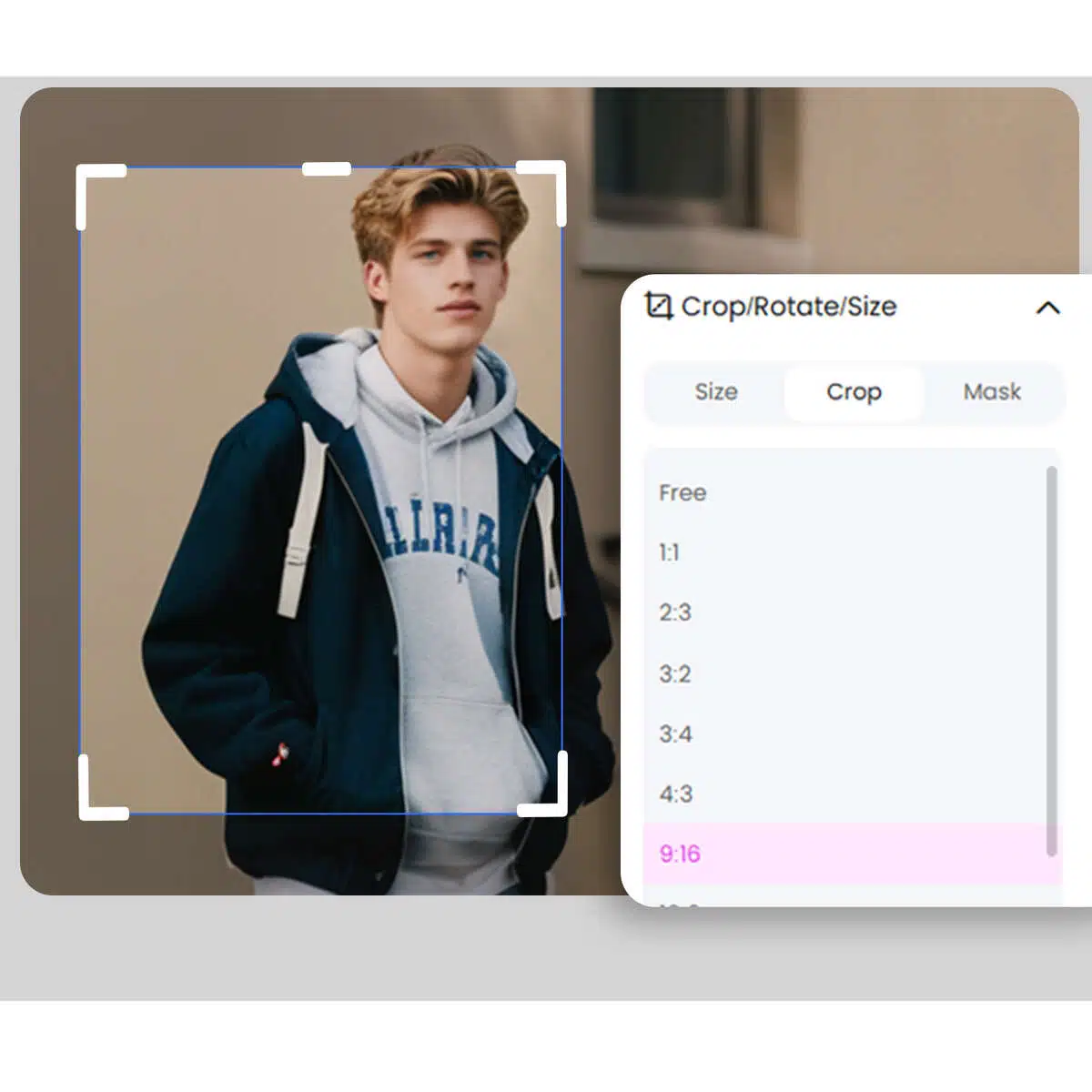
Achieve Perfect LinkedIn
Resize your images for LinkedIn with precision to ensure they display perfectly across all devices. With one-click options to set dimensions, your images are never distorted. This keeps your profile looking polished and enhances visual engagement with your audience.
Photo editor

Instant Professional-Grade Enhancements
X-Design’s AI delivers immediate improvements to your photos by automatically adjusting key elements, ensuring professional-quality results in a fraction of the time it would take with traditional photo editing tools.

Full Creative Control
While X-Design’s AI provides smart, automatic enhancements, you retain full control over the final outcome. Customize the details to match your exact vision, ensuring your image reflects your creative intentions.

Quick and Efficient Workflow
X-Design streamlines the editing process, allowing you to achieve high-quality results faster. Whether you’re editing one image or many, the tool is designed to be fast and efficient, saving you valuable time without sacrificing quality.
Frequently Asked Questions
How do I resize my photo to fit on LinkedIn?
What size should images be for LinkedIn?
For LinkedIn, an ideal profile photo is 400 x 400 pixels, while header images work best at 1584 x 396 pixels. X-Design offers these dimensions as presets, so you can effortlessly format photos. Empower your LinkedIn presence with images that make an impact from the start.
How do I format a photo for LinkedIn?
X-Design simplifies LinkedIn formatting. With our editing tools, adjust brightness, contrast, and cropping to ensure your image looks sharp and professional. Our one-click filters enhance the photo’s appeal, allowing you to project your best self confidently on LinkedIn.
How do I adjust my photo on LinkedIn?
Adjusting photos on LinkedIn is easy with X-Design. After selecting LinkedIn dimensions, you can fine-tune your photo by cropping, zooming, or rotating. With X-Design’s precise controls, showcase a polished image that captures attention—elevating your profile effortlessly.