Shrink Image Without any Loss
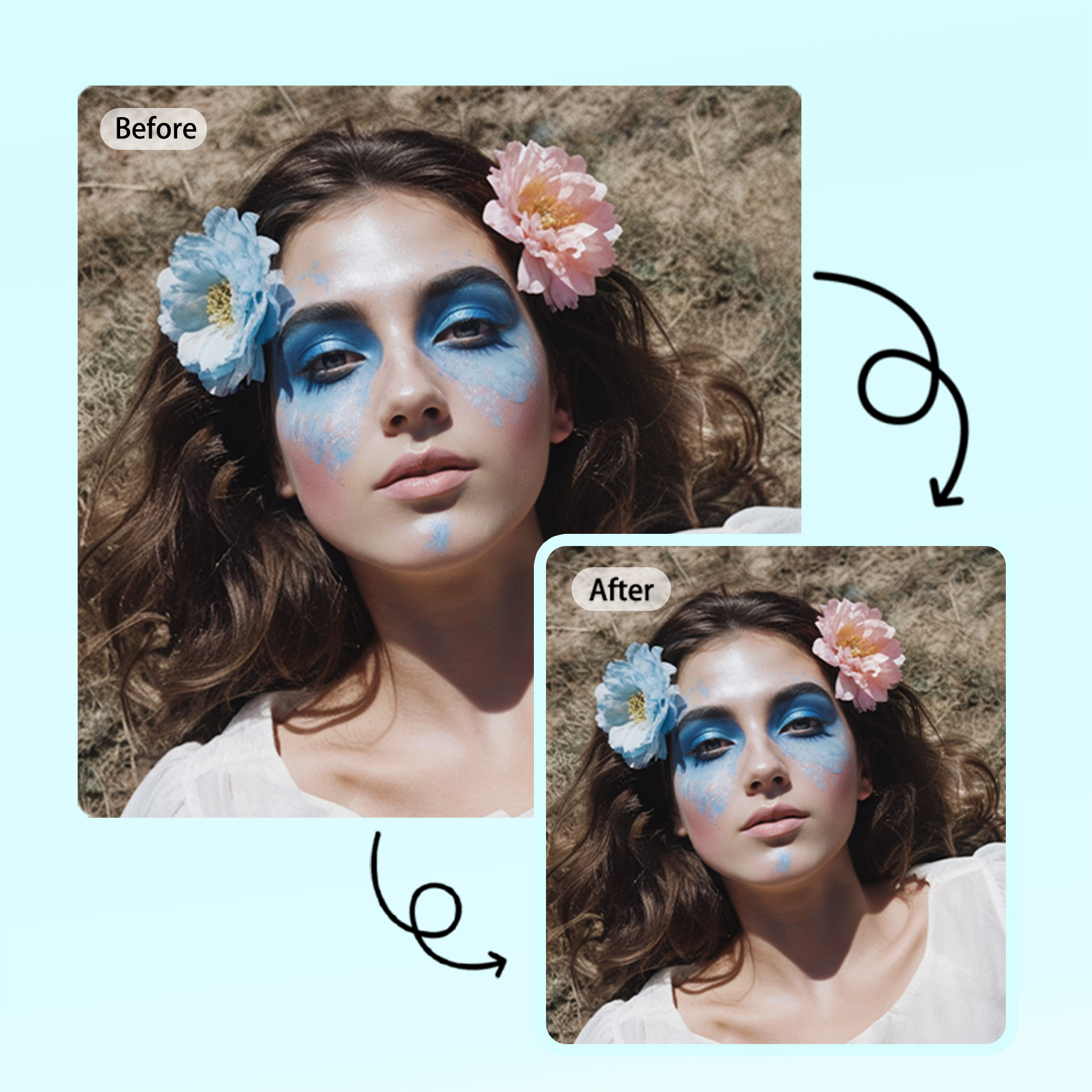
No image? Try one of these:
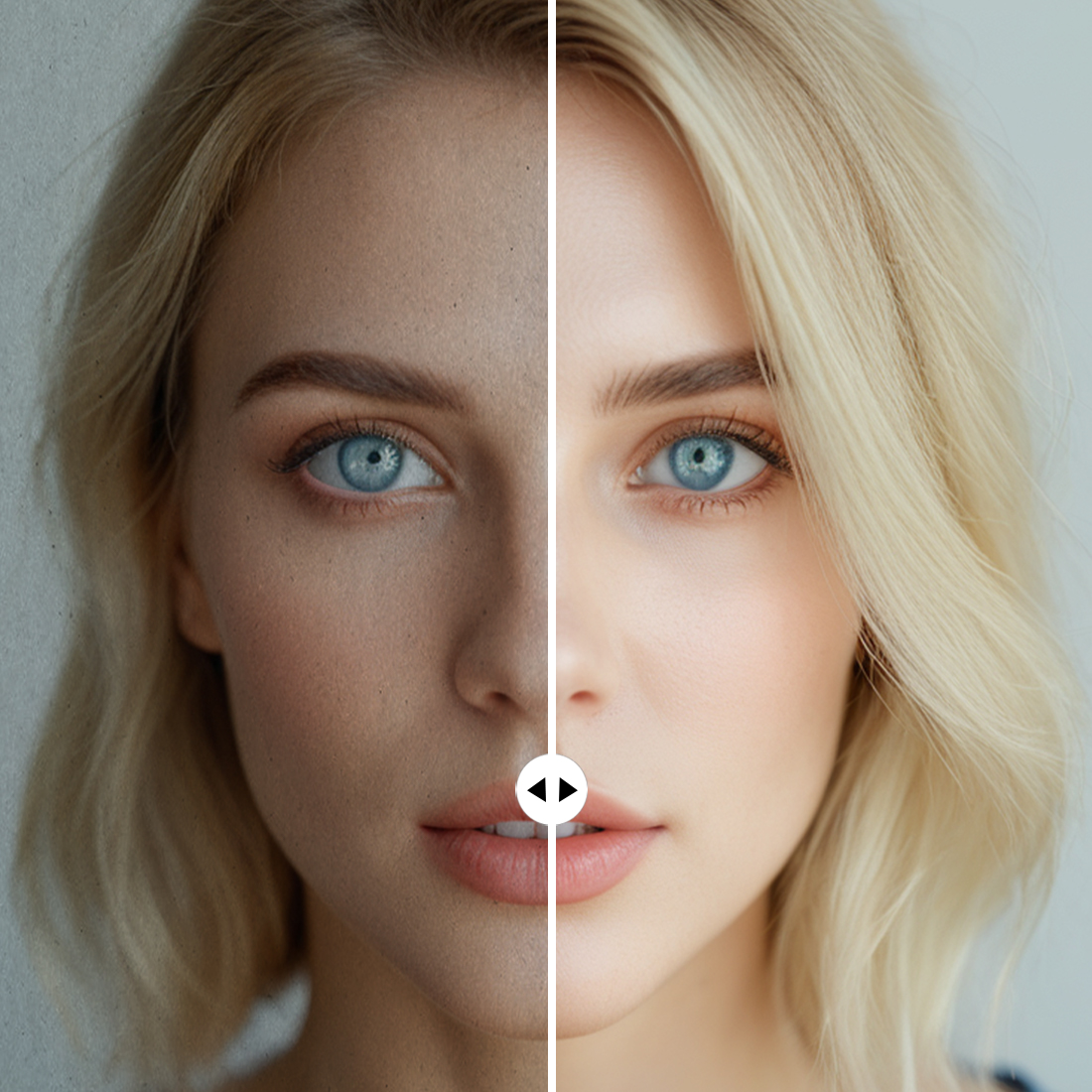
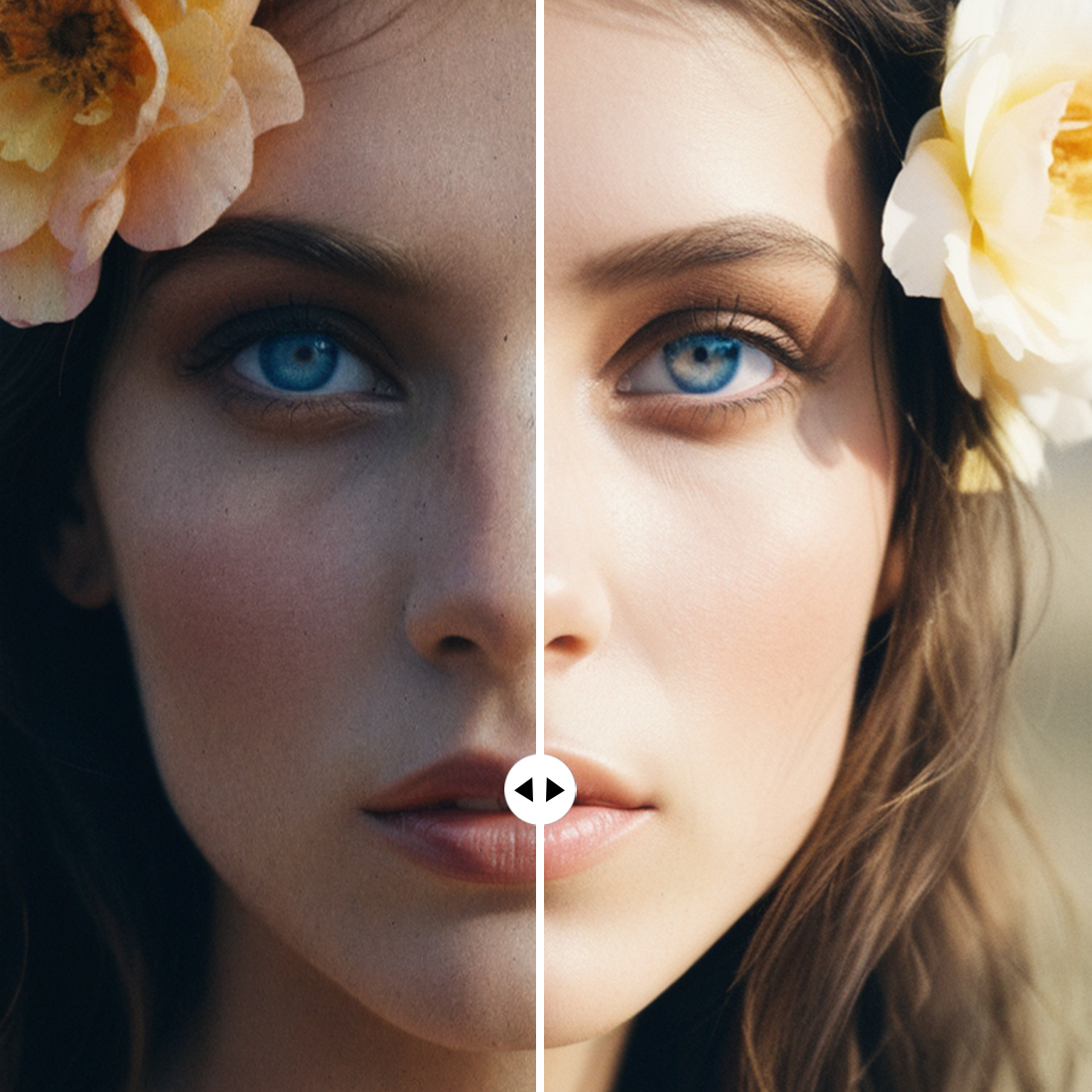
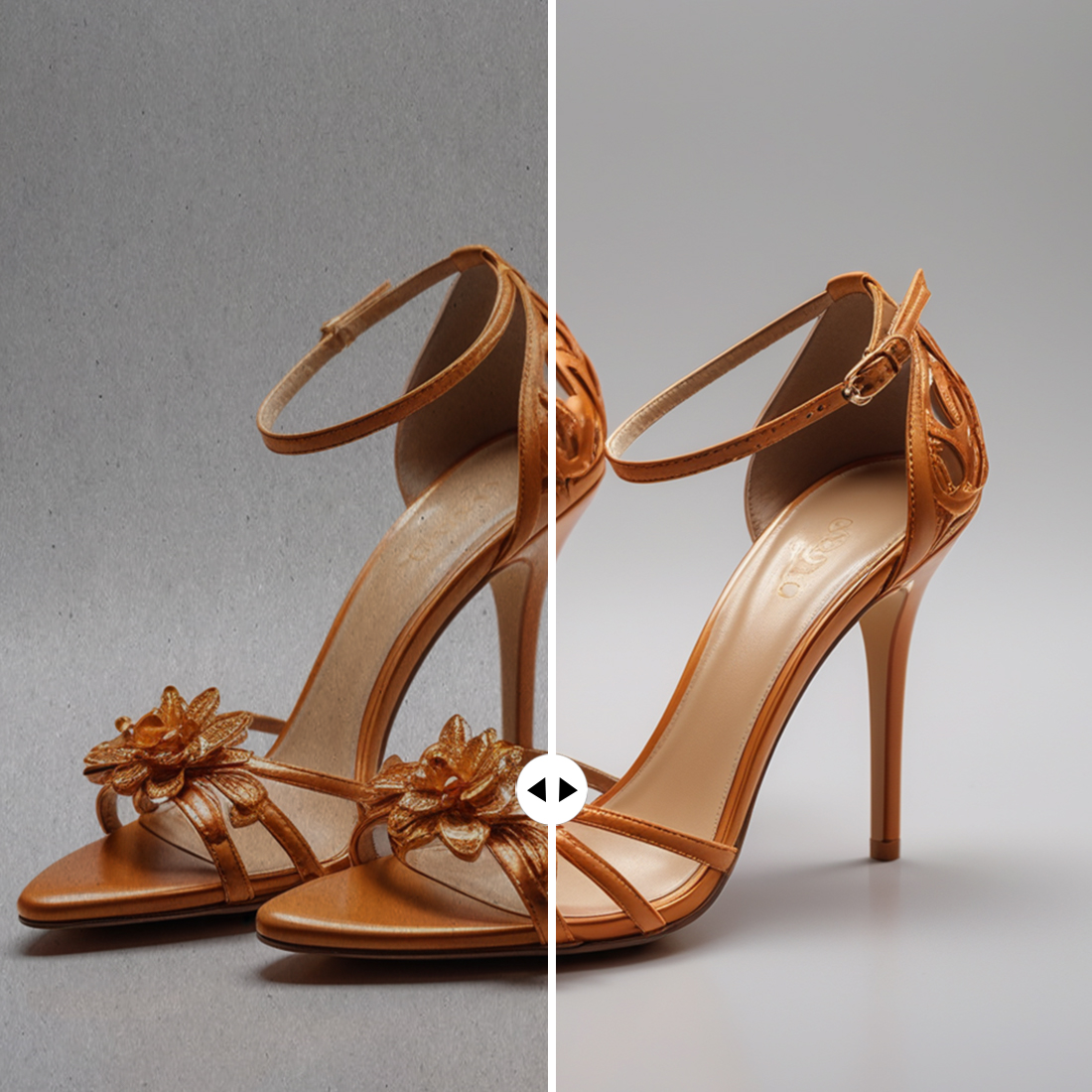
How to upscale an image?
Upload your Image
Select upscale quality
Download your image
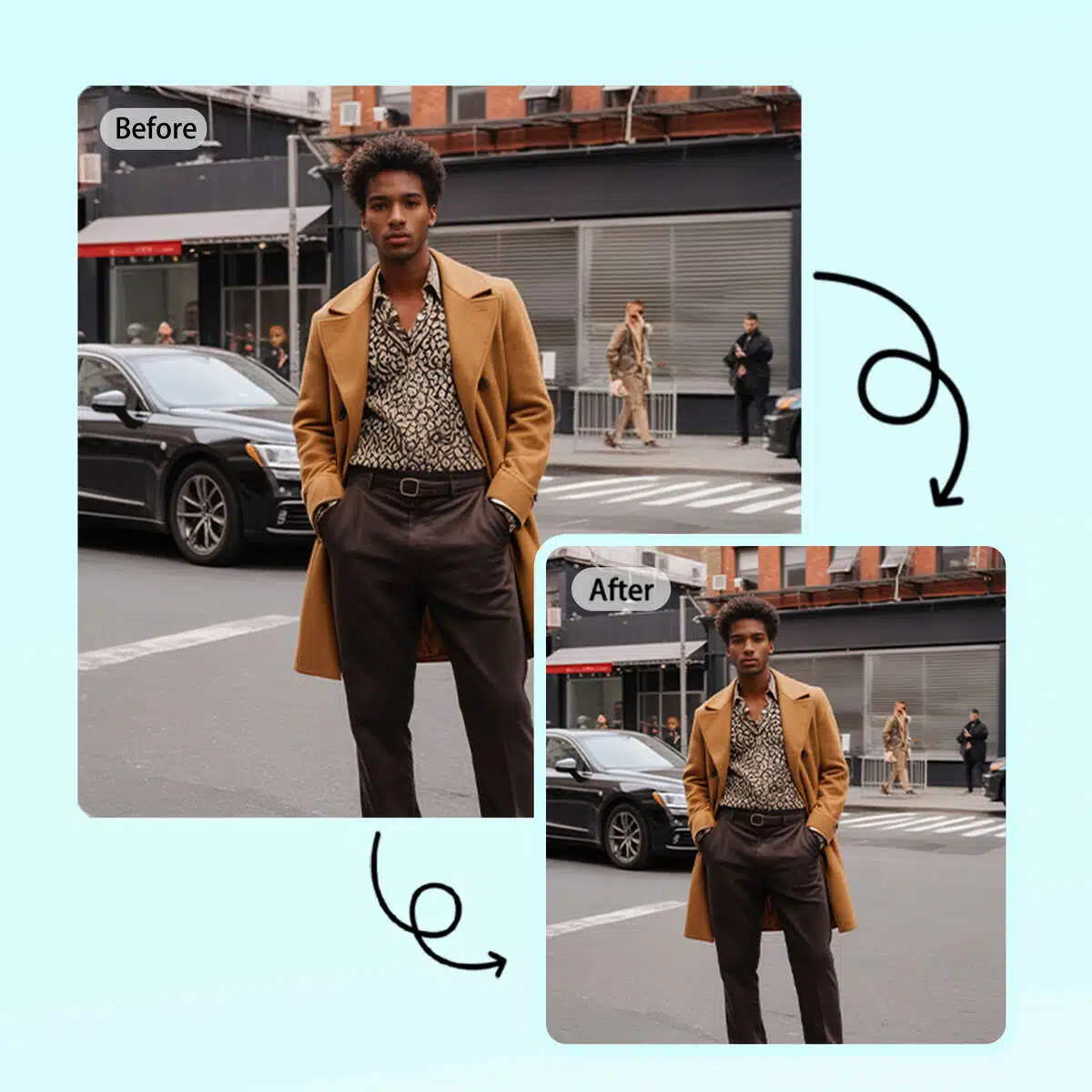
Quick Image Shrinking Tool
Shrink your images with ease using our quick and simple tool. Reduce image file size for faster loading times on websites, smoother email attachments, and more efficient storage. This tool keeps your image quality intact while minimizing file size.
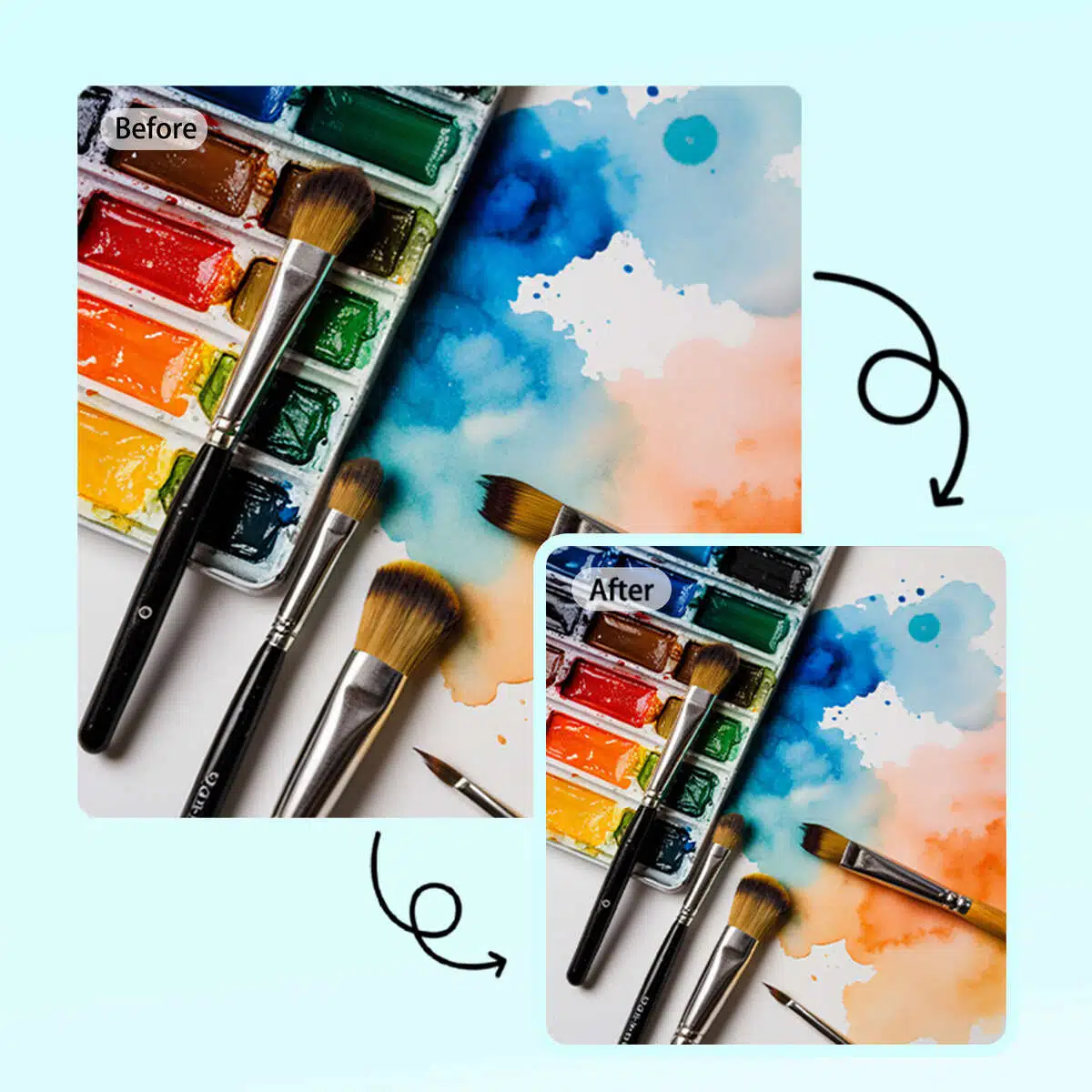
Optimize Image Size Fast
Shrink your images in seconds to optimize them for faster web loading and email sharing. This easy-to-use tool helps you reduce image size while preserving the clarity and detail of your photos, perfect for online use and file storage.
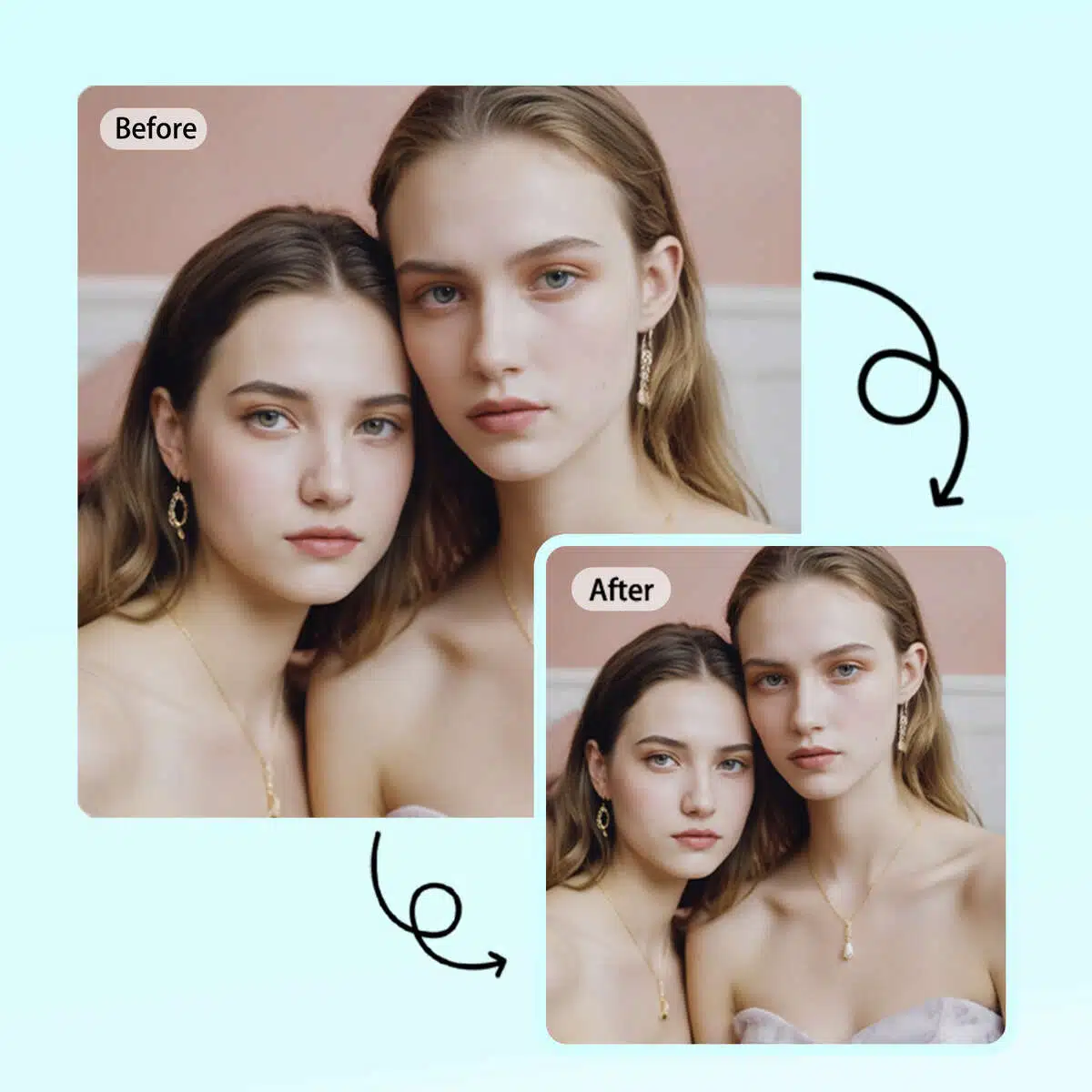
Reduce Image Size Without Quality Loss
Effortlessly shrink your images while maintaining high quality. This tool allows you to reduce the file size of your images, making them ideal for faster uploads, email sharing, and better web performance—all without sacrificing visual quality.
AI image upscaler

Multiple upscale options
Leverage AI to upscale small photos to 2x, 4x, 8x larger images.

No Loss of Details
When enlarging images, it will automatically enhance images to bring out the best results.

Enlarge for All Purposes
Effortlessly enlarge image sizes for printing, wallpaper, digital photography, and more.
Frequently Asked Questions
How do I shrink a JPEG image?
How do I shrink my image?
To shrink your image, upload it to X-Design, then resize it to a smaller size. You can change the dimensions or file size to suit your needs, ensuring the image remains clear and suitable for sharing or uploading.
How can I reduce the KB of my photo?
To reduce the KB of your photo, upload the image to X-Design and adjust its size or compression settings. This helps lower the file size without losing image quality, making it easier to upload or share online.
Can I resize a JPEG image?
Yes, you can resize a JPEG image by uploading it to X-Design. Resize the image to your desired dimensions, and you can also reduce the image in a file without compromising the image’s clarity or quality.
How to compress a photo without losing quality?
To compress a photo without losing quality, simply reduce the image's size or adjust its resolution. Many X-Design's online tools allow you to make this adjustment while maintaining the photo’s sharpness, so it’s ready to use without compromising on clarity.