Upscale Your Kling Images on X-Design
Use X-Design to upscale Kling AI-generated images quickly and accurately. Increase image size without stretching or distortion, and maintain sharp edges and consistent visual quality. With flexible scaling options, you can enlarge AI images to match your exact dimension requirements.
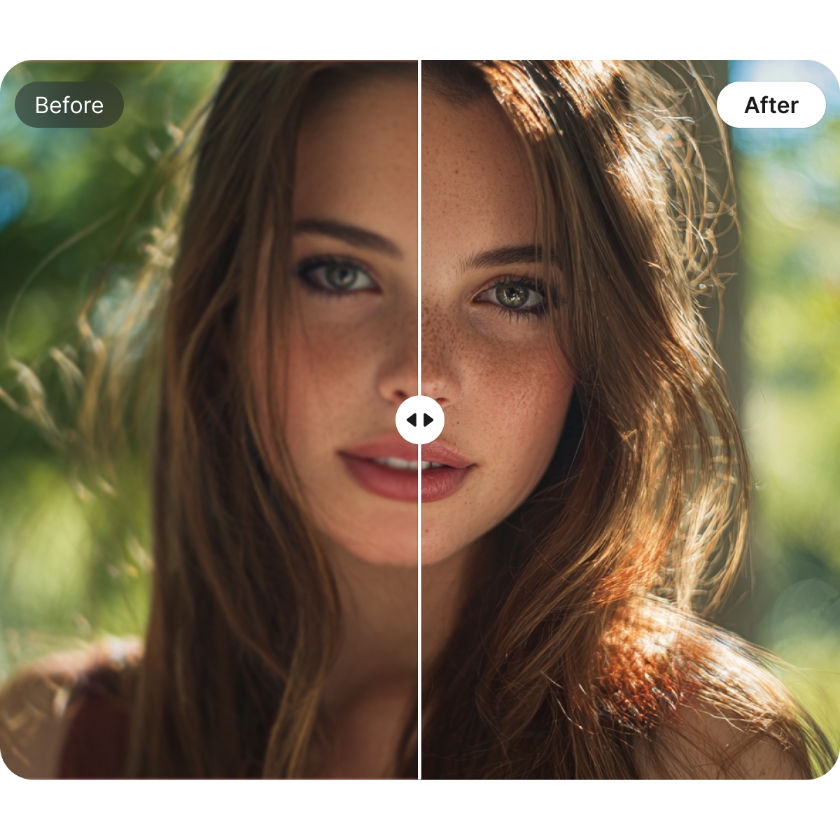
How to Upscale Kling AI Images on X-Design
Upload Your AI Image
Upload your Kling AI-generated image from your device to begin the upscaling process.
Choose the Output Size
Select a preset scaling option (2x, 4x, or 8x) or enter custom dimensions in pixels, millimeters, or centimeters based on your required output size.
Download the Upscaled Image
After processing, download the enlarged image at the new dimensions. Your file is now resized and ready for use at the selected size.
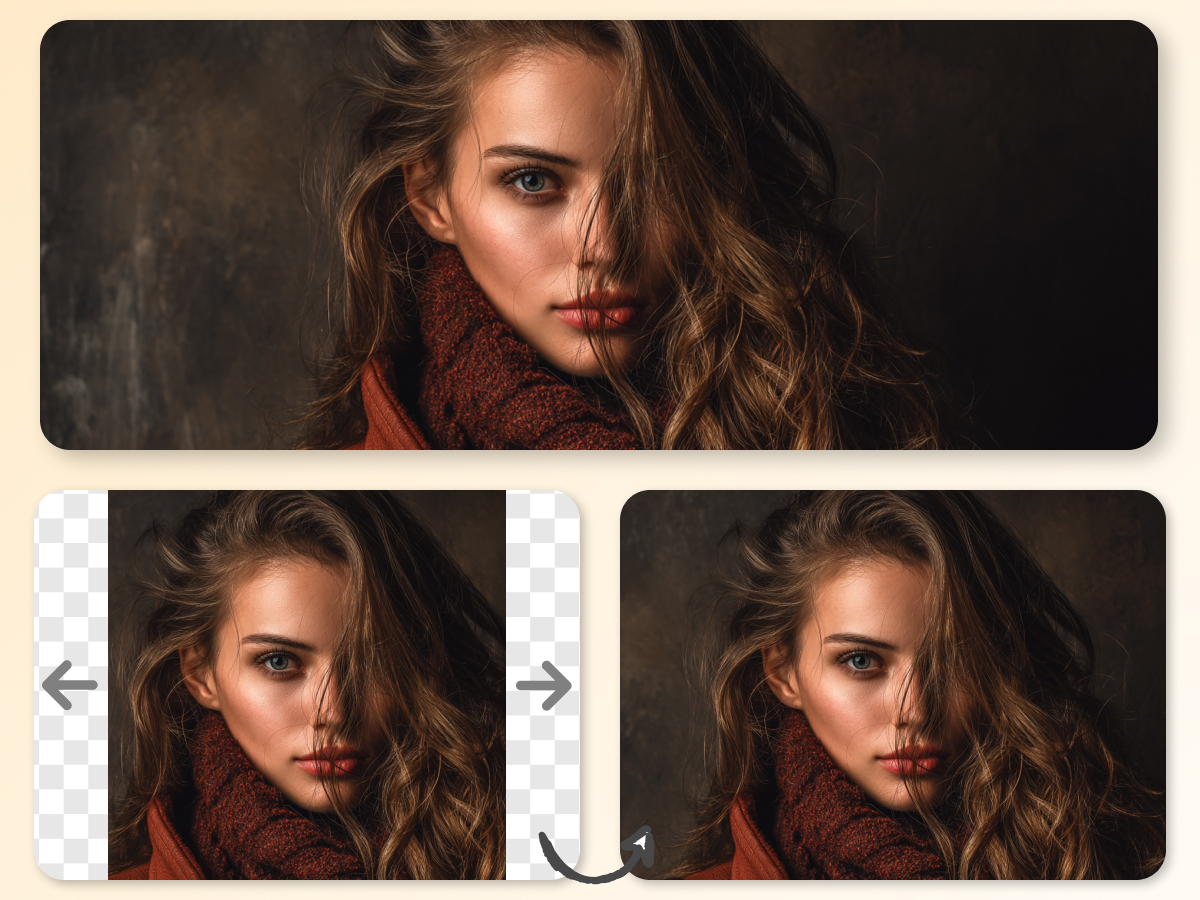
Flexible Size Adjustment
Customize your image dimensions freely. Enter specific values in pixels, millimeters, or centimeters to scale your Kling image to the exact size you need. This gives you full control over output resolution and final layout.
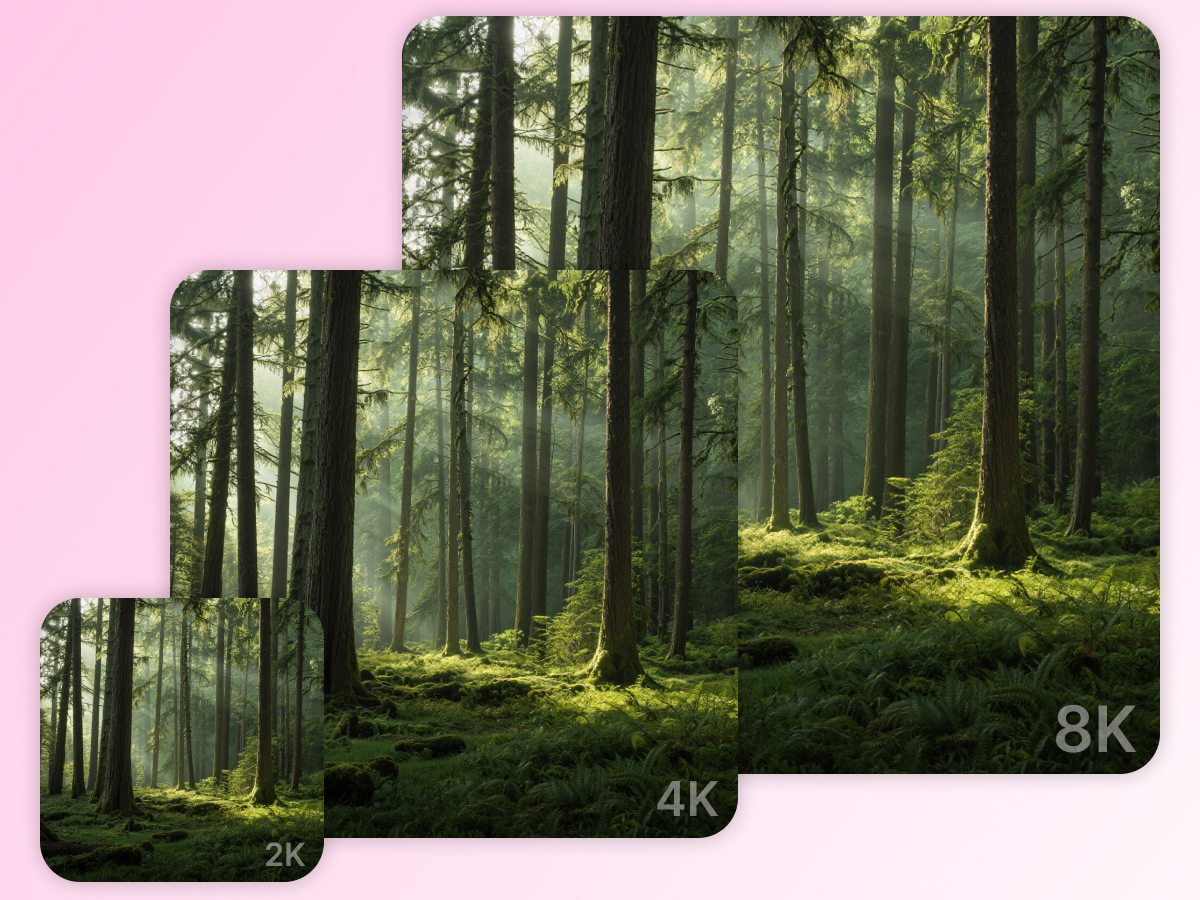
2x, 4x, and 8x Scaling
Adjust image dimensions or extend the canvas without losing quality. X-Design intelligently generates matching content to fill expanded areas, maintaining natural composition and aspect ratios.
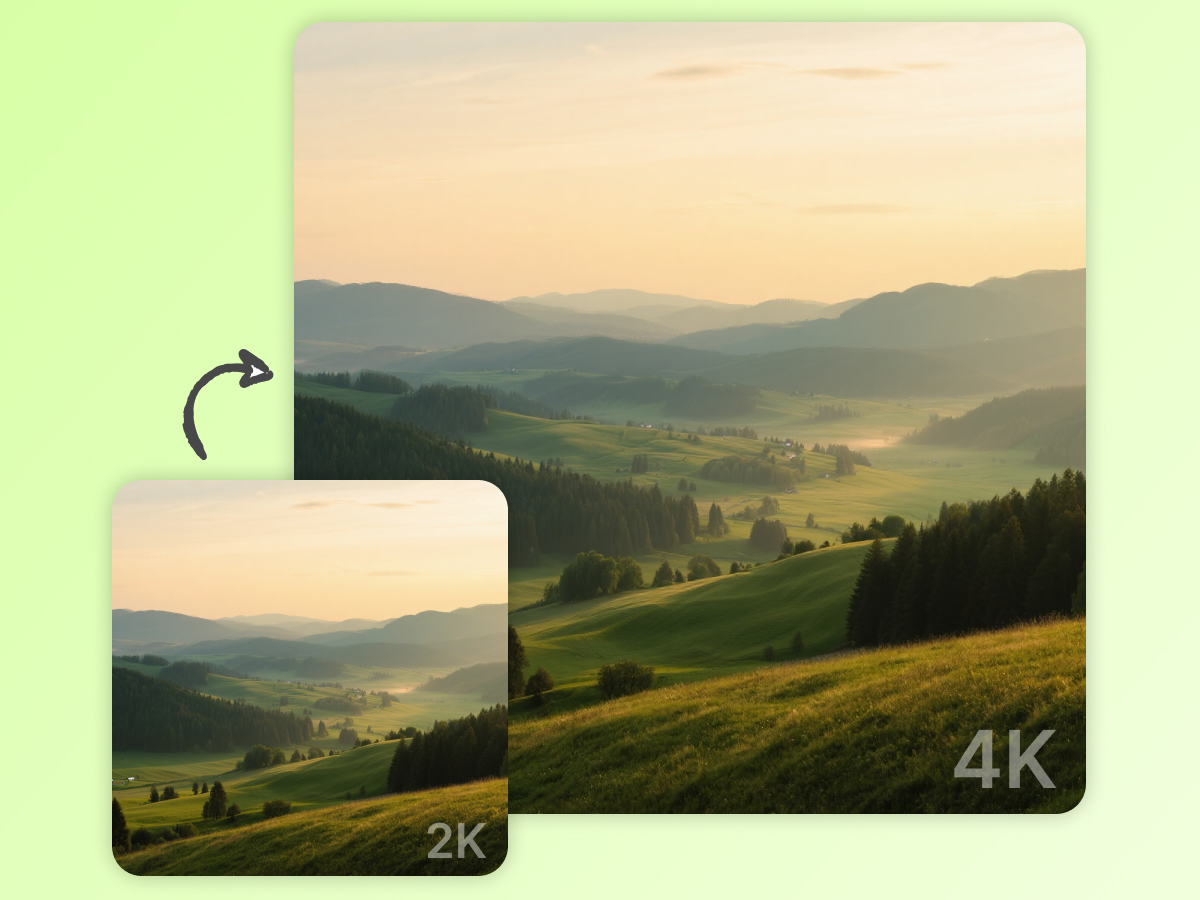
Maintain Image Proportions
Upscale images while keeping original proportions intact. X-Design ensures that your Kling visuals remain balanced and undistorted during the resizing process.
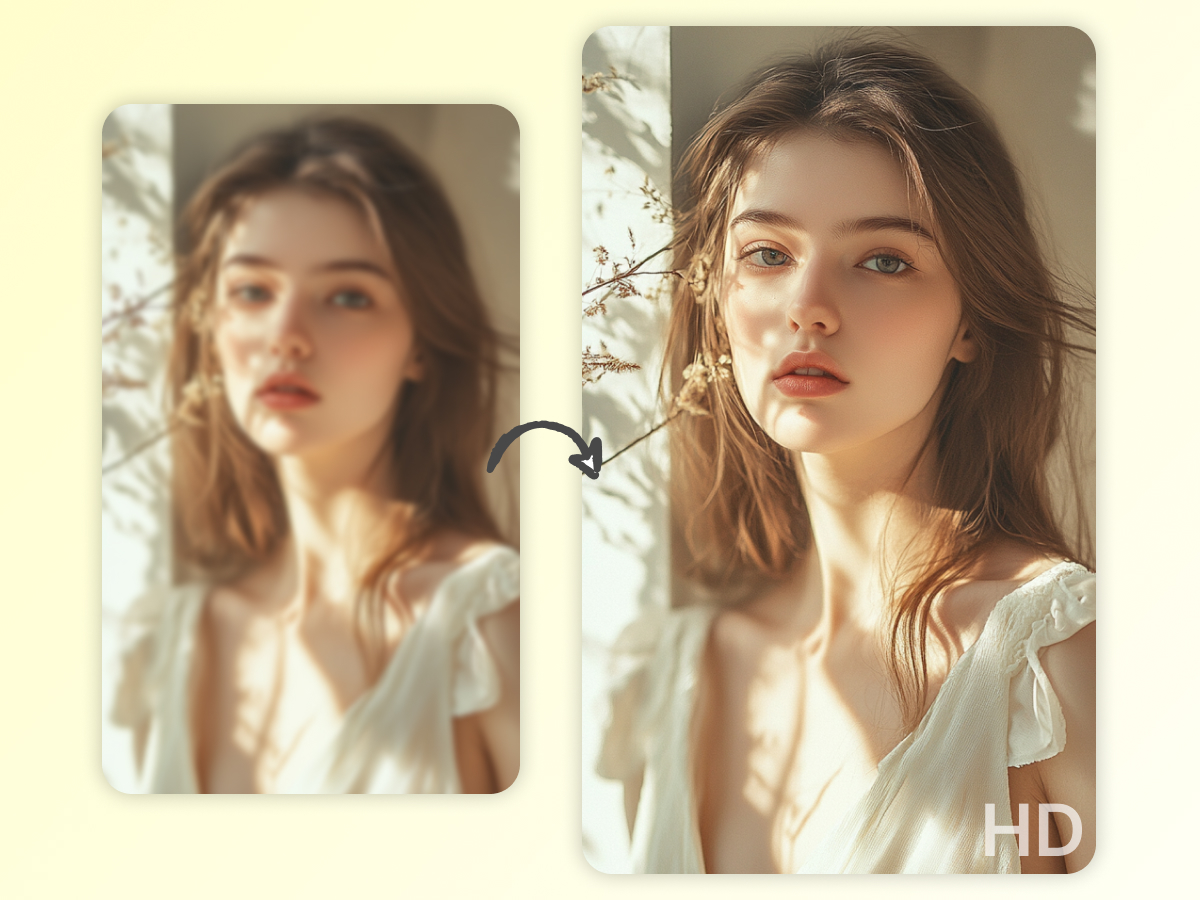
High-Resolution Output
Generate larger image files suitable for high-definition displays or large-format layouts. The upscaled result maintains structure and clarity even at increased sizes.
Why Choose X-Design for Image Upscaling

Free and Accessible
Upscale your Kling AI images without additional cost. X-Design provides a straightforward solution that anyone can access online without complicated setup or hidden barriers.

No Technical Skills Required
The upscaling process is simple and intuitive. You don’t need design experience or editing knowledge to enlarge your AI images accurately.

Fast and Convenient
Upscale your image in just a few clicks directly in your browser. No software installation, no complex configuration—just upload, select your size, and download.
Frequently Asked Questions
What file types can I upscale?
Can I choose exact output dimensions?
Yes. You can manually input specific dimensions in pixels, millimeters, or centimeters to match your required size.
What scaling options are available?
You can select preset 2x, 4x, or 8x upscaling, or customize dimensions manually.
Will the image proportions stay the same?
Yes. X-Design maintains the original aspect ratio during the upscaling process unless you adjust dimensions manually.
Is the process easy to use?
Yes. Upload your image, choose the desired size, and download the upscaled version—no advanced editing knowledge required.