Free Veo Watermark Remover
No video? Try one of these:

Instantly Remove Veo AI Captions And Text
Videos generated by Google Veo often come with auto-generated descriptions or captions that block the visual experience. X-Design is specifically optimized to remove the veo ai caption with a single click. Our AI understands the layout of Veo 3 generated videos, allowing you to cleanly erase these distractions without blurring the bottom area of your high-definition footage.

Professional AI Video Watermark Removal
Handling dynamic watermarks in AI-generated videos is often tricky. As a leading ai remove watermark from video solution, our tool tracks the watermark frame-by-frame. Whether the watermark is static or moving, our advanced deep learning engine locks onto it and automatically erases it, ensuring the entire clip looks clean and consistent.

Lossless Quality For 1080p+ Veo Generations
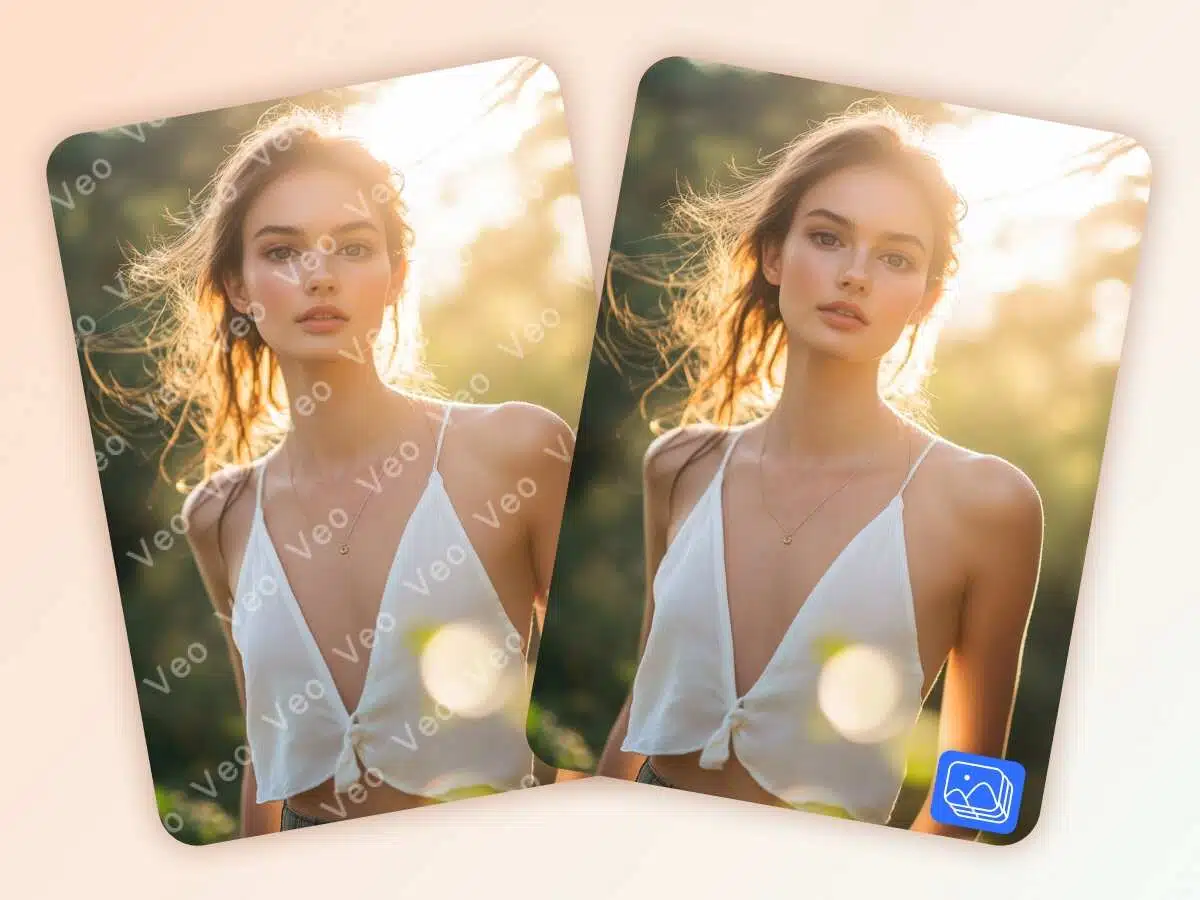
When you perform the remove watermark from video operation on clips created by Veo, retaining the original 1080p or 4K resolution is non-negotiable. While helping you remove logo from video assets, we perfectly preserve the sharpness, lighting, and motion blur of the original AI-generated video.
A Batch Processing Powerhouse For Creators
Have multiple Veo clips to clean up? Our tool supports efficient workflows. You can use our remove watermark from video online free feature to test the quality, and then proceed with batch processing. We make it easy to clear watermarks from bulk-generated content, saving you hours of manual editing time so you can focus on storytelling.

One-Click Object And Logo Eraser
Veo-generated videos may sometimes include unwanted artifacts or platform branding. X-Design is not just for text; it is a comprehensive watermark remover for video editor. Our AI reconstructs background pixels based on surrounding temporal data, making the erasure traces invisible.
How to Remove Veo Watermarks?
Upload Veo Video
Just click to upload your video generated by Veo. X-Design supports high-definition formats, including 1080p and 4K.
AI Clears Captions
The algorithm tracks the frames to remove the VEO AI caption or brand logos without blurring the video details.
Download Video
Export the video immediately after the ai remove watermark from video task is finished, retaining original quality.
One Veo Watermark Remover for Every Use Case

Events
Promoting a conference or festival? Use Veo to generate cinematic teasers. Our tool helps you remove watermarks from video footage, ensuring your large-screen displays and promotional clips look completely professional and free of "trial version" branding.

Why Choose us

Free to Try Online
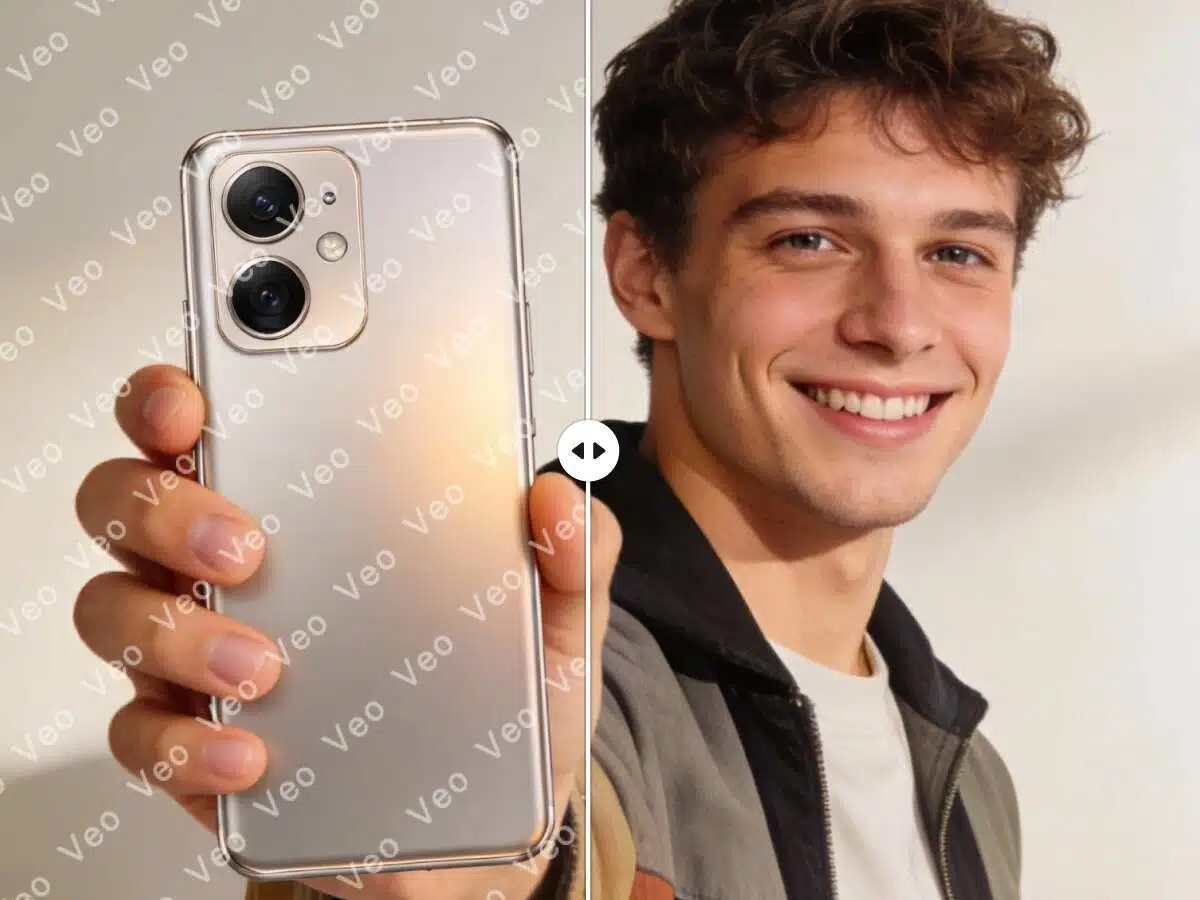
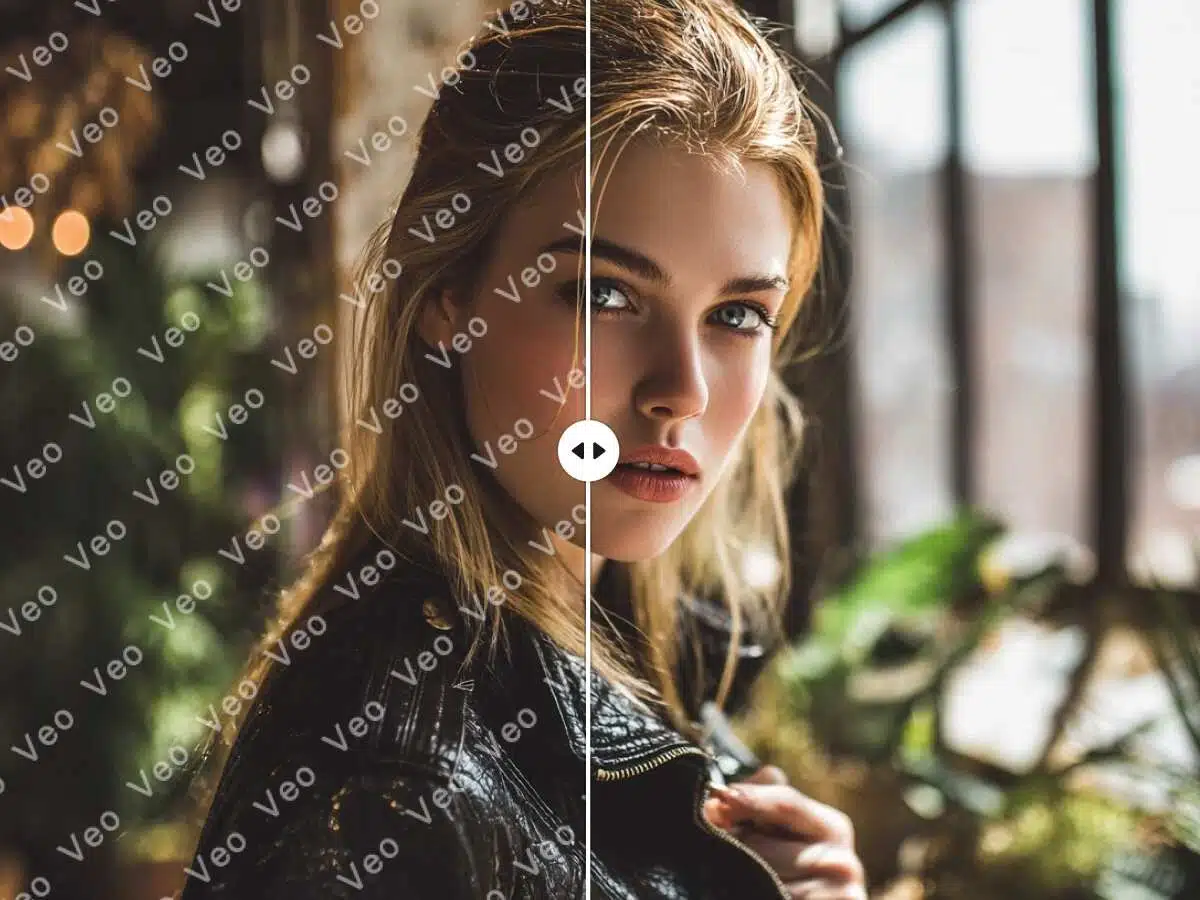
Don't let watermarks ruin your cinematic AI videos. Use our remove watermark from video online free tool to test the removal quality on your Google Veo clips. See the clean results for yourself before final export.

Easy Automatic Eraser
Removing captions or logos from video is no longer a manual chore. Our ai remove watermark from video engine tracks the unwanted elements frame-by-frame automatically. It’s as easy as editing a photo, but for video.

Fast High-Res Export
We value your time. X-Design ensures fast processing speeds even for 1080p content. Remove logo from video clips quickly and export them in high definition, ready for your commercial or social media campaigns immediately.
Frequently Asked Questions
What kind of Veo watermarks can be removed?
Will removing captions blur the video?
No. Our algorithm uses temporal data from surrounding frames to reconstruct the area. When you ai remove watermark from video, the background behind the text remains clear.
Does it support 1080p and 4K videos?
Yes. We support high-definition exports. Whether you need to remove logo from video clips for TV or YouTube, X-Design maintains the original bitrate and resolution.
Can I try it for free?
Yes. You can use our remove watermark from video online free preview to check the removal quality on a short segment before processing the full video.
How do I remove watermarks from multiple Veo clips?
We offer a batch processing feature. You can upload multiple files and the AI will clear watermarks from all of them simultaneously.
Can it remove moving watermarks?
Yes. Our watermark remover for video engine tracks dynamic watermarks frame-by-frame, locking onto the target and erasing it even if it moves across the screen.
Is it complicated to use?
It's very simple. Just upload your video, select the area to clean, and click Remove. The ai remove watermark from video process is fully automated.
Can I use this on my phone?
Yes, X-Design is mobile-friendly. You can remove watermark from video directly from your mobile browser before uploading content to social media.