Free Wall Art Mockup Generator
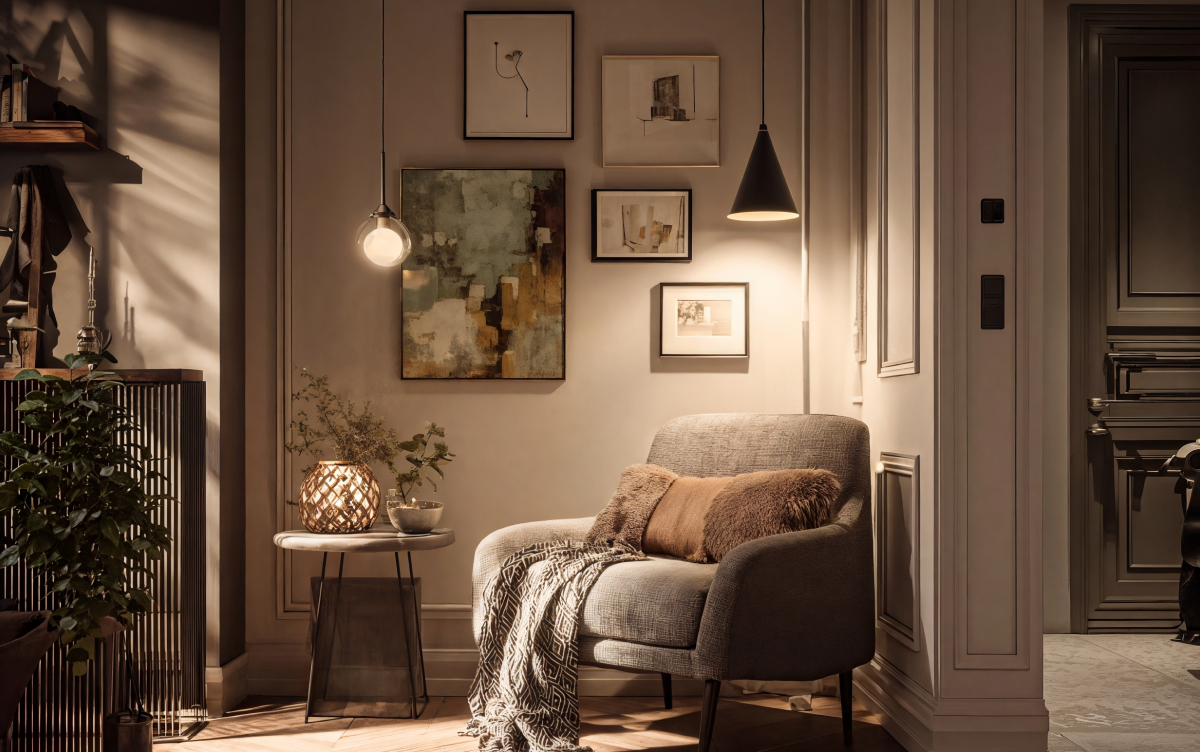
The X-design mockup generator is an online tool with a beginner-friendly interface. You can make unlimited mockups and download them for free. If you are not satisfied with the design, simply try X-design advanced editing feature to enhance your wall art mockup.
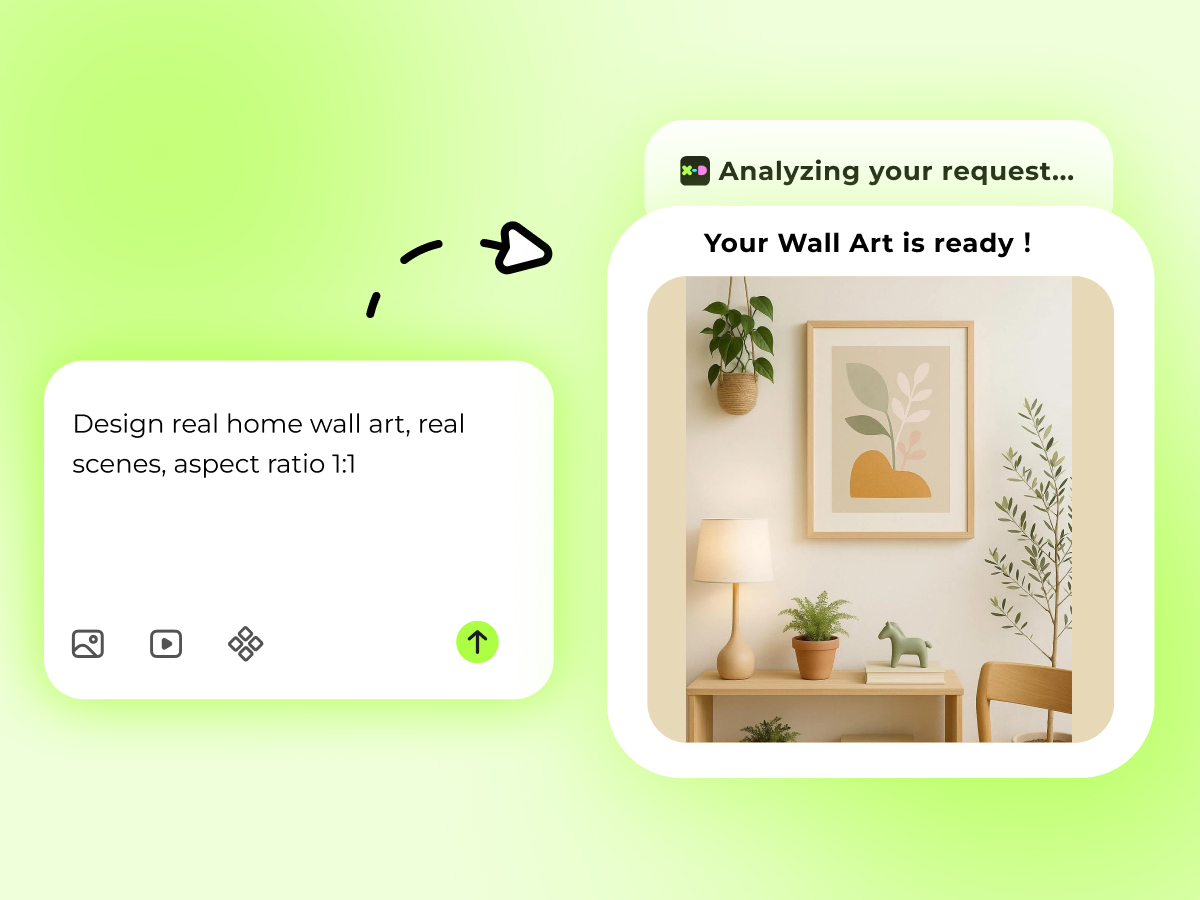
Beginner-friendly
The X-design wall art mockup generator is designed for everyone. It has an intuitive interface that allows even non-professionals to create high-quality wall art mockup designs. After accessing our web-based mockup generator, all you need to do is describe your idea. The tool automatically adjusts everything according to the provided input. Did not like the final outcome? Our mockup generator also has an editing option to swap any element until the design feels right.
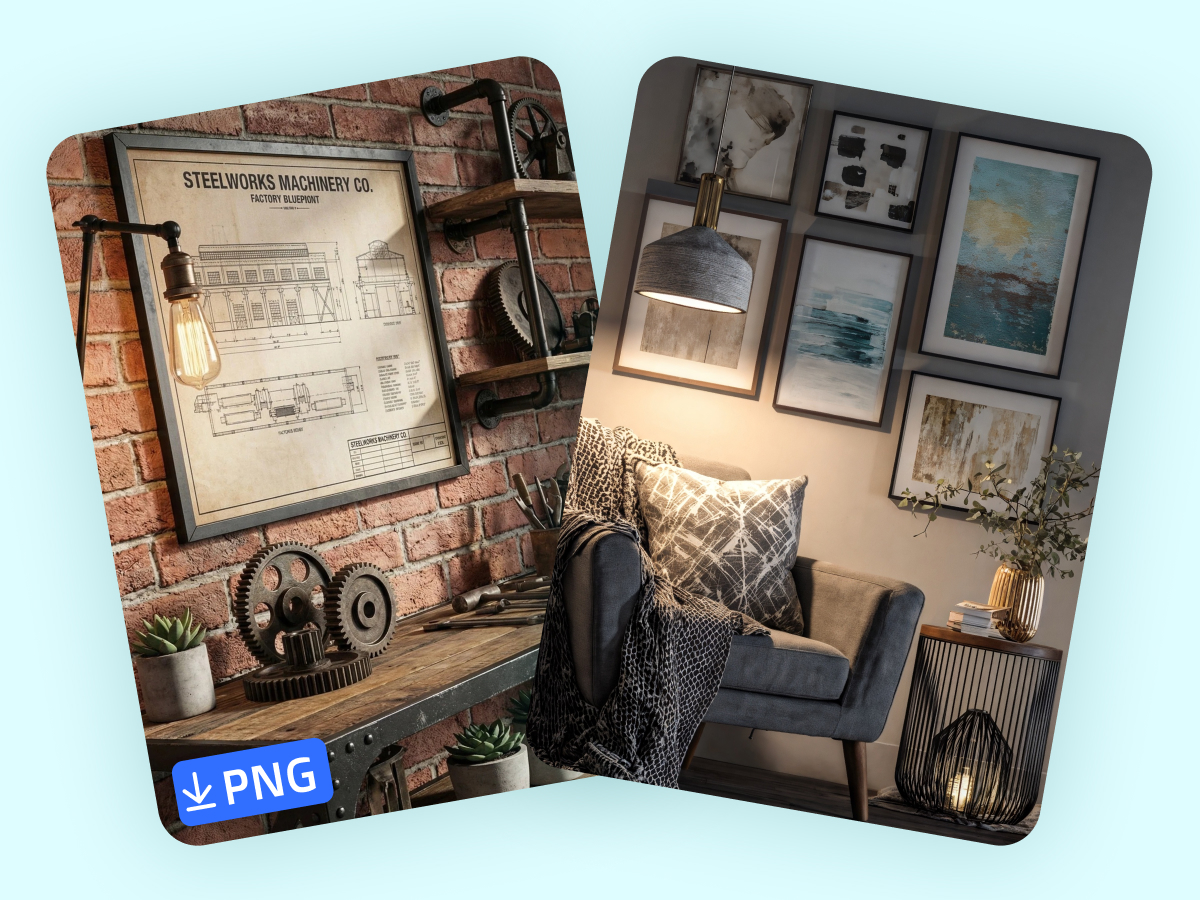
Flexible Output Formats
Different file formats work for different needs. The X-Design wall art mockup generator provides dynamic download formats, eliminating the need of using external file converters. The generated mockup is available in JPG, PNG and SVG formats.The most suitable file format to be used in social media is JPG because it loads more quickly than other formats. If the wall art mockup heavily comprises typography, then go for PNG or SVG. These two formats preserve the image quality. Therefore, you can use them for large display screens or even print media.
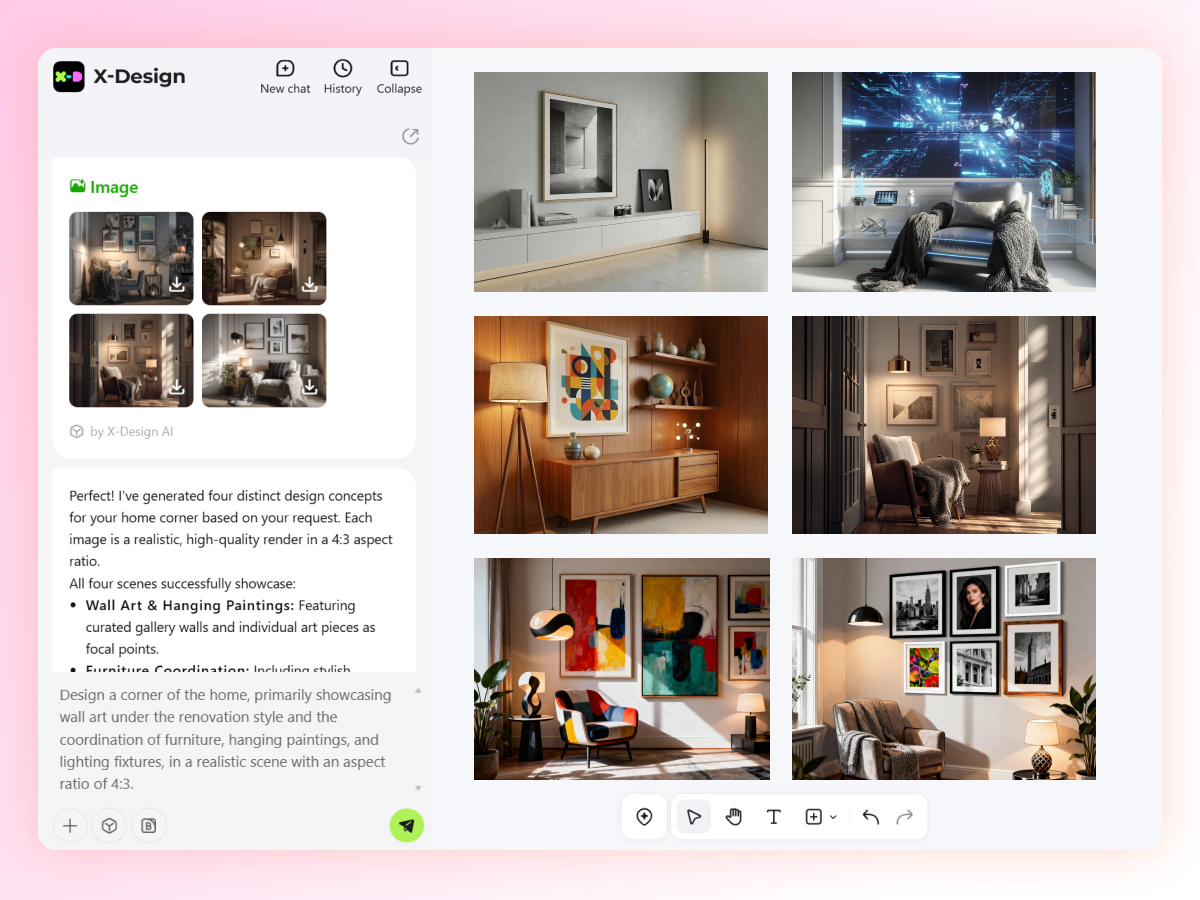
Unlimited Access
Create an unlimited number of wall art mockups with the X-design free wall art mockup generator. Whether you want to generate new mockups or enhance the previous designs, you can use our wall art mockup generator for free. Users get daily free credits. There are no subscription costs associated with creating or editing your mockups. Just sign up and start working on the mockups immediately. Once ready, download the mockups in high-quality without paying any additional costs.
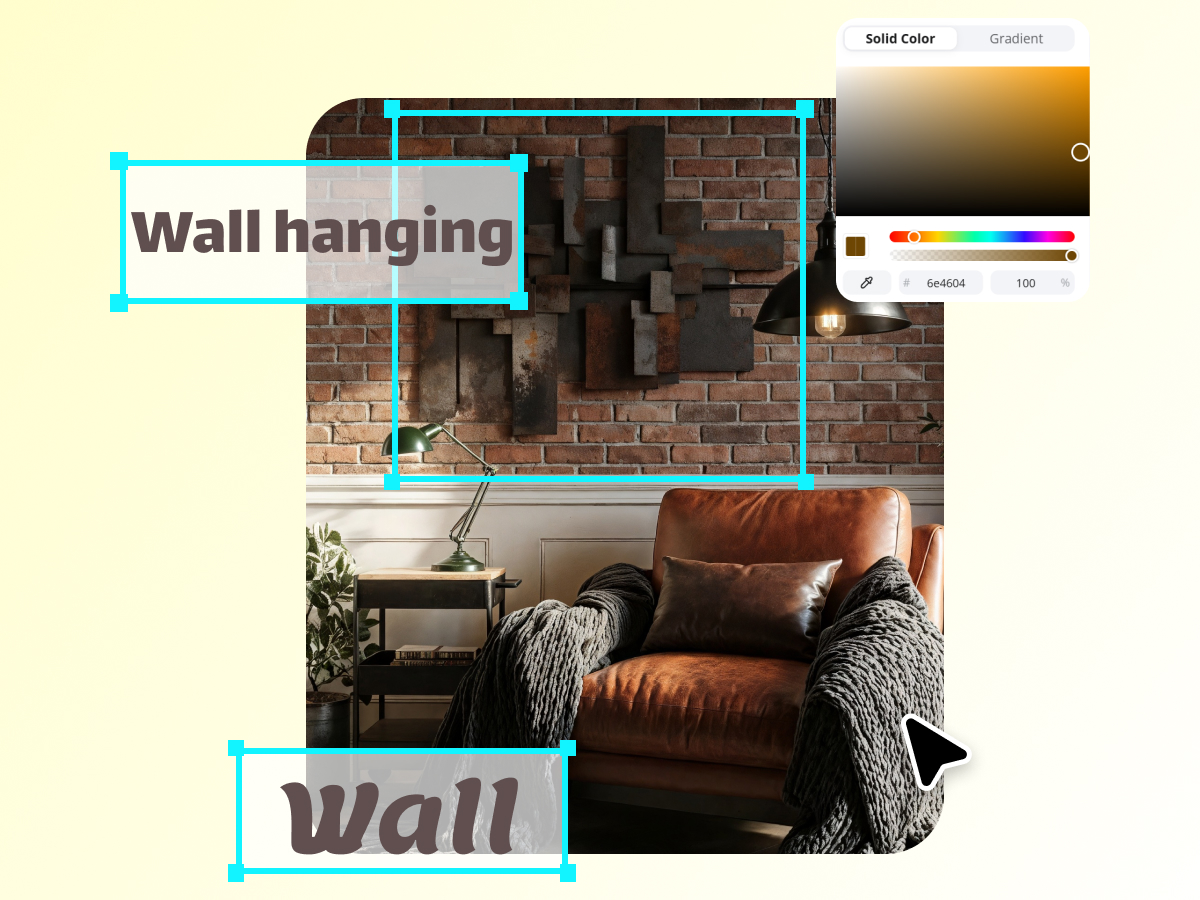
Advanced Editing Features
The X-design canvas art mockup generator is not limited to creating wall art mockups. It also comes with advanced editing features to enhance your designs. Want to replace the text? Just use the “Replace Text” feature to swap the previous one with something better.Other editing tools like shadows and strokes give you full control over presentation. Add adjustable shadows to create depth and realistic wall placement, or apply solid strokes for clean, defined edges.
How to Use the Wall Art Mockup Generator with X-design?
Upload Reference Image
Go to the X-design mockup generator and provide a reference image for the wall art you want to generate.
Mention Details
Type other details about the environment, lighting, decor, and the concept of the wall art.
Download and Share
Choose the mockup generation model and hit the “Go” button. Once generated, download the mockup in the desired output format.
Where is the Wall Art Mockup Generator Needed?

Preview Artwork in Real Interior Settings
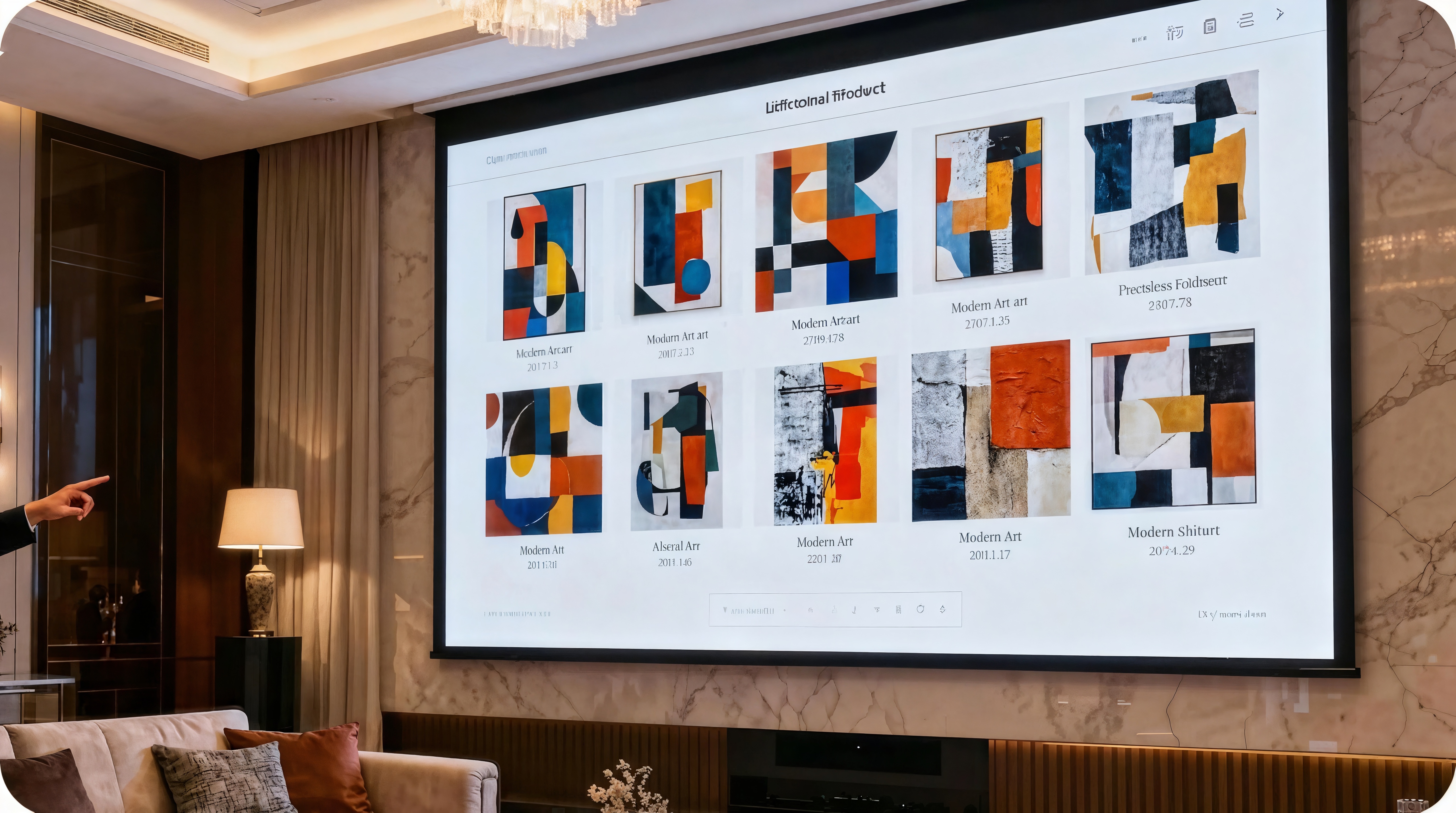
Creating the perfect wall art piece comes with a lot of complexities, especially for interior settings. The artists need to pay attention to each detail, such as the furniture, the type of floor and ceiling, the concept of the room in order to create a wall art that fits the interior.Rather than visualizing and then depending on the guesswork, use the X-design wall art mockup generator to make the decision confidently. Our tool can help you evaluate the complementary colors, right proportions, and suitable framing to ensure visual balance across the room.

Why Choose X-Design’s Wall Art Mockup Generator?

Create Diverse Mockups
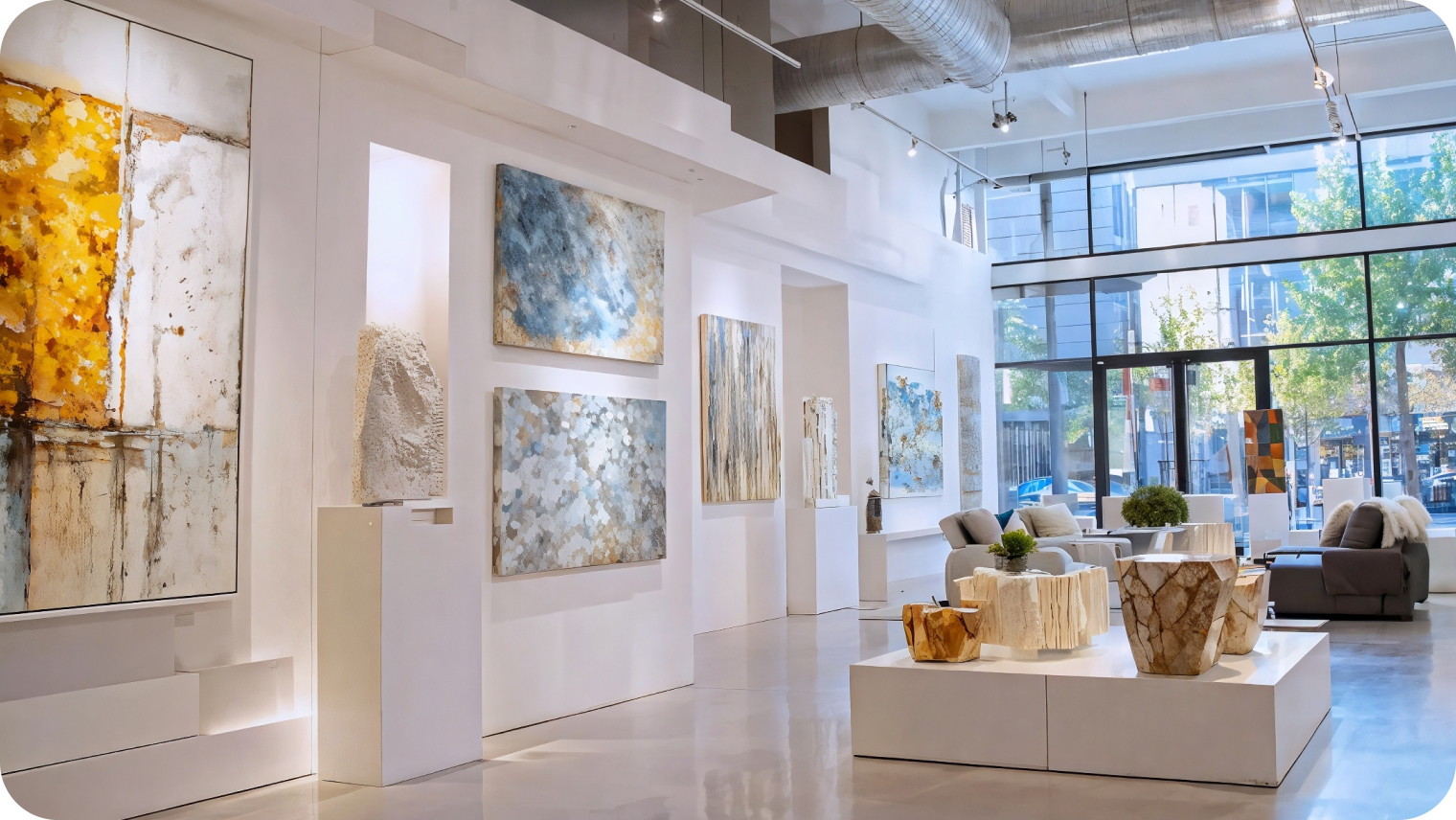
Whether it is a wall art mockup for a small room wall or large walls of a galleria, the X-design mockup generator can help you generate the wall art with precise alignment and proportions for any environment.

Use Your Designs for Commercial Purpose
The wall art mockups you generate using X-design can be used anywhere for personal and commercial purposes. You have the complete ownership of the design you create.

Save the Production Costs
It eliminates the need for printing physical prototypes or hiring professionals for expensive photoshoots. Testing the design virtually also reduces the need for revisions thus reducing overall production cost.
Frequently Asked Questions
Can I Share the Wall Art Mockup on Social Media?
How Can I Make My Wall Art More Unique?
You can make your wall art more unique by adding some signature elements. You can turn the flat wall art into a 3D piece or incorporate famous quotes in it. Moreover, you can also describe your favorite memory in the form of wall art to make your space feel more personalized.
Is the X-design Wall Art Mockup Generator Free?
Yes, the X-design mockup generator is free. You can use the free credits to generate and download high-quality mockups. However, to use advanced editing features, you may have to buy a paid plan.
Can I Download the Wall Art Mockup in PNG Format?
Yes, you can download the wall art mockup in PNG format. It is the best format to preserve graphics of an image. To download the mockup in your required format, click on the download button, select the format, and it will be downloaded instantly.
Can I Generate the Wall Art Mockup on Mobile?
Yes, you can generate the wall art mockup on mobile using the X-design mockup generator. It is a web-based tool that can be accessed from any device as long as you have active internet connection.