AI Website Mockup Generator
Make mockups in minutes with our website mockup generator. It turns sketches or simple text prompts into editable layouts that are ready to refine and export.
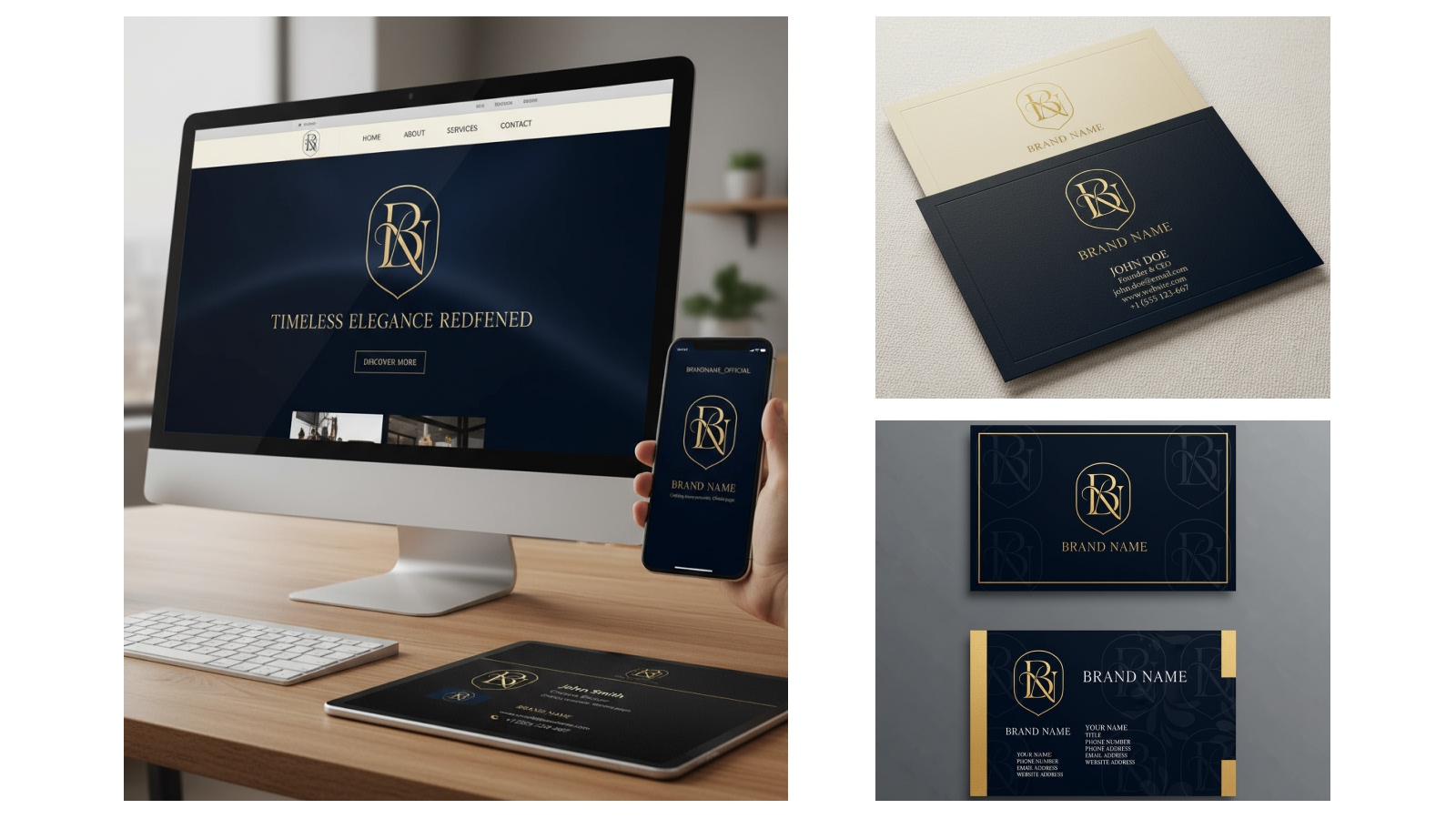
How to Design Website Mockups Online?
Start and Enter Your Input
Open the X-Design workspace and use the dialog box to either type a prompt or upload an image, then click ‘Send’ to proceed.
Tweak the Mockup
The AI reads your input and builds a website mockup automatically, placing layout elements in a clean frame.
Download
Adjust what you need and download the final mockup for presentation or client feedback.
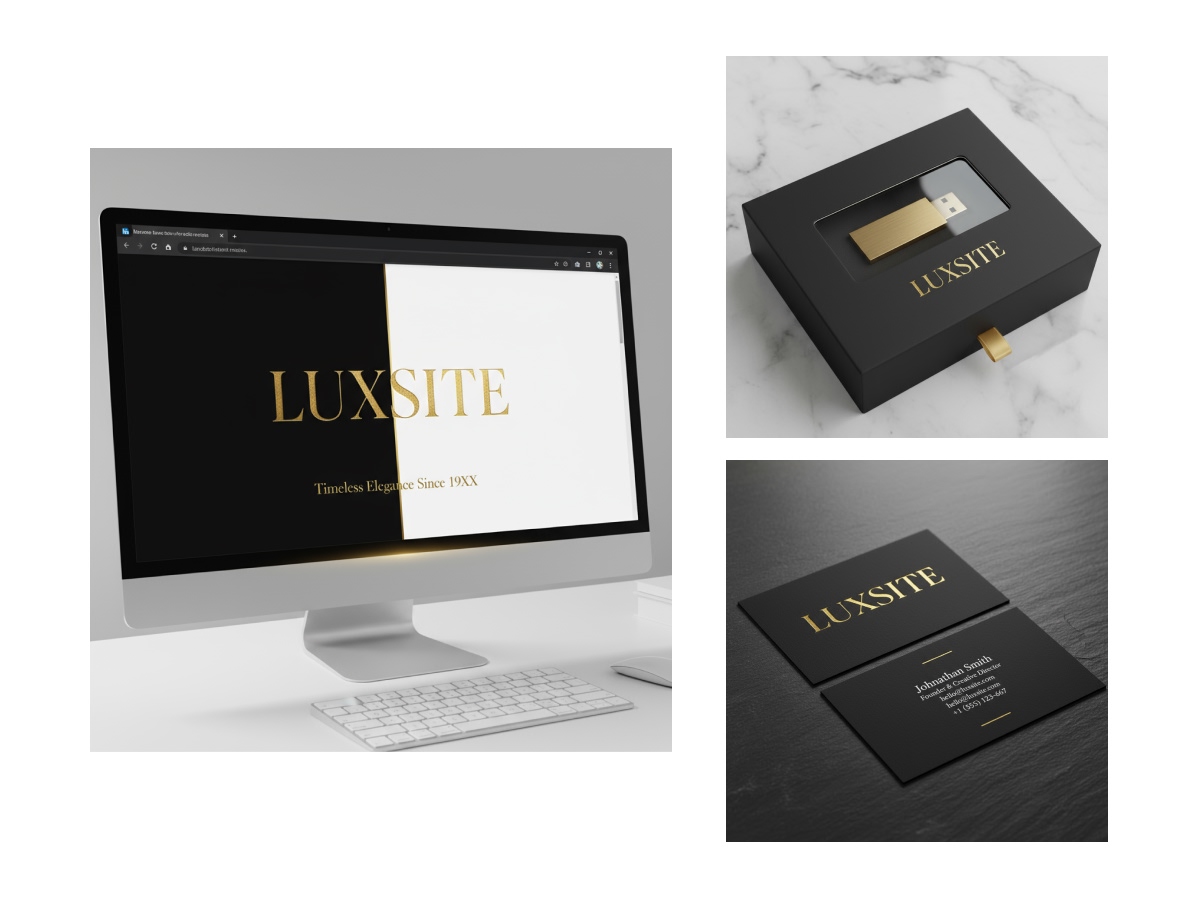
Fast AI-Powered Mockups
Our tool can create a complete website mockup from a wireframe, example, or text prompt in minutes. The advanced AI arranges layout elements, and saves hours of manual design work. It is useful for pitching, planning, validating, or testing ideas in the early stages of a website build.
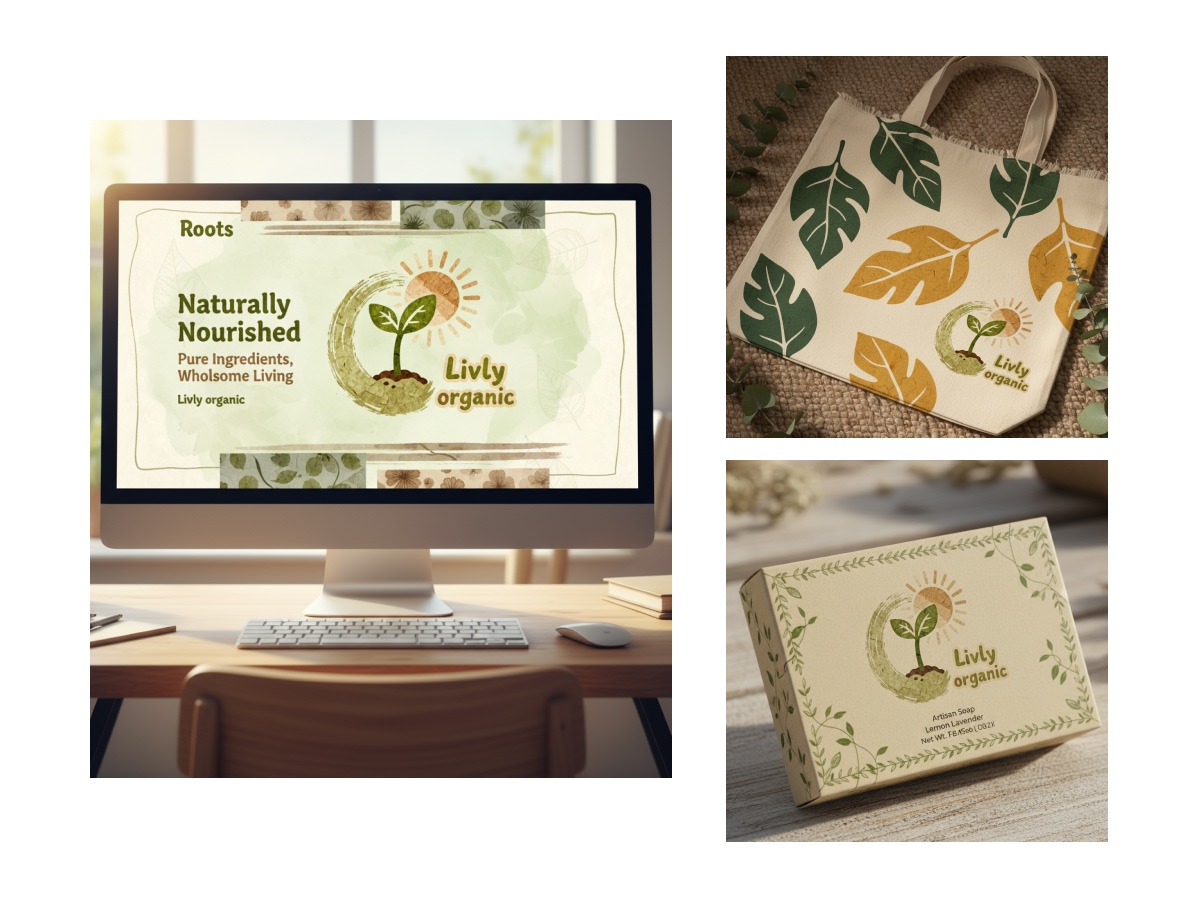
One-Click Device Mockups for Multiple Screens
No more resizing designs manually. Just place your layout into real device frames like MacBooks, Windows laptops, iPhones, and more with one click. It helps you show how the design will actually look to users in real life and helps clients understand the context instantly.
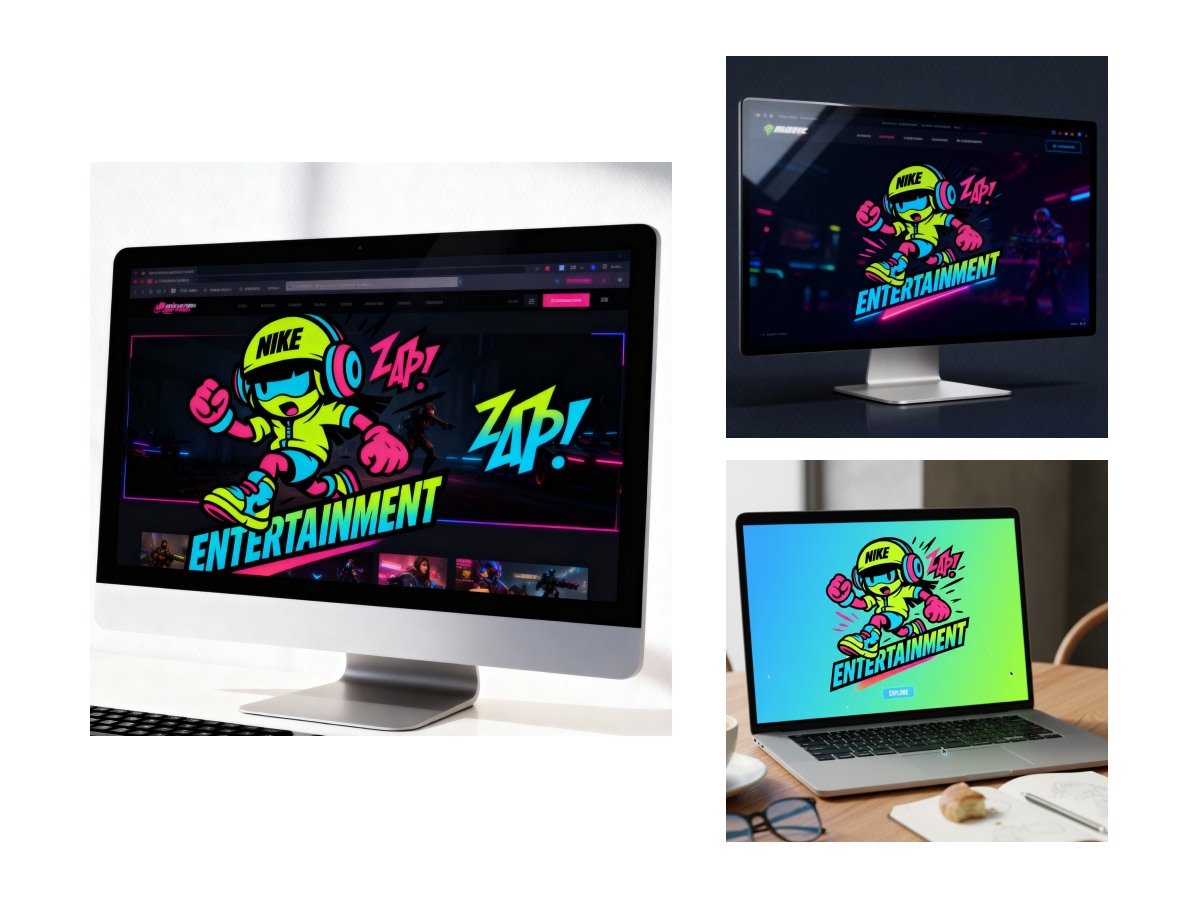
Background Customization
Skip Photoshop and make mockups look presentable directly inside the site mockup generator. You can switch the background to a desk scene, a solid color, or a photo backdrop. This ensures the final visual looks polished and not like a raw screenshot.
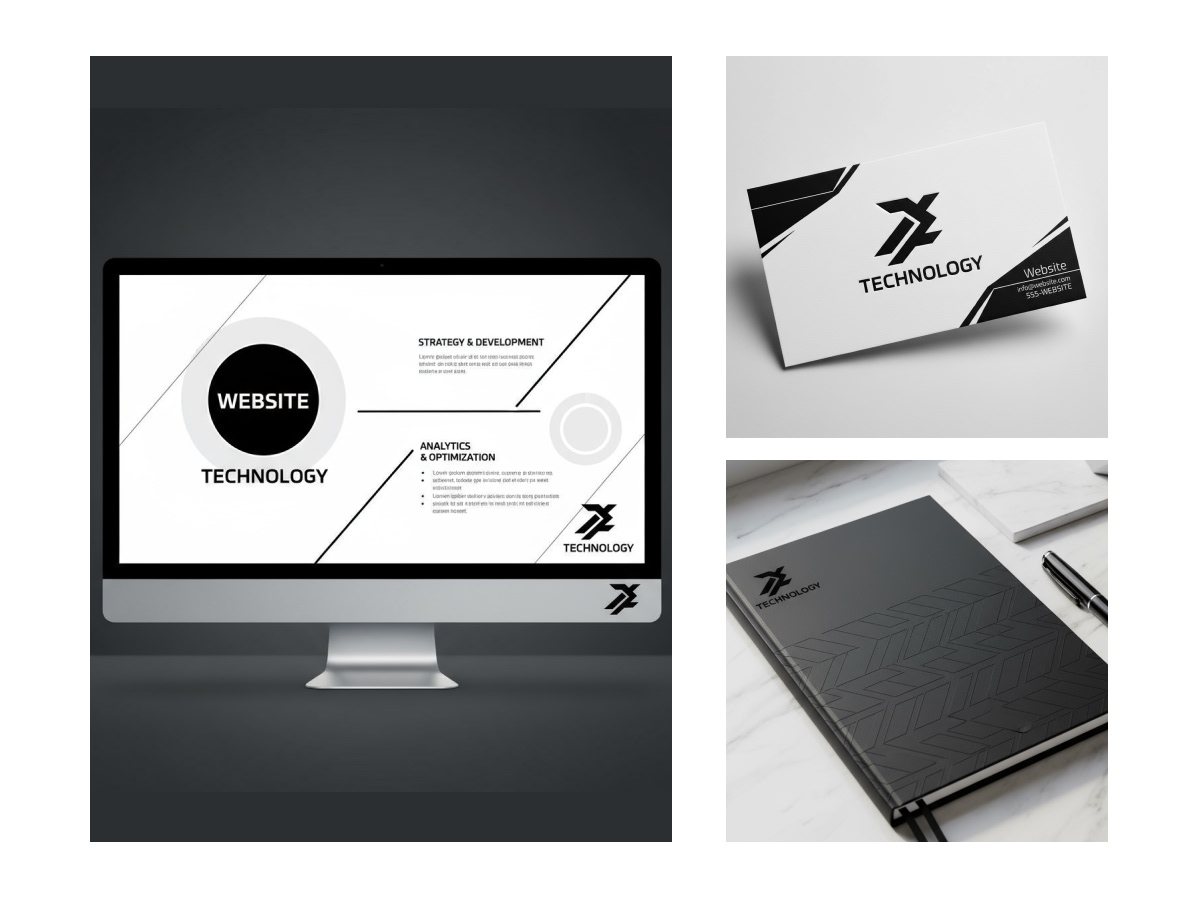
Generate Multiple Mockups at Once
You don’t have to create one mockup at a time only. If you have many pages or versions, add them all together; they can be designs or text prompts. The free website mockup generator will generate all the mockups in one go. It will save you from repeating the process each time.

Professional Output Without a Designer
Produce professional-grade mockups, even without a design background. Our webpage mockup generator automatically aligns sections, typography and spacing to create clean, polished layouts. You can share the final visuals with clients or collaborators for review or approval without needing a designer or external support.
Why Choose Us

Works From Any Starting Point
Begin to make mockups online with a prompt, a rough sketch, or an existing screenshot. The website mockup generator adapts to whatever you have, without forcing a fixed workflow.

Consistent Output Every Time
The AI applies the same logic and structure across all mockups. This keeps your concepts visually consistent when presenting multiple pages or variants.

Built for Real Project Workflows
The tool fits naturally into planning, sprint reviews, and client discussions. It helps teams validate structure, before investing time in detailed UI or development.
Frequently Asked Questions
Can I use my own brand colors or fonts?
What are the export formats available?
You can select an image file, HTML/CSS, or source code. It depends on how you plan to use it.
What export format is suggested for presentations or client demos?
PNG or JPG works well for decks, reviews and approvals. Code-based export is better when handing it to developers.
Is it possible to request changes before exporting the final version?
The AI can adjust layout, spacing, colors or frames before you download so the export is final-ready.
Does the tool support collaborative work or team sharing?
You can share mockups with teammates or clients through a link or export without needing them to create an account.