Free YouTube Profile Picture Maker
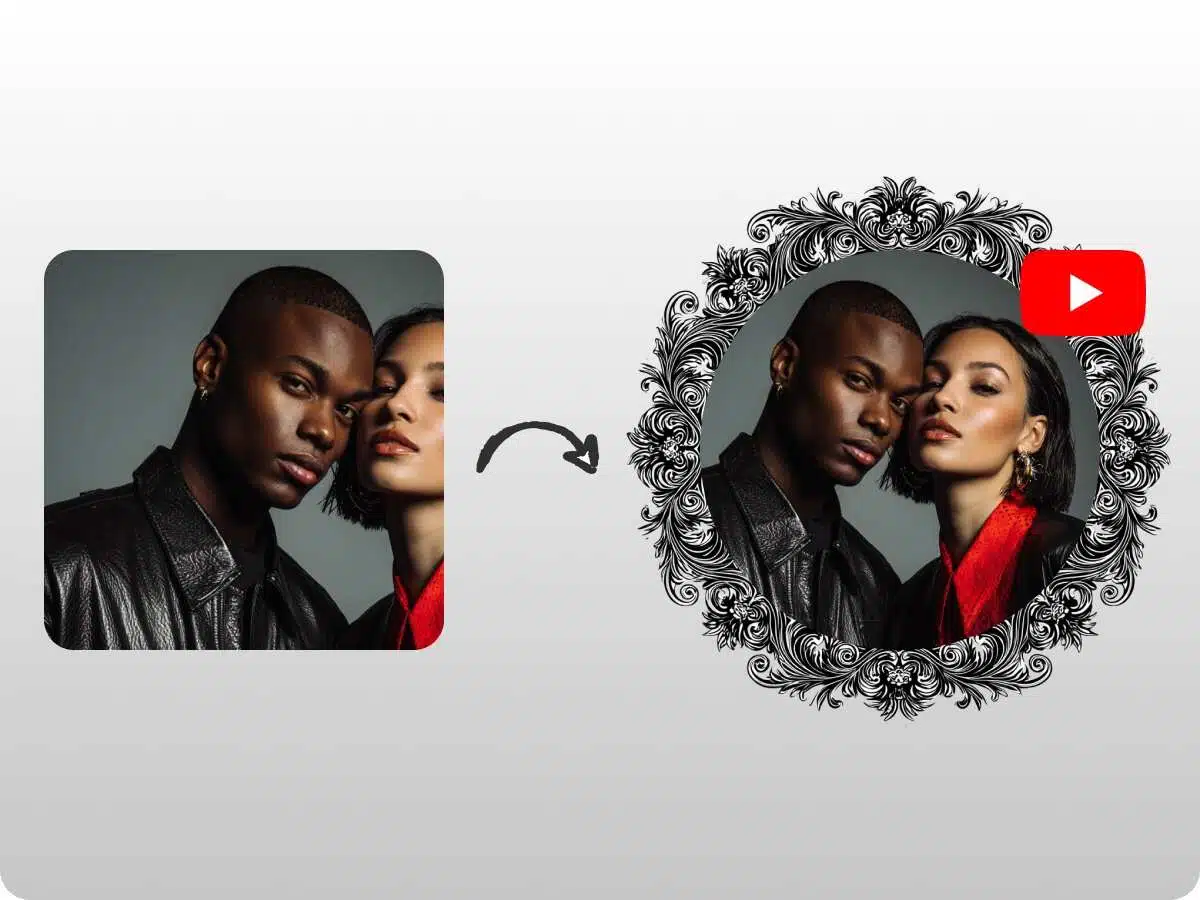
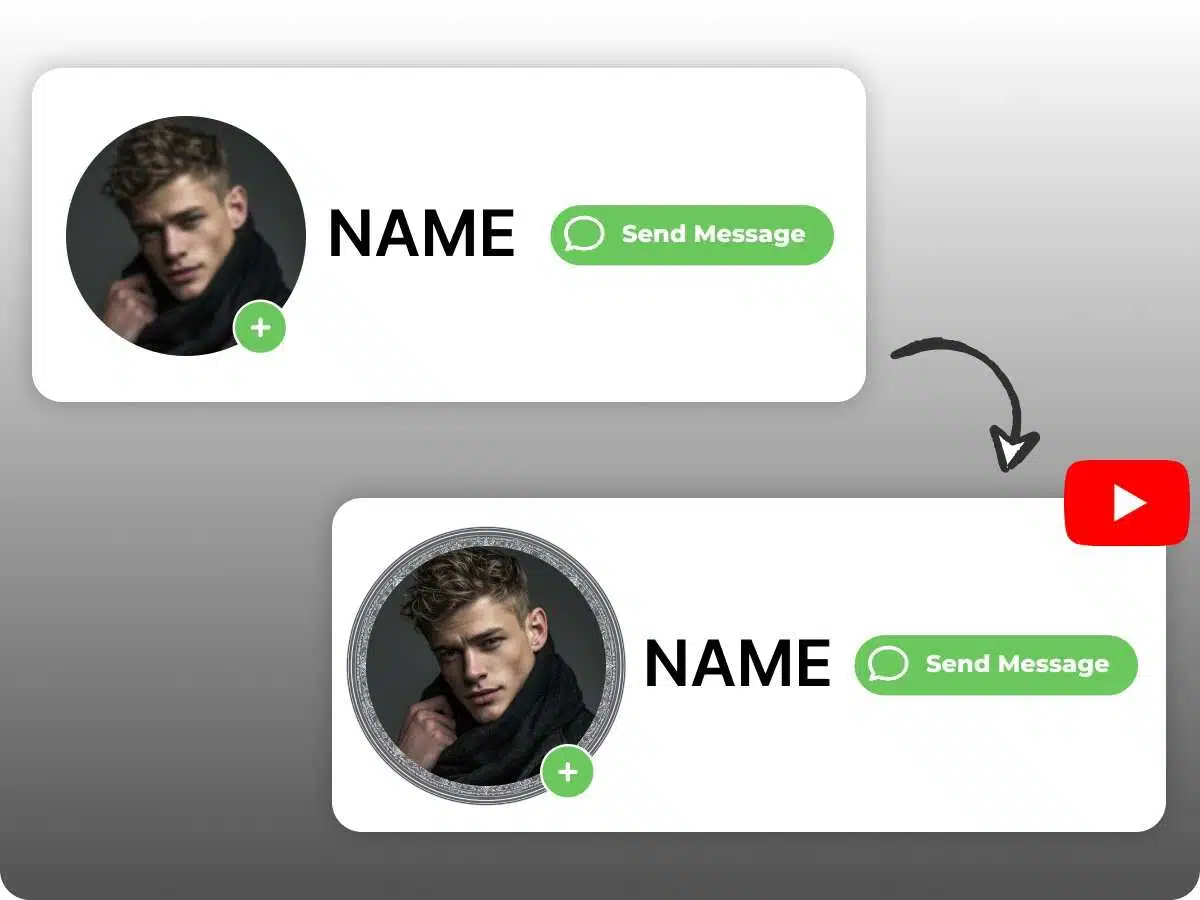
Save hours to create a YouTube profile picture with X-Design’s AI agent. It works as per your specific requirements. Get a profile picture maker for YouTube that offers you endless options with customization.
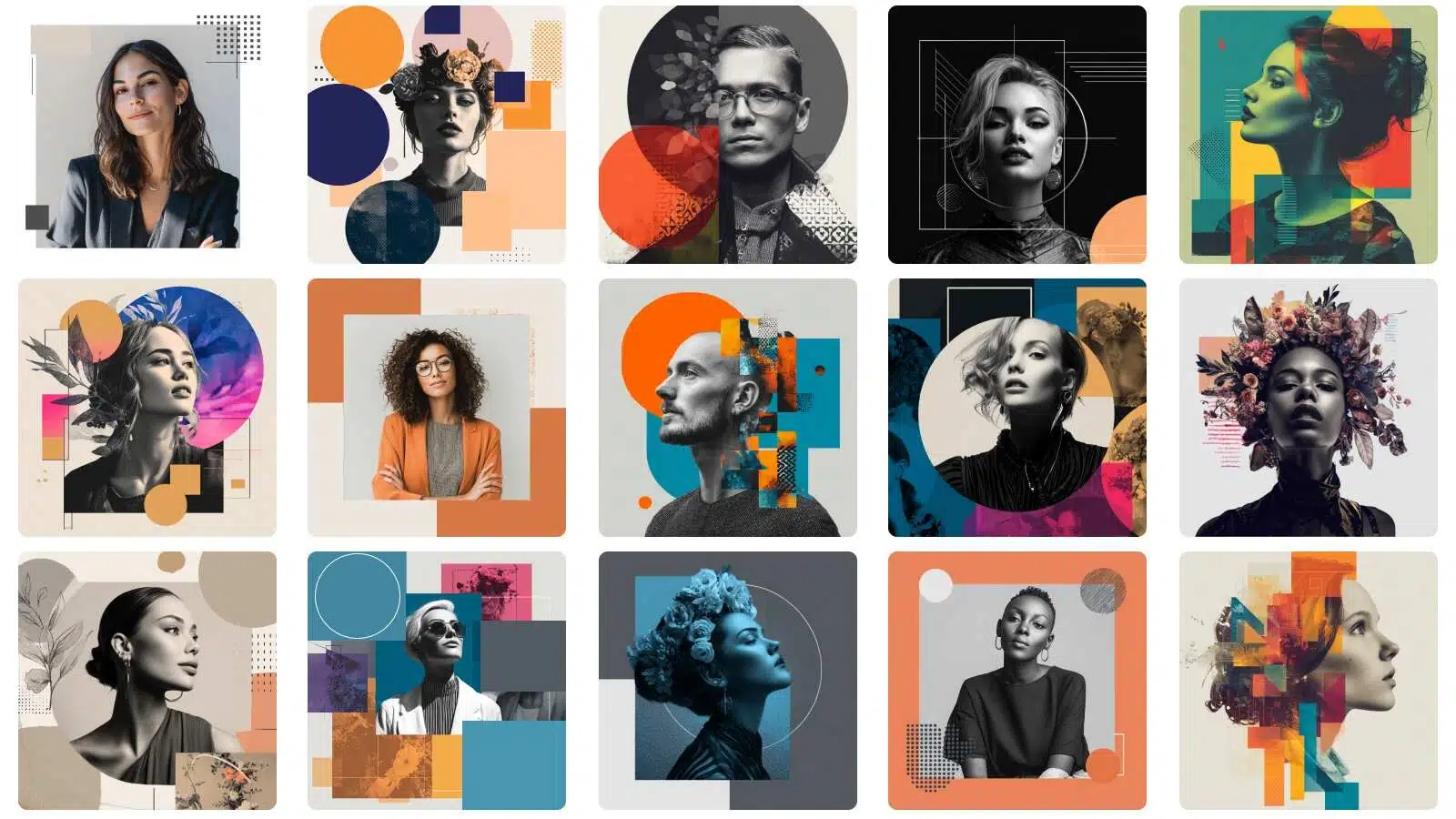
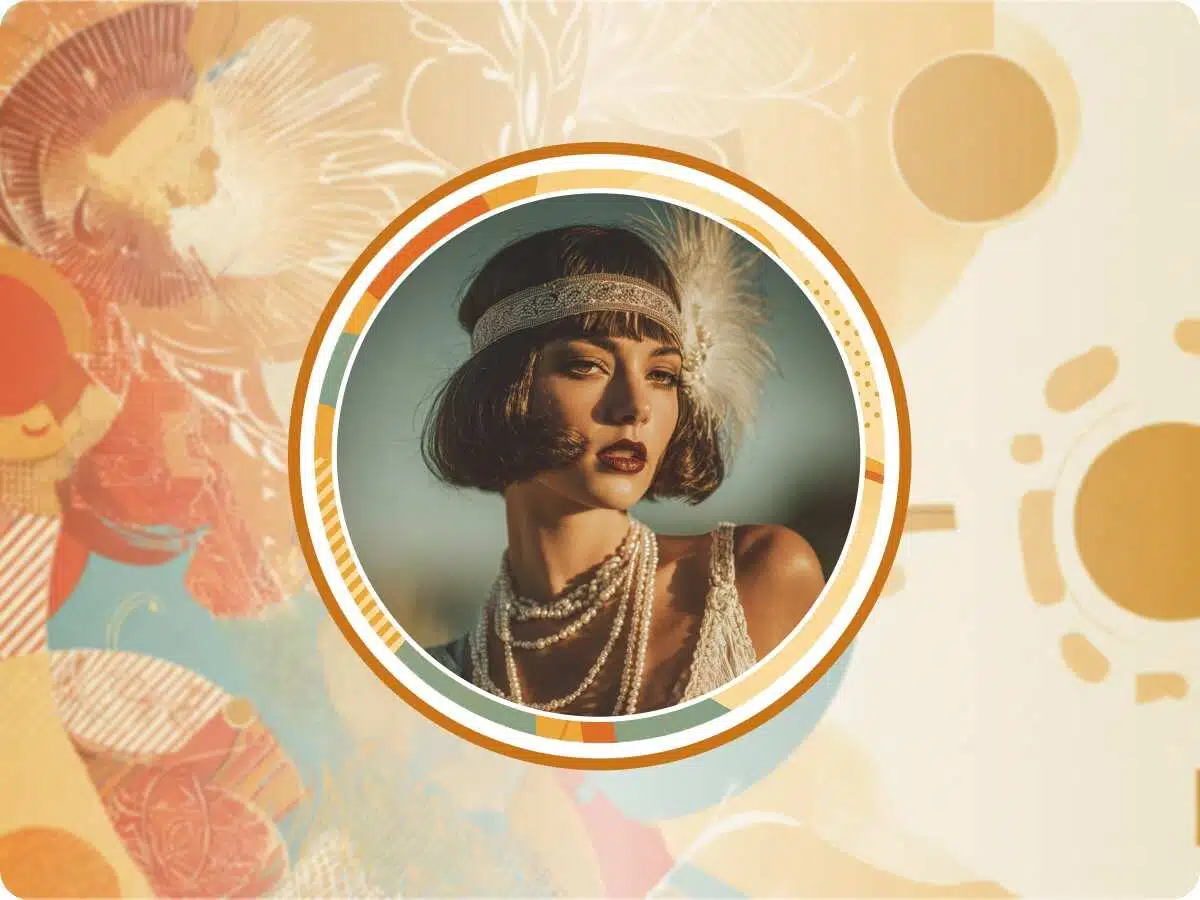
Go for an Unforgettable YouTube Profile Picture
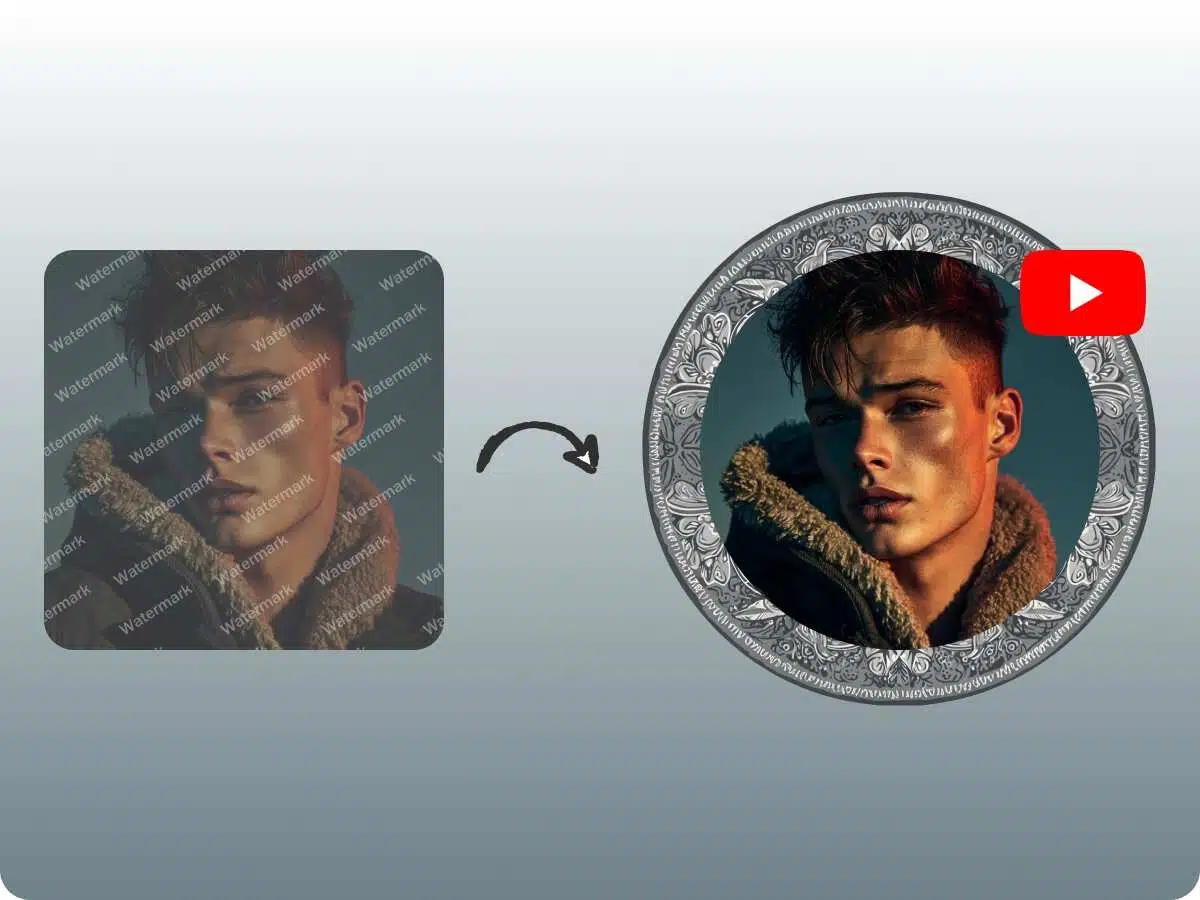
A YouTube profile picture shows who you are. So, choose the one that helps people recognize your channel. X-Design’s AI agent offers you out-of-the-box suggestions with customization. It allows you to make a remarkable impression on your YouTube audience. Effortlessly, you get the clear, impactful picture. Please understand that one mistake can be costly for you. And it is using a copyrighted image. This may flag your channel. So, X-Design is here to give you the freedom to create the profile picture of your choice. Feel free to expand your imagination with our AI agent.
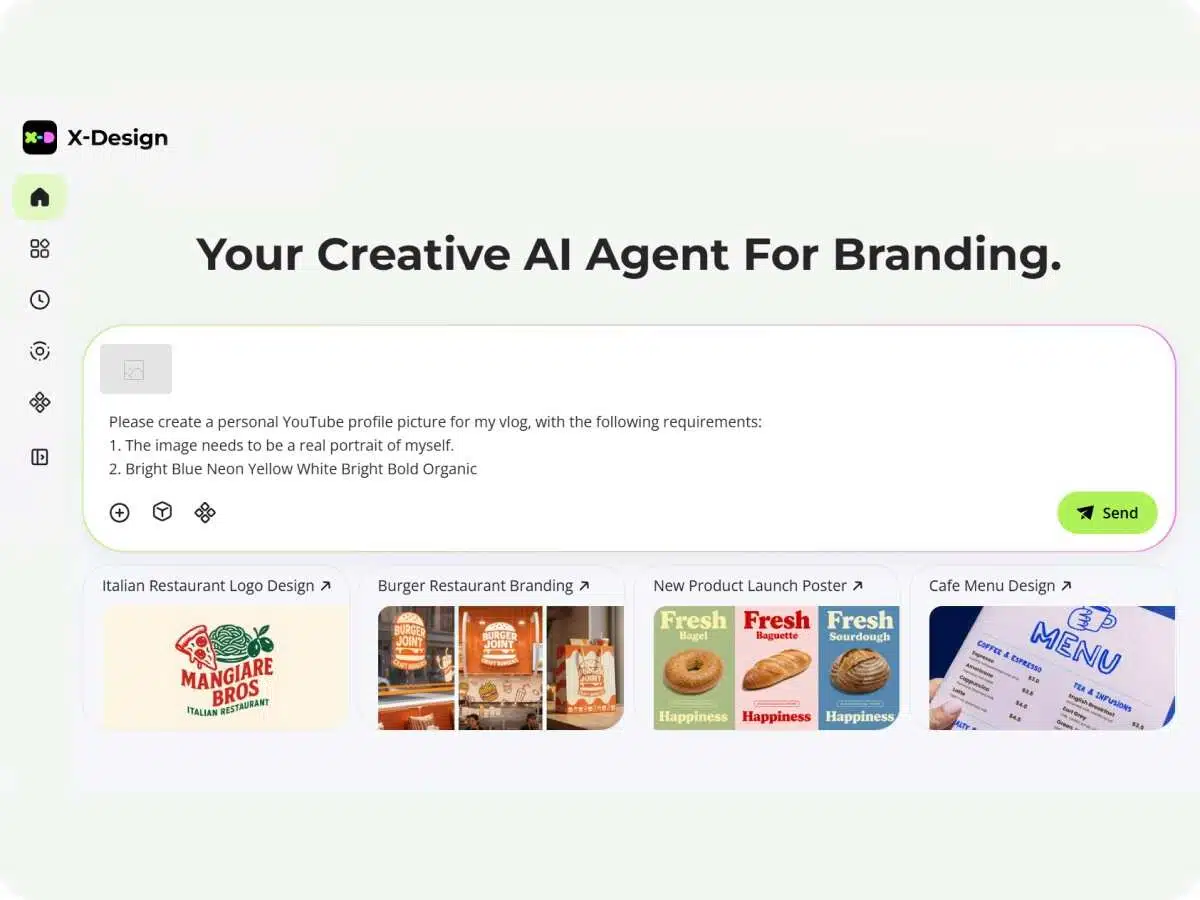
Intuitive Interface to Create a Profile Picture
A YouTube profile picture maker like X-Design’s AI tool is easy to use. Any new user will find it simple to navigate any feature. Simply input your specific requirements. And it will guide you to move in the right direction. Besides, you will easily drag and drop every element. It helps to create a profile picture easily for your YouTube channel.
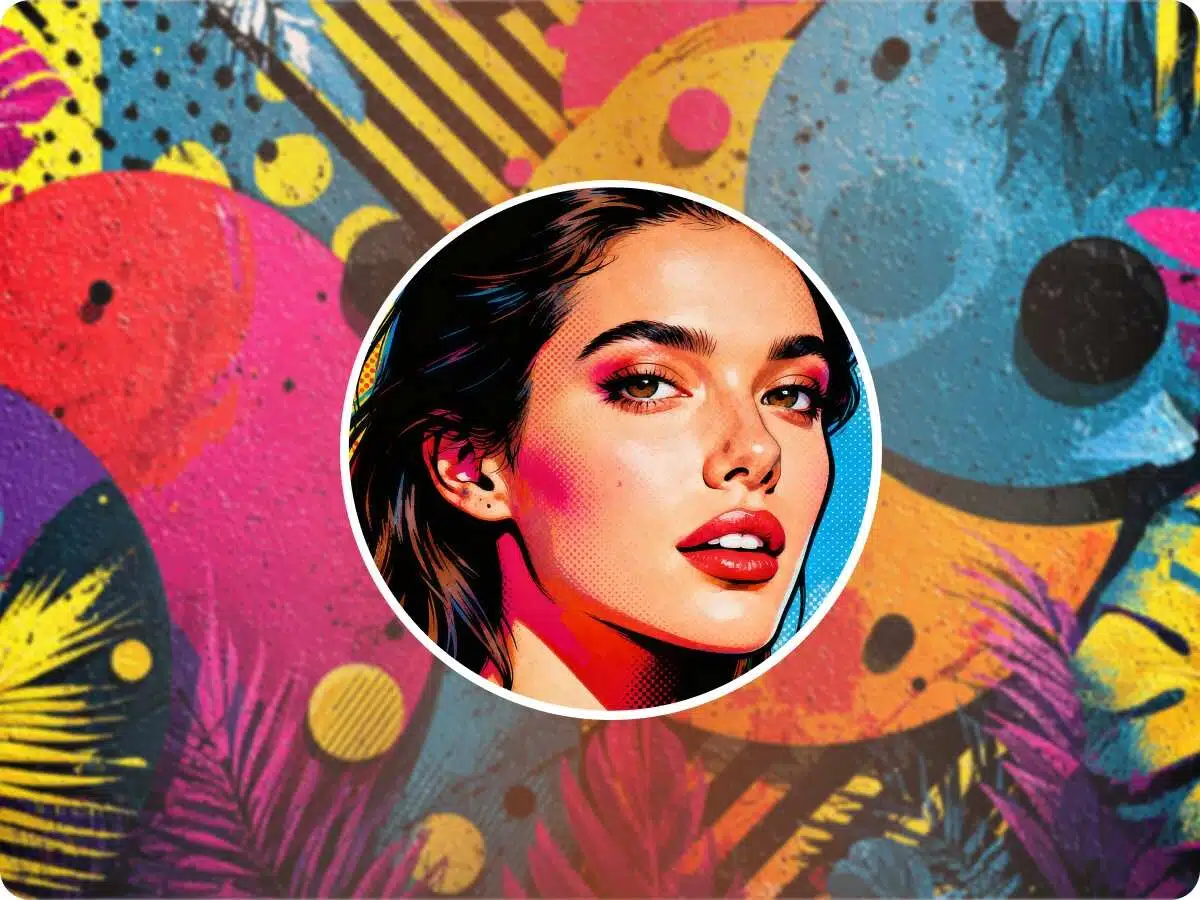
Filters and Effects for Outstanding Profile Pictures
Modern YouTube profile picture makers include filters. With our AI agent, you can use different types of effects and filters. It will add an extra touch of charm to your profile. With special effects, you can make your YouTube channel more memorable. The viewers will find the uniqueness attractive.
Level Up Your Branding Game in No Time
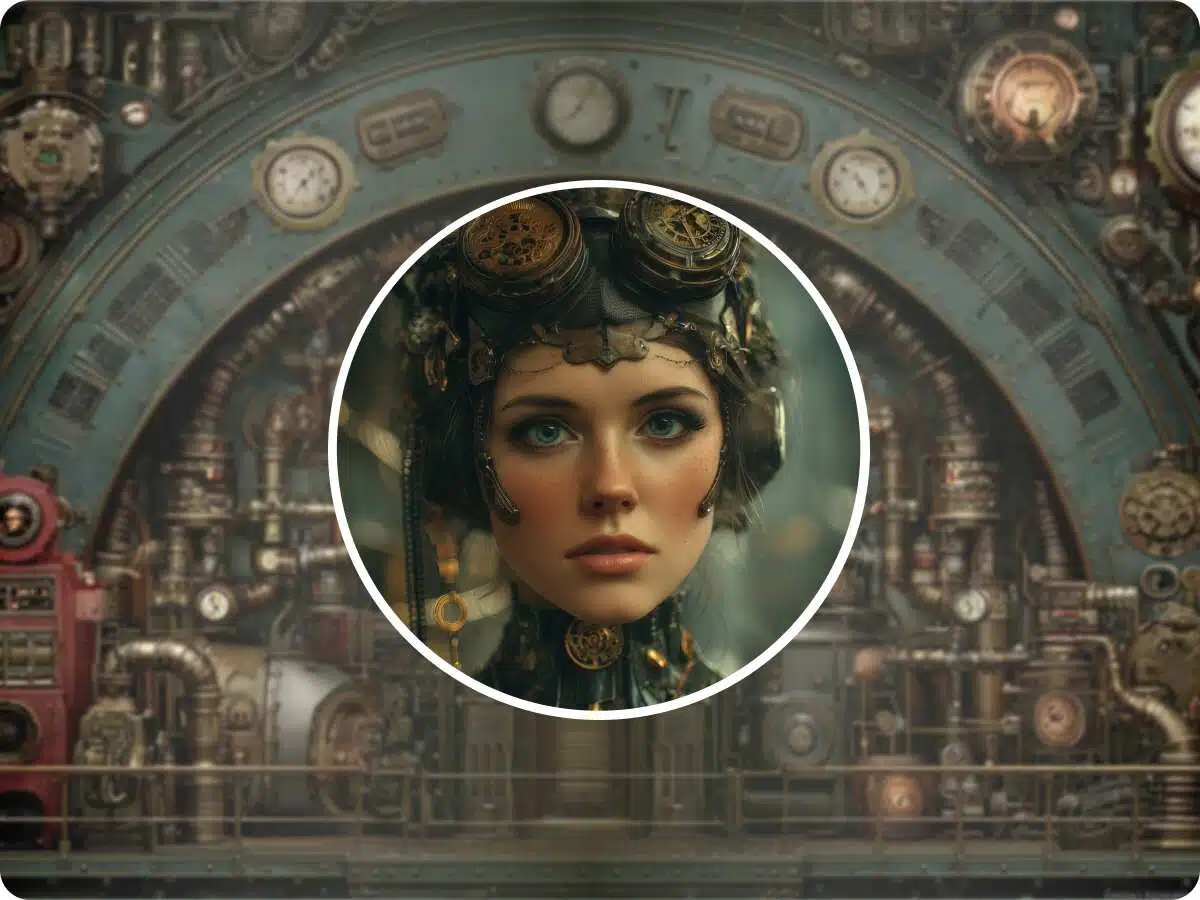
One small detail can add value. One YouTube profile picture can elevate your branding game. It has an immense strength to make people recognize you. So, you need the best tool to make it happen for you. It can be an icon. It can be an alphabet. Or, it can be some abstract profile picture. X-design gives you the edge to make it captivating.
How to Design a YouTube Profile Picture
Use X-Design’s AI Agent
If you want, you can upload your idea in image format. Or, you may ask X-Design’s AI to help you with your YouTube brand details.
Customize with the Easy Prompts
Now, you can move ahead with personalizing your YouTube profile picture. Check the style and effect options that will suit your YouTube channel.
Download the YouTube Profile Picture
Finally, download the profile picture that you like the best. Upload it to your YouTube channel and move ahead with your YouTube success.
Incredible Key Elements to Create Your YouTube Profile Picture
Brand Representation
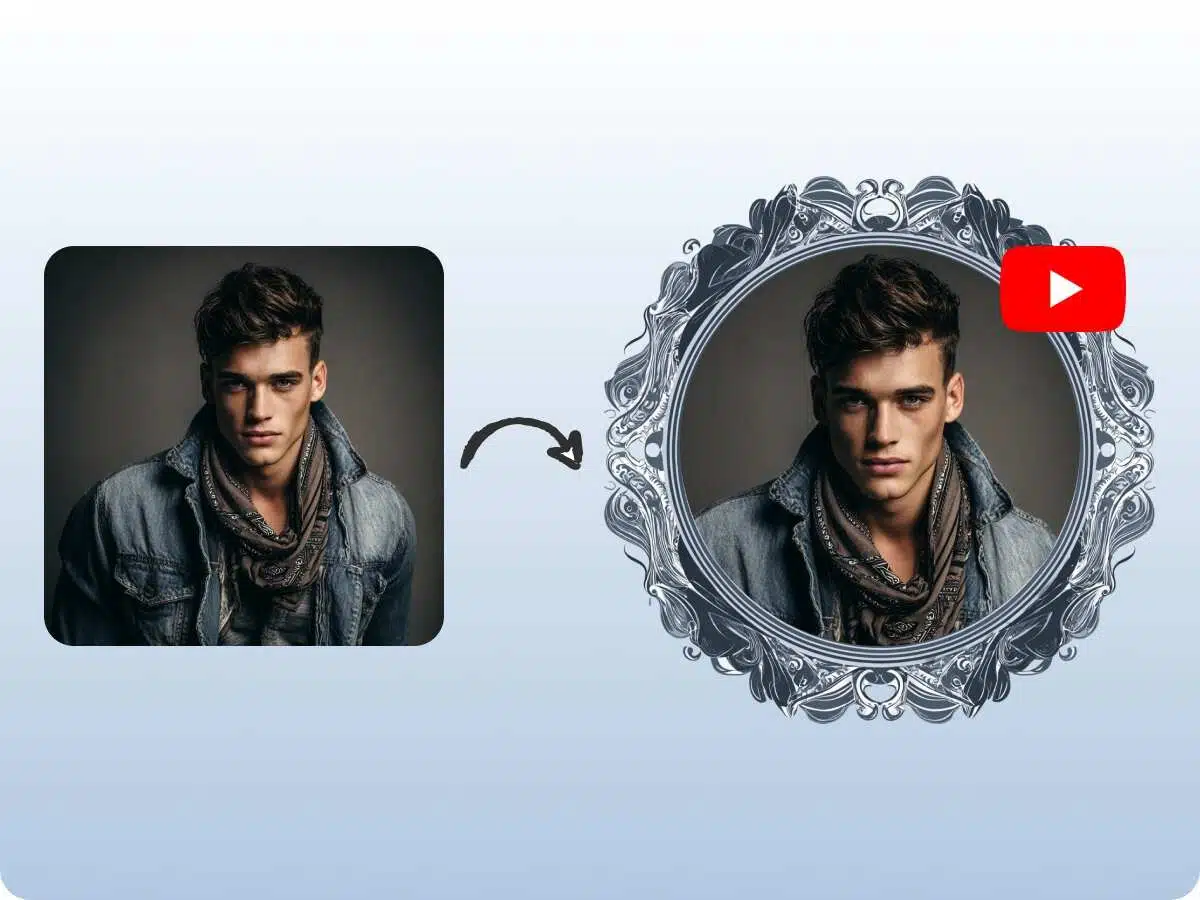
A YouTube profile picture must clearly reflect the brand. Otherwise, a personal identity. It acts as your visual first impression. Choose a style for your channel’s theme. It helps viewers to recognize your content on all platforms.

Why Choose X-Design's YouTube PFP Creator

Save Time with a Fast AI Agent
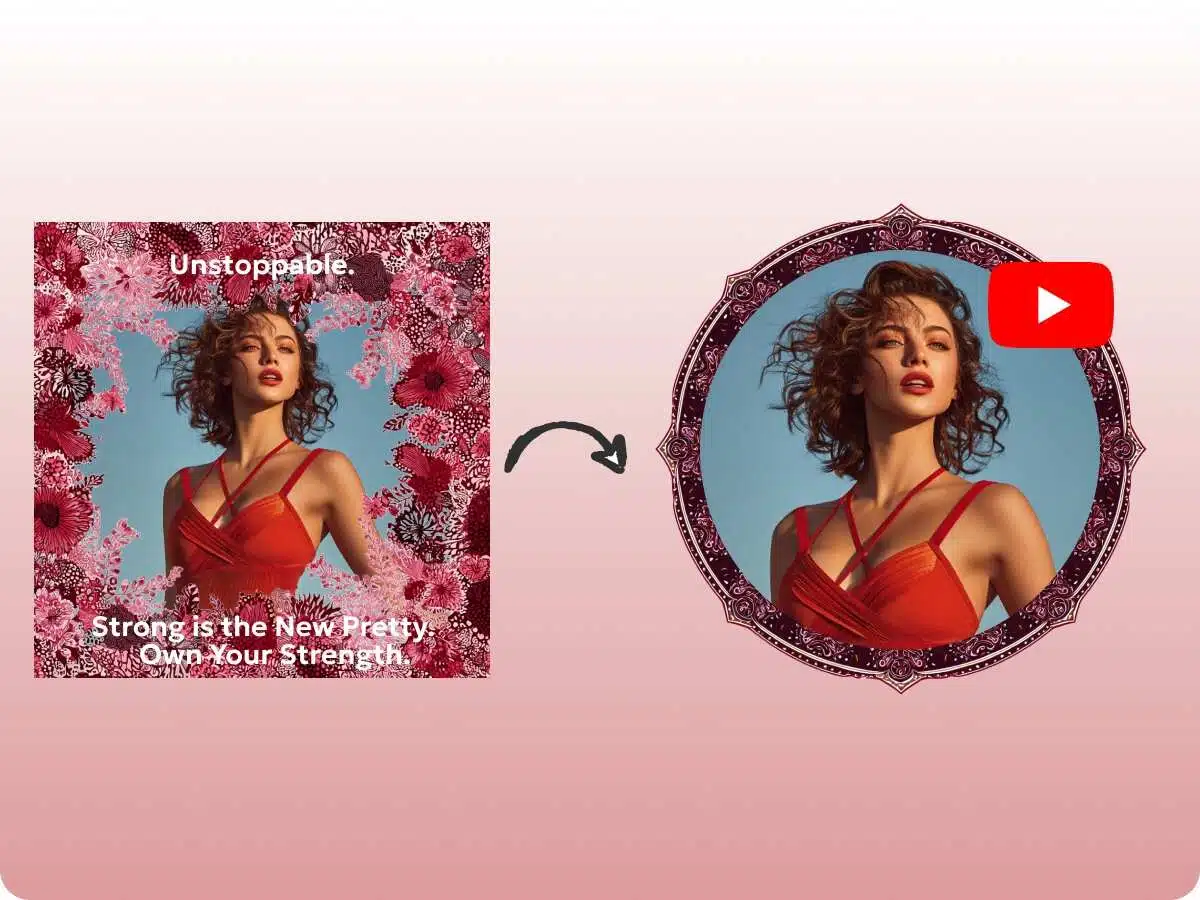
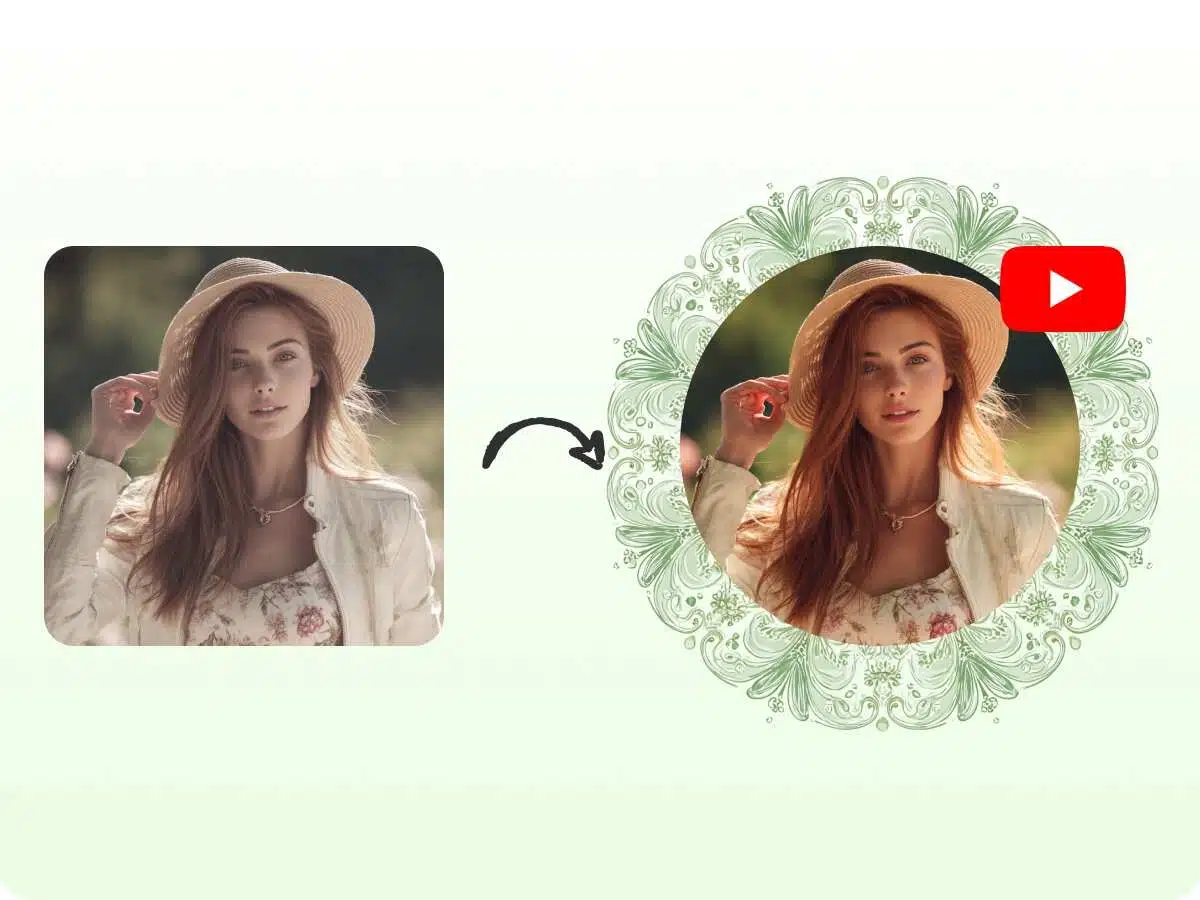
An AI agent of X-Design provides you with the templates or pre-designed layouts. It reduces the time to create a YouTube profile picture. You don’t need to start from scratch. You need to make adjustments to get the right profile fit for your channel. And in a few minutes, you get your profile picture.

No More Frustration with Simple Steps
Designing a YouTube profile picture can be overwhelming. If you are not confident, it can frustrate you. A profile picture maker for YouTube simplifies the process for you. A user completed the design with drag-and-drop editors. Even stock images and AI-assisted suggestions reduce all your stress.

Always Choose the Right Dimensions
The correct dimensions prevent pixelation and cropping issues. YouTube recommends 800 x 800 pixels for profile pictures. A design tool helps you with proper sizing. It helps you to maintain the quality of your visually appealing profile picture.
Frequently Asked Questions
1. What is a YouTube profile picture maker?
2. Do I need design skills to use it?
No. You don’t need to have design skills. Tools like X-Design’s AI agent offer you easy drag-and-drop features. Also, you get ready-made templates. It lets any user create a professional-looking profile picture in minutes.
3. Can I create a logo with it?
Yes. A user can create a logo by using a YouTube profile picture maker. You can see templates, icons, and design features. These are available to help you craft an amazing logo for your YouTube channel.
4. What is an ideal size for YouTube profile pictures?
800 x 800 pixels is an ideal size for a YouTube profile picture. And 4MB is the maximum recommended file size.
5. Is a YouTube profile picture maker free?
Yes. Many YouTube profile picture makers are free. Some offer basic features at no cost. And various advanced tools or premium templates may require a payment.
6. Can I edit my YouTube profile picture after uploading it?
Yes. Go to the account settings. Now, click your profile picture. Here, you can proceed with the change. It will take a few minutes to appear across YouTube.
7. Will my YouTube profile picture appear good on mobile devices?
Yes. But you have to use a high-resolution picture. Also, ensure that the subject is visible in the center. It makes the profile picture look sharp across all screens.
8. Can I use copyrighted images for my profile picture?
No. You need permission to use a copyrighted image. It may lead to copyright claims or account issues. Please use images with a license. Or, you can use the images that are free for commercial use.
Make a YouTube Profile Picture with X-Design
Log in and let the X-Design AI Agent transform your YouTube profile picture ideas into a professional brand identity in minutes!