Add Noise to Image Online Free
How to enhance an image
Upload your Image
Select an image quality
Download your image
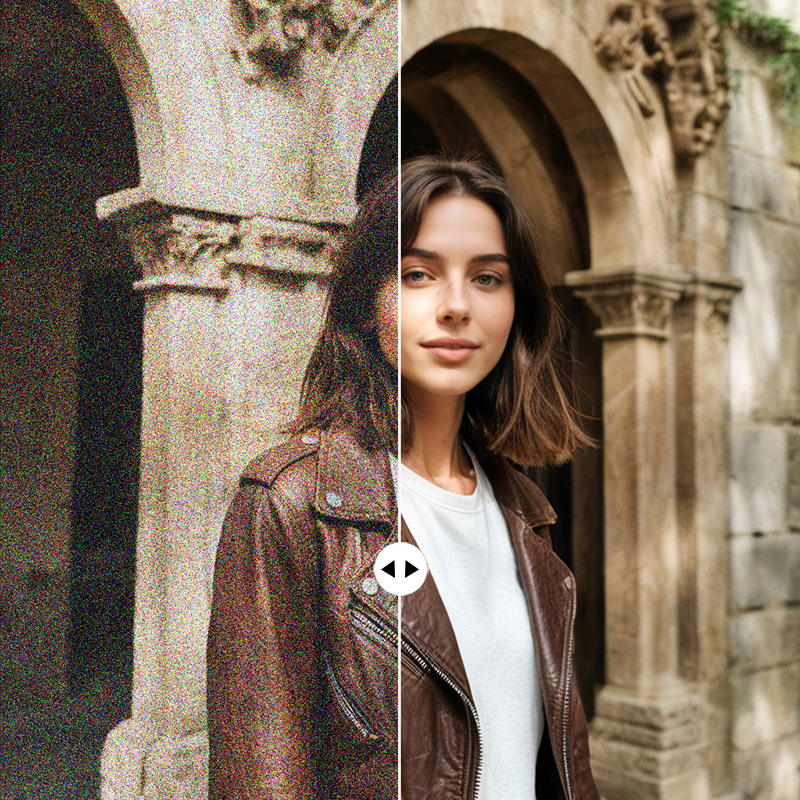
Enhance Images with Noise
Add noise to your images to create a gritty, textured effect. Whether you're aiming for an artistic, vintage look or want to give your photos more character, our tool makes it simple to apply noise or grain effects with ease. Perfect for designers and photographers looking for a creative touch.
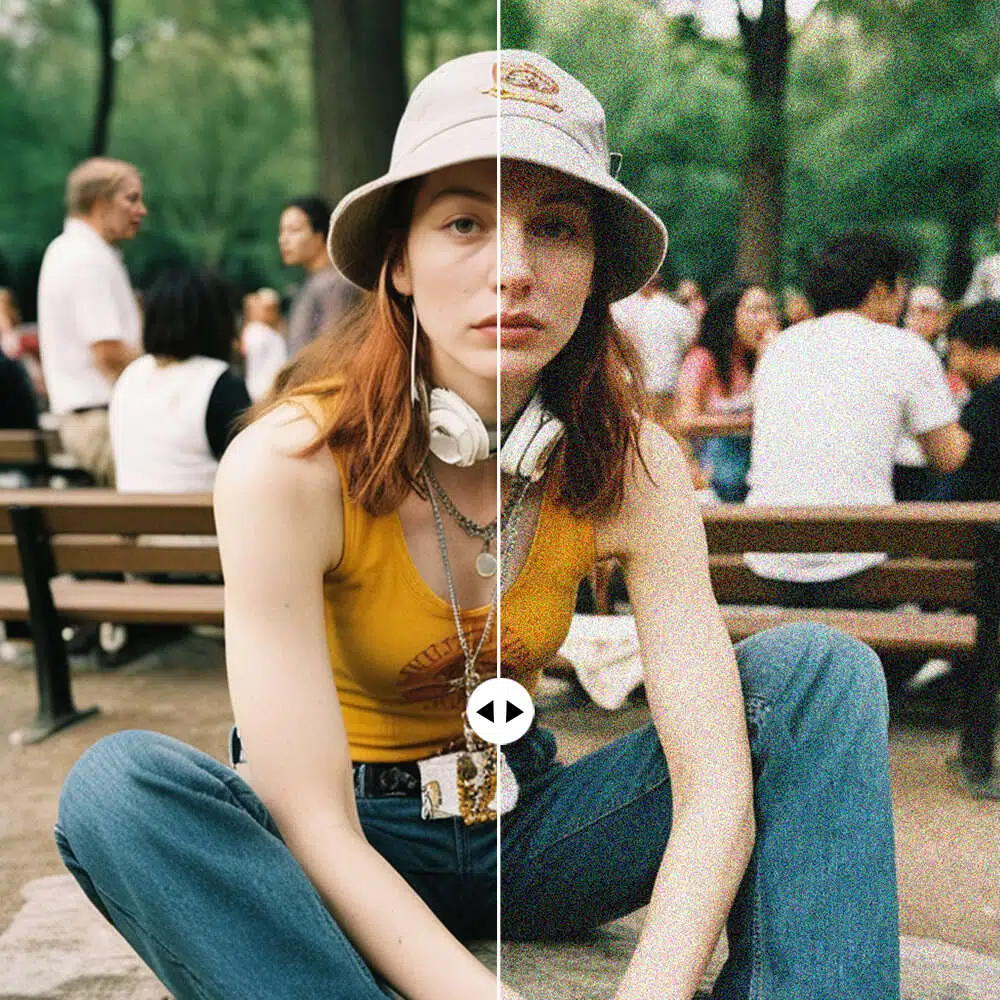
Create Grainy Effects Instantly
Want to give your photos a retro or film-inspired feel? With the "Add Noise to Image" tool, you can instantly apply grainy effects to your photos. This tool adds subtle noise, enhancing the texture and mood of your images, making them stand out with a professional yet artistic touch.
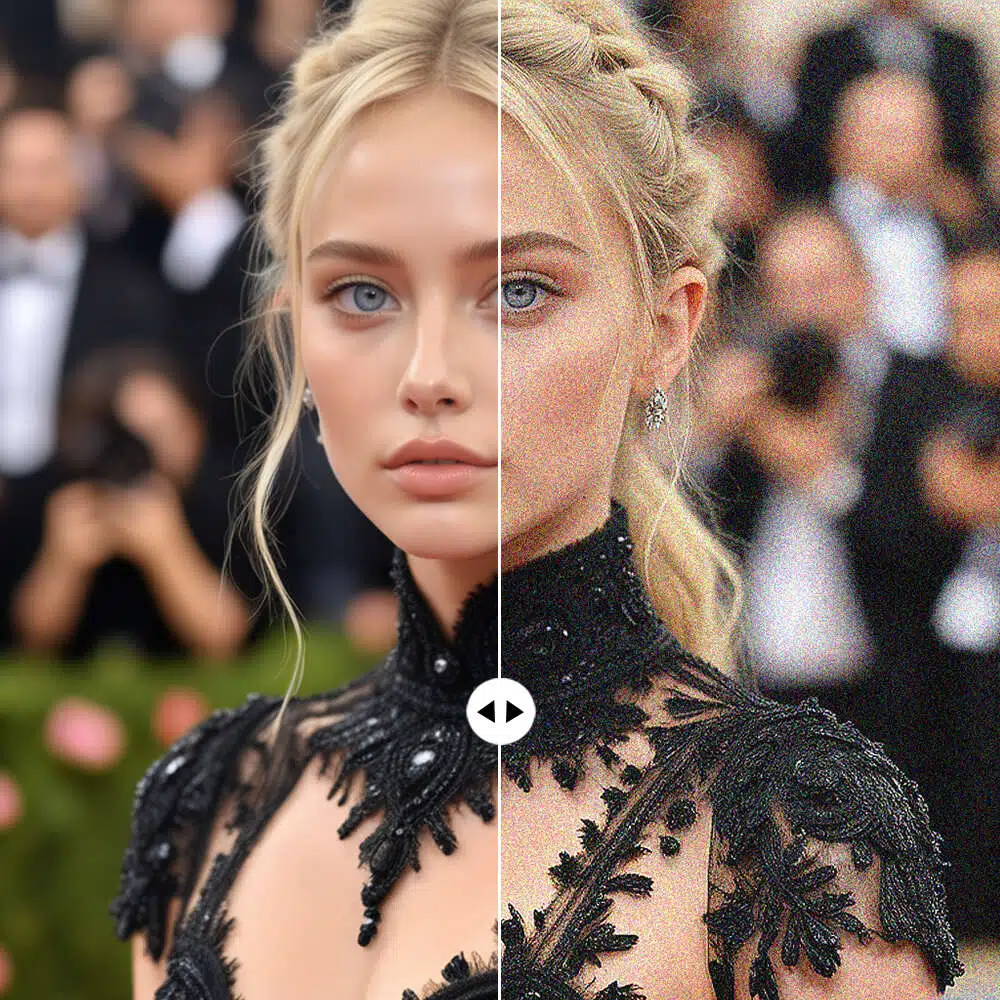
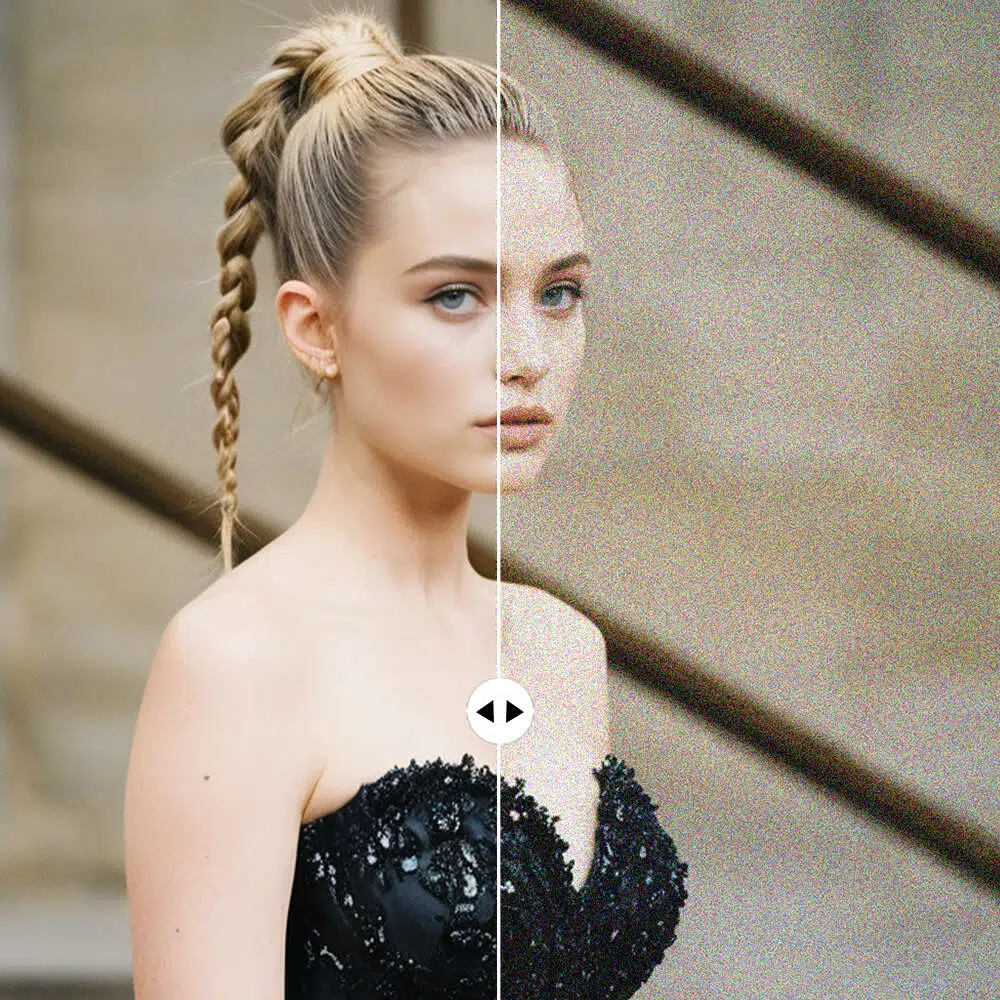
Add Custom Noise to Photos
Customize the level of noise or grain you want in your image with this easy-to-use tool. Whether you want a slight texture or a strong grainy look, our image noise tool gives you full control to create the perfect effect for your photo, design, or project.
AI photo enhancer

AI-driven Enhancement
No more blur and pixelation. Instantly improve image resolution, colors, and details with just a click.

Multiple Resolution Options
Leverage AI to convert small photos to SD, HD, and Ultra HD definition.

Enhance without compromising clarity
Enlarge up to 8x with high resolution and smooth image details
Frequently Asked Questions
How Do I Add Noise to an Image?
How to Add Sound to an Image?
Images themselves can not contain sound, as they are static files. However, you can combine images with sound in a video or multimedia format. X-Design focuses on visual edits, but you can use video editors like Adobe Premiere or free apps like iMovie to add sound to an image within a video.
How to Increase Noise in Pictures?
To increase noise in your pictures, upload your image to X-Design and apply our noise or grain effect. You can adjust the level of noise to make the image more textured, creating an edgy, film-like quality. It’s a quick and easy way to add more depth and style to your photos.
How to Make an Image Grainy?
Making an image grainy is simple with X-Design. Upload your photo, choose the "Grain" tool, and adjust the level of grain. This effect simulates the appearance of film photography, adding a vintage or rough texture to your images for a nostalgic or artistic look.
What Creates Image Noise?
Image noise is typically caused by high ISO settings on a camera, low light conditions, or the limitations of a camera sensor. It results in random variations in brightness or color. In X-Design, you can simulate this effect or reduce it, depending on the desired outcome for your photo.