Stunning Photo Effects & Filter
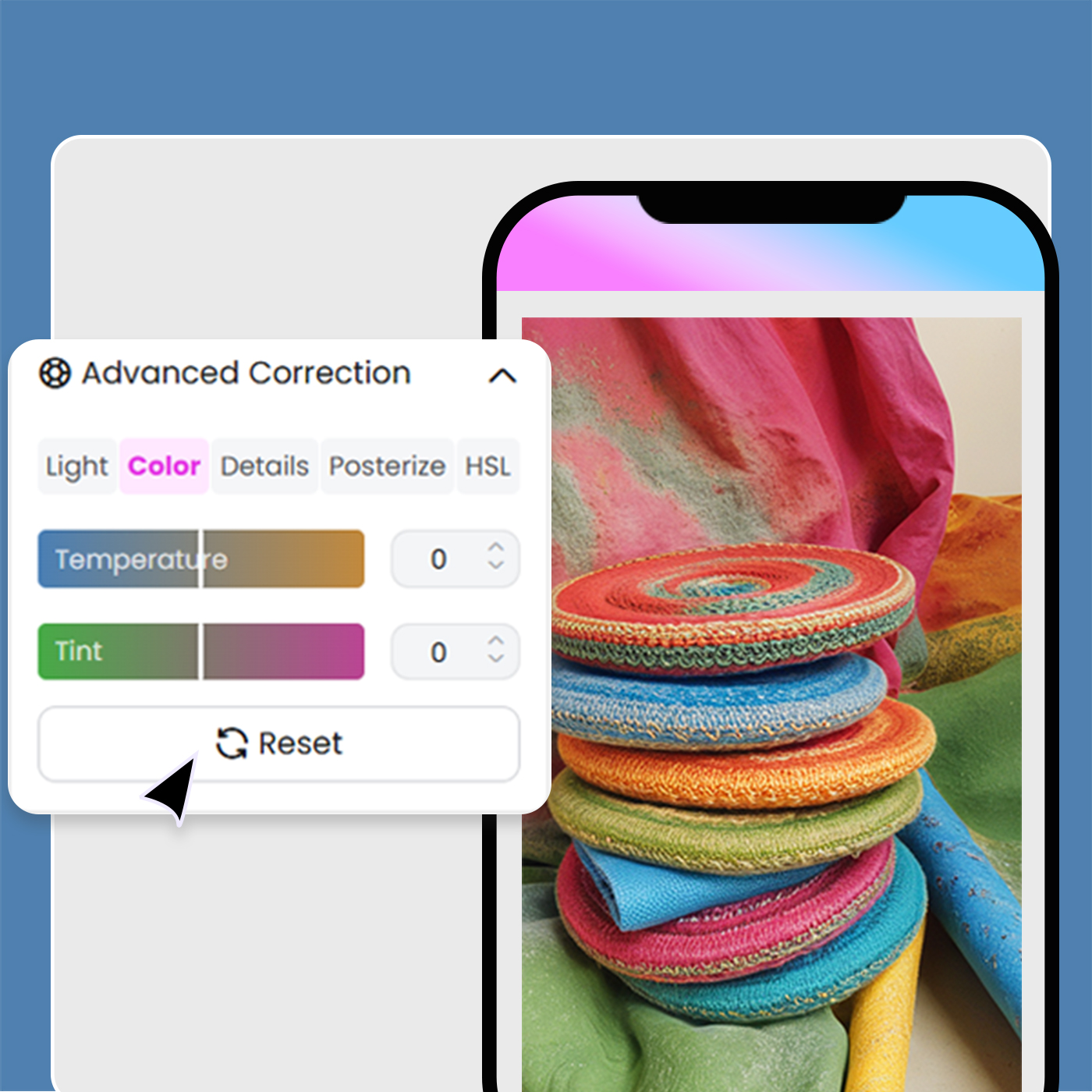
How to use photo editor with AI
Upload Your Image
Start by uploading your image into X-Design’s AI-powered photo editor. Whether it’s a portrait, landscape, product shot, or any other type of image, the tool is designed to handle a wide variety of formats and visual styles.
Let AI Enhance Your Image
Once your image is uploaded, let the AI automatically adjust key aspects of your photo, such as brightness, contrast, sharpness, and color balance. The AI will optimize your image within seconds, enhancing the overall quality and ensuring a professional finish.
Fine-Tune Your Image
After the automatic enhancements, you have the option to fine-tune specific elements of your photo. Adjust details like exposure, saturation, and apply additional filters to perfect your image. Once satisfied, save your edited photo in high resolution, ready for use in your projects.
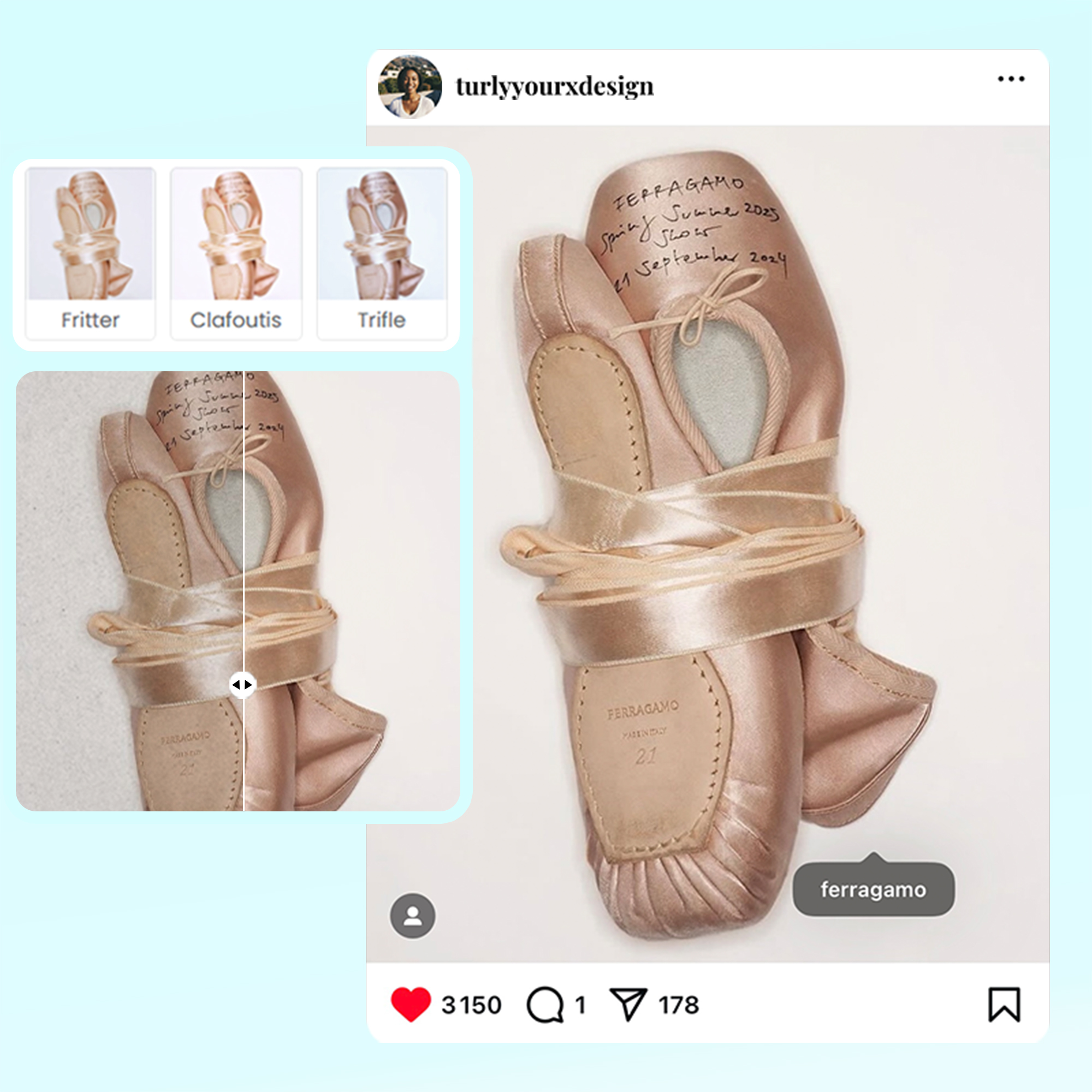
Instant Photo Enhancements
X-Design offers a wide range of stunning photo effects and filters that instantly transform your images. From vibrant color boosts to artistic filters, enhance your photos with just a click for a more polished, professional look.
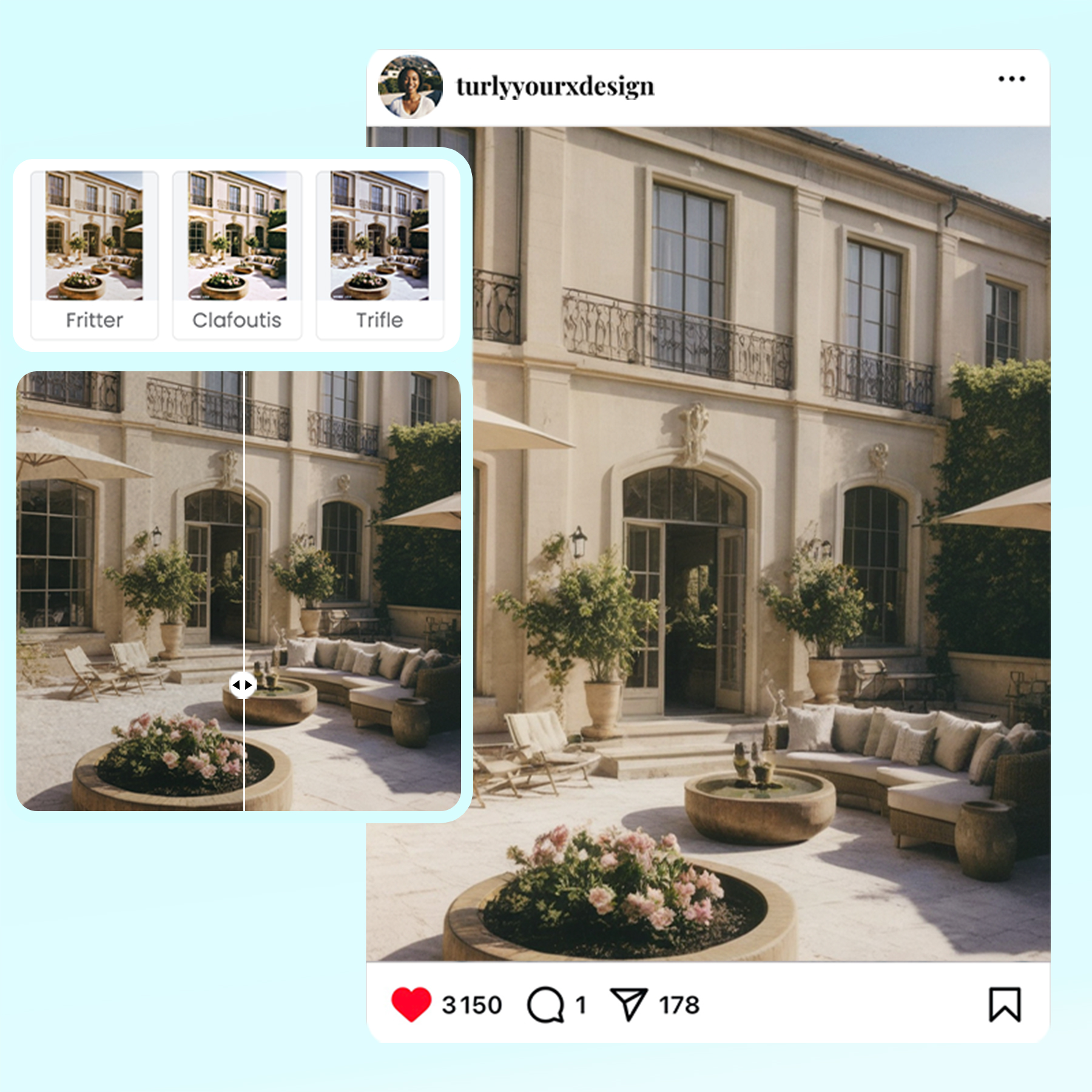
Creative Filters for In-Style
Explore X-Design’s library of creative filters designed to suit any style. Whether you want to add a vintage feel, a modern touch, or a cinematic effect, our filters allow you to create visually striking images in seconds.
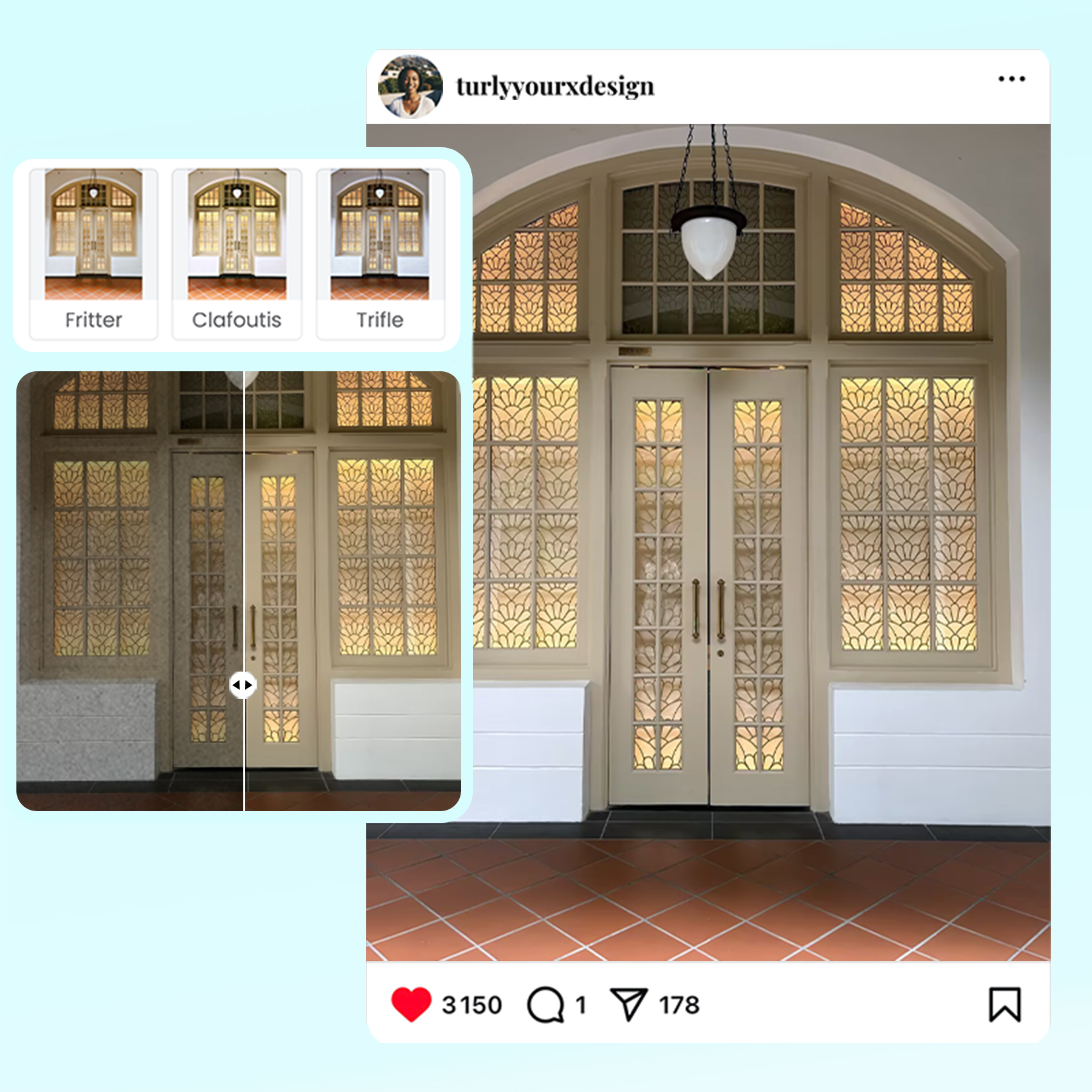
Professional-Quality Effects
With X-Design’s photo effects, you can achieve professional-level edits effortlessly. Choose from a variety of stunning effects—from soft glows to bold contrasts—to elevate your photos and make them stand out for any project.
Photo editor

Instant Professional-Grade Enhancements
X-Design’s AI delivers immediate improvements to your photos by automatically adjusting key elements, ensuring professional-quality results in a fraction of the time it would take with traditional photo editing tools.

Full Creative Control
While X-Design’s AI provides smart, automatic enhancements, you retain full control over the final outcome. Customize the details to match your exact vision, ensuring your image reflects your creative intentions.

Quick and Efficient Workflow
X-Design streamlines the editing process, allowing you to achieve high-quality results faster. Whether you’re editing one image or many, the tool is designed to be fast and efficient, saving you valuable time without sacrificing quality.
Frequently Asked Questions
What are photo effects?
How do I add effects in a photo?
To add effects to a photo on X-Design, upload your image and choose from various available effects. Simply select the effect you like, adjust the intensity if needed, and apply it to your photo. It’s a fast and easy way to enhance your images with professional-grade results.
What are the effects of pics?
Effects on photos are enhancements that change the look and feel of an image. These can include filters, color adjustments, blur effects, texture overlays, and more. Effects can give photos a unique vibe, like vintage, retro, or modern, helping to convey a specific mood or style.
How do you apply picture effects?
To apply picture effects on X-Design, upload your image, then choose the "Effects" tool. Browse through a variety of options such as color shifts, artistic filters, and light adjustments. Apply your desired effect and fine-tune the intensity for a customized, polished look.
How do I get filters on my photos?
To get filters on your photos with X-Design, upload your image and select the "Filters" tool. You’ll find a variety of preset filters designed to enhance your photos, from vintage styles to vibrant modern looks. Simply click to apply the filter and adjust the intensity to suit your needs.