
Create a black and white image
How to use photo editor with AI
Upload Your Image
Let AI Enhance Your Image
Fine-Tune Your Image
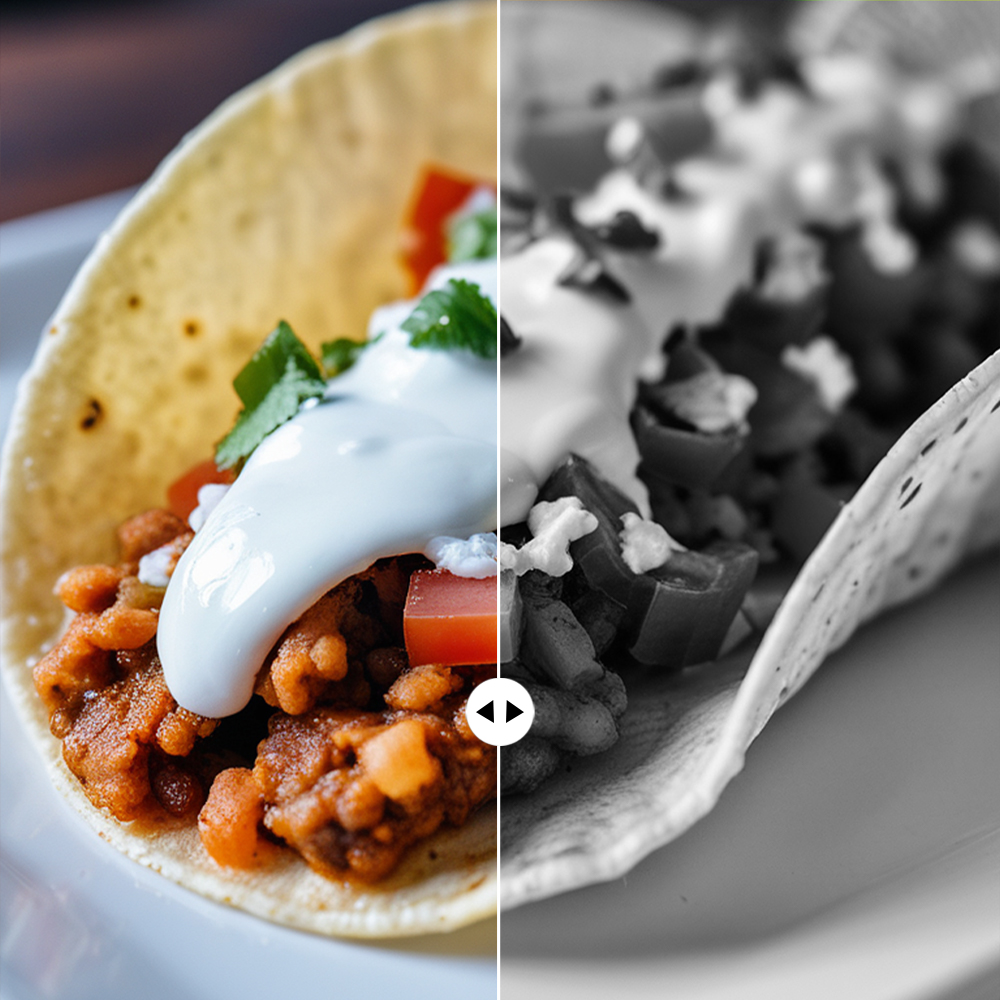
Instant Black and White Conversion
Convert your colored images to black and white instantly. This tool provides a quick and seamless way to create monochrome visuals with high contrast and rich detail, perfect for photography, designs, and creative projects.
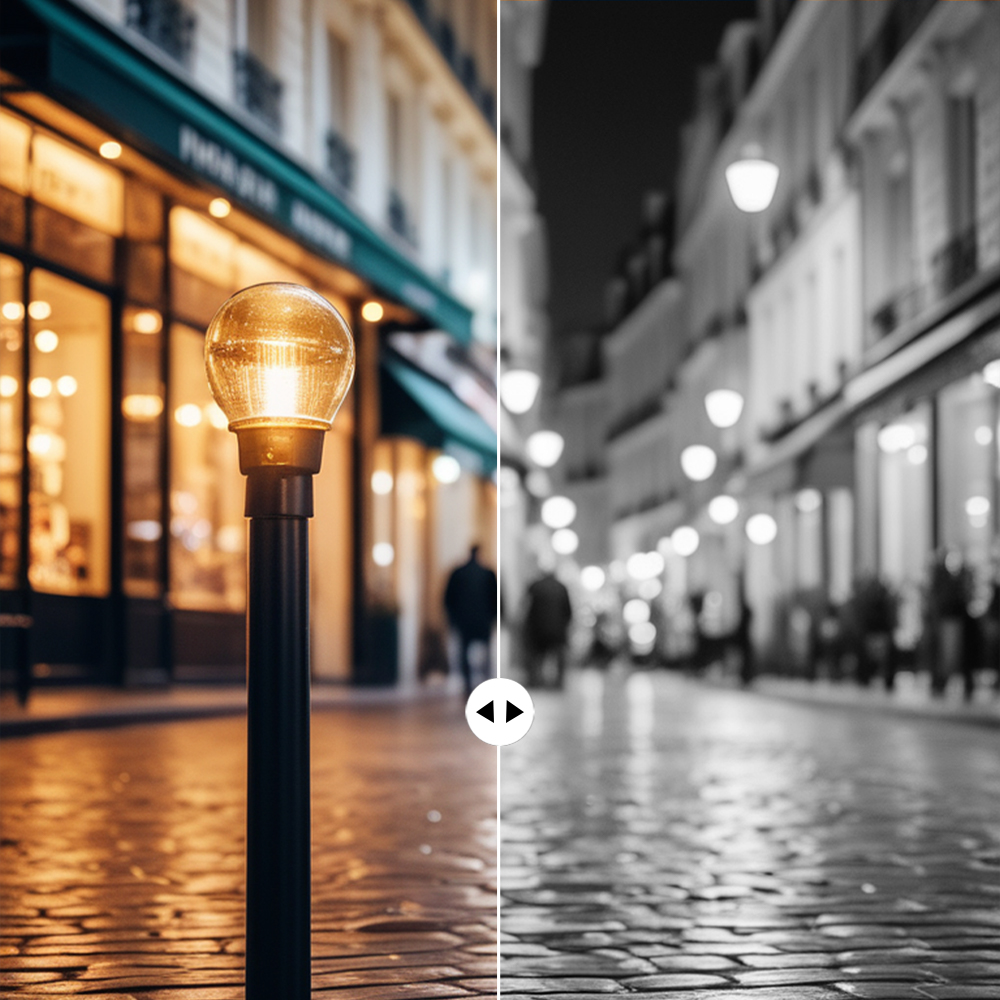
Custom Black and White Effects
Take full control over your black and white conversion with customizable settings. Adjust contrast, brightness, and tone to create the perfect monochrome effect tailored to your unique style.
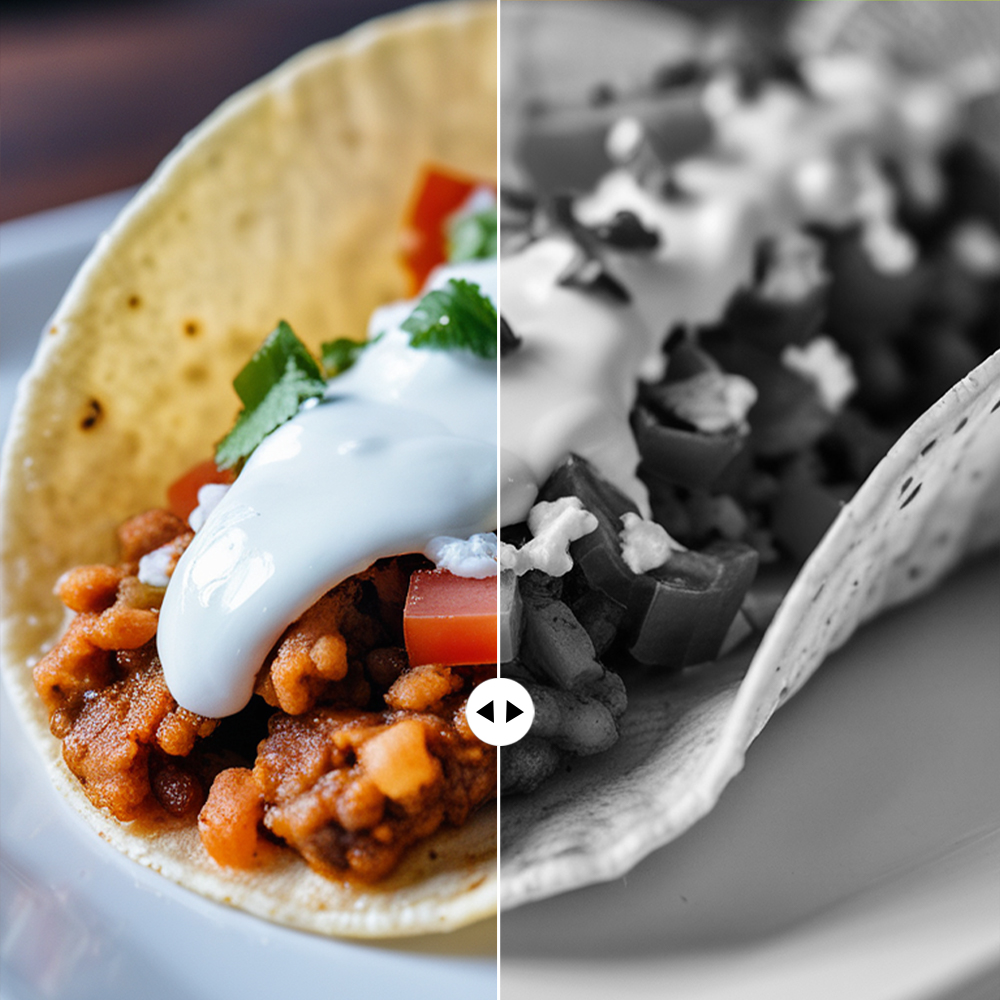
High-Quality Monochrome Creation
Transform your photos into high-quality black and white images while preserving sharpness and detail. Whether for art, design, or personal use, this tool ensures your images look stunning in monochrome.
Photo editor

Instant Professional-Grade Enhancements
X-Design’s AI delivers immediate improvements to your photos by automatically adjusting key elements, ensuring professional-quality results in a fraction of the time it would take with traditional photo editing tools.

Full Creative Control
While X-Design’s AI provides smart, automatic enhancements, you retain full control over the final outcome. Customize the details to match your exact vision, ensuring your image reflects your creative intentions.

Quick and Efficient Workflow
X-Design streamlines the editing process, allowing you to achieve high-quality results faster. Whether you’re editing one image or many, the tool is designed to be fast and efficient, saving you valuable time without sacrificing quality.
Frequently Asked Questions
How do I turn a picture into black and white?
Is there a way to make a black and white photo color?
Yes, X-Design offers "Advanced Adjust Tool" that can bring black and white photos to life. Upload your black and white image, and our AI will intelligently add color based on the image’s details, ensuring a realistic and vibrant result. It's the perfect tool for restoring old photos.
How do I make an AI image black and white?
To make an AI-generated image black and white on X-Design, simply upload the image and apply the Black & White filter. Our AI tools will ensure that the process maintains the quality of the image, giving you a professional-grade monochrome version in just a few clicks.
How to make an image black and white on a website?
To make an image black and white on X-Design’s website, upload your image to the platform, then select the Black & White or Desaturation tool. The platform will instantly convert your image, and you can fine-tune the contrast, brightness, and other settings to get the exact effect you want.
How do you make a perfect black and white picture?
Making the perfect black and white picture on X-Design involves more than just desaturation. Use our Advanced Black & White tools to adjust contrast, brightness, and shadow details, ensuring that the image has depth, texture, and sharpness. Fine-tune every aspect to get a professional, artistic finish.