Help You Build Your Valentine Wallpaper
Give your brand a "romantic makeover" this season. Use stunning visual details to capture your customers' hearts and stand out from the crowd.
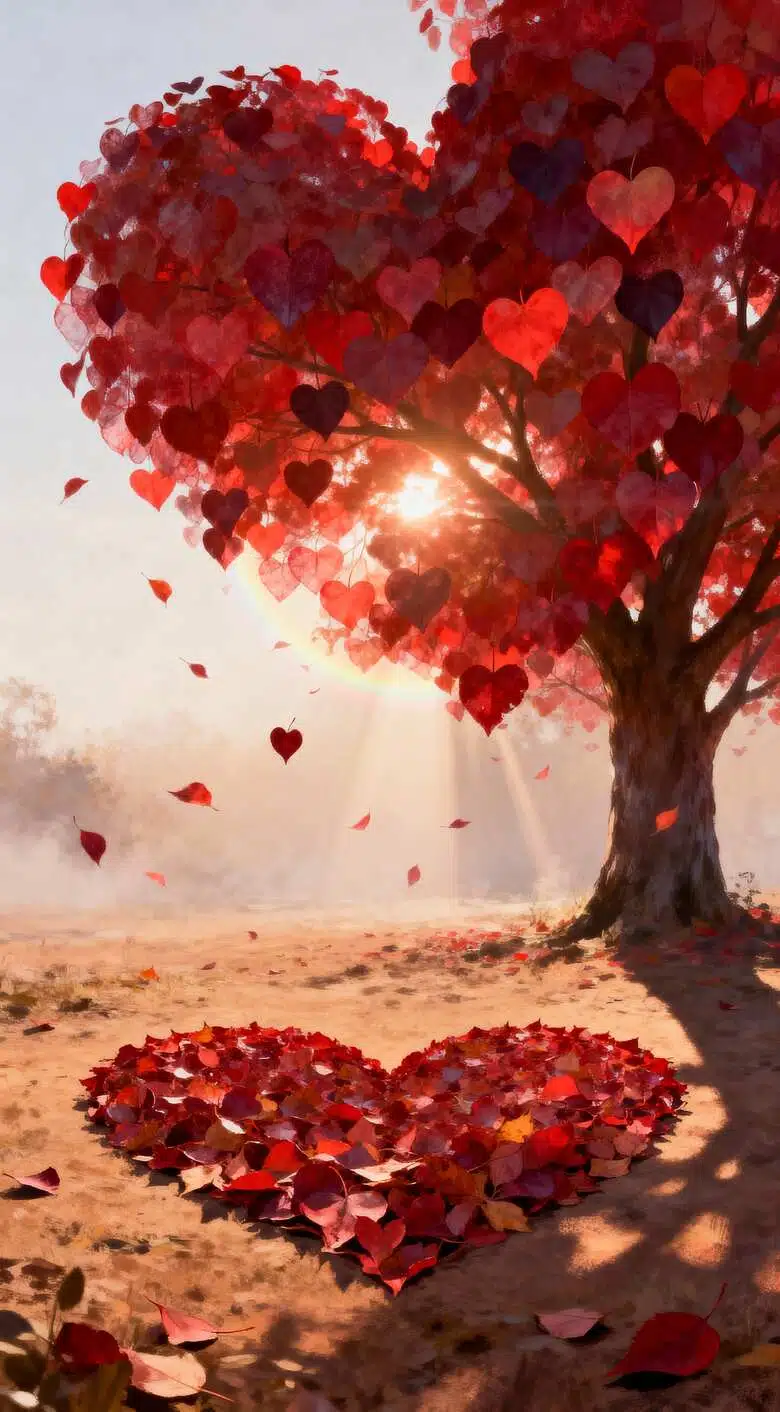


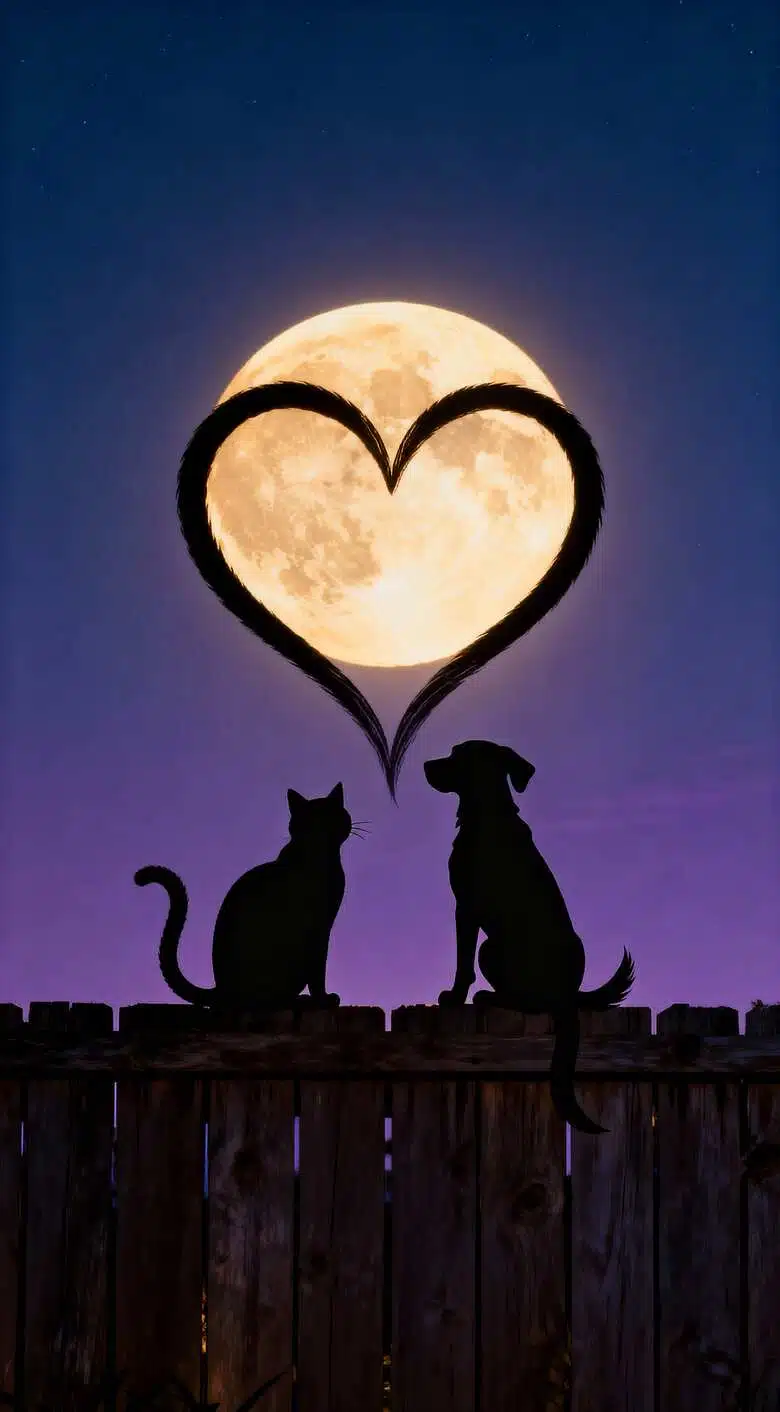
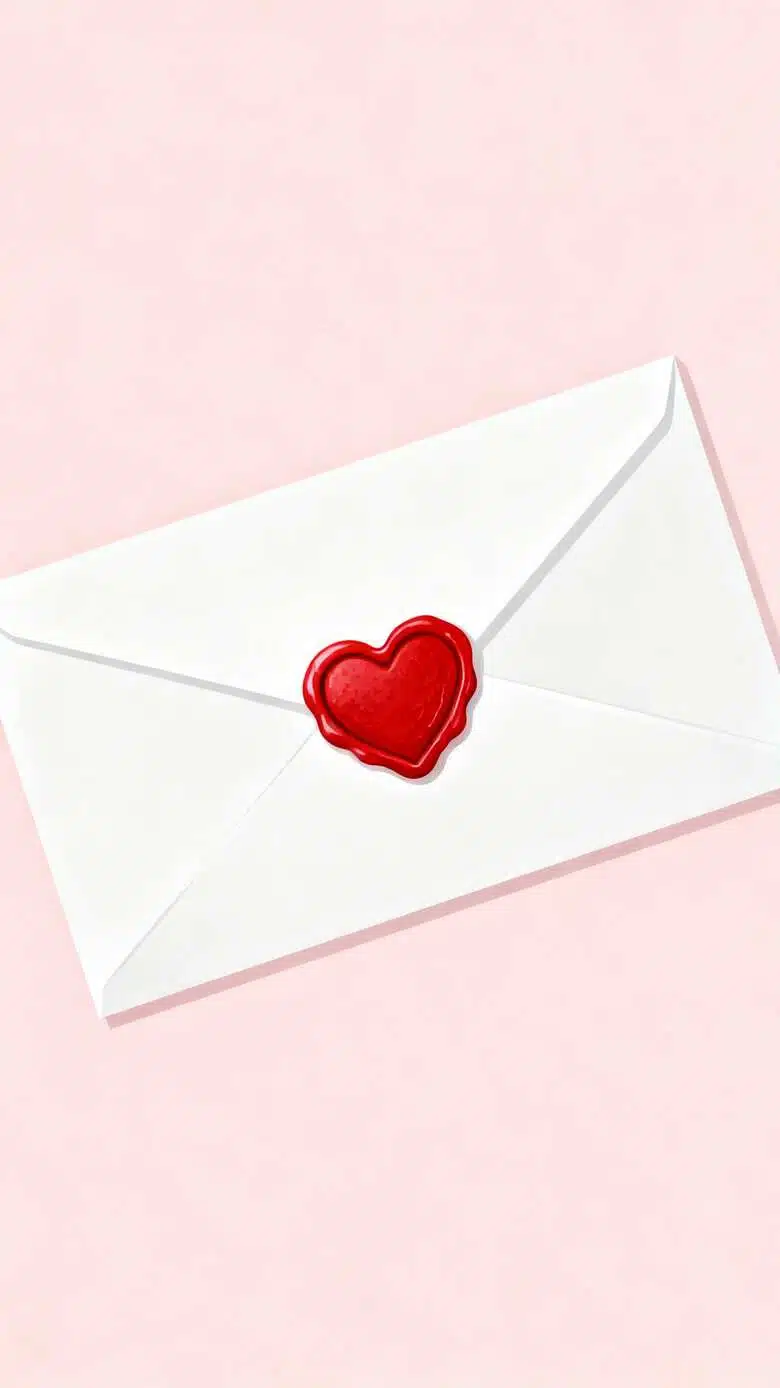
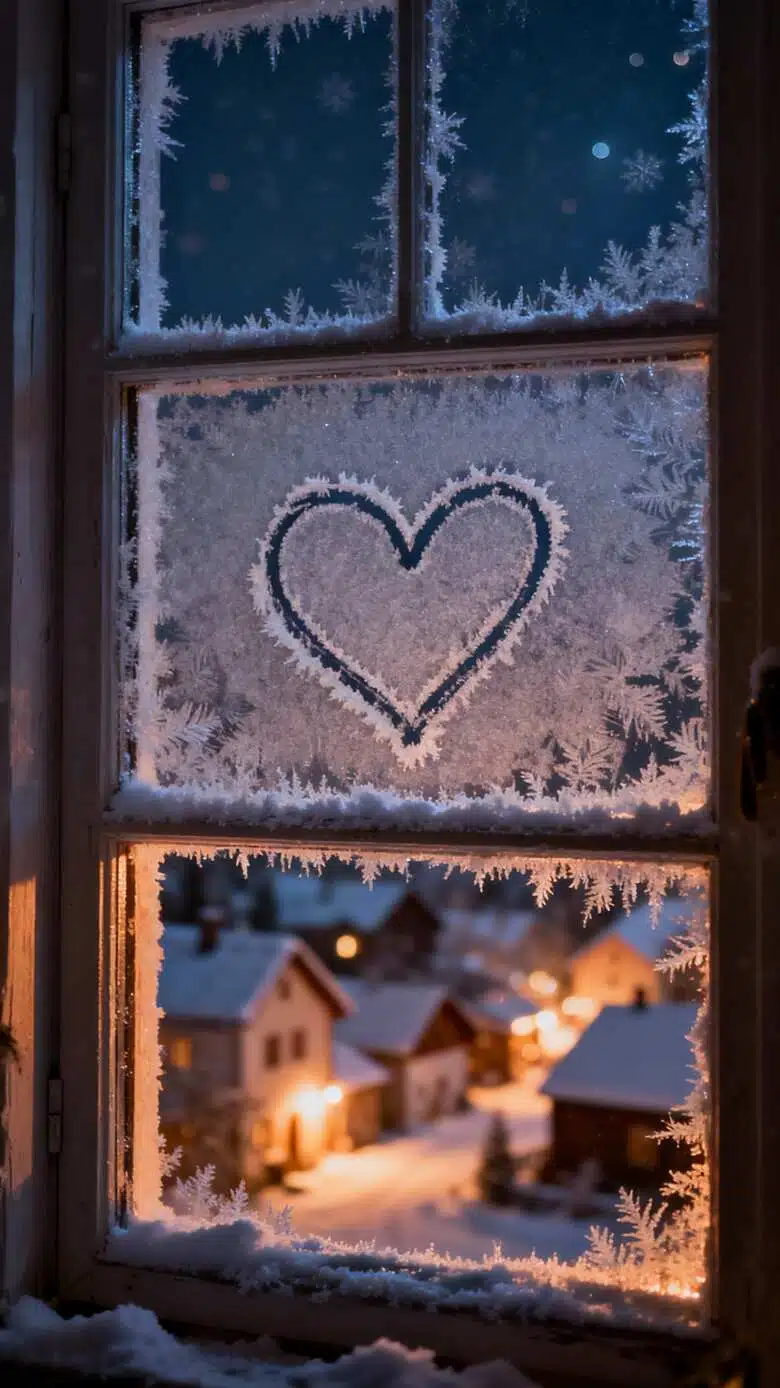
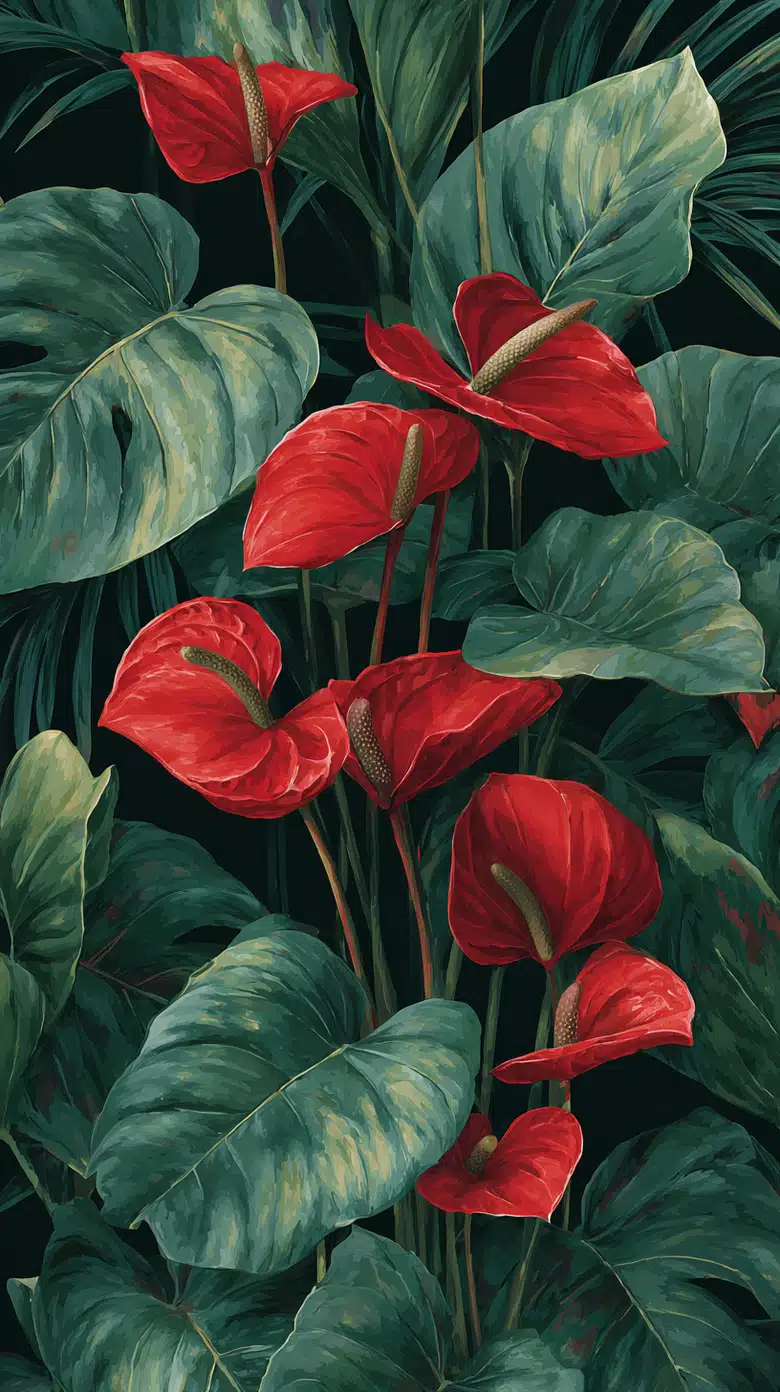
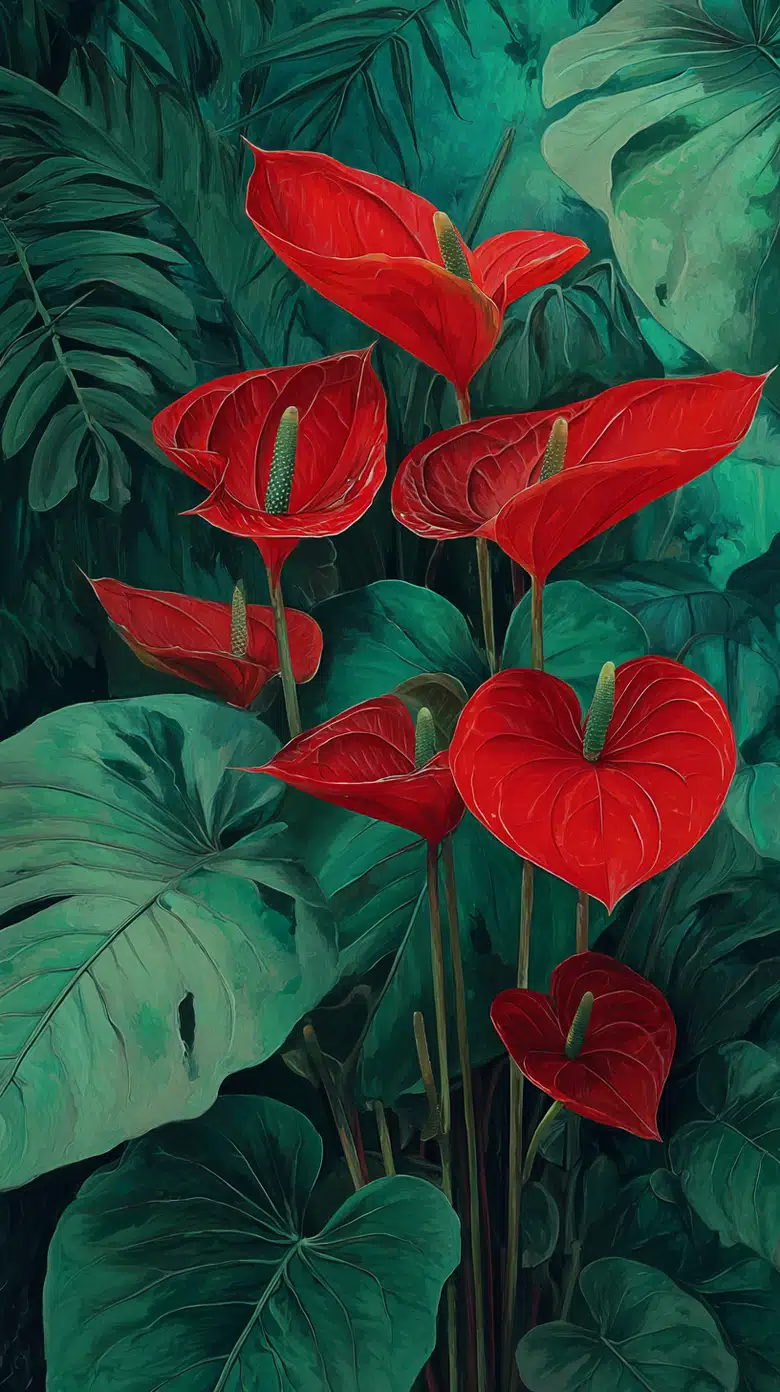
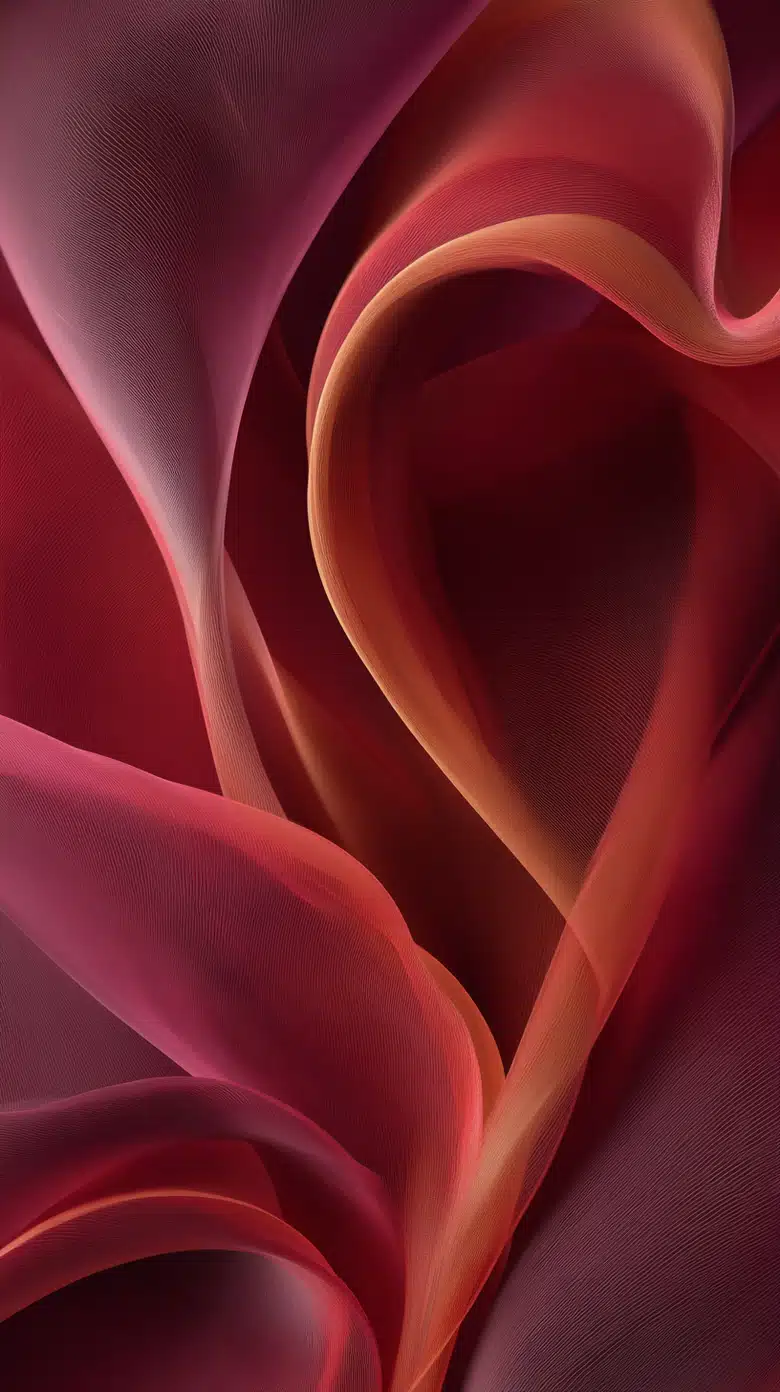
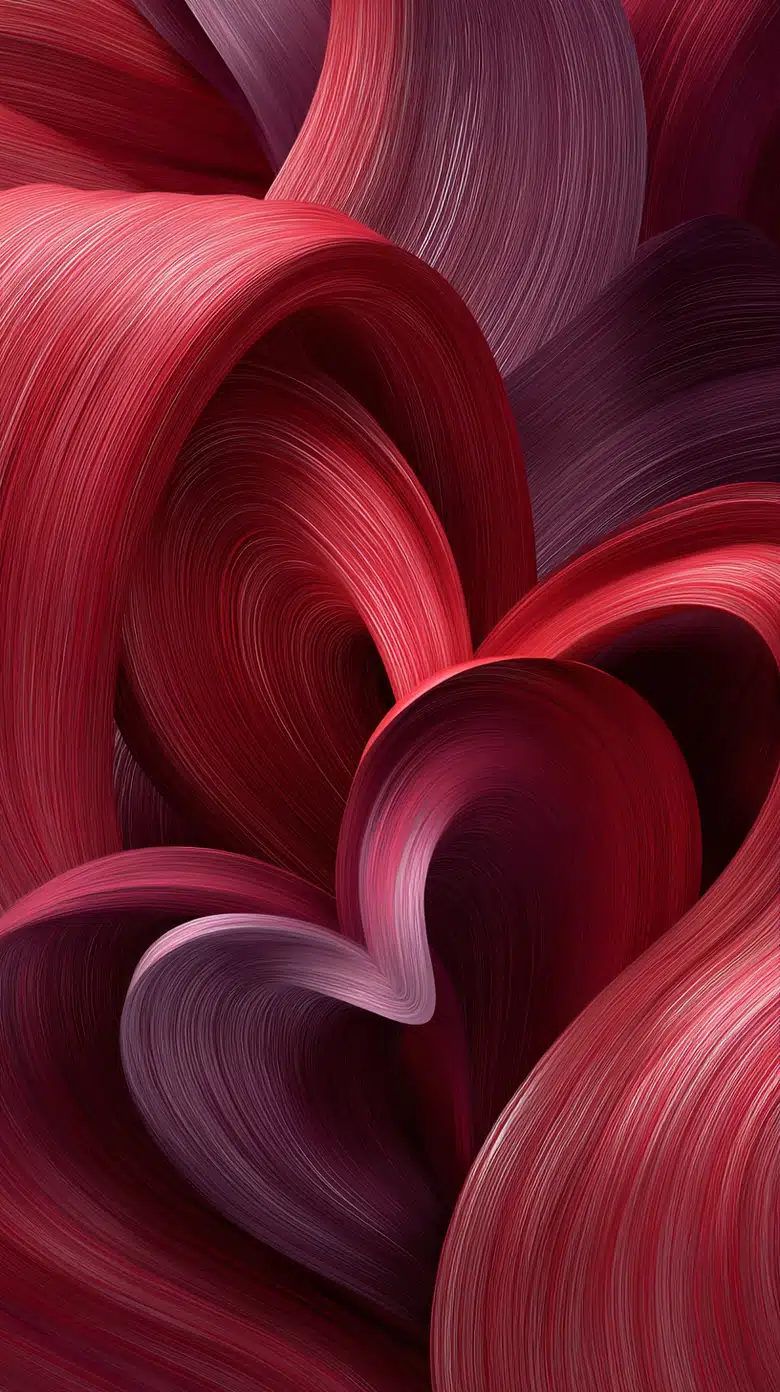
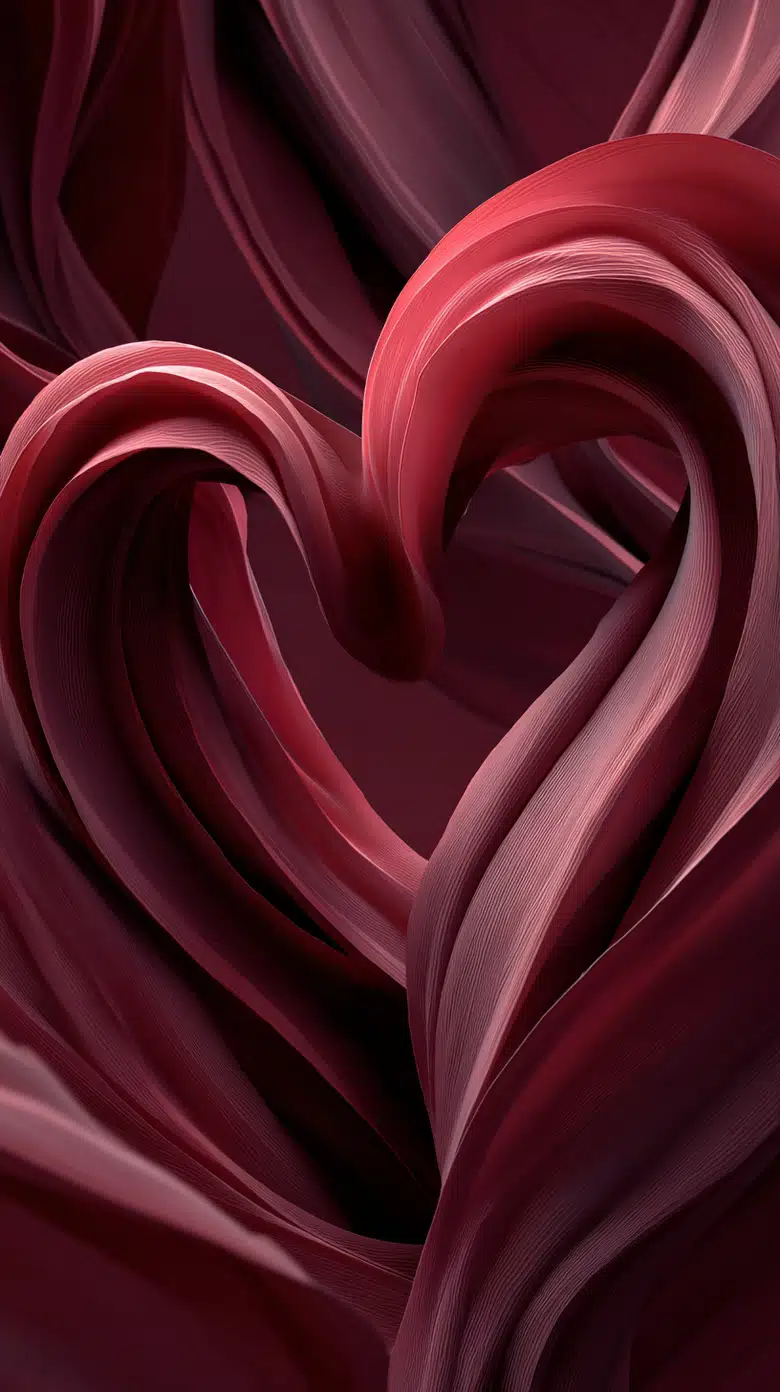
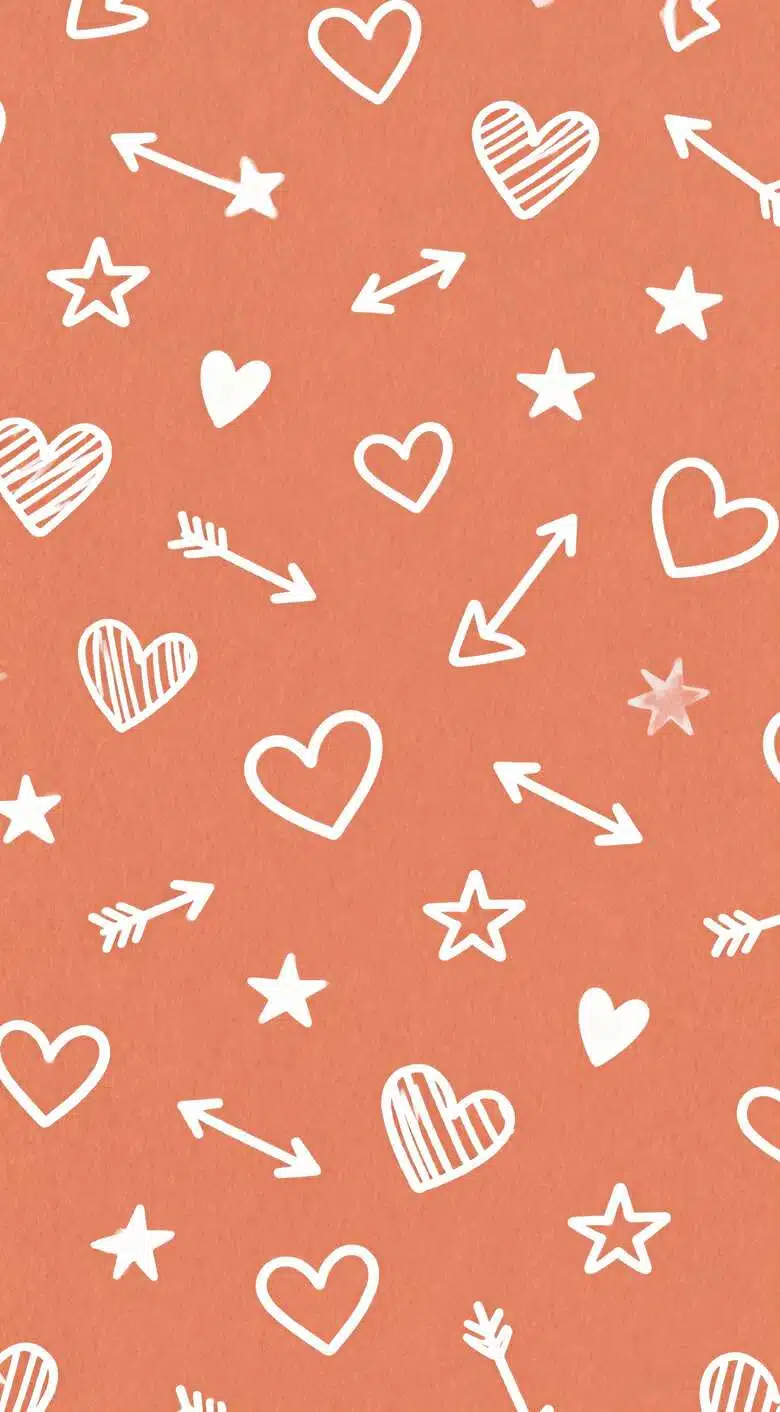
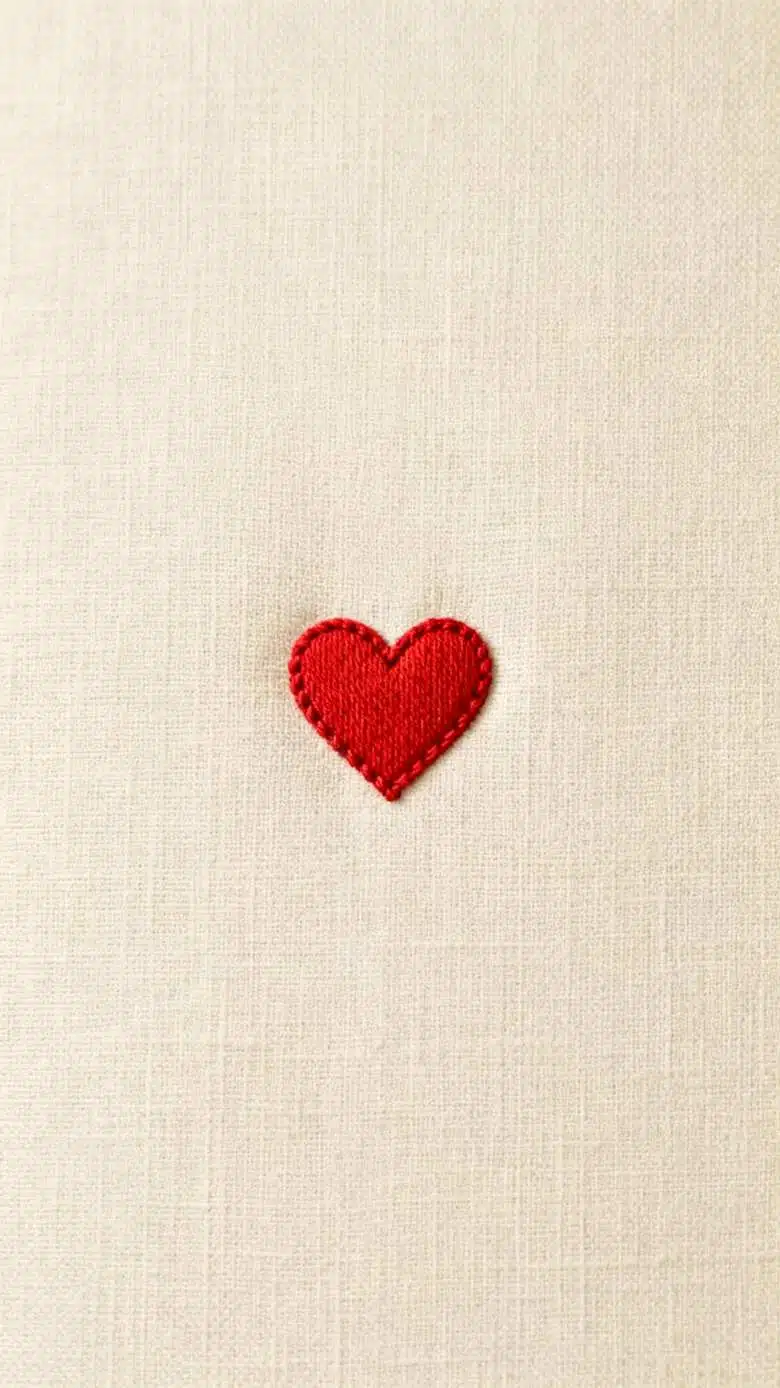
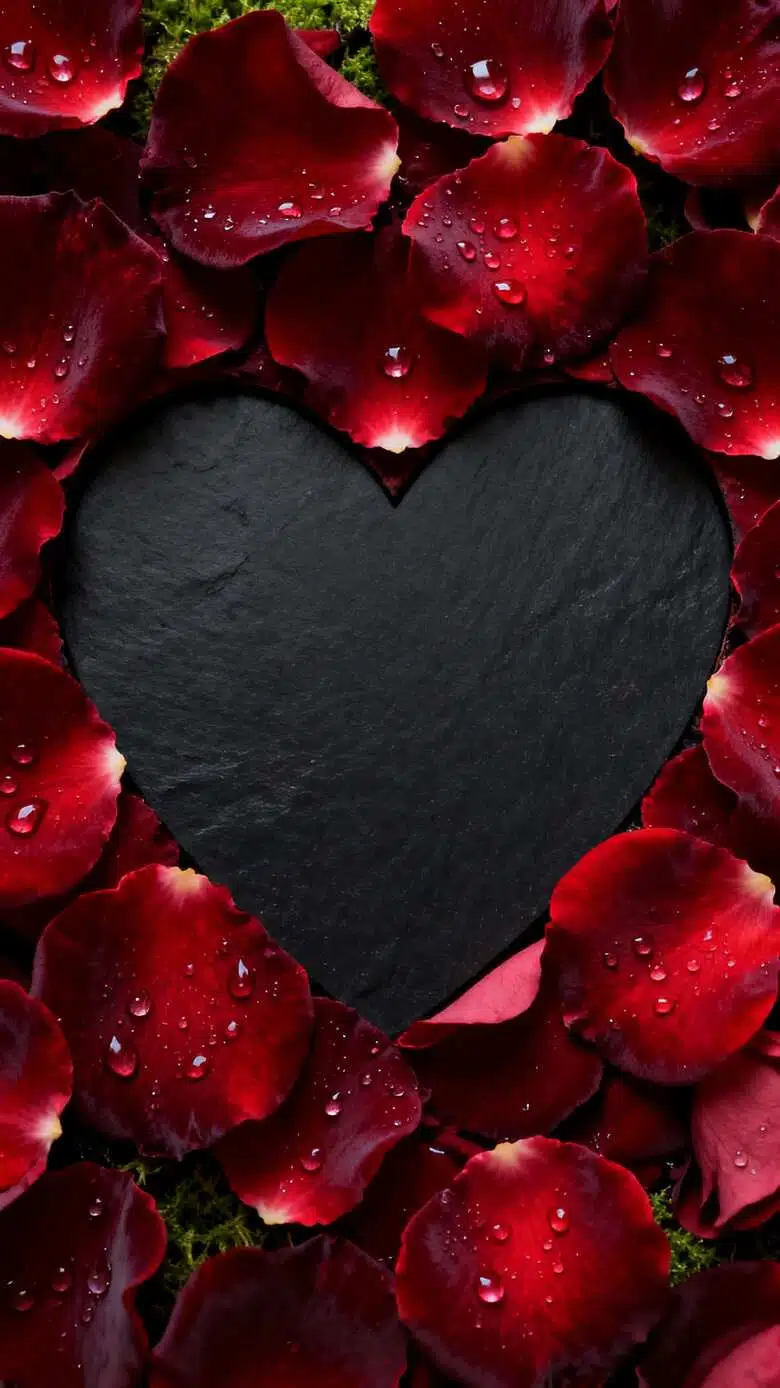
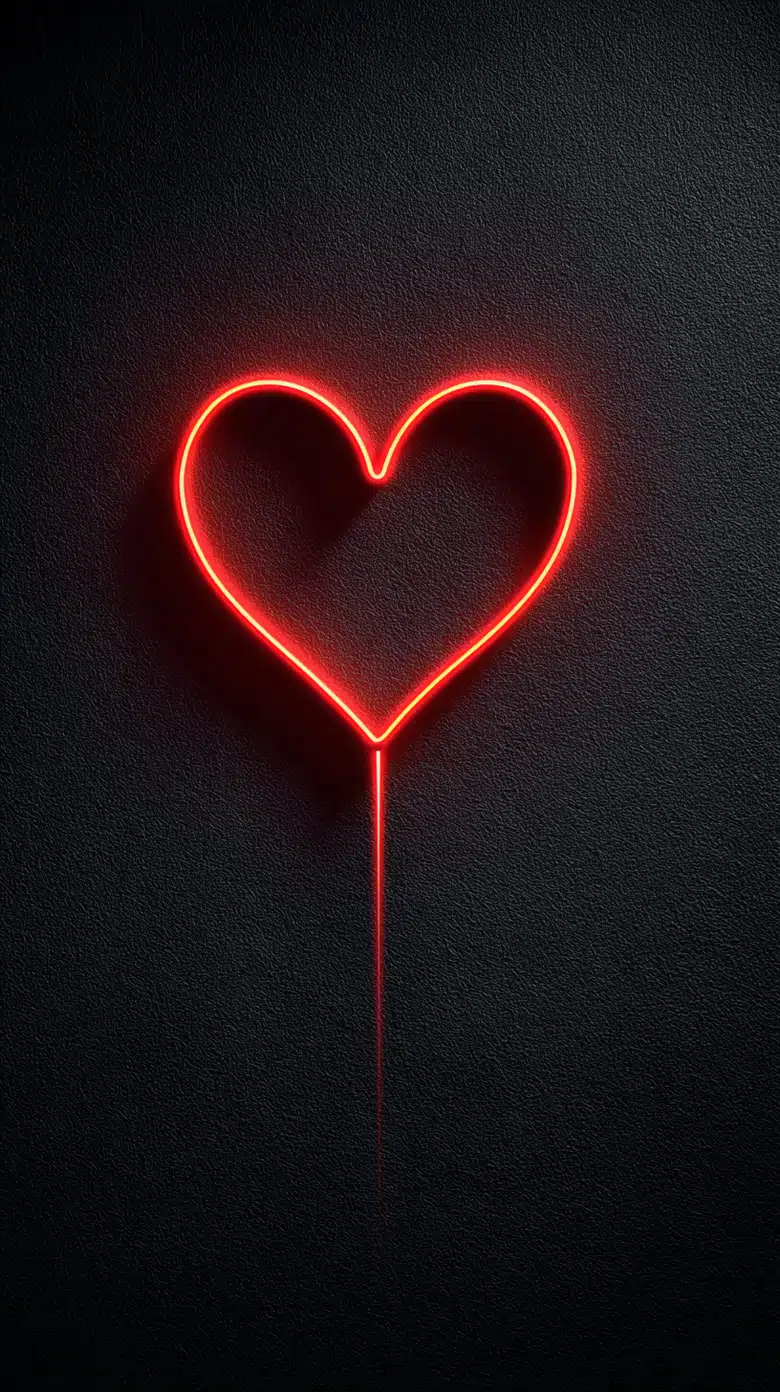
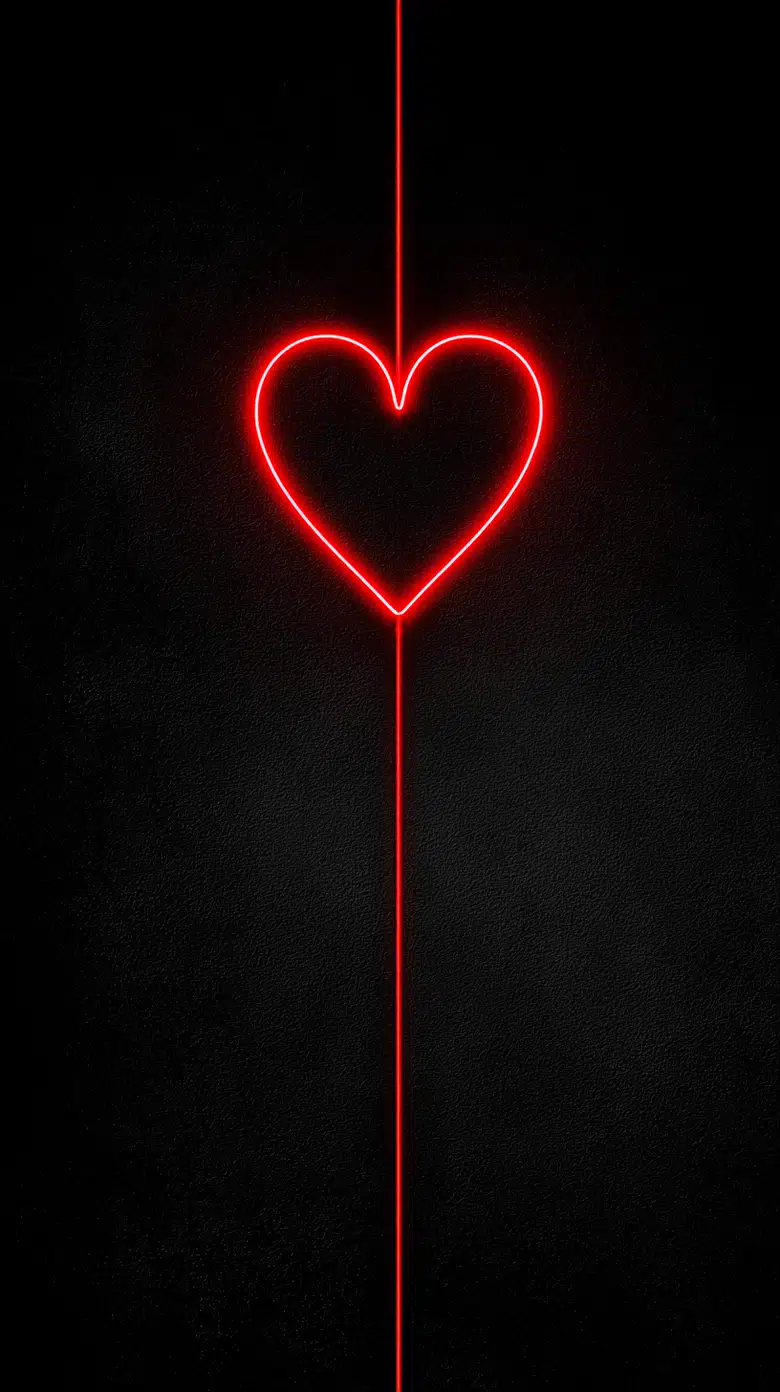


How to Create a Valentine’s Day Wallpaper
Upload & Input
Upload your brand assets or share a reference image with the Agent. Briefly describe the Valentine's vibe you want to achieve.
AI Transformation
Watch as X-Design blends your brand identity with romantic elements, instantly generating creative holiday versions of your wallpaper.
Refine & Export
Use "Point to Edit" via chat to fine-tune any specific details. Once you are satisfied, download your high-res festive wallpaper.
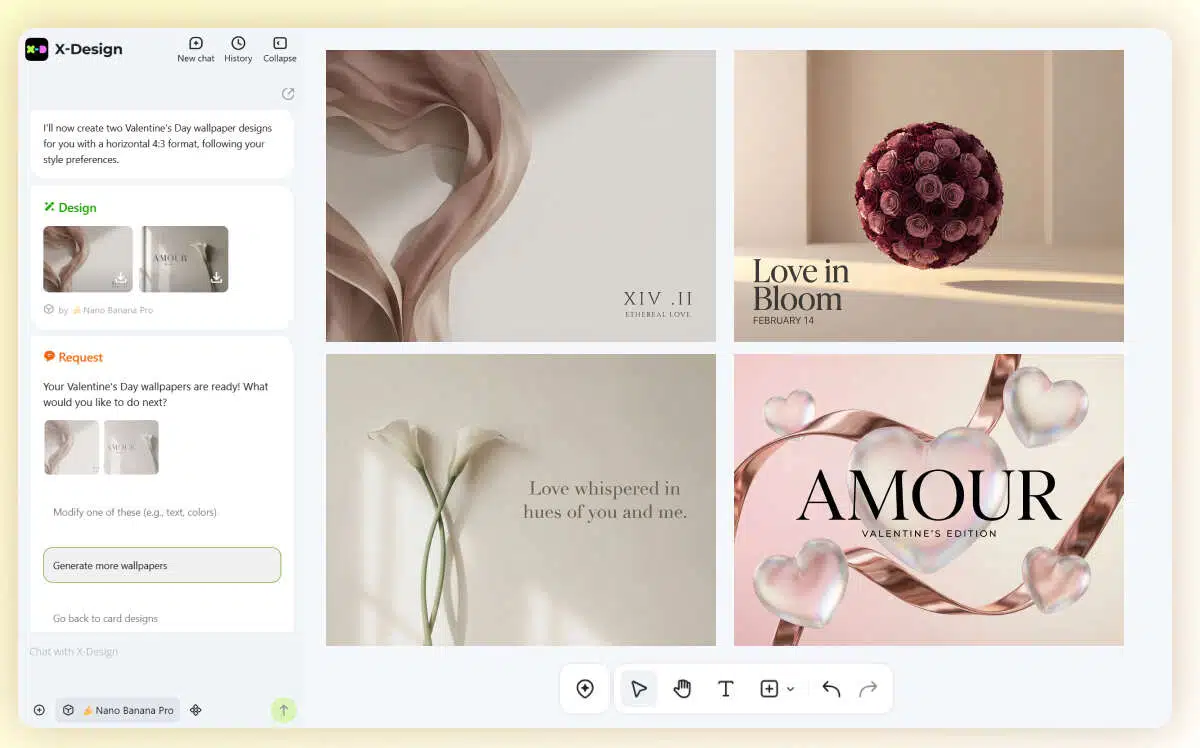
Valentine's Wallpaper Visual Customization
Still not ready for your Valentine's Day campaign? Let X-Design upgrade your brand's visual identity today!
Multiple Styles
Tell our AI Agent your vibe—Sweet, Minimalist, or Modern. X-Design instantly delivers 4 unique concepts to ensure you find the perfect match for your brand.
Beyond the Screen
Visualize your brand in the real world. Generate instant mockups for digital signage and tablet displays to see exactly how your wallpaper looks in premium holiday settings.
One-Click Download
Get high-res files instantly. Ready to use for social media or print, helping you launch your Valentine’s campaign with zero delay.
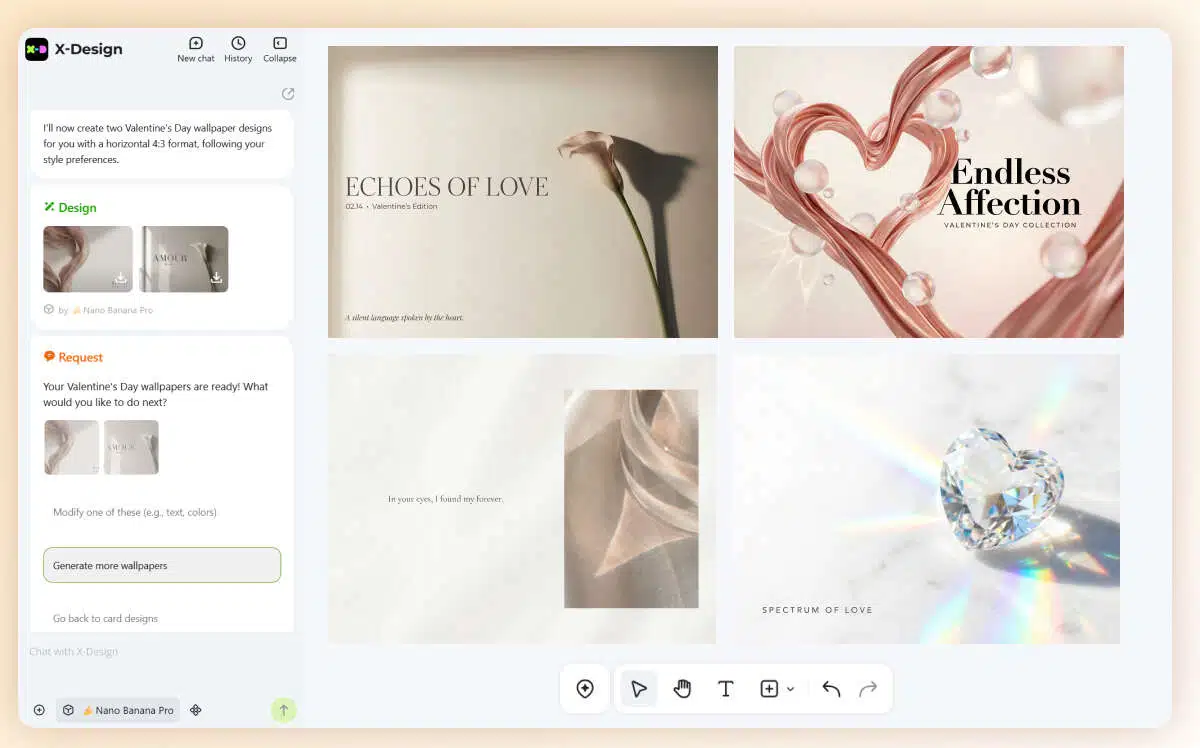
Valentine’s Wallpaper Makeover
Struggling with holiday ideas? Let X-Design transform your digital backdrop for Valentine’s Day!
Based on Your Brand Palette
Just upload your existing logo, and our AI Agent will seamlessly blend it with romantic elements to create a festive new look.
Design via Reference
Have a specific vibe in mind? Send a reference image to the Agent, and the AI will craft a design inspired by your favorite styles.
Point to Edit
Not 100% satisfied with the details? Use simple chat commands to fine-tune and polish your design until it’s perfect.
Explore More AI Tools
Free Online 3D Logo Maker | X-Design
Free Clothing Logo Design

AI Logo Generator - Logo Designing With AI
AI Logo Mockup Generator
Frequently Asked Questions
I don’t have any design experience. Can the AI Agent really create a wallpaper that fits my brand?
Can I specify a visual style? What if I want "Cyberpunk" instead of "Pink Romance"?
Yes, you can. When inputting your prompt, simply describe your desired keywords, such as "Modern Minimalist," "Vintage Film," or "Neon Tech." While the AI offers presets like Sweet, Minimalist, and Modern, you can use the chat interface to define any unique aesthetic that suits your store's vibe.
Will the generated wallpapers fit different devices in my store?
Yes. Before or after generation, you can tell the AI Agent your specific requirements. For example: "Adjust this to a 16:9 vertical ratio for my digital poster stand" or "Make this 4K horizontal for the wall monitor." The AI automatically adjusts the composition so key visual elements aren't cut off.
What if I’m unhappy with a specific detail, like a heart being too large?
That is exactly what our "Point to Edit" feature is for. You don't have to regenerate the entire image. Simply tell the AI in the chat: "Make the heart in the center smaller" or "Darken the background color slightly." The AI will perform precise edits on that specific area until it meets your expectations.
Are these wallpapers high enough quality for commercial printing?
Definitely. When you use "One-Click Download," you can select Ultra-High-Res versions. These files provide enough resolution for lightboxes, large-format poster printing, or high-definition digital signage displays within your store.
Ready to Set the Mood?
Transform your store’s digital screens into a romantic destination this February. Whether it’s for your POS tablets, storefront TVs, or customer-facing displays, our AI Agent makes high-end decor effortless.