Help You Build Your Valentine’s Day Zoom Background
Give your virtual presence a "romantic makeover" this season. Use stunning visual details to capture your audience's hearts and stand out in every video call.











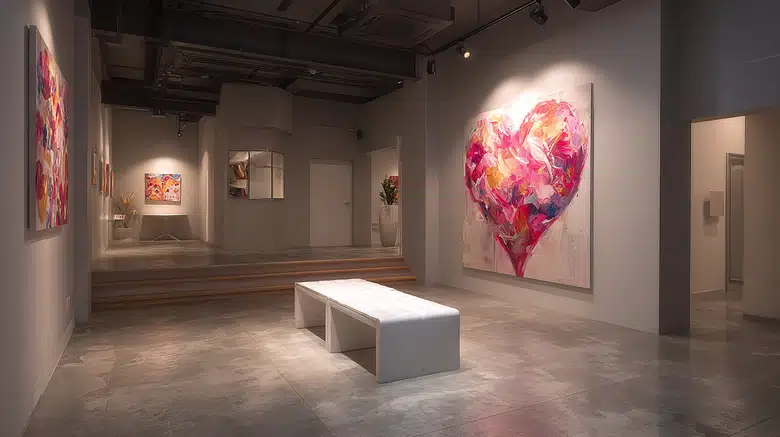
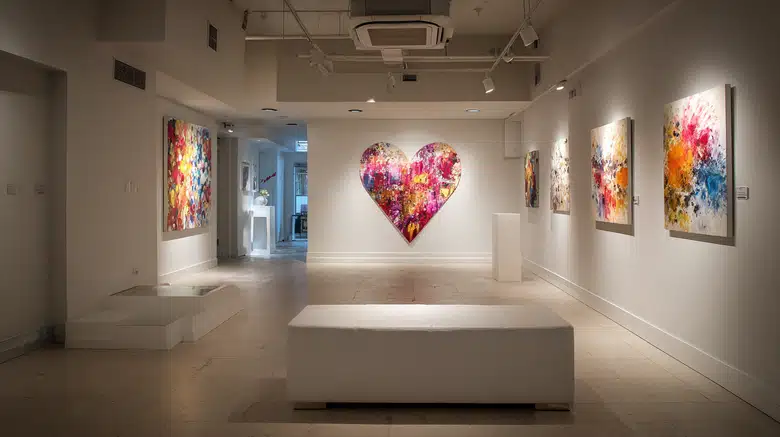
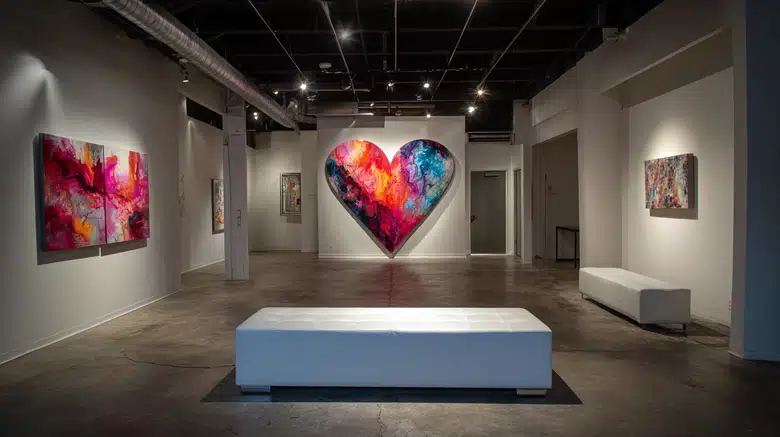
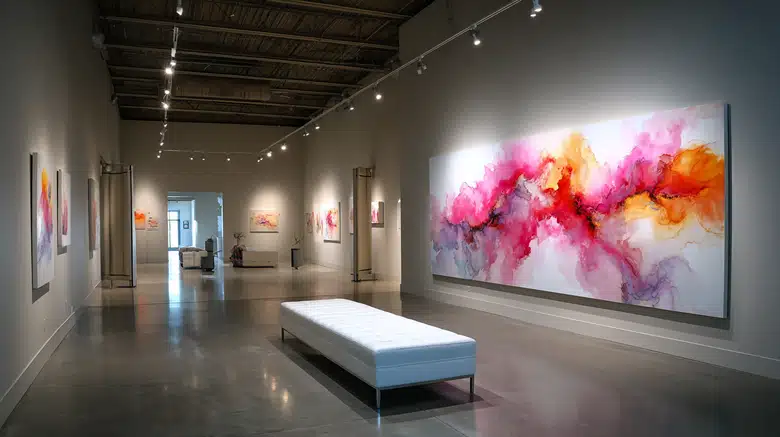
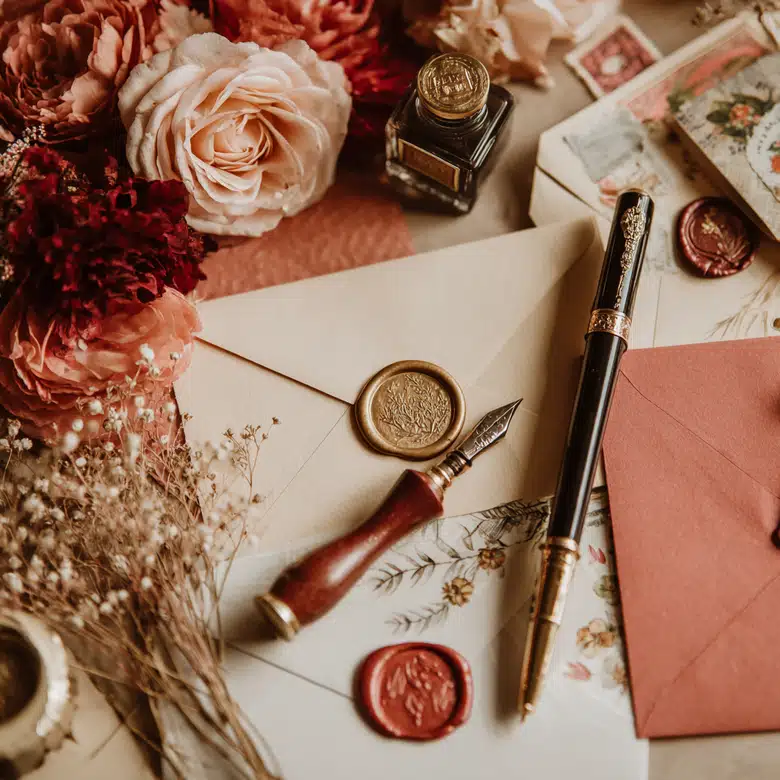






How to Create a Valentine’s Day Zoom Background
Upload & Input
Upload your brand assets or share a reference image with the Agent. Briefly describe the Valentine's virtual vibe you want to achieve.
AI Transformation
Watch as X-Design blends your brand identity with romantic elements, instantly generating creative holiday versions of your background.
Refine & Export
Use "Point to Edit" via chat to fine-tune any specific lighting or decor details. Once you are satisfied, download your high-res festive backdrop.
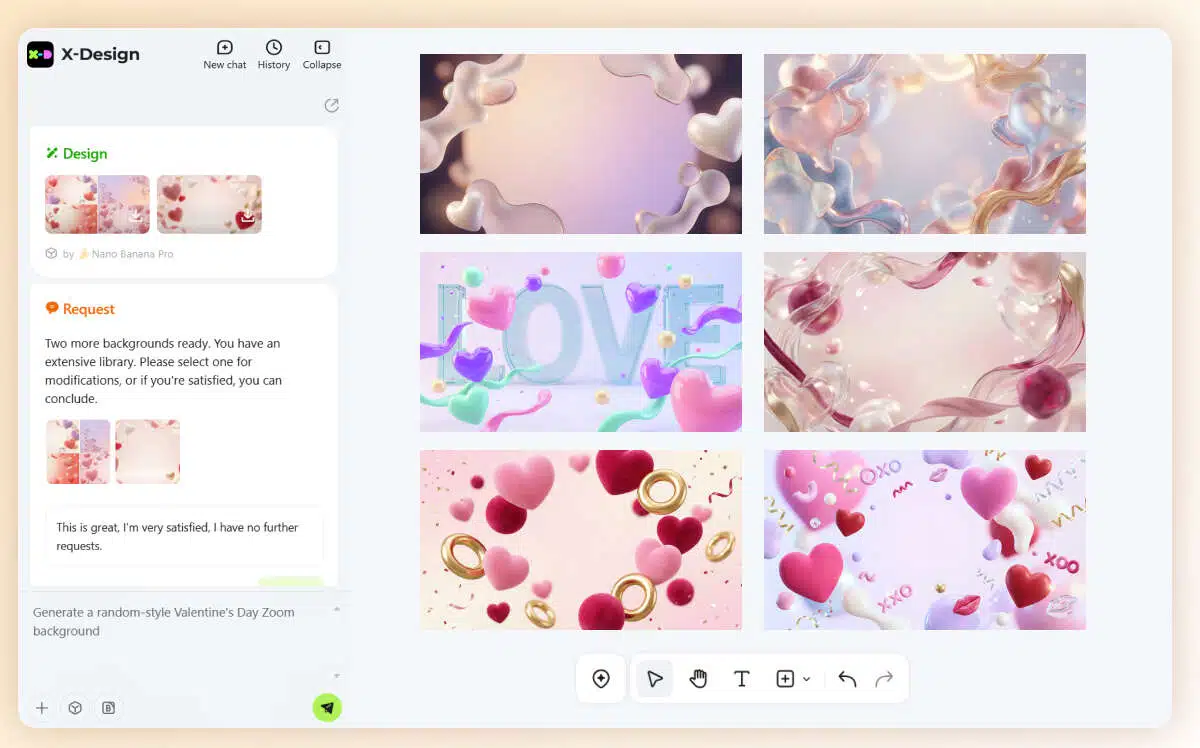
Valentine's Background Visual Customization
Still not ready for your Valentine's Day meetings? Let X-Design upgrade your virtual identity today!
Multiple Styles
Tell our AI Agent your vibe—Sweet, Minimalist, or Modern. X-Design instantly delivers 4 unique Zoom background concepts to ensure you find the perfect match for your professional brand.
Beyond the Screen
Visualize your brand in a realistic setting. Generate instant office mockups to see exactly how your background looks on camera, ensuring you appear polished in every premium holiday meeting.
One-Click Download
Get high-res 16:9 files instantly. Ready to use for Zoom, Microsoft Teams, or Google Meet, helping you launch your festive presence with zero delay.
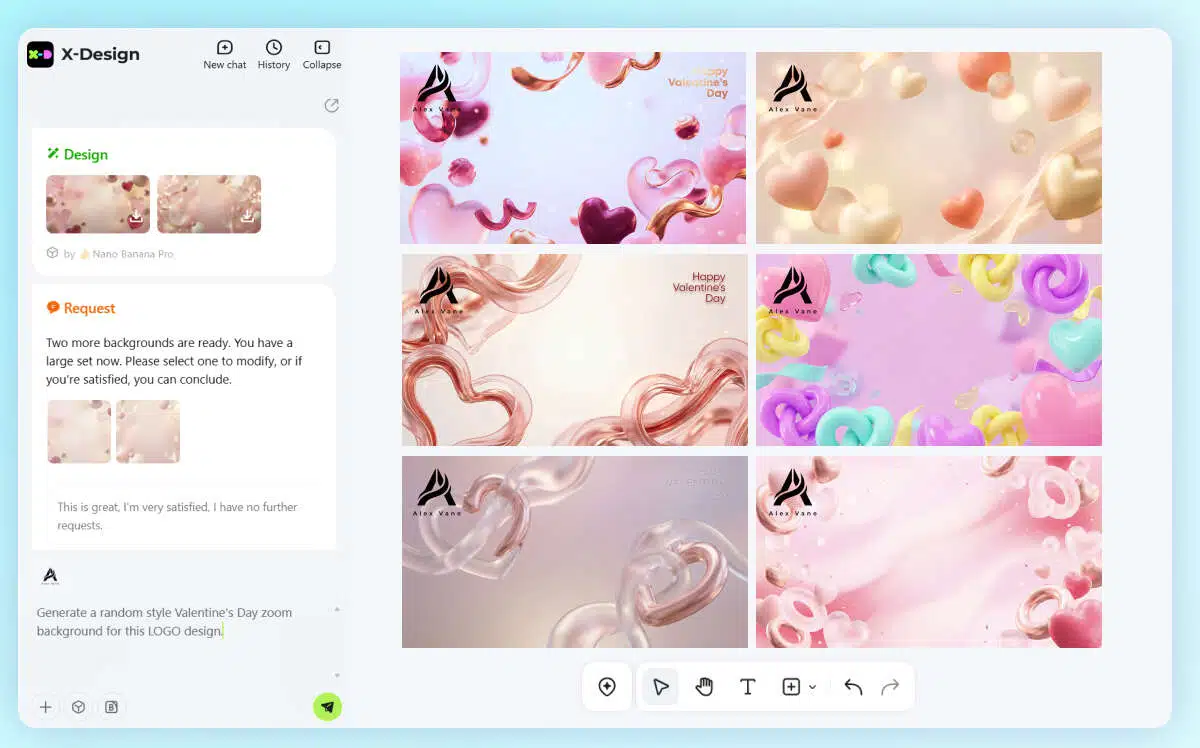
Valentine’s Backdrop Makeover
Struggling with virtual decor ideas? Let X-Design transform your video call background for Valentine’s Day!
Based on Your Brand
Identity Just upload your existing logo, and our AI Agent will seamlessly blend it with romantic elements like soft lighting or floral accents for a festive look.
Design via Reference
Have a specific interior design in mind? Send a reference image to the Agent, and the AI will craft a background inspired by your favorite aesthetics.
Point to Edit
Not 100% satisfied with the heart placement or background blur? Use simple chat commands to fine-tune and polish your design until it’s perfect.
Explore More
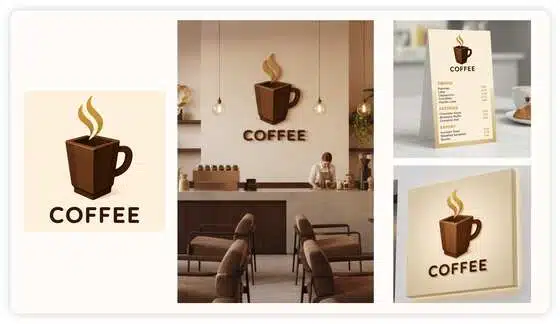
Free Online 3D Logo Maker | X-Design
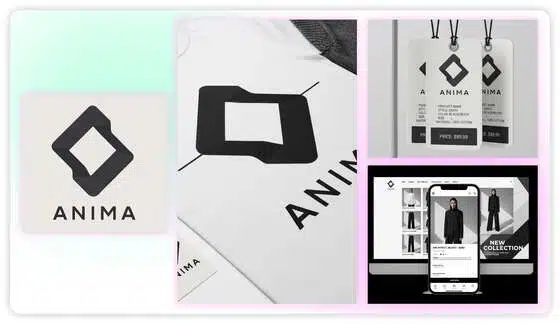
Free Clothing Logo Design

AI Logo Generator - Logo Designing With AI
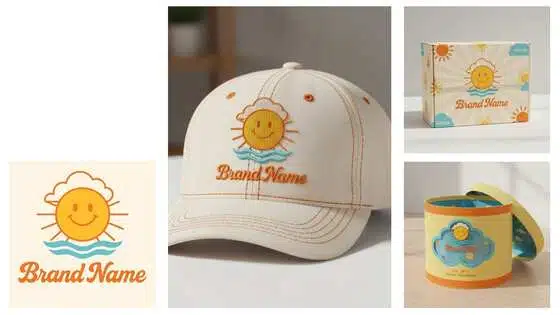
AI Logo Mockup Generator
Frequently Asked Questions
Will these backgrounds work on other platforms besides Zoom?
How do I ensure my logo doesn't get covered by my head during the call?
You can use Point to Edit to tell the AI: "Move the logo to the top-right corner" or "Keep the center area clear," ensuring your branding remains visible while you are on camera.
Can I create a "Virtual Romantic Office" look?
Absolutely. Simply choose the Minimalist or Modern style and ask the AI to include subtle Valentine's touches like a bouquet of roses or warm ambient lighting on a virtual desk.
Set the Perfect Mood for Your Next Video Call
Don't settle for a cluttered room or a generic blurred background. Whether you're hosting a remote team social or a client meeting, X-Design’s AI Agent helps you create a professional, festive atmosphere in seconds.