How to Remove Gemini Watermark?
Learn how to remove Nano Banana Pro / Gemini watermarks quickly and cleanly using automatic tools or manual methods. Includes step-by-step tutorials, comparison, and FAQs.


Gemini-3-Pro-Image (Nano Banana Pro) has become one of the most popular image-generation models recently, and its popularity continues to rise.
Powered by the advanced reasoning capabilities of the Gemini-3-Pro model, it can generate clear multi-language text, transform real-world knowledge and data into beautifully structured flowcharts, and produce high-quality photography images, comic storyboards, brand design visuals, and more.
However, users have noticed that Gemini images come with a Gemini watermark in the bottom corner. Although it is not very prominent, it still somewhat limits the usage of the images.

- Why do Gemini Image / Nano Banana Pro Image come with watermarks?
- How to Remove Gemini Watermark?
- Who is X-Design?
- What Are the Advantages of Using X-Design for Watermark Removal?
- Steps to Remove Watermarks with X-Design:
- Different Watermark Removal Results with X-Design:
- Other Capabilities of X-Design Beyond Watermark Removal:
- Other Methods for Watermark Removal:
- Conclusion: AI removal = best quality + minimum effort.
- FAQ
- 1. Does watermark removal reduce quality?
- 2. Can I process images in bulk?
- 3. Do you support video watermark removal?
- 4. Can I disable the watermark when generating images?
- Conclusion
Why do Gemini Image / Nano Banana Pro Image come with watermarks?
There are several main reasons:
- Content Provenance – To clearly indicate that the image is AI-generated.
- Prevent Forgery / Misuse – To stop AI-generated content from being misrepresented or abused.
- Prevent Commercial Misuse of Free Models – To discourage users from using free model outputs for unauthorized commercial purposes.
As the new generation of AI visual models such as Gemini-3-Pro-Image / Nano Banana Pro become widely used, more designers, creators, and online sellers rely on AI-generated content. However, these images often contain:
- Semi-transparent corner logos
- Model name text watermarks
- Faded markers
- Beta-version corner tags
These watermarks affect aesthetics and prevent images from being used for branding, product listings, or marketing. Therefore, watermark removal has become a necessity.
How to Remove Gemini Watermark?
The Best Solution: X-Design One-Click Watermark Remover. Fastest, cleanest, and ensures the best image quality. Why Use X-Design:
Who is X-Design?
With the help of AI, we want to bring high-quality design to the people who need it most. X-Design is your creative AI agent and AI-powered photo editor.
What Are the Advantages of Using X-Design for Watermark Removal?
Free Trial: Use it for free without compressing image quality.
Smarter: Automatically and accurately detects watermark positions, no manual brushing required.
Faster: Removes watermarks quickly.
Cleaner: Watermarks are removed seamlessly.
High-Quality Images: Preserves original image quality and details even after watermark removal.
Multiple Watermark Types: Supports removal of various watermark types, whether full-screen or partial.
Batch Mode: Supports removing watermarks from multiple images at once.
Steps to Remove Watermarks with X-Design:
Open X-Design Image Watermark Remover
- Upload your Gemini Image / Nano Banana Pro Image
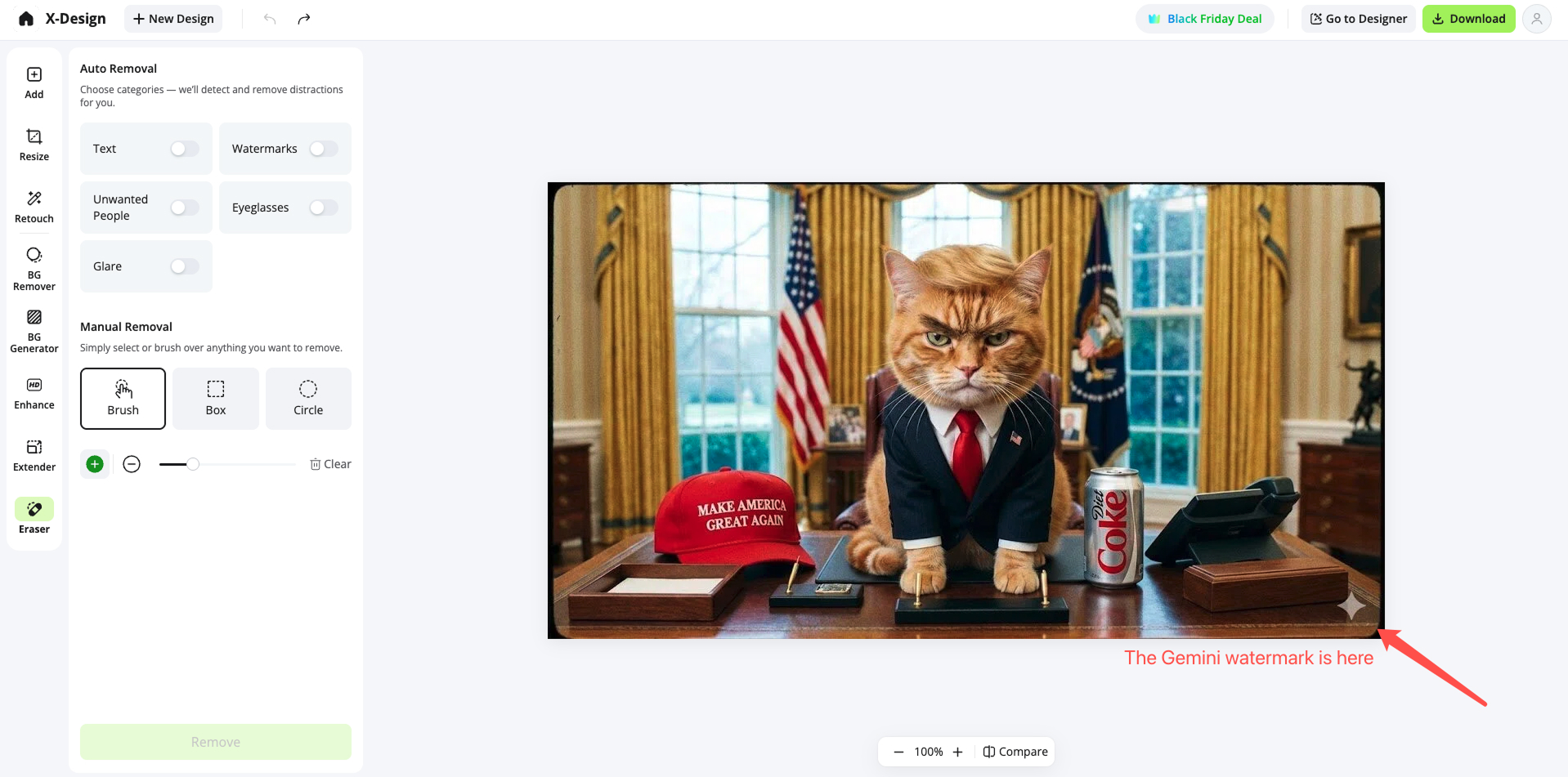
- After selecting the watermark mode, the AI automatically detects the watermark area and removes it.
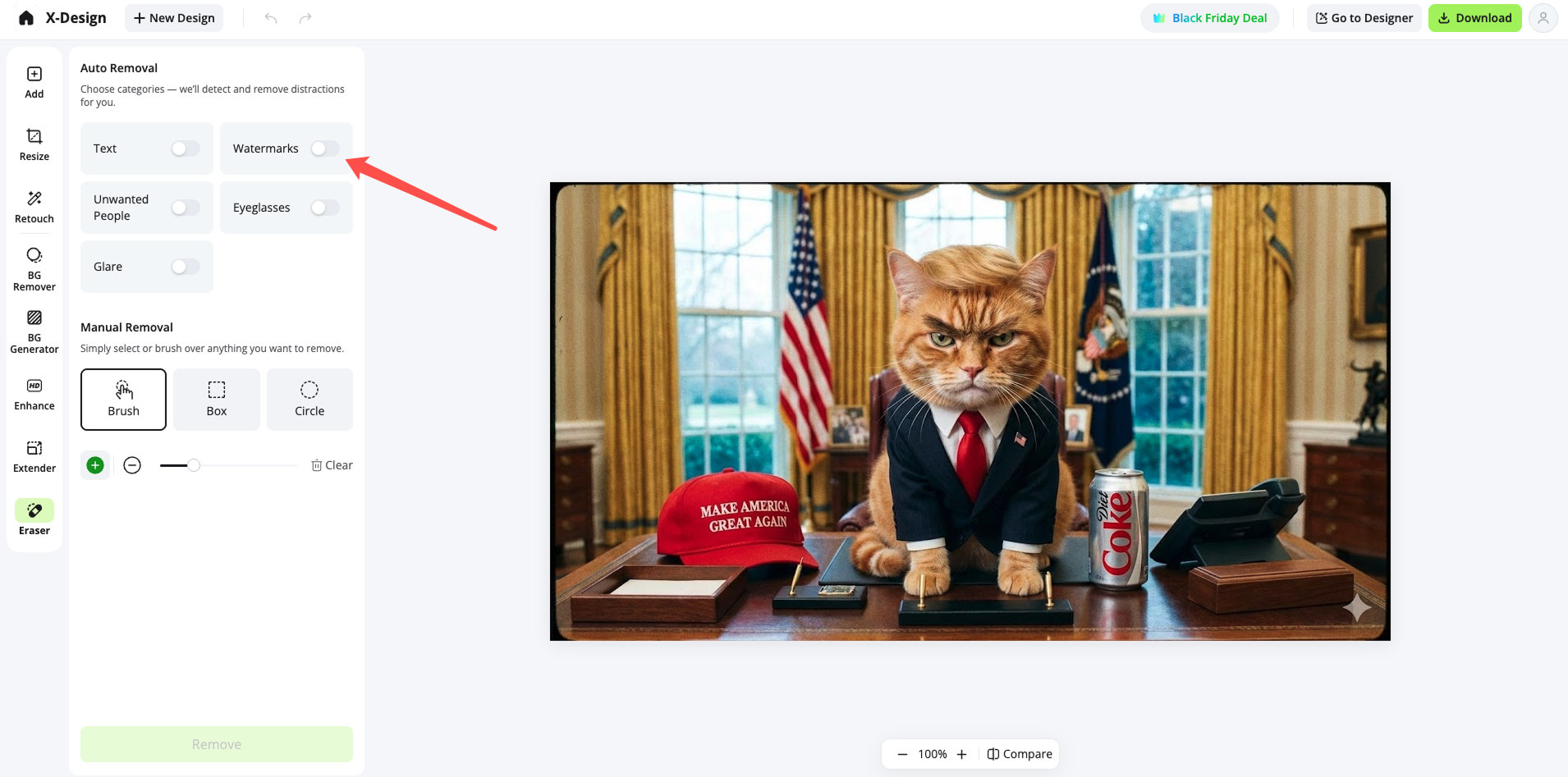
- Automatic removal completed, and the watermark is perfectly gone.
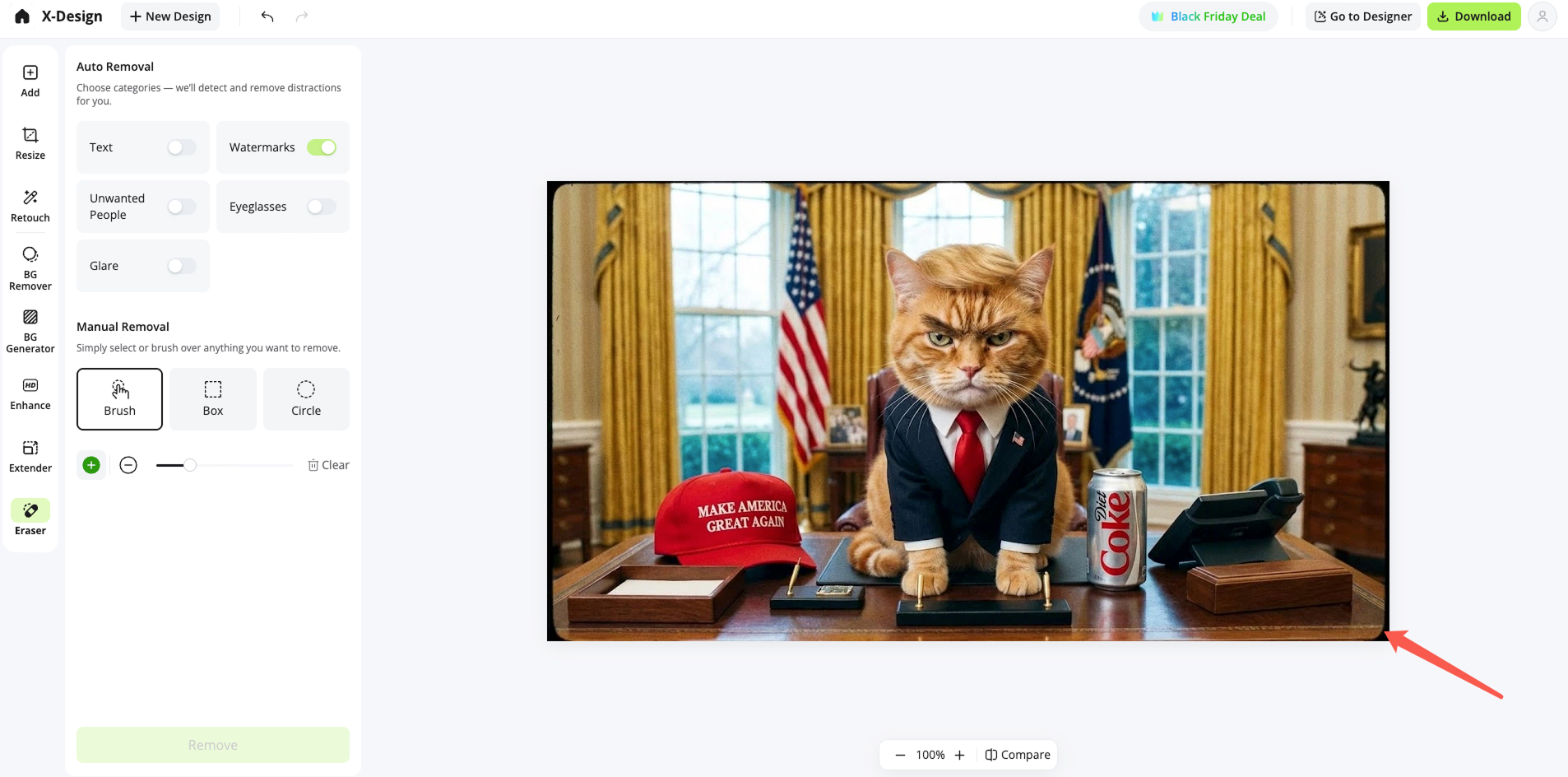
- Download the clean HD image
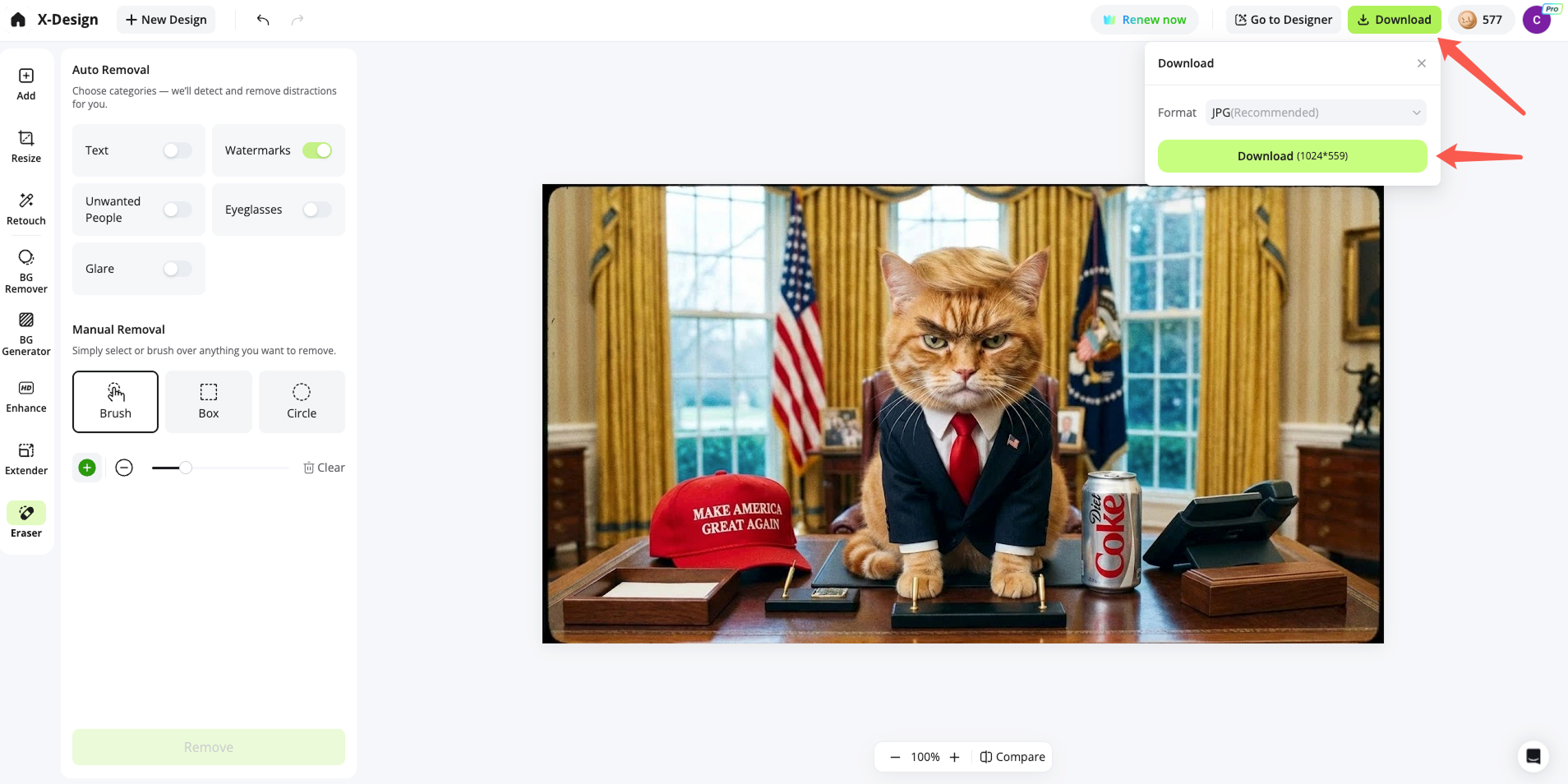
- You can also perform the operation on your mobile web browser
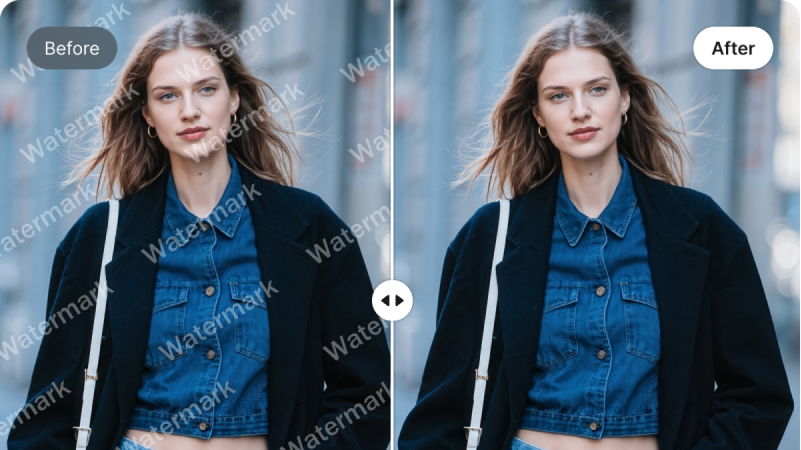
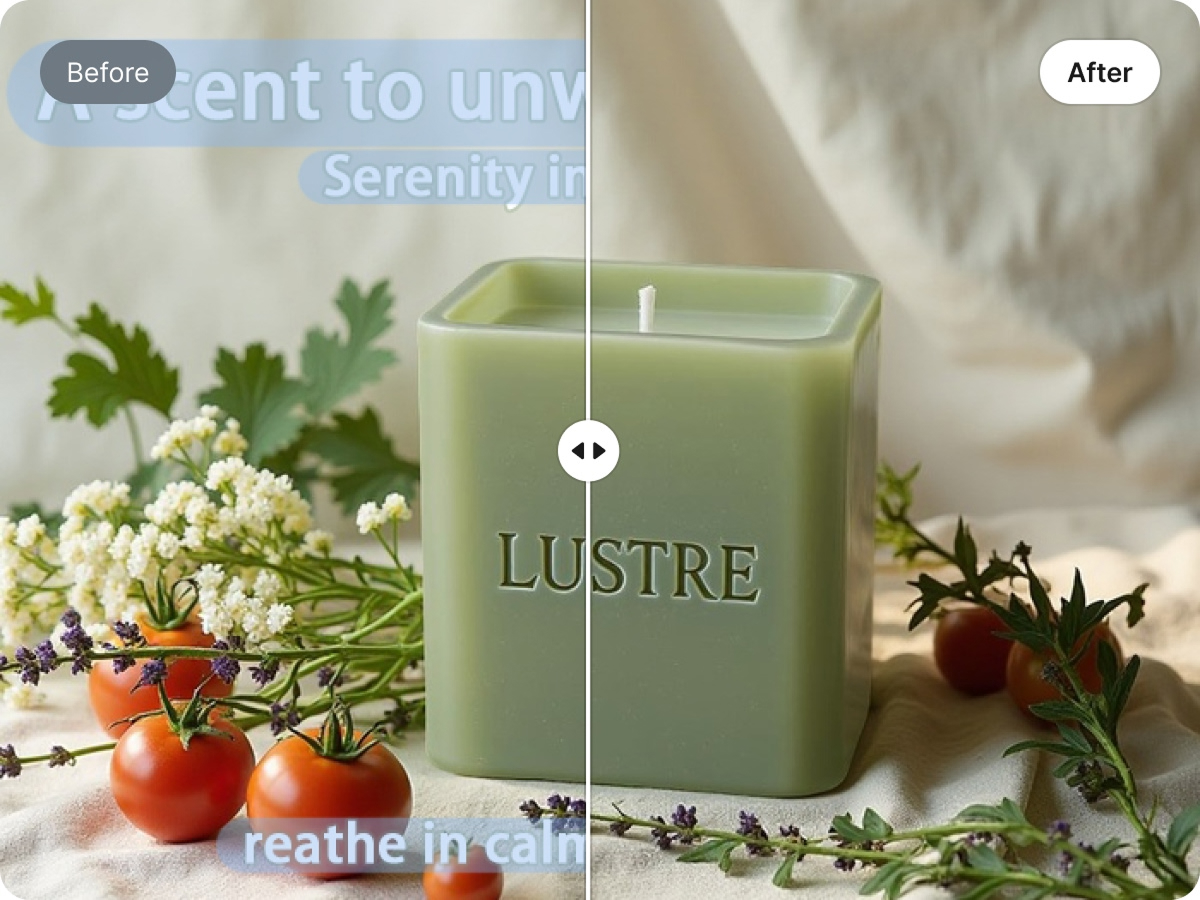
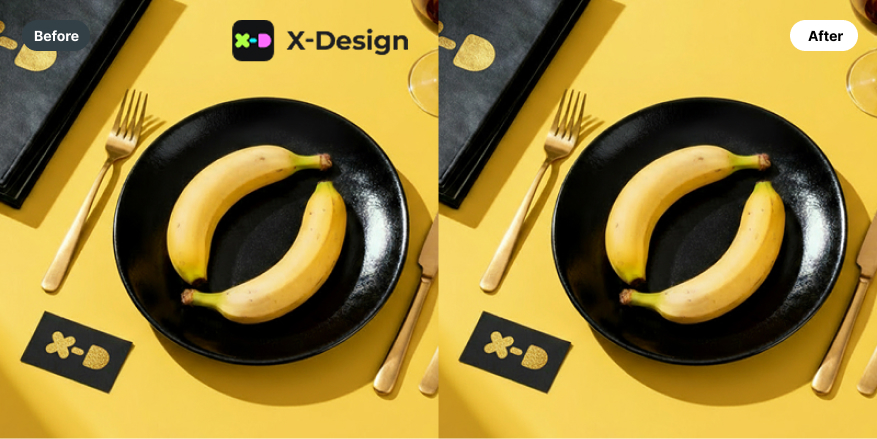
Different Watermark Removal Results with X-Design:
- Full-Screen Watermark
- Text Watermark
Logo & Icon Watermark
- Transparent Watermark

Other Capabilities of X-Design Beyond Watermark Removal:
- Remove Glasses

- Remove Passer-by

- Remove Glare
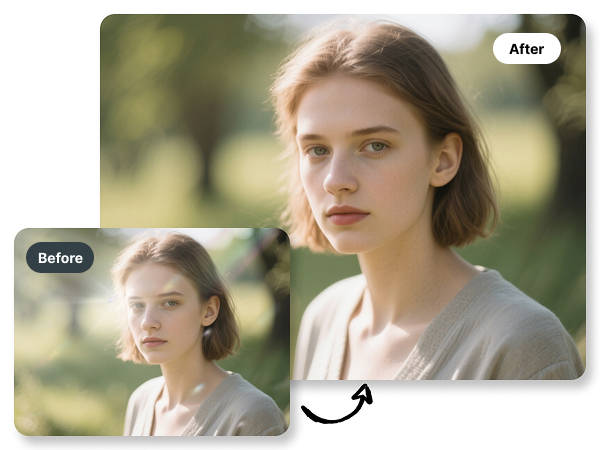
Other Methods for Watermark Removal:
Method 1: Photoshop Healing Tools
Pros: High level of control.
Cons: Time-consuming and requires Photoshop skills.
Method 2: Mobile Apps
Pros: Easy.
Cons: Not clean enough for complex watermarks.
Method 3: Cropping
Pros: Instant.
Cons: Removes part of the image.
Method 4: Online Small Tools
Pros: Convenient.
Cons: Quality may be inconsistent and original image clarity cannot be guaranteed.
Conclusion: AI removal = best quality + minimum effort.
FAQ
Does watermark removal reduce quality?
No. X-Design uses high-resolution inpainting.
Can I process images in bulk?
Yes, batch removal is supported.
Do you support video watermark removal?
Yes. You could use X-Design Video Watermark Remover.
Can I disable the watermark when generating images?
Currently not possible. Removal must be done afterward.
Conclusion
Using the right tool can help you remove watermarks perfectly while preserving the original image’s clarity. X-Design is your best choice — faster, cleaner, sharper, and free.
Related articles
What is a PNG and How to Convert It?

How to Remove the Kling AI Watermark

12 Nano Banana Prompt Guide for Stunning Visual Creation with X-Design