WebP Resizer Online for Free
How to use photo editor with AI
Upload Your Image
Let AI Enhance Your Image
Fine-Tune Your Image
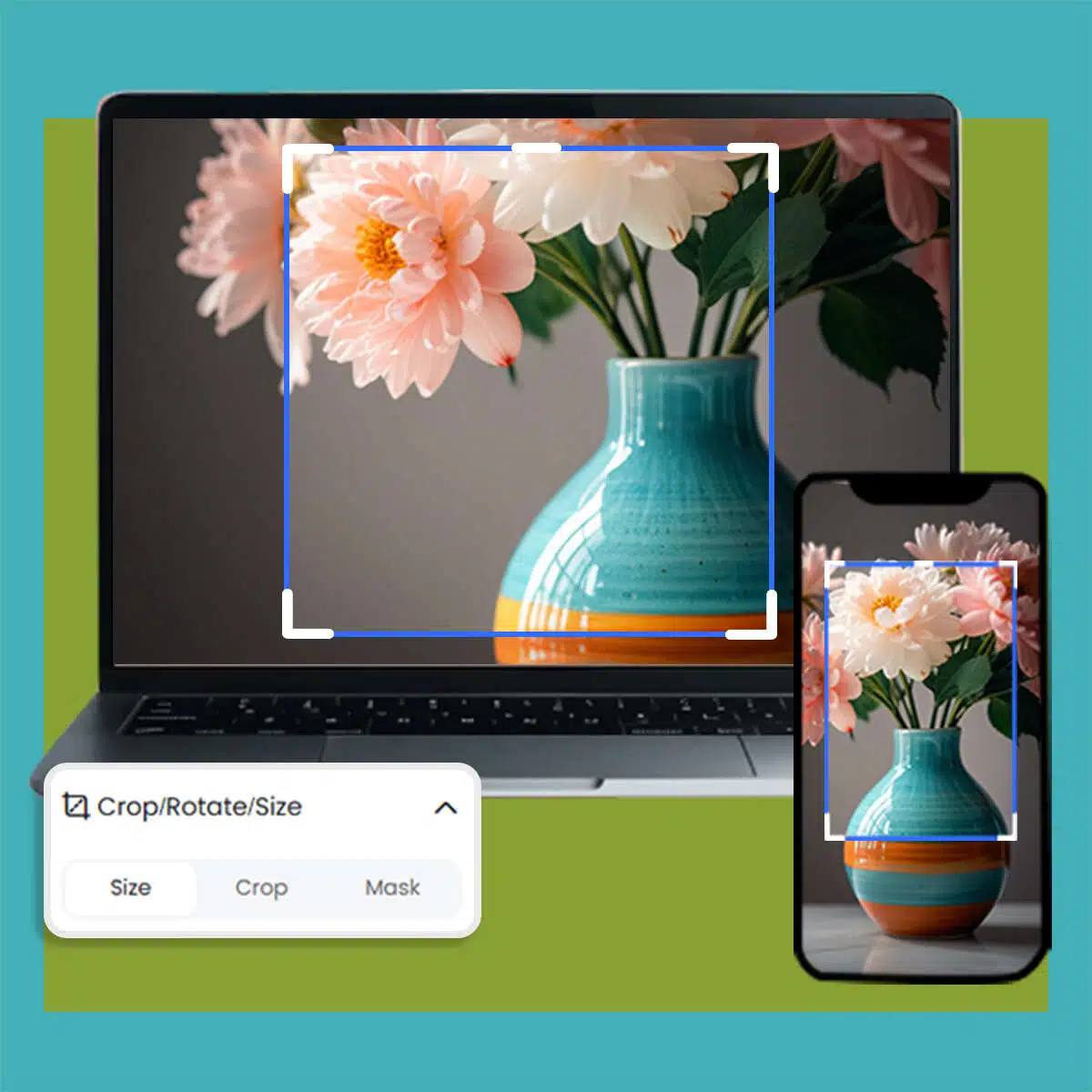
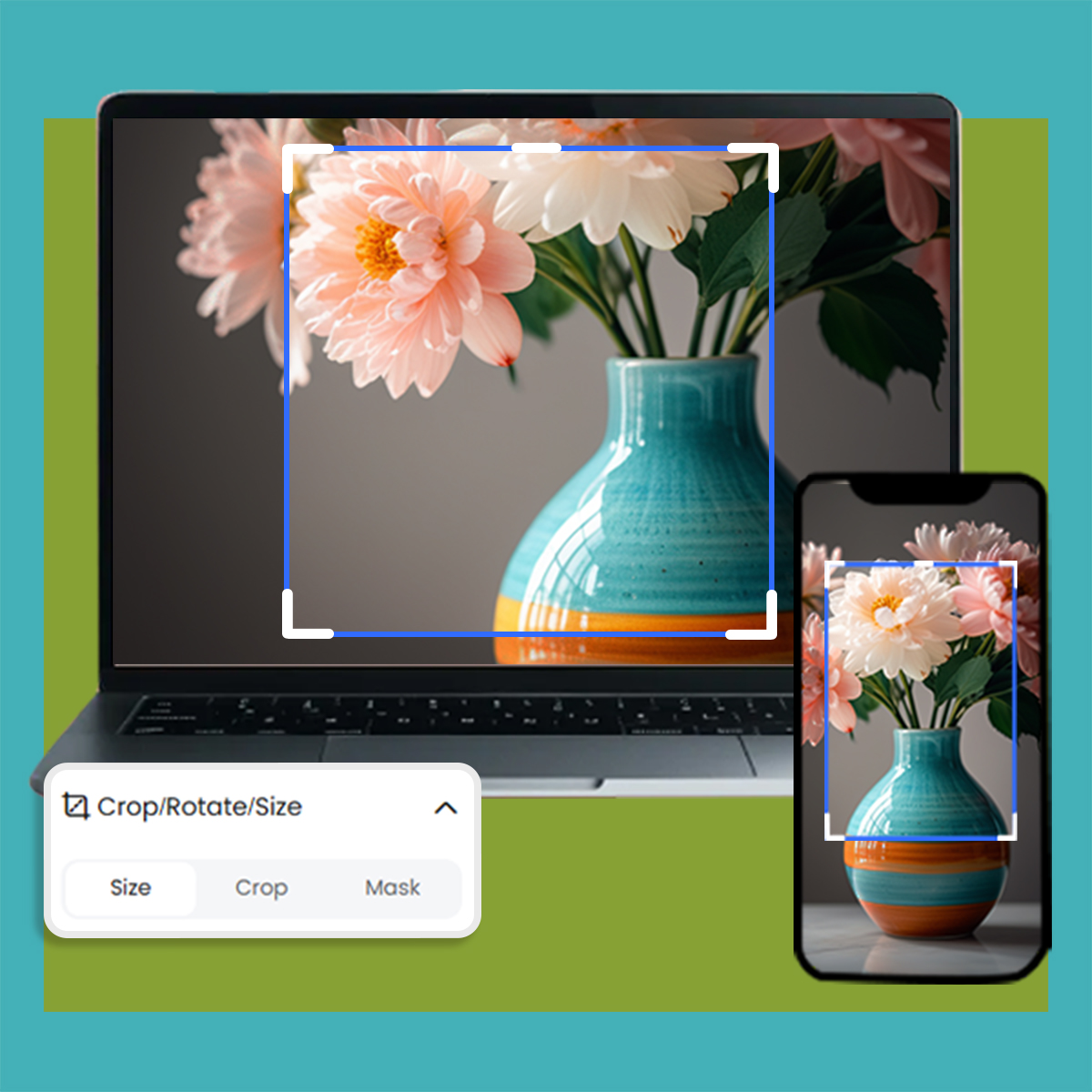
Quick WebP Image Resizing
Resize your WebP images in seconds! With just a few clicks, you can adjust image dimensions precisely for any purpose, from web and social media to high-quality digital designs. Simplify your image processing with ease and speed.

Fast and Easy WebP Resizing
Resize your WebP images in seconds! Our intuitive online resizer lets you adjust dimensions effortlessly, preserving quality and clarity. No technical expertise required—just upload, resize, and download. Designed for creatives, it’s the perfect tool to bring your vision to life.
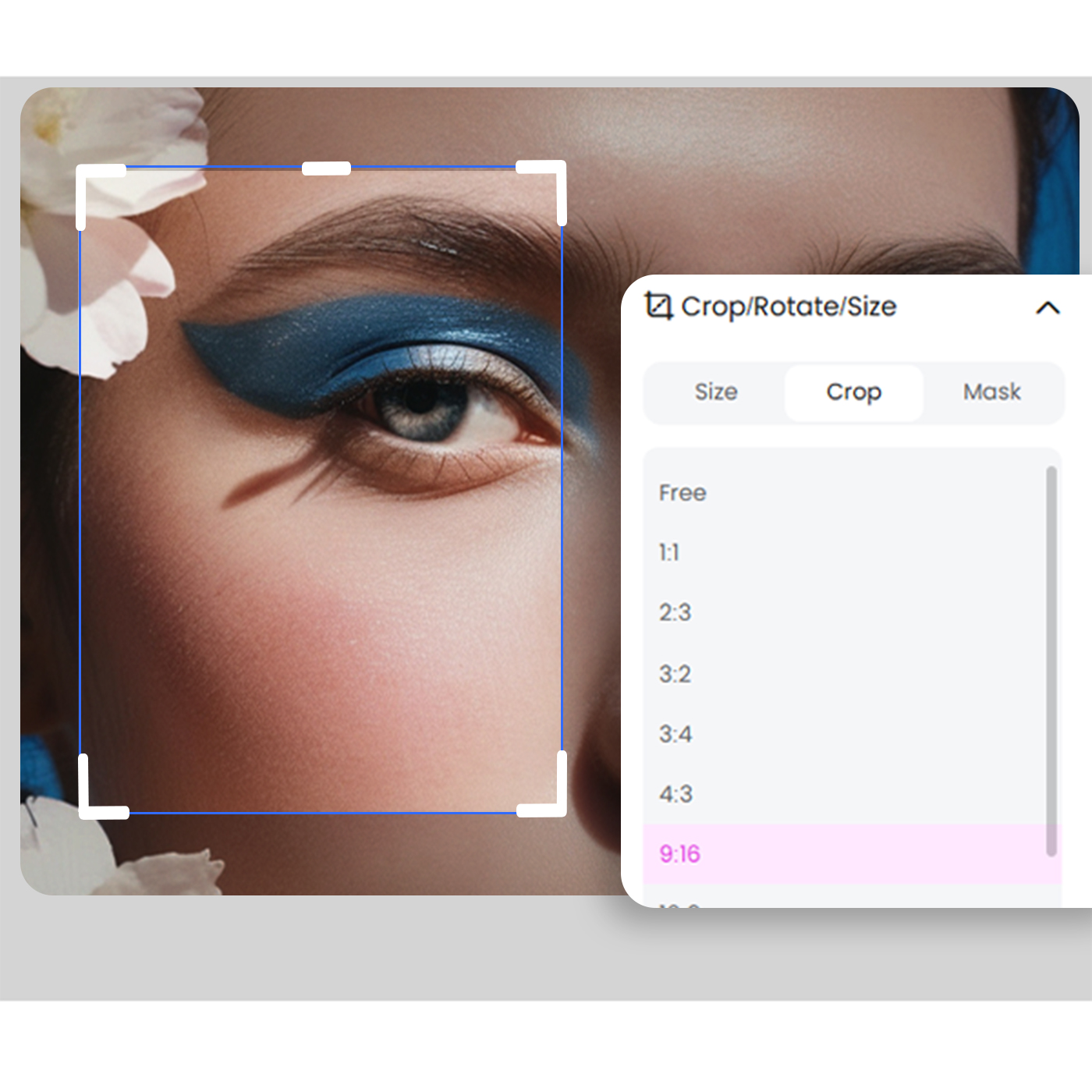
High-Quality Results Guaranteed
Achieve exceptional quality every time. Our WebP resizer ensures images retain sharpness and vividness, whether you’re resizing for web, social media, or presentations. Experience seamless resizing with guaranteed satisfaction in every project, giving you confidence in your final image.

How to resize WEBP
1, Open free online Resize WEBP website. 2, Click inside the file drop area to upload or drag & drop files. 3, You can upload maximum 10 files for the operation. 4, Set options you want to be performed for resizing. 5, Click on Resize button. ... 6, Download link of result files will be available instantly after resize. 7, You can also send a link to the file to your email address.
Photo editor

Instant Professional-Grade Enhancements
X-Design’s AI delivers immediate improvements to your photos by automatically adjusting key elements, ensuring professional-quality results in a fraction of the time it would take with traditional photo editing tools.

Full Creative Control
While X-Design’s AI provides smart, automatic enhancements, you retain full control over the final outcome. Customize the details to match your exact vision, ensuring your image reflects your creative intentions.

Quick and Efficient Workflow
X-Design streamlines the editing process, allowing you to achieve high-quality results faster. Whether you’re editing one image or many, the tool is designed to be fast and efficient, saving you valuable time without sacrificing quality.
Frequently Asked Questions
How can I resize WEBP?
How long does it take to resize WEBP?
With X-Design, resizing WEBP images is fast—typically done within seconds. Thanks to our optimized processing, you'll spend less time waiting and more time creating. Our platform is designed to support your efficiency, helping you achieve results swiftly and with minimal steps.
What browser should I use to resize WEBP?
X-Design is compatible with all major browsers, so you can resize WEBP files seamlessly on Chrome, Firefox, Safari, or Edge. Just open your preferred browser, upload your image, and start resizing instantly. Our platform is built for accessibility, ensuring a smooth experience across all devices.