Free AI Design Generators Online
AI design tools let you bring ideas to life. Generate graphics effortlessly while enjoying a smooth, user-friendly experience. You can perform complex edits in a few clicks because these AI generators have been trained on huge datasets for editing.

AI Logo Generator

AI Poster Generator

AI Branding Design
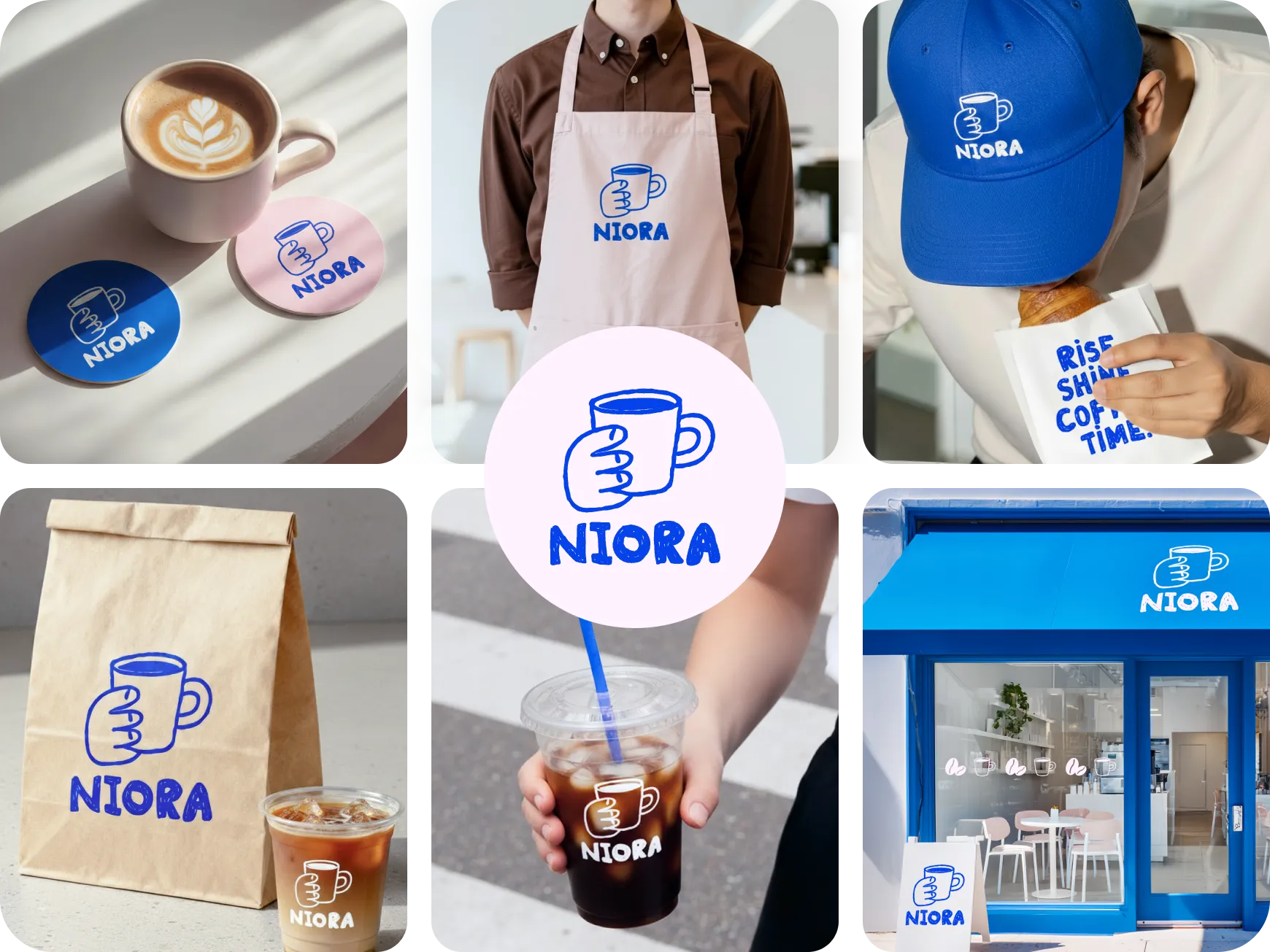
Make Professional Logos Without Design Skills
By just inputting your business name and industry, you can generate new logos for your business. All the exports ensure high quality. For a start, you get multiple logo designs to choose from. Plus, you can edit these images on the go using the built-in editor.
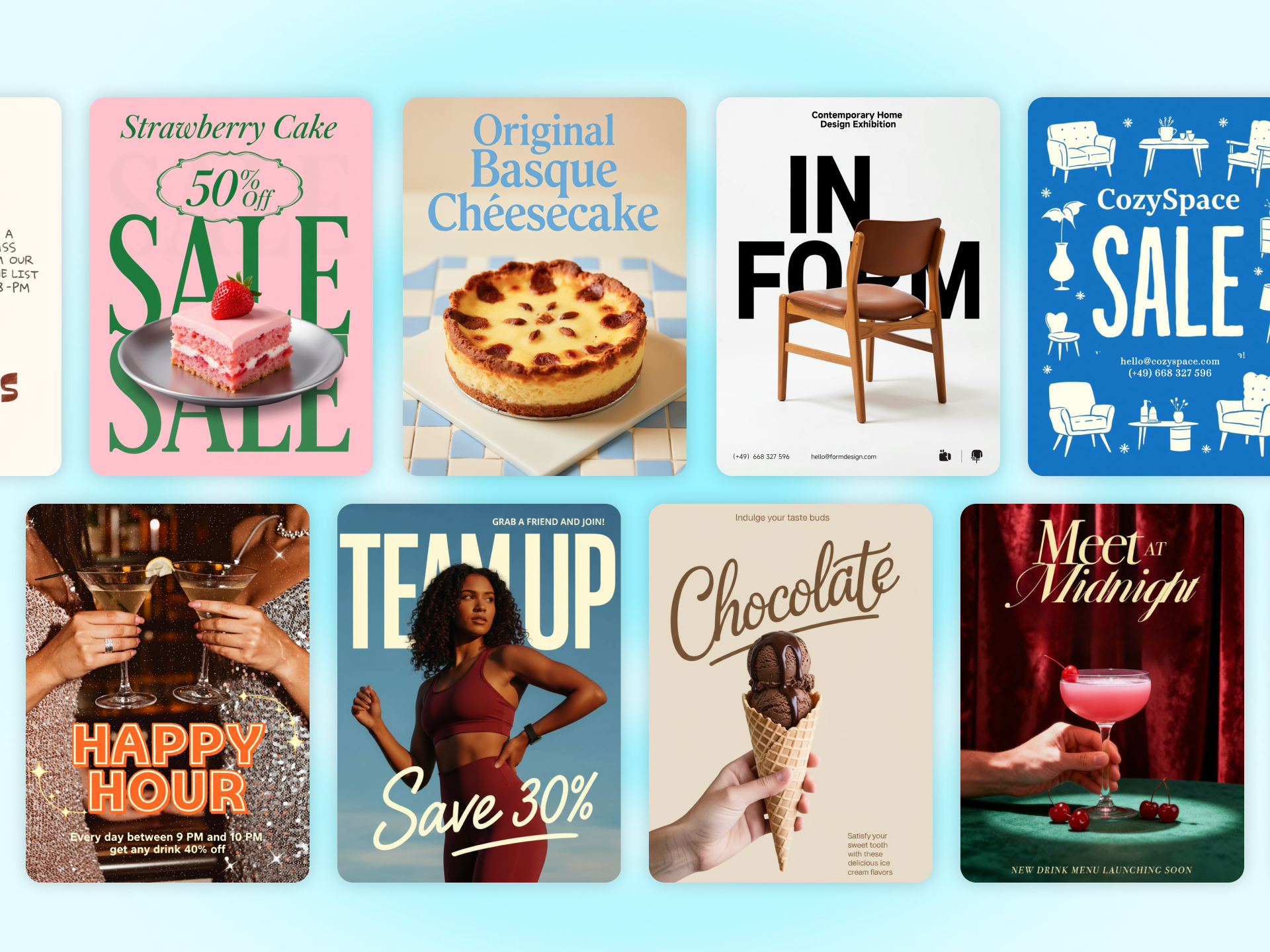
Make Posters That Grab Attention
X-Design AI agent allows you to turn your creative ideas into posters within seconds. Simply enter your text prompt within the workspace and let the AI generate stunning posters. The tool makes it easy to edit the posters, including resizing the posters, customizing the texts, or changinging the backgrounds, etc. The advanced editor allows you to make crucial changes to your poster. You can also build a design from scratch by uploading a design of your choice to the tool.
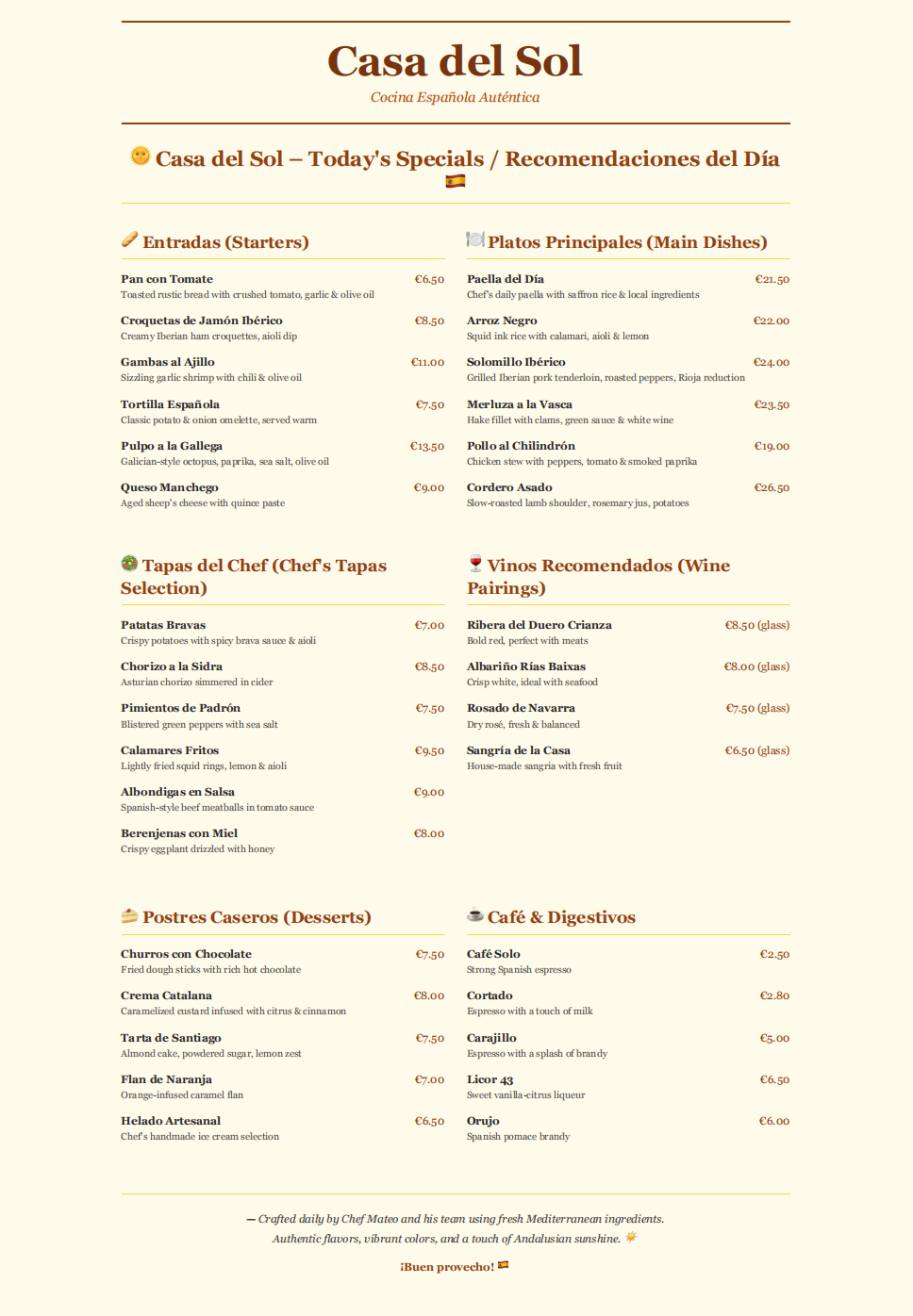
Create Menus and Flyers Like a Pro
The AI Agent tool has been trained to work well with text-heavy design structures such as menus and flyers. Plus, when you mention “menu” or “flyer” in the prompt, you get designs that have accurate sizes as well, so that you dont have to adjust that later on.

Make Professional Banners With AI
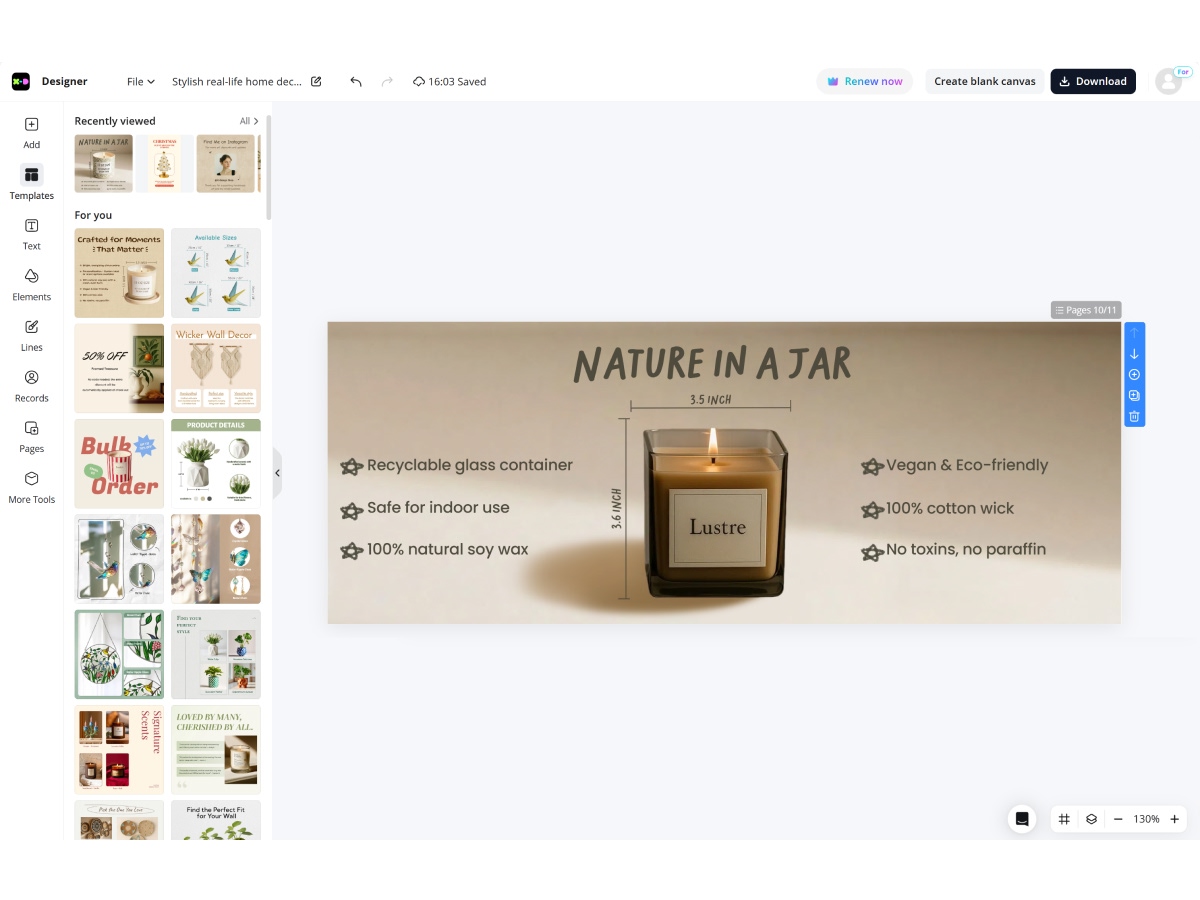
Through simple text prompts, you can create professional banners. These could be used as advertisements or as digital promotions. You can edit these images by visiting the built-in designer. The premium quality of these images ensures that you can use them as print materials as well.
How to Use AI Design Agent Tools
Enter Your Idea
Type your idea into the input field of the X-Design AI Agent. Describe the type of design you want to create. Add a reference image to it if needed.
Make Changes to the Output
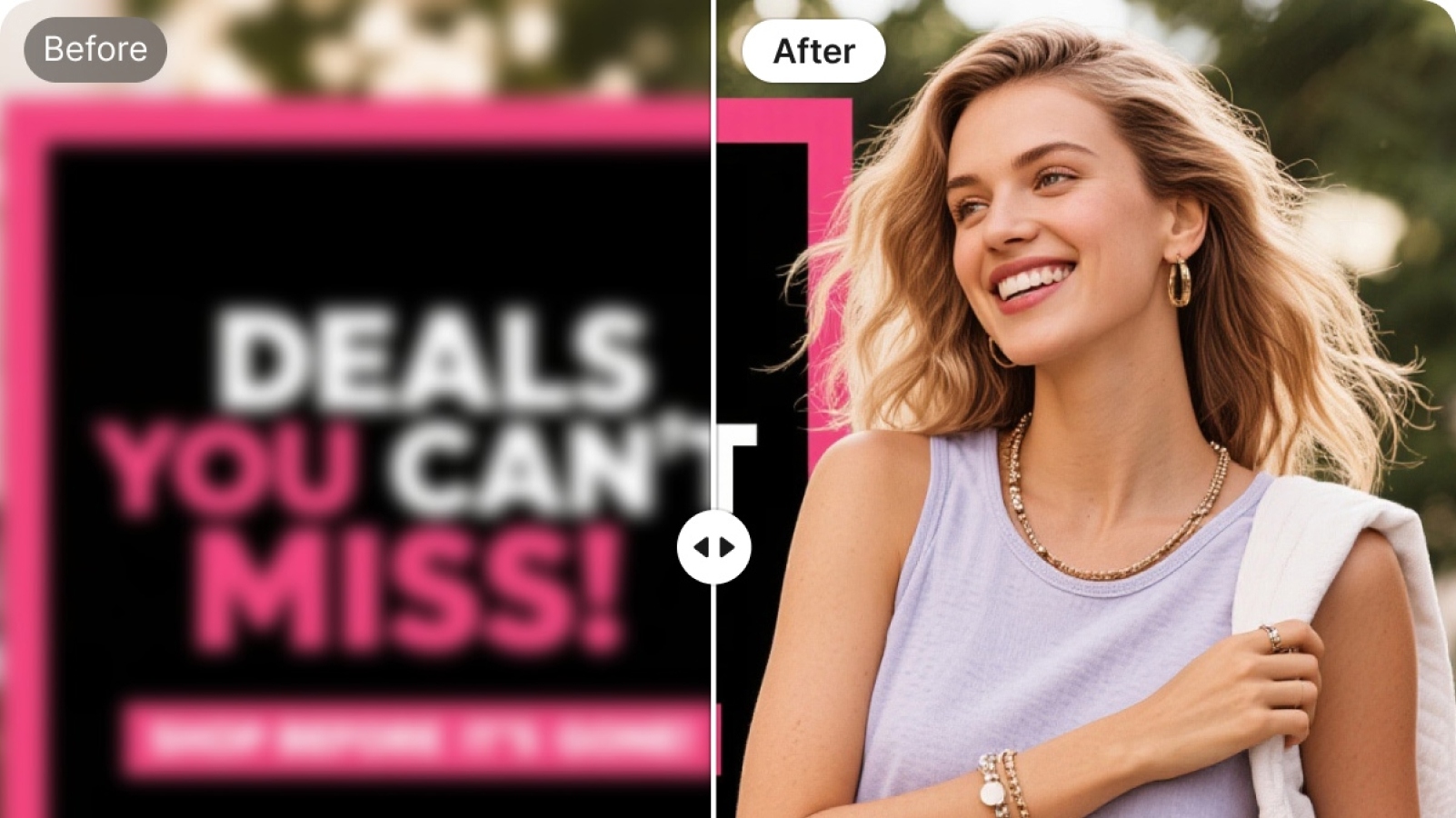
Edit the output by using the AI Image and video editing tools within the X-Design workspace. You can change the background, enhance the existing quality, or request more modifications within the same thread.
Download the Final Output
You can export the final image in JPG and PNG format. The export does not contain the watermark, so you can use it on professional documents and websites.
Discover more AI tools & categories
AI Video Tools

AI Background Tools
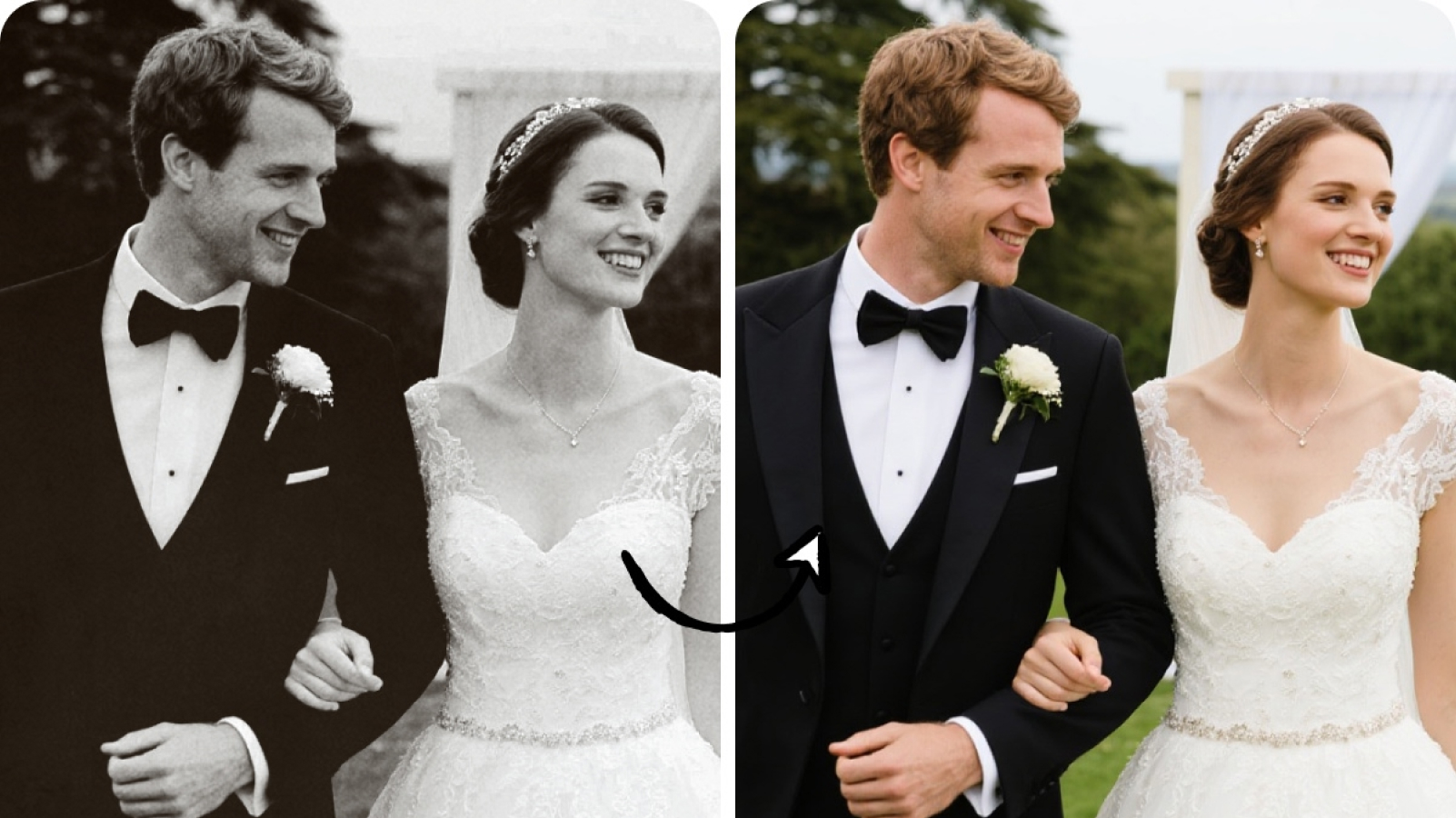
Image Optimization Tools
AI Generator Tools
Frequently Asked Questions
What are AI Generator Tools?
What types of content can AI generators create?
They can generate professional and social media visuals. The exported images can be used on websites and official documents as well.
Do I need technical skills to use AI generators?
No. AI generators are beginner-friendly. Anyone can create professional content without prior design experience.
How accurate or realistic are AI-generated results?
AI generates high-quality, realistic content. Results may vary depending on input. But tools often provide multiple options to choose from.
Can I use AI-generated content commercially?
Yes. The AI Generator allows commercial use. You can upload the resulting images to your e-commerce stores or social media without worrying about copyright hassles.