Free AI Image & Video Generators
The free AI generator helps you to create eye-catching visuals for online as well as offline stores. You can create stunning images or videos within seconds.
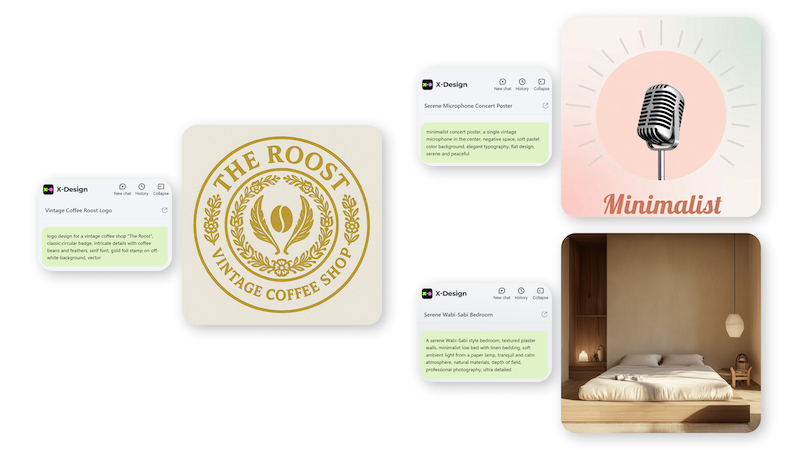
Free AI Image Generator-Text To Image AI
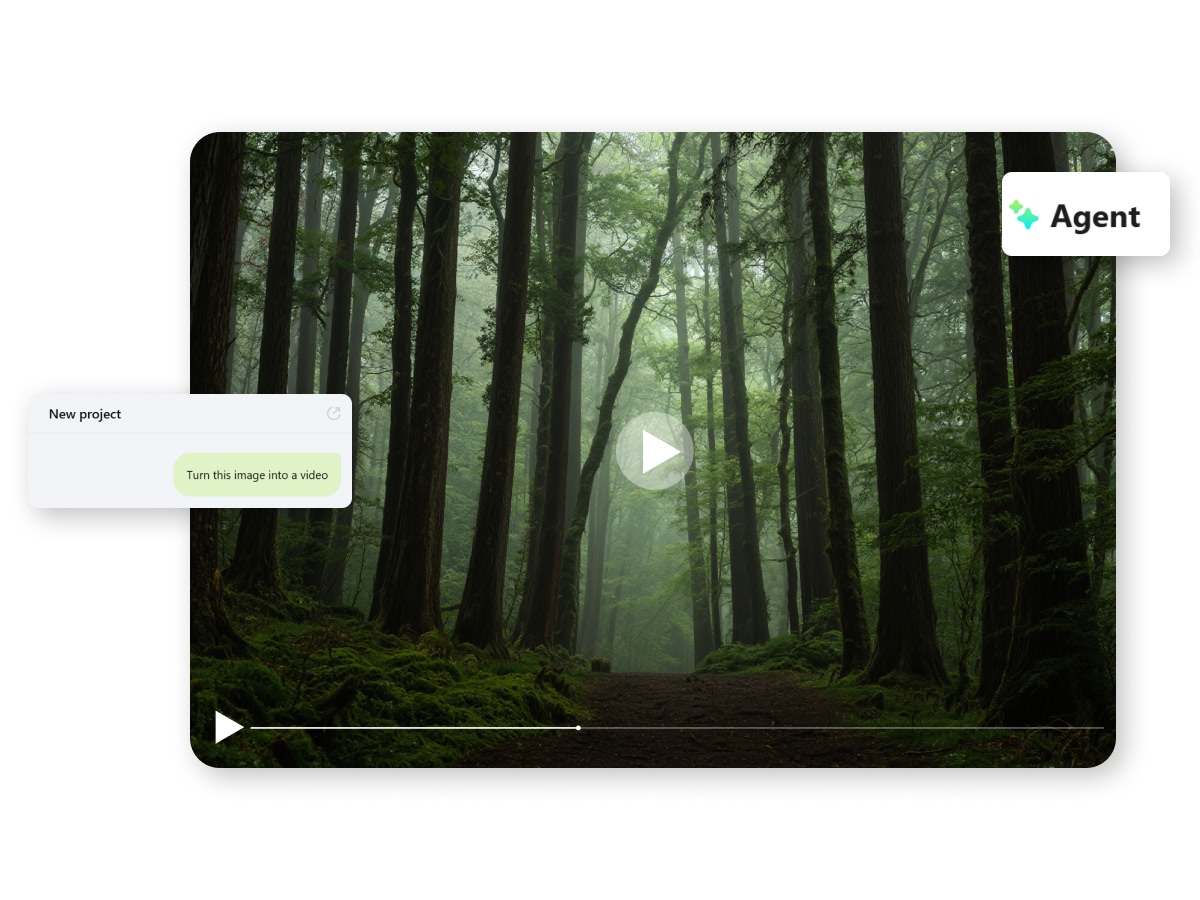
Free AI Image to Video Generator

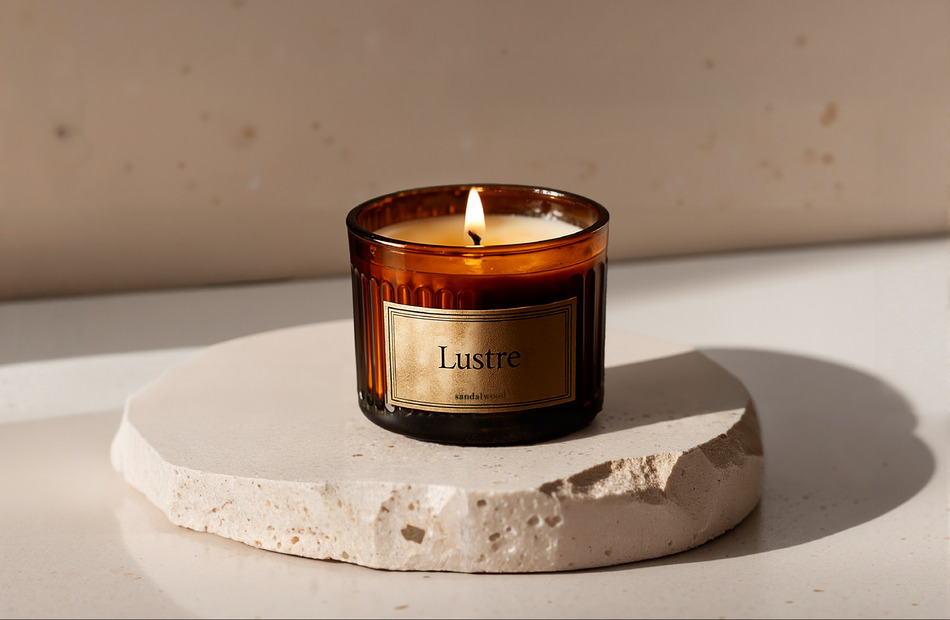
Free AI Mockup Generator | Create Mockups Online
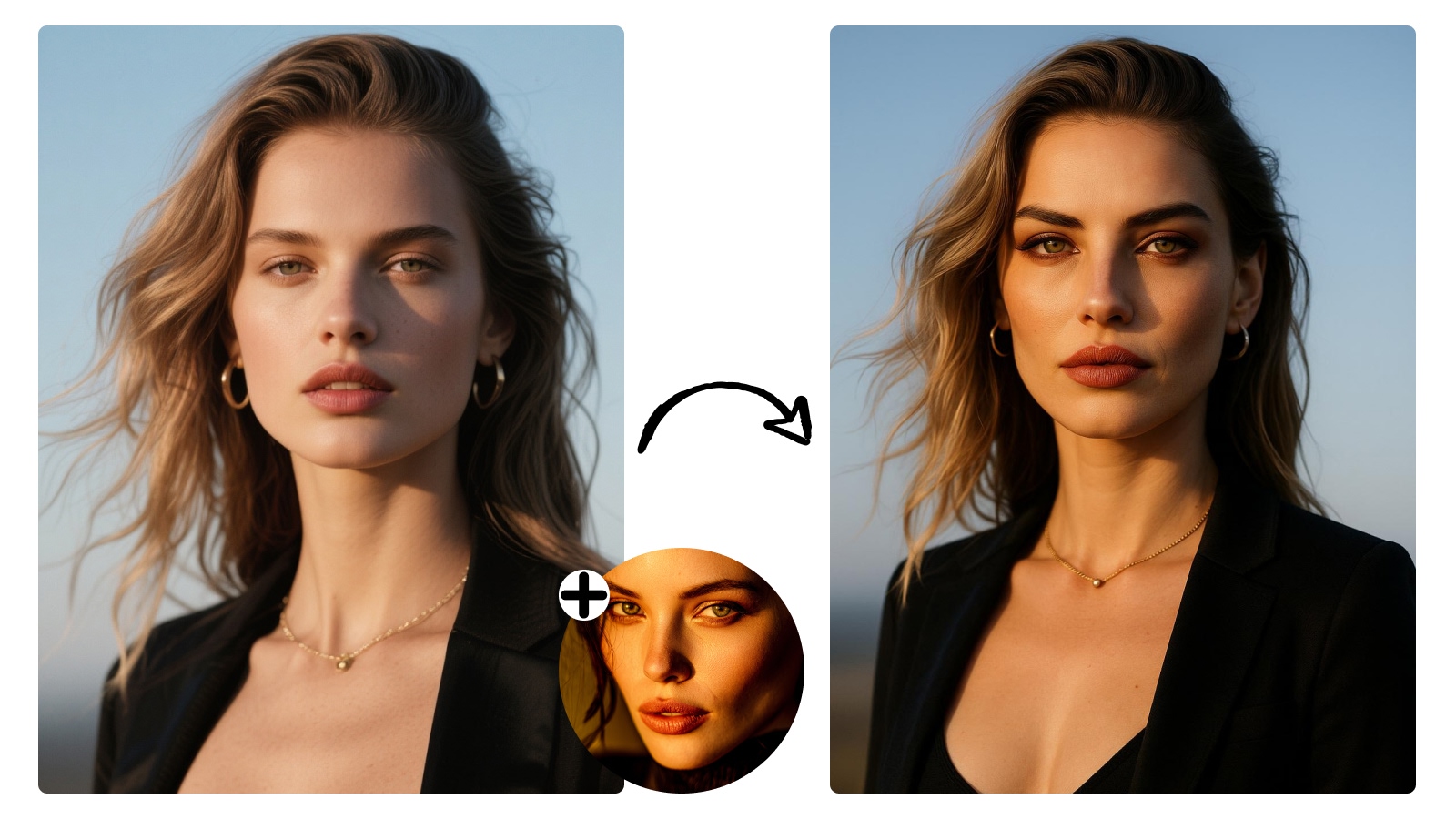
Free AI Face Swap For Photos & Videos

Free AI Signature Generator

Free AI Headshot Generator
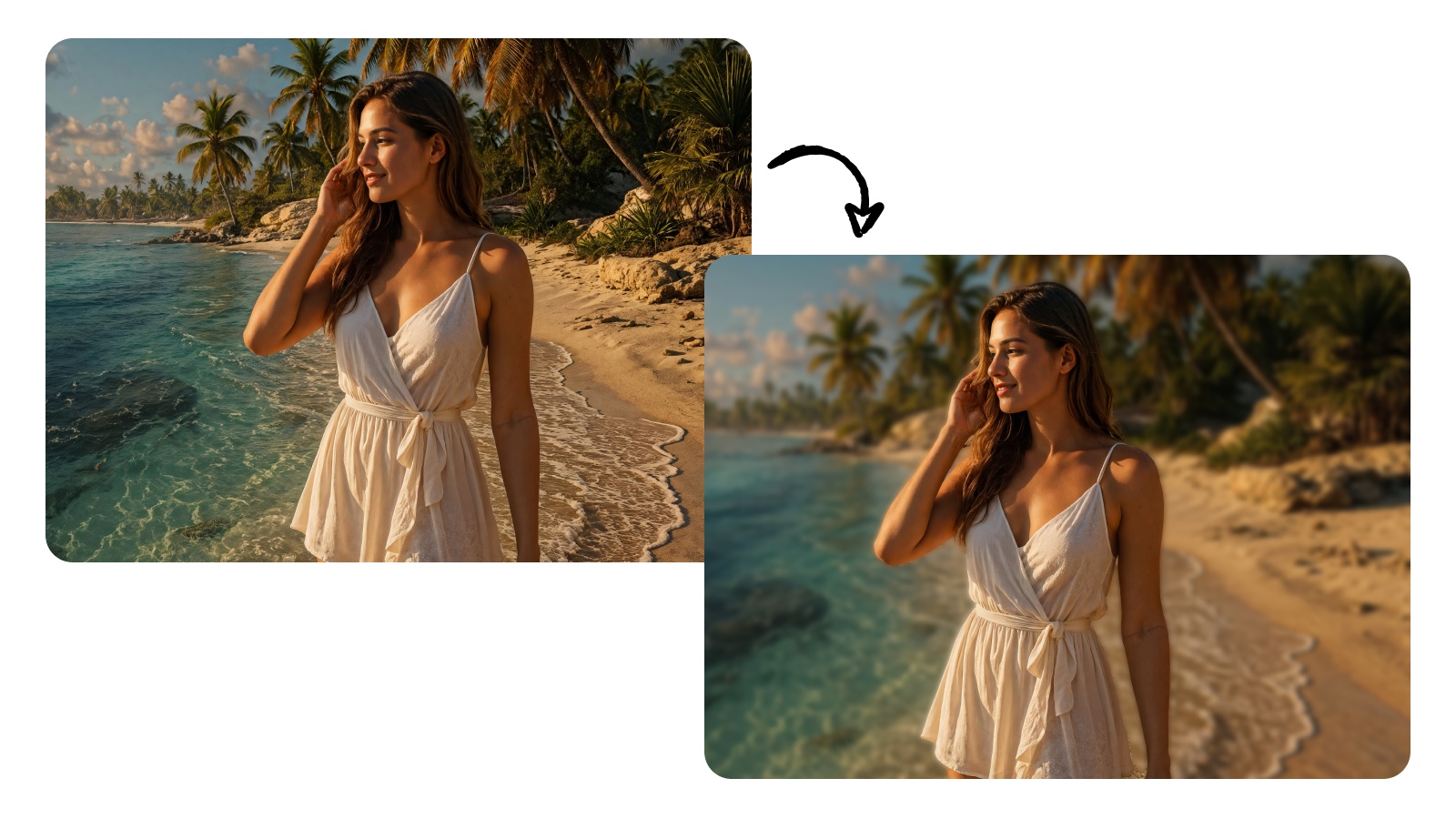
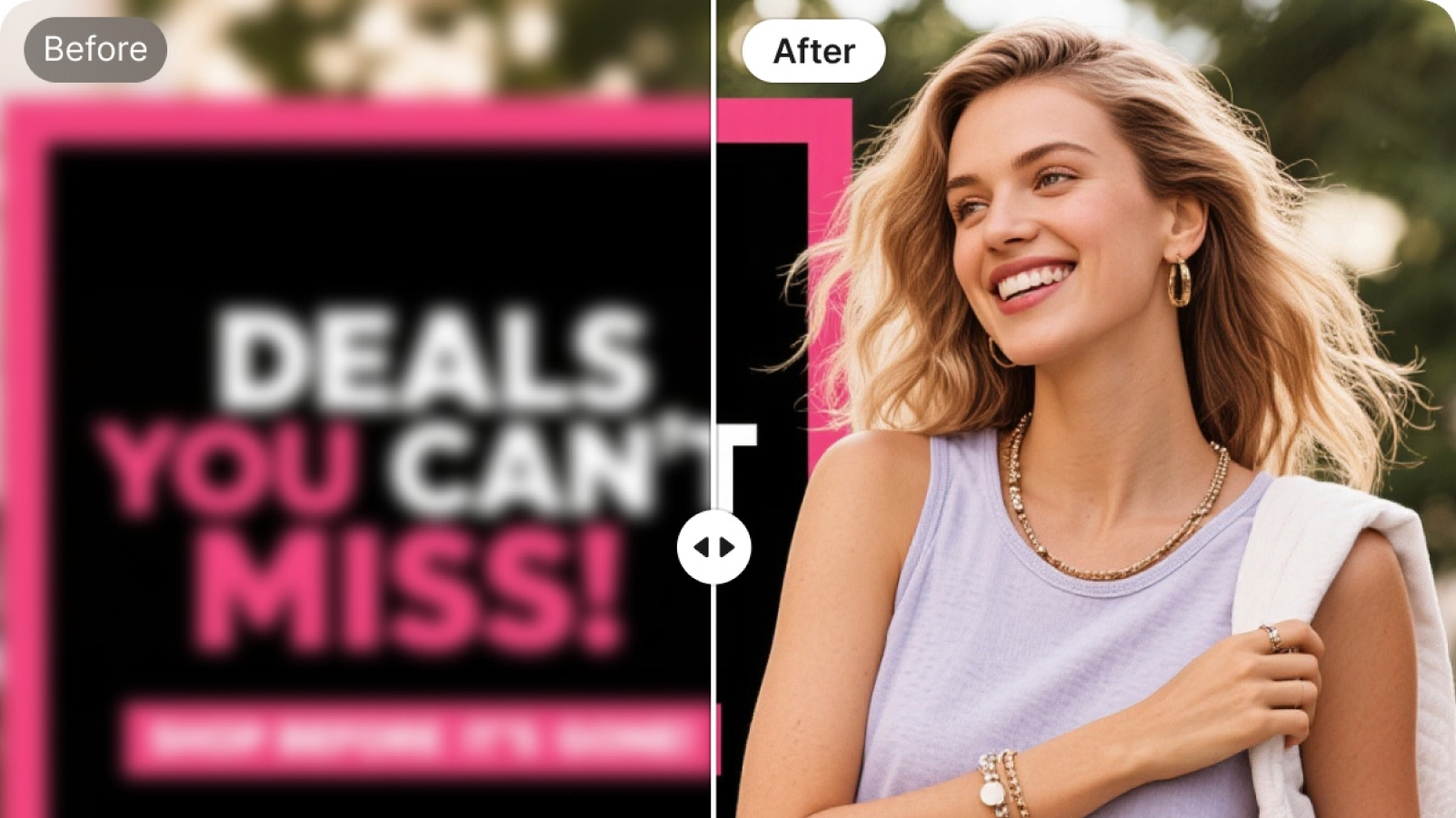
Blur Photos Online For Free

Free 3D Character Generator Online

Free AI Animation Generator | Animation Online Maker

Merge and Blend Photos Instantly With AI
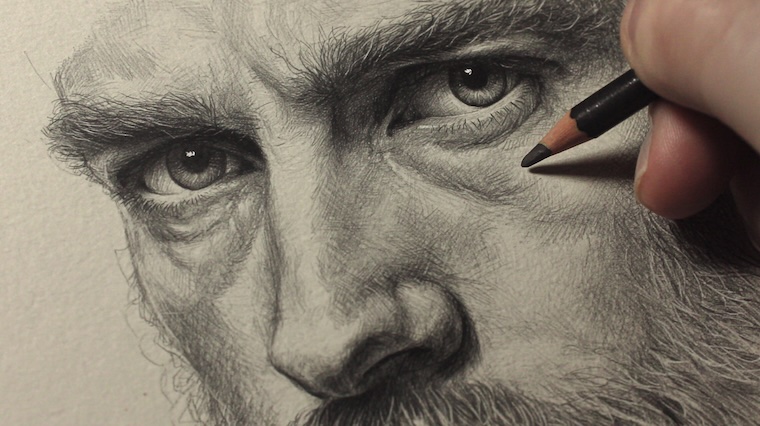
Photo To Sketch-Convert Images To Sketches Online
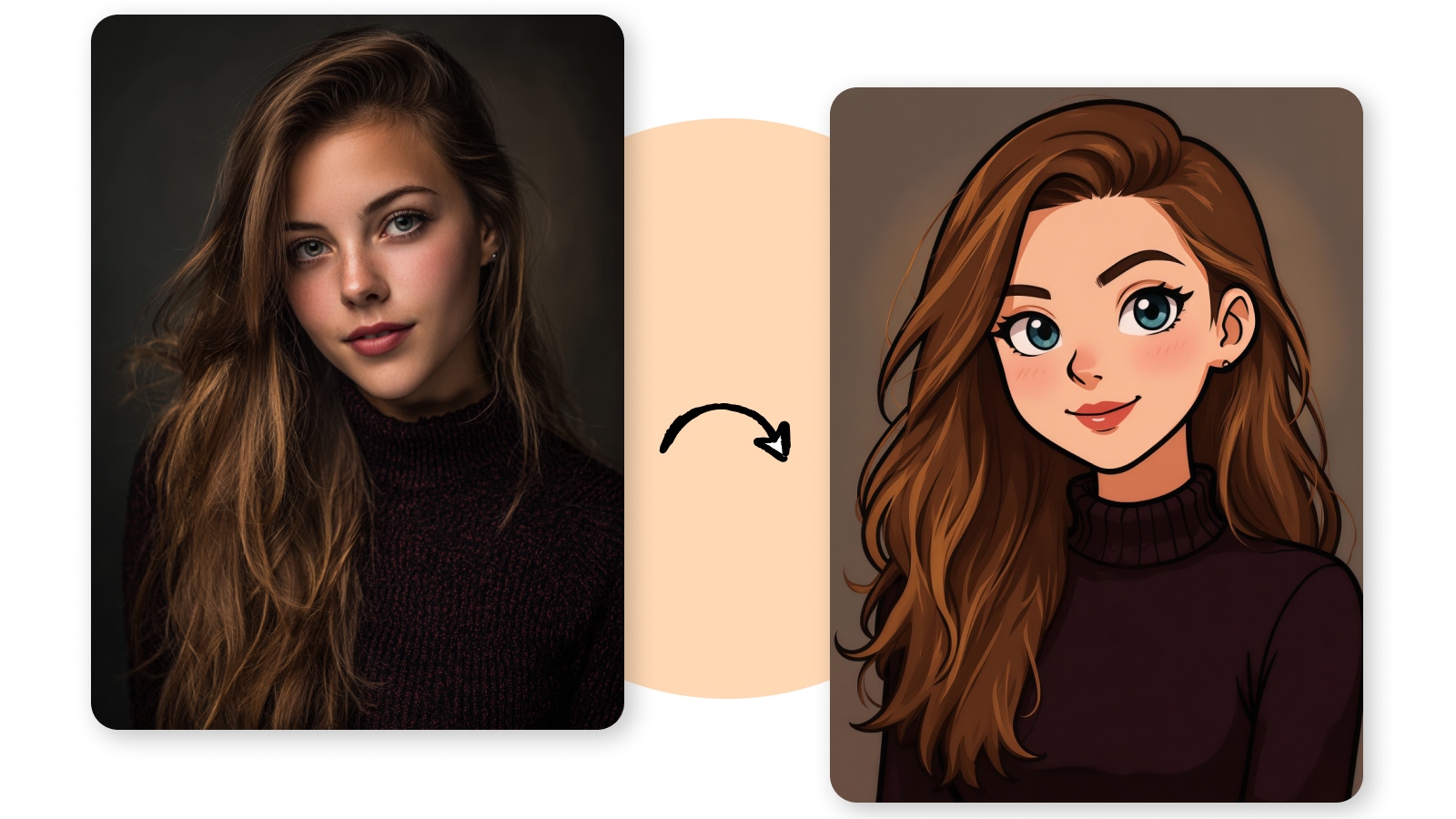
Photo To Cartoon: Free AI Cartoon Generator
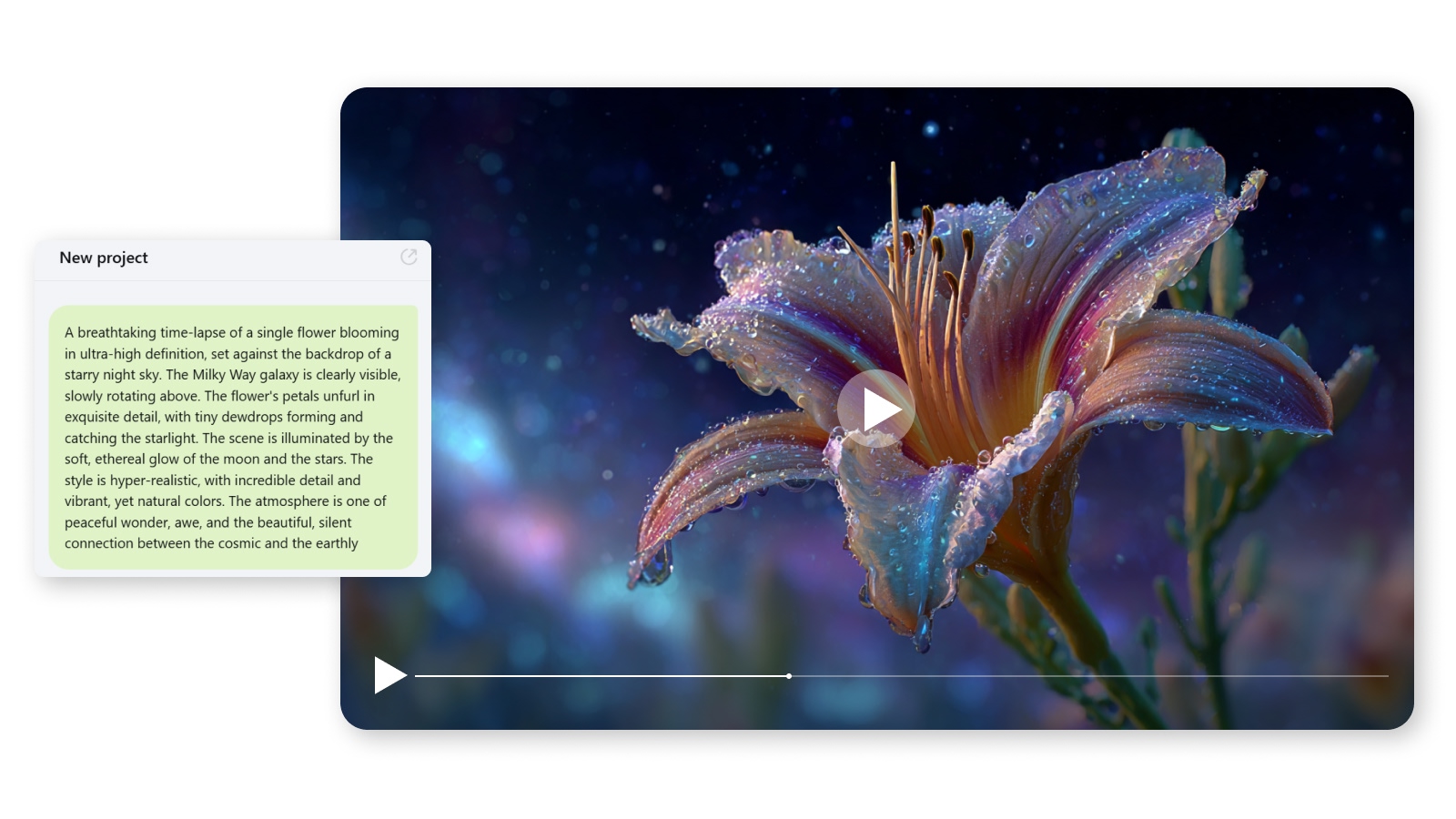
Free AI Video Generator | Prompts to Videos
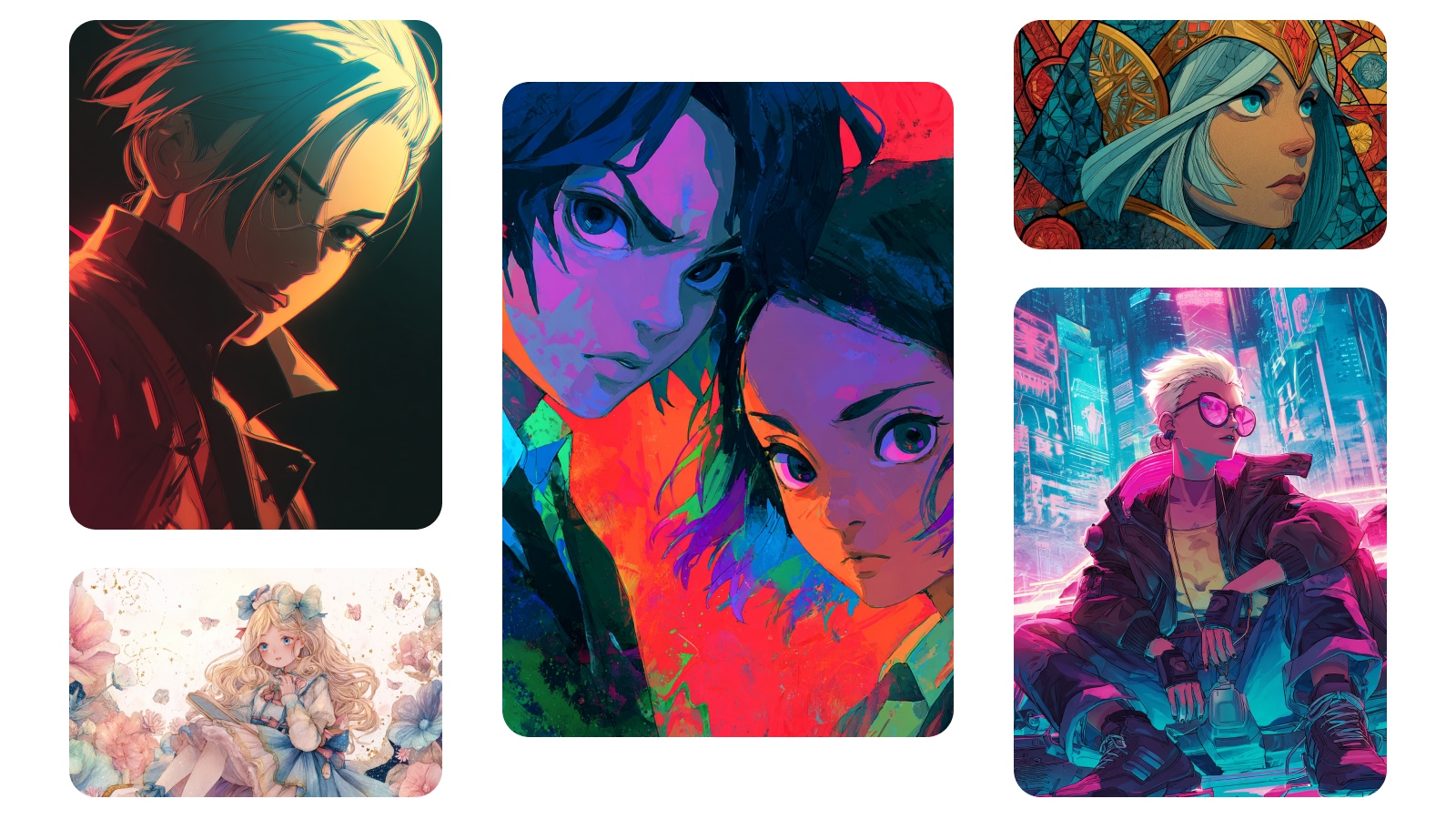
Free AI Anime Generator: Create Anime From Text
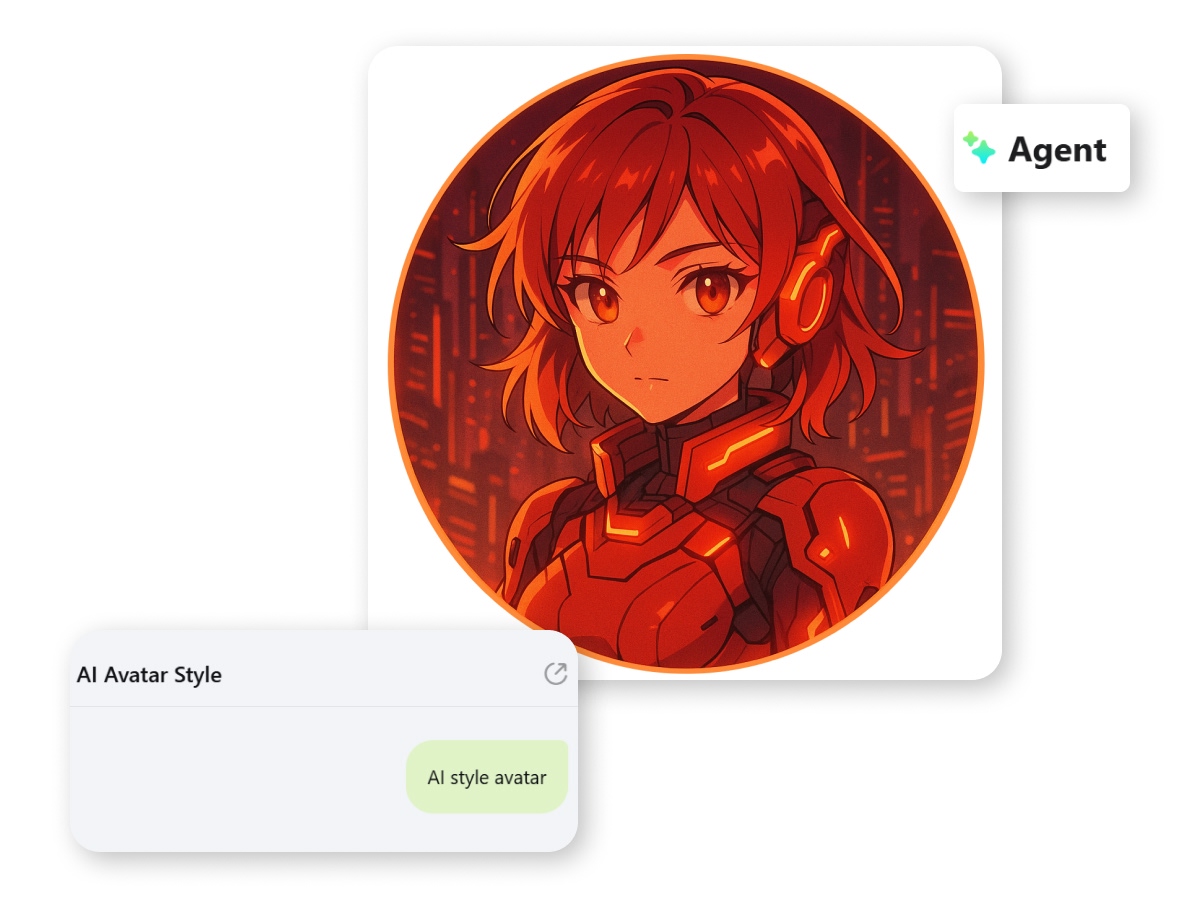
Text To Image AI Generator
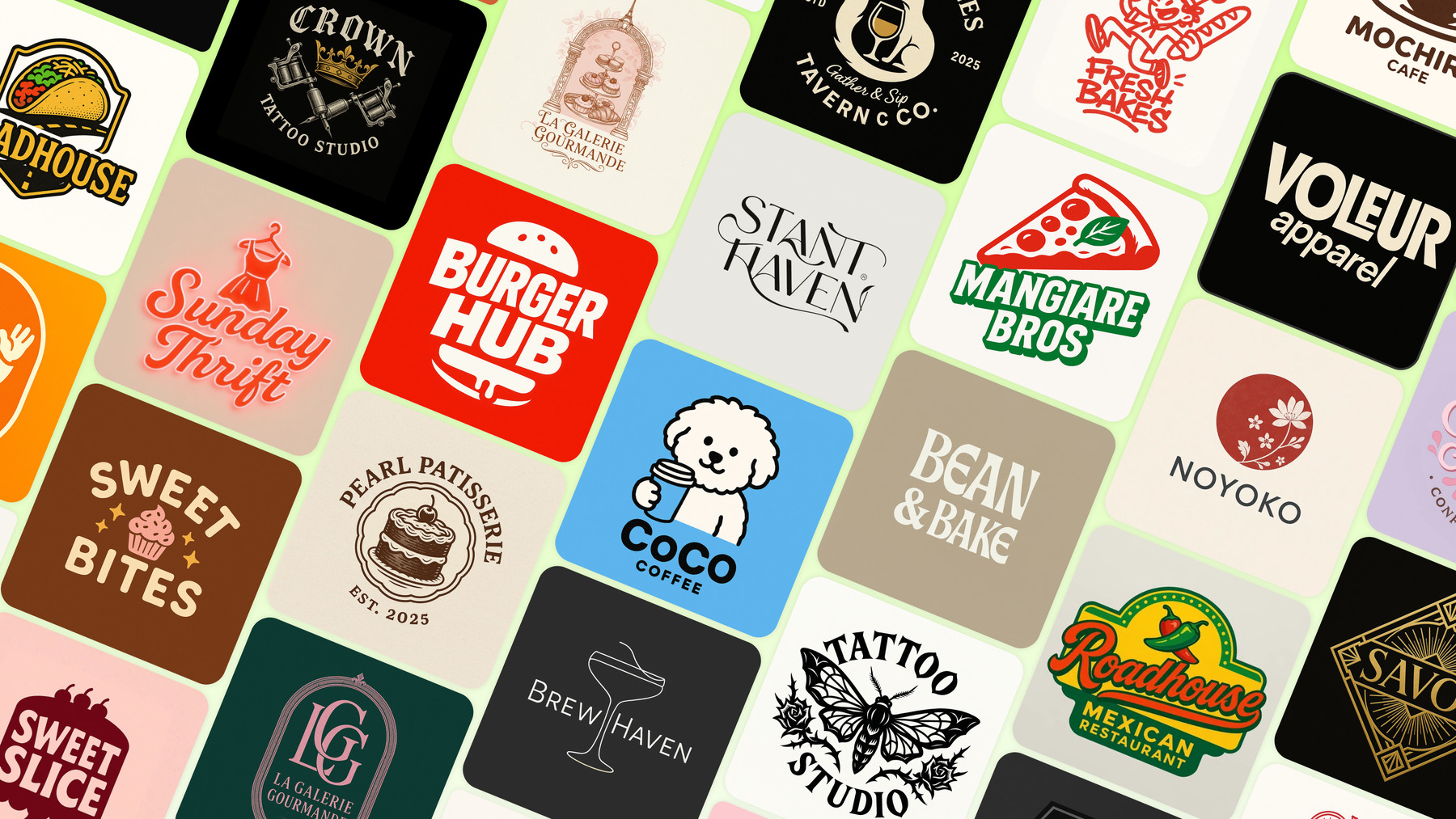
Ever been in a rush to create images? Type simple prompts to get premium-quality images quickly. Turn to the AI Agent by X-Design and create professional images using text prompts. This not only saves your time, but also helps you to get multiple variations of a single prompt design.
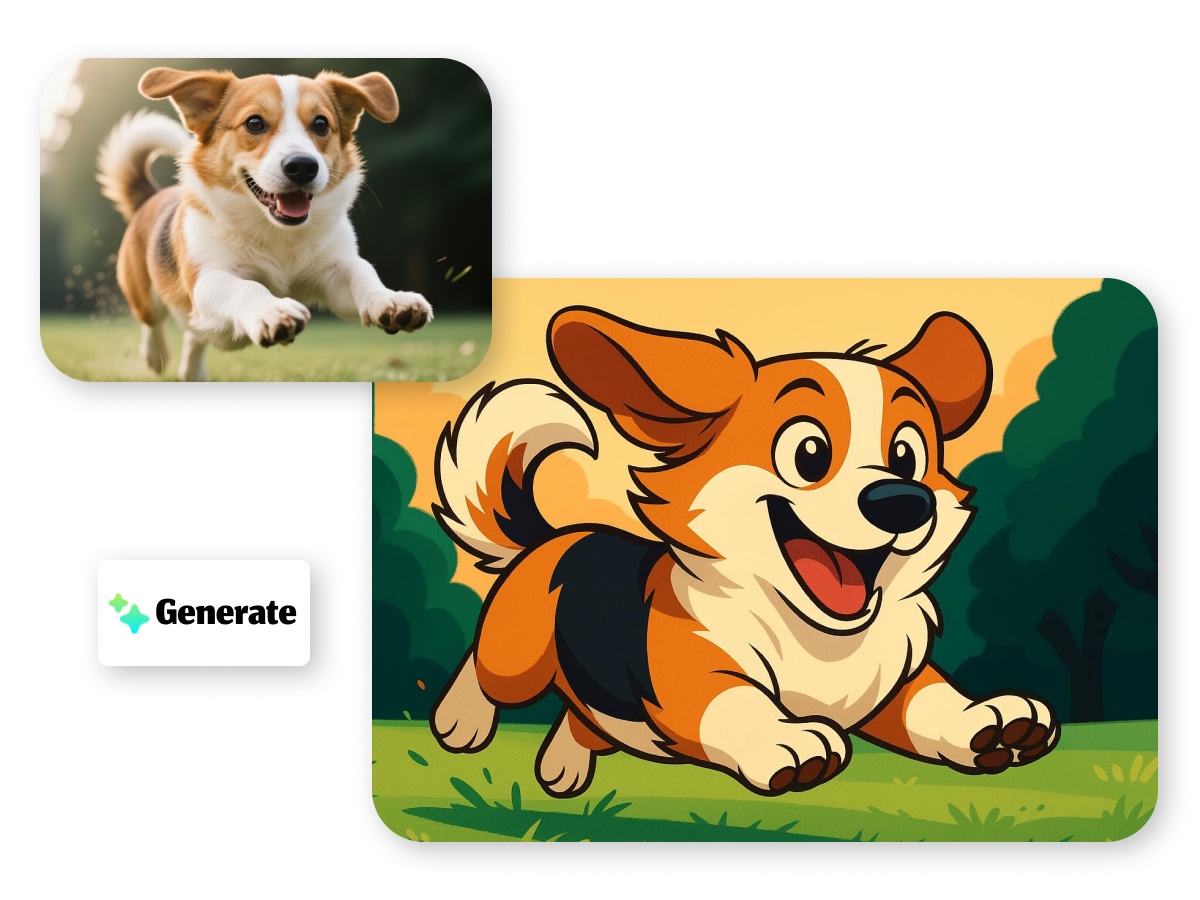
AI Image To Image Generator
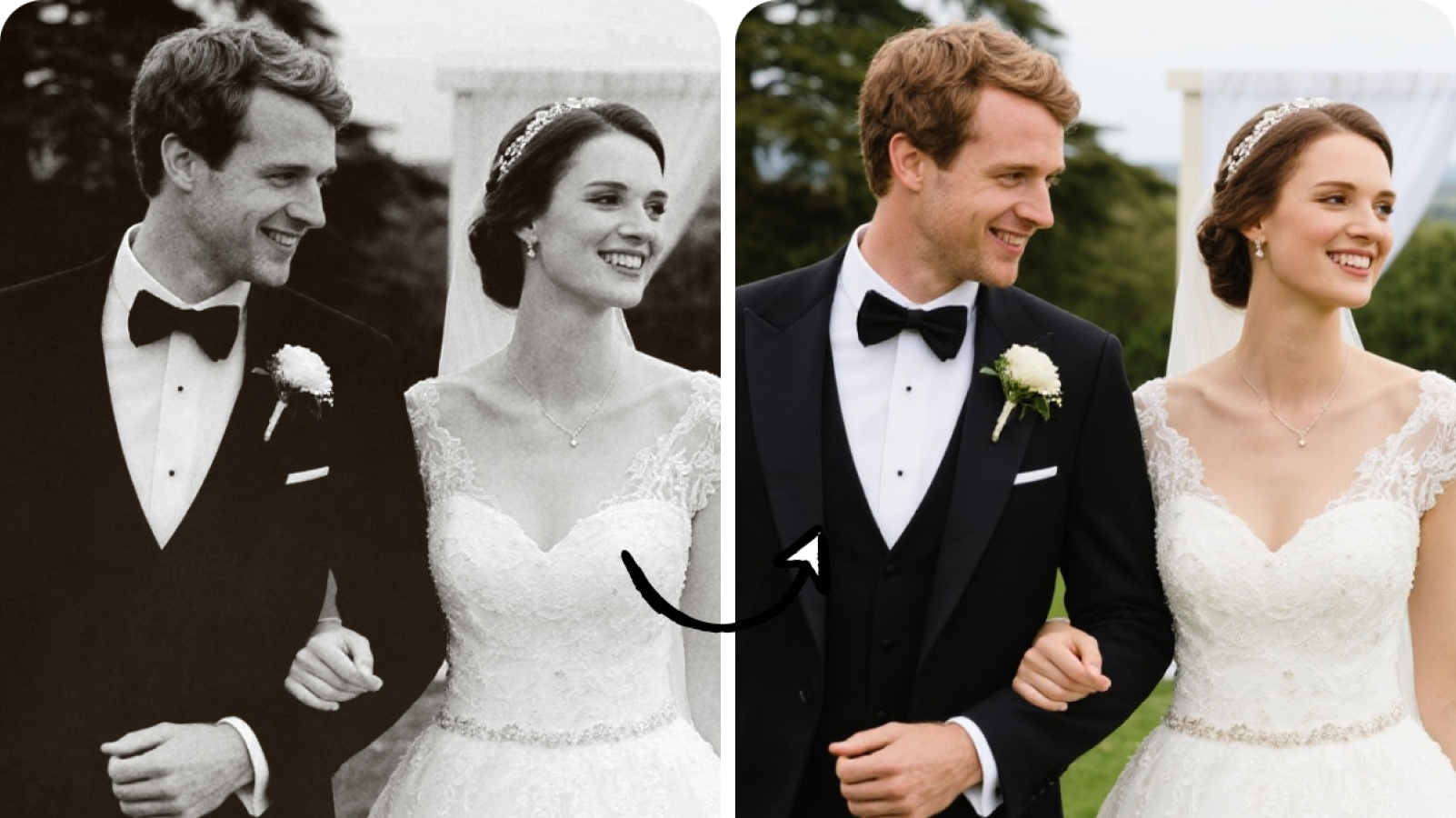
The X-Design AI Agent can analyze your command and generate images within seconds. Using the AI editing tools within the workspace, you can edit these images without any design skills. The tool lets you turn sketches into images or turn images into cartoons, blend photos together and more. Also, you can collaborate with your team in real-time and save time.
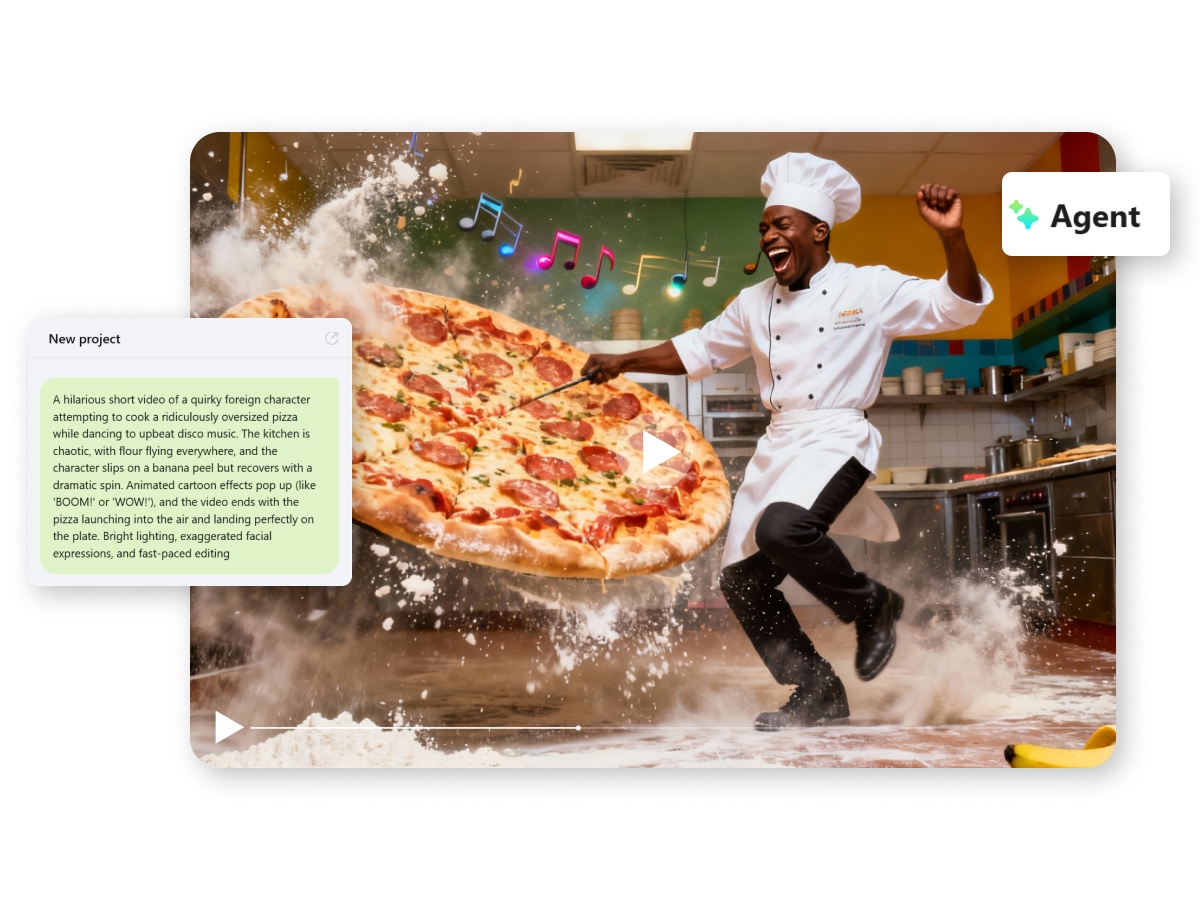
AI Video Generation Made Simple
Creating animated videos got a lot simpler! The AI Video Generator can create diverse animation styles. From chibi to action anime, this tool can understand and convert your images into full-fledged AI videos in seconds. Plus, you can download them instantly or seek changes in the same conversational thread.
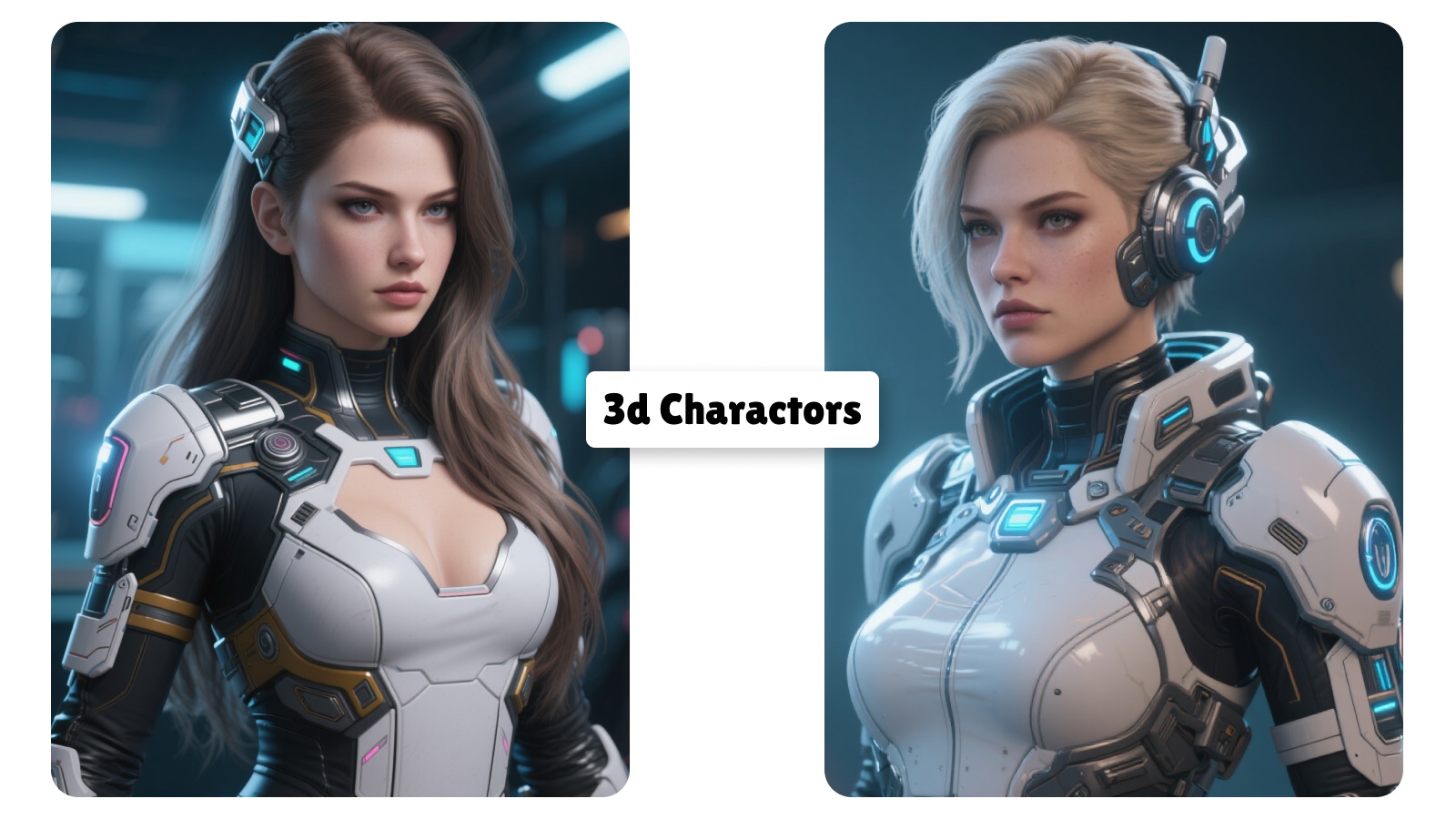
Generate Creative 3D Characters
X-Design AI Agent makes it easy to create stunning 3D characters or 3D action figurines. Simply enter your text prompt and let the AI generate cute 3D characters within seconds. You don't have to rely on designers or wait for them to create designs any longer. You can start creating 3D characters with the power of simple text prompts. Plus, the editing part becomes easy as the AI editing tools require minimal effort.
How to Create images or videos Using AI
Access The X-Design AI Agent
Go to the X-Design workspace and find the AI Design agent tool.
Create and Edit the Images
Simply enter your text prompt in the agent box. You can create amazing images or videos or edit existing ones for your creative projects.
Export Your Images
You can download all your creative visuals by clicking ‘Export’ in the top right corner. All your images will be saved to your devices in a premium format.
Discover more AI tools & categories
Frequently Asked Questions
Do I need design experience to use this tool?
What types of images can I create?
You can make multiple types of graphics that are ideal for social media postings and official documents as well. All these images have pre-defined layouts to avoid the hassles of finding the right size for your use case.
What file formats are supported?
The tools allow downloads in common formats like PNG and JPG. All the esports are quick and of high quality without any watermark embedded in them.
Can I resize designs for different platforms automatically?
Yes. AI tools provide options to adjust your design for social media or print without starting over.
Can I edit designs manually after AI generates them?
Yes. You can adjust colors and other elements using the AI editing tools within the X-Design workspace.
Can teams collaborate on projects?
Yes. The AI tools allow multiple users to work together on the same project in real time.