How to Create a Logo for Bakery Business
Learn how to generate logos for bakery business now for free!


Do you have a bakery business? Or are you planning to start one or rebrand your current bakery? If yes, here’s something you should know. Your logo will help people remember your brand. That’s because around 75% of people recognize a business just by its logo. It proves how essential it is to get it right.
Also, your bakery logo should reflect who you are. Remember, the right logo makes people feel connected even before stepping inside your shop.
In this guide, we will help you learn how to create a logo for bakery business with X-Design. We will use it to design 4–5 unique bakery logos that look professional, warm, and ready to represent your brand.
Why Bakery Logos Matter?
Your bakery’s logo is more than just a visual symbol or design. It is the face that people remember. It tells your story without using any words. Every color, shape, and style you choose makes someone feel what your bakery is all about instantly.
A strong logo gives your bakery its own identity in a busy market. It helps customers pick you out from dozens of others. When they see your logo on a box, a coffee cup, or even online, they immediately know it’s you. That kind of recognition builds loyalty over time.
For small and local bakeries, a logo can do what big advertising budgets can’t. It creates a feeling of connection. It becomes part of your story, your neighborhood, and what makes your brand memorable.
Elements of a Bakery Logo
Before you create a bakery logo, read below what makes it stand out. Here are the main elements.
Color palette
Colors such as creams, gold, and soft browns remind people of baking. Similarly, you may have seen pastel colors like pink and light green in some logos. These are to showcase femininity or a youthful aesthetic.
Typography
Try to match the font to your bakery’s style. For instance, handwritten fonts are cozy and homely. Simple, clean fonts work well for a modern bakery. Always make sure the text is readable on every surface.
Imagery and icons
Small pictures can show what your bakery offers. You can use symbols like cupcakes, loaves of bread, or rolling pins. Even a simple picture can make your logo special.
Simplicity
A simple logo looks good on packaging, menus, and shop signs. So keep it clean and easy to remember.
Balance and emotion
Your logo should feel warm and honest. It should show who you are and what makes your bakery special. Whether it’s homemade recipes or a family story, let your logo share that feeling of love and care.
What to Consider When Designing Bakery Logos?
To create a logo for bakery business, there are a few considerable things. The process seems overwhelming, but is worth it once you understand it.
Know your story
Like every business, every bakery has a story. You may have started it as a family recipe that has been passed down for generations. Or maybe it’s your first big dream. Your logo should hint at that story.
Think about your audience.
Who are you baking for? Families, kids, coffee lovers, or those looking for something fancy? Your audience influences your logo style. A playful logo suits a fun, and colorful bakery. However, for a high-end patisserie, a more elegant design is needed.
Test your logo
Test your logo in real life. You can create a bakery logo mock-up on a cake box, a cup, or your social media page. If it looks clean and appealing in all those places, you’ve nailed it.
How to Create a Logo for Bakery Business Using X-Design?
X-Design is an AI bakery logo generator tool that can create a logo in minutes. You can either use the logo creator tool by sharing your brand name and industry.
Or, there is a simpler method. Just add a prompt and write your vision for the logo in detail. The advanced AI algorithm of X-design will analyze it and create a stunning logo for you.
To help you in the process, we created a few logo samples for you with each step explained.
Logo 1:
The first logo is for a home bakery - Nestled Flour Bakery.
Now, let’s get started with X-Design for designing.
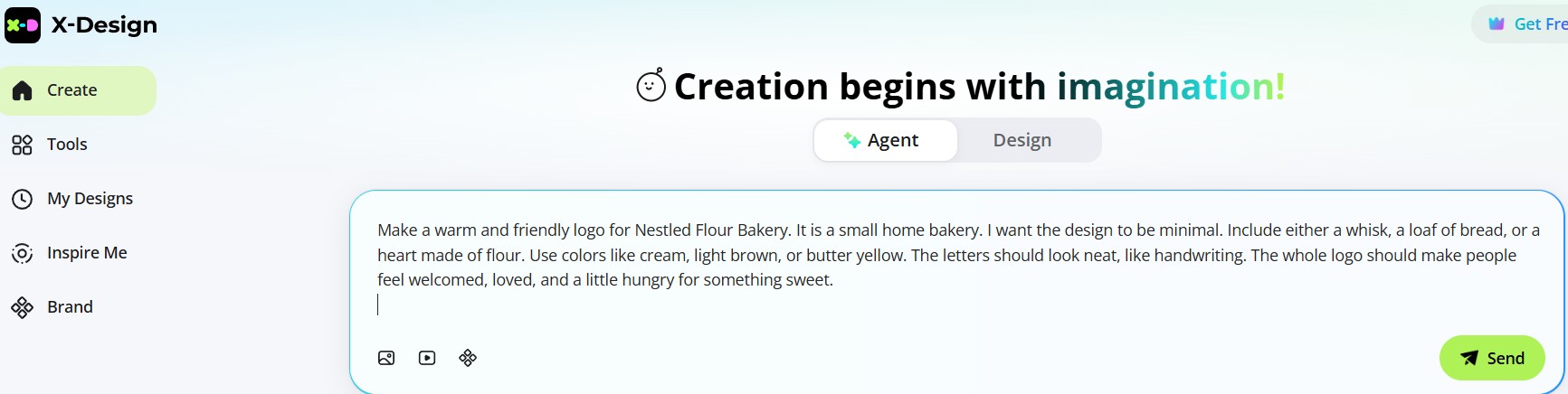
Step 1: Enter Your Logo Idea
Write your logo idea or concept in detail. Click Send to submit your prompt.
Prompt: Make a warm and friendly logo for Nestled Flour Bakery. It is a small home bakery. I want the design to be minimal. Include either a whisk, a loaf of bread, or a heart made of flour. Use colors like cream, light brown, or butter yellow. The letters should look neat, like handwriting. The whole logo should make people feel welcomed, loved, and a little hungry for something sweet.
Step 2: Let X-Design Analyze Your Brief
X-Design studies your prompt and gathers visual inspirations from across the web to help you get started.
Step 3: Explore Suggested Logo Styles
You’ll see different logo style options inspired by your idea.
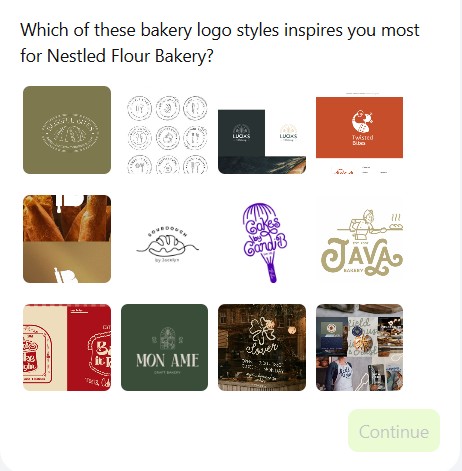
Step 4: Choose or Request More Options
Select the style that matches your vision. If none appeal to you, ask for more. The tool will analyze again and bring new options.
Step 5: Review the New Logo Styles
X-Design presents additional styles based on your updated preferences.
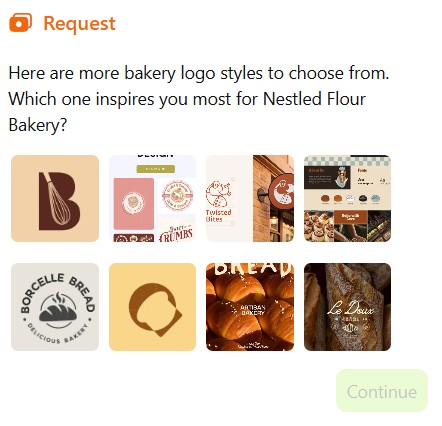
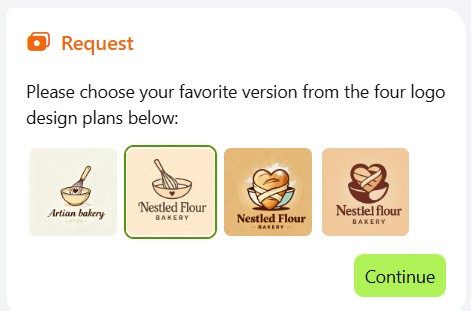
Step 6: Pick a Logo Style
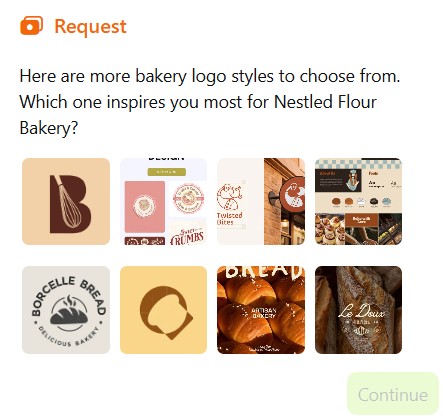
Choose a design that best fits your prompt.
Example: We picked the first logo style. It is simple, brown-toned, and features a whisk, a common baking tool. It reflects the warmth of a home bakery beautifully.
After selecting, click Continue.
Step 7: Logo Analysis by X-Design
The AI examines your selected logo’s type, graphics, and color scheme to prepare custom design options.
Step 8: Get Your Initial Logo Options
You’ll receive a few ready-made logo variations to preview.
Step 9: Select
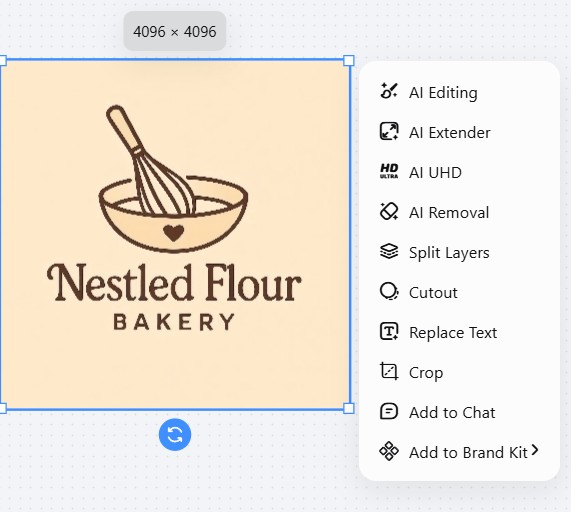
Pick the logo style that best represents your idea. For example, we selected the second logo style.
Step 10. Refine/Edit
X-Design offers several editing options. You can also undo a change if you like to.
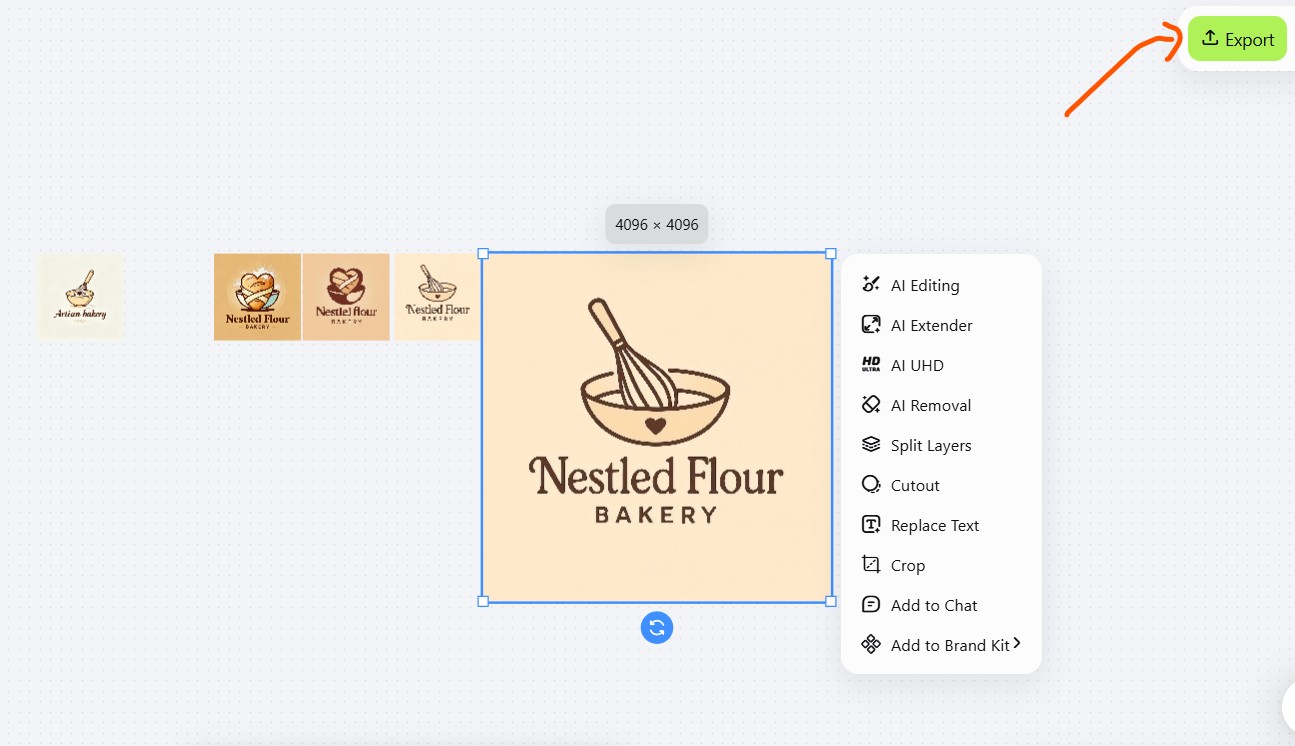
Step 11: Download
Click Export. Select JPG, PNG, or SVG format before clicking to save the logo.
Logo 2
We will now design a logo for a bakery cafe - Sip and Sweet Bakery. It offers freshly baked sweets along with some comforting beverages.
Let’s get started using the bakery logo creator, X-Design.
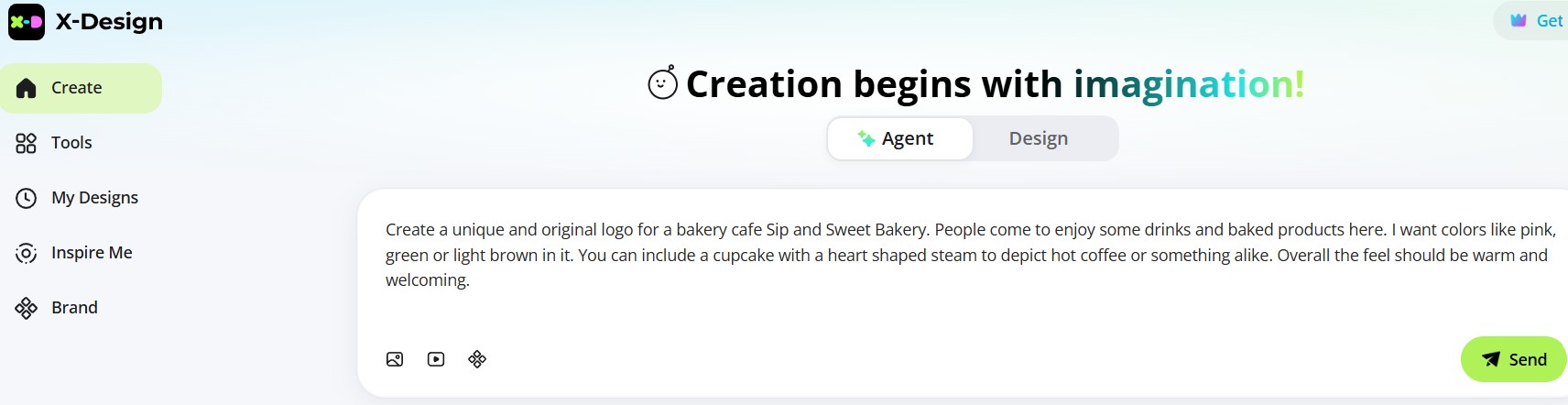
Step 1: Explain your idea
Pen down your logo idea and click Send.
Prompt: Create a unique and original logo for a bakery cafe Sip and Sweet Bakery. People come to enjoy some drinks and baked products here. I want colors like pink, green or light brown in it. You can include a cupcake with a heart shaped steam to depict hot coffee or something alike. Overall the feel should be warm and welcoming.
Step 2: X-Design Analyzes the Brief
The tool studies your idea and collects logo inspirations that match your café’s cozy and welcoming feel.
Step 3: Explore Logo Styles
View a few style options inspired by your brief.
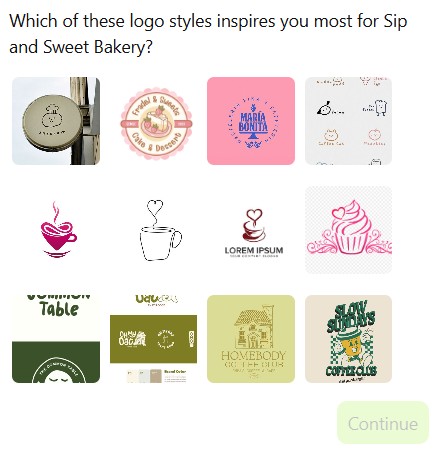
Step 4: Choose or Ask for More
Either pick the one you like or request more options. X-Design will refine its suggestions.
Step 5: Review New Designs
You’ll get another set of logo ideas that better match your brand’s look and feel.
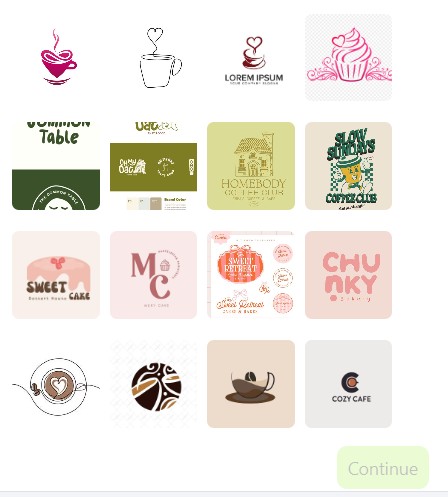
Step 6: Select
Go for a design that expresses the real meaning behind your logo.
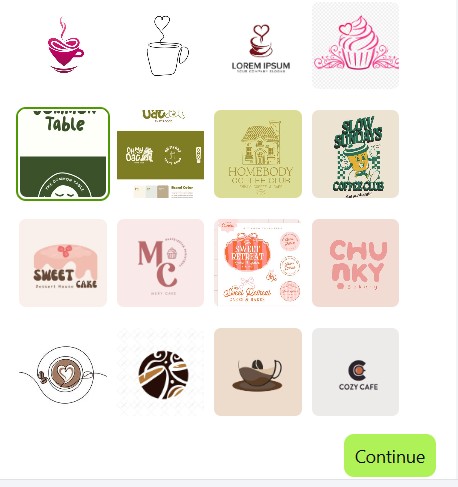
Step 7: Logo Analysis
X-Design studies your selected design: its colors, graphics, and font to create personalized
options.
Step 8: View Logo Options
You’ll see several logo versions inspired by your choice.
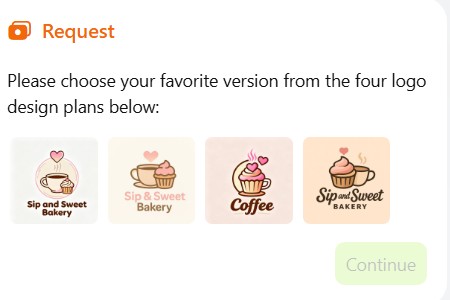
Step 9: Pick Your Favorite
Select the logo that truly represents your vision.
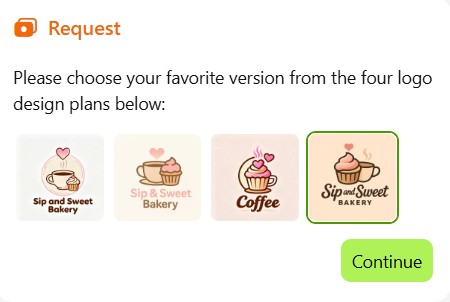
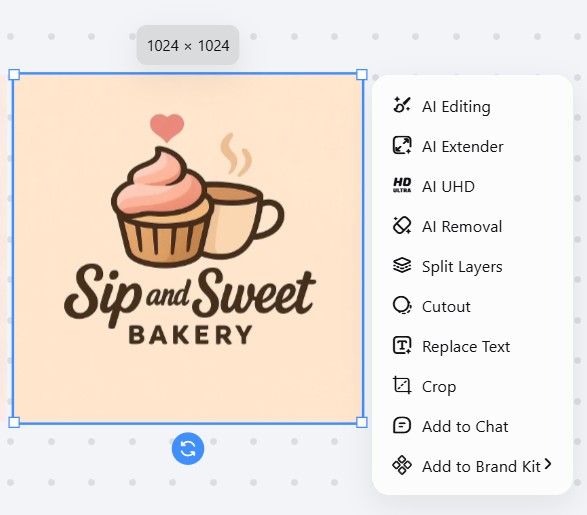
Step 10: Edit Your Logo
Use editing tools to tweak text, size, or layout. You can undo any change anytime or redo it.
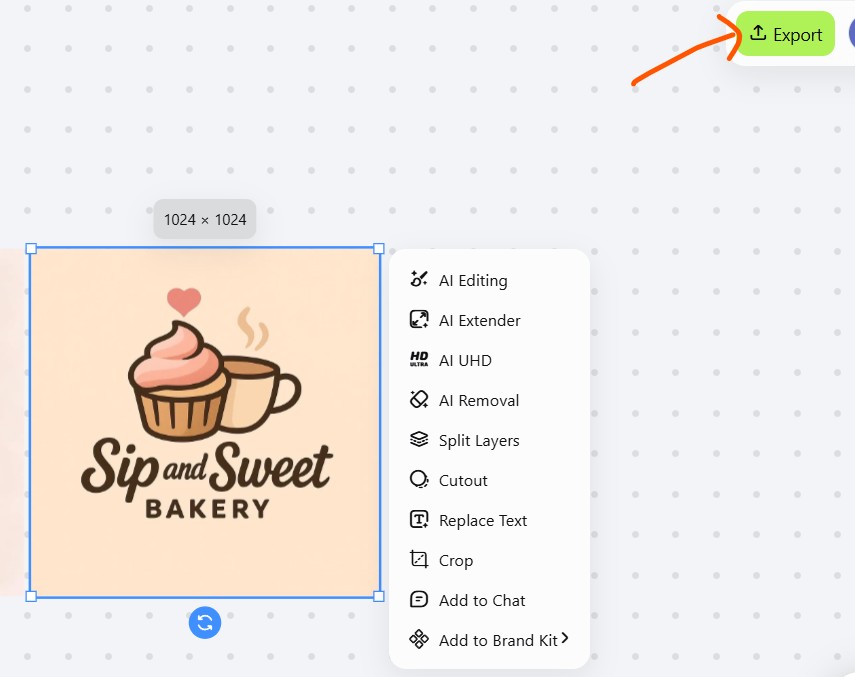
Step 11: Download Your Logo
You get JPG, PNG, or SVG options when you hover on Export. Select and download your final logo.
Logo 3
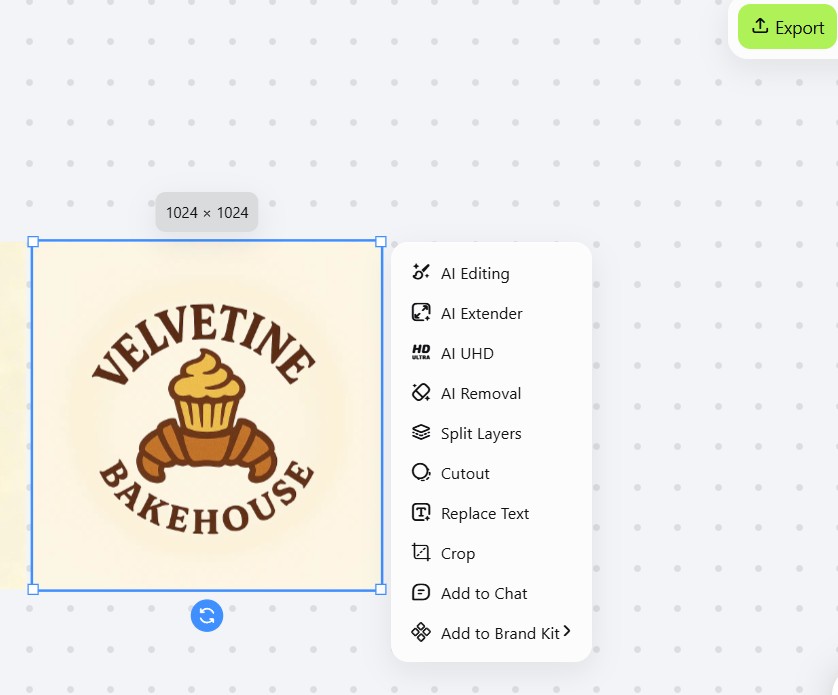
The next logo is for a pastry shop, Velvetine Bakehouse. We will use X-Design, custom logo maker to make it.
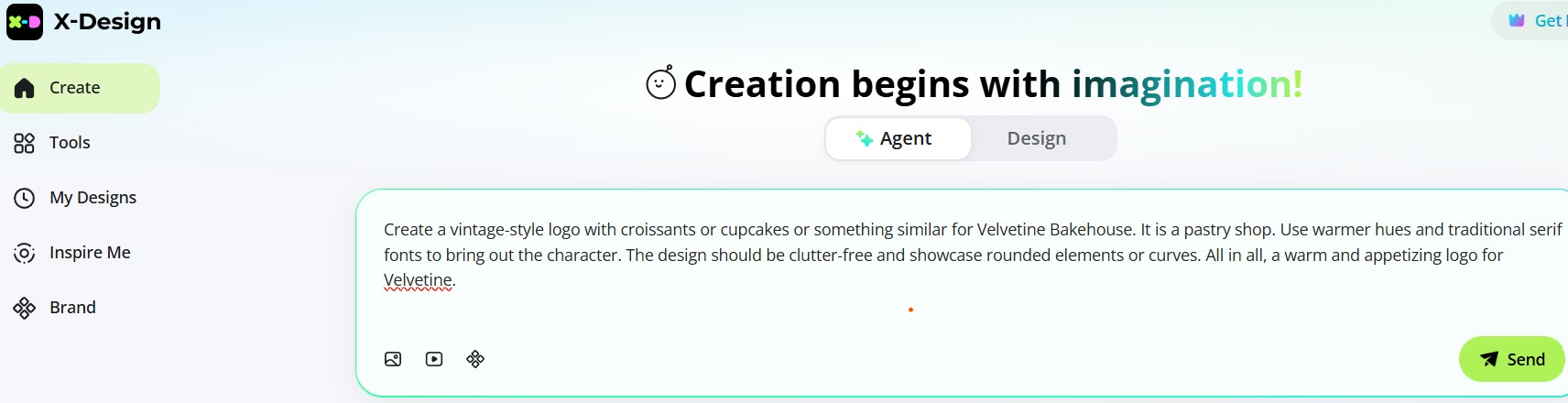
Step 1: Pen Down Your Idea
Start by writing down your logo idea. Once done, click Send to begin.
Prompt: Create a vintage-style logo with croissants or cupcakes or something similar for Velvetine Bakehouse. It is a pastry shop. Use warmer hues and traditional serif fonts to bring out the character. The design should be clutter-free and showcase rounded elements or curves. All in all, a warm and appetizing logo for Velvetine.
Step 2: Let X-Design Think
The tool reads your brief carefully and gathers logo inspirations.
Step 3: Take a Look at the Styles
Check a few logo style options.
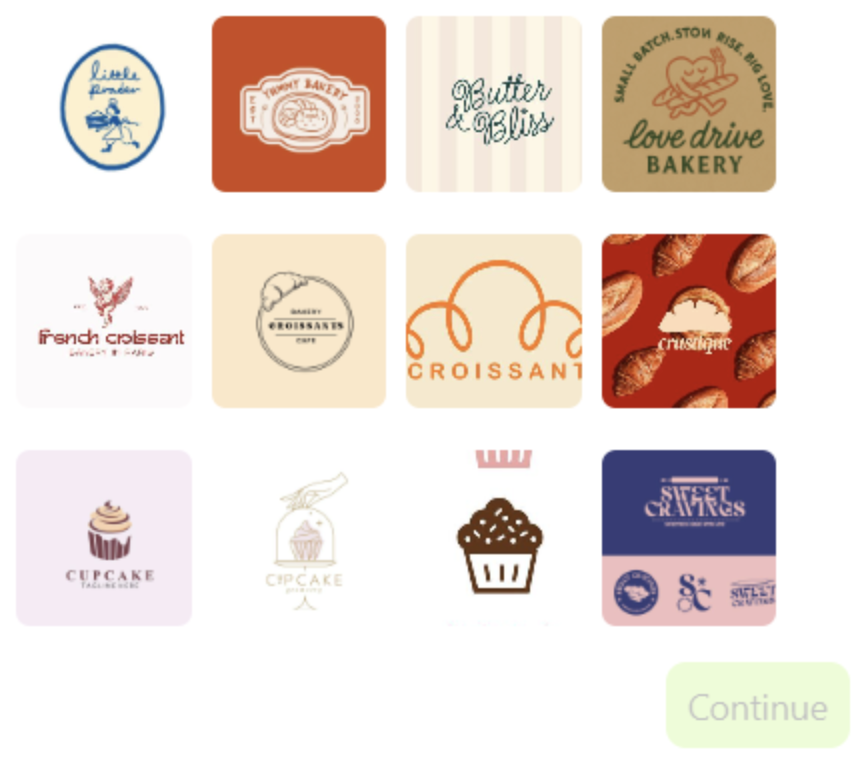
Step 4: Choose or Explore More
Pick a suitable one. If you don’t love any, just ask for more options. Click continue.
Step 5: Let the AI Refine It
X-Design studies your selected style for text, fonts, and graphics.
Step 6: Check Out the Logo Choices
You get a few ready designs to decide.
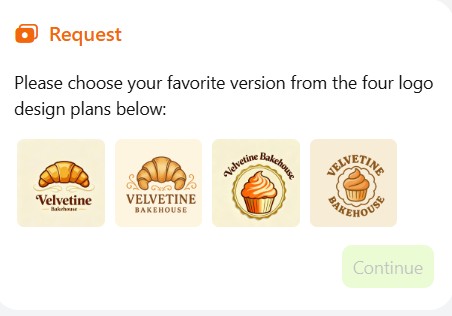
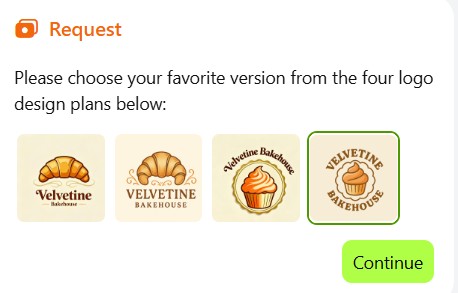
Step 7: Pick Your Favorite Look
Select the logo that feels just right speaking for your brand.
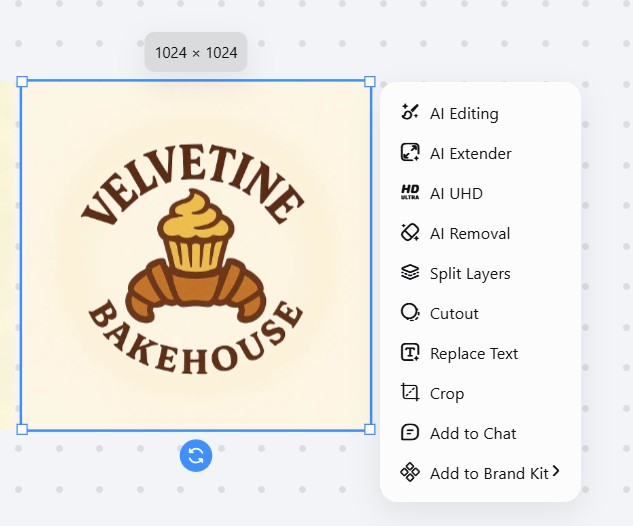
Step 8: Make Small Tweaks
Use the edit tools to fine-tune your design. Resize image, shift the text, or undo a step if you change your mind.
Step 9: Download and Save
Export the final image. The button is on the top right corner.
Logo 4
We have now reached our last logo for Wild Whisk Atelier.
Step 1: Give Instructions
Write your prompt with all the details you want in the logo. Click Send.
Prompt: Create a logo for bakery business, a gourmet bakery to be precise. It is named Wild Whisk Atelier. The logo should display timelessness or a sophisticated look. Use subtle classic colors such as gold, black, or white. The text should be monogram or letterforms, and the overall feel should be clean and balanced.
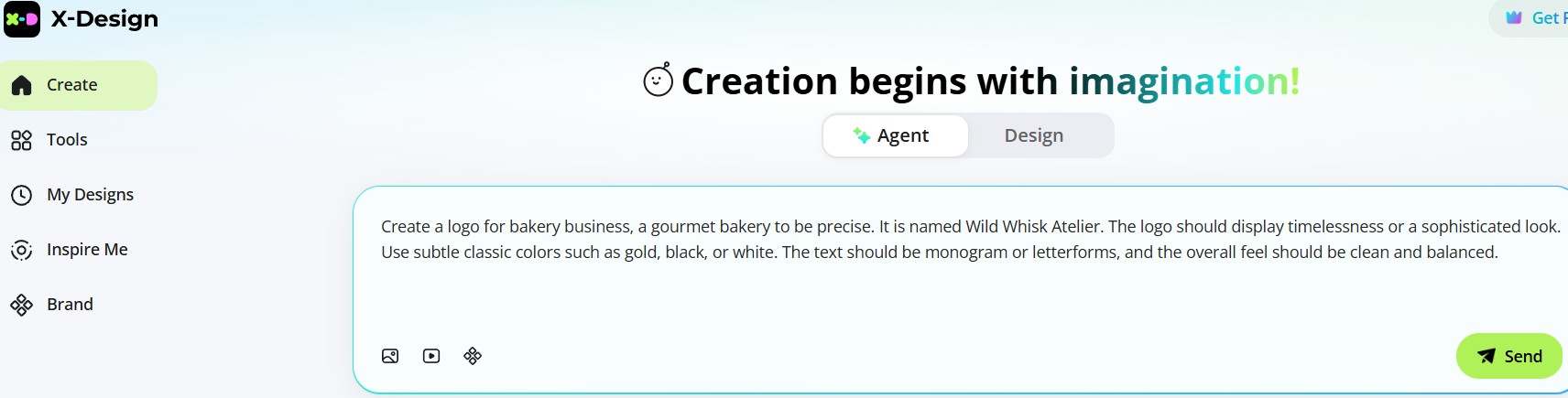
Step 2: AI Analyzes
Wait for X-Design’s AI to process and understand your brief.
Step 3: Glance at the Designs
Take a look at the designs suggested. If you’re not fully satisfied, ask the tool to show more options.
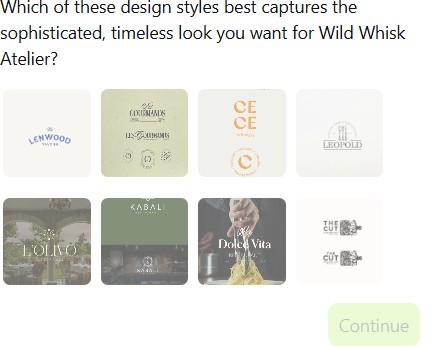
Step 4: AI Thinks Again
X-Design will analyze your feedback and suggest more design inspirations.
Step 5: Pick Your Preference
Review the visual designs and select the one you like best. Click Continue after choosing your favorite.
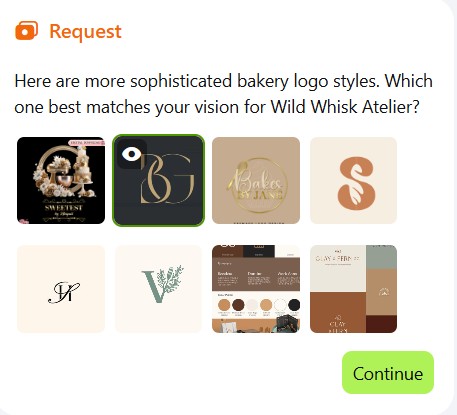
Step 6: AI Studies the Design
The AI will examine your selected design closely, including its text, colors, fonts, and graphics, to create a more personalized version.
Step 7: Fresh Designs Created
You’ll now receive four new logo designs generated based on your previous selections and inputs.
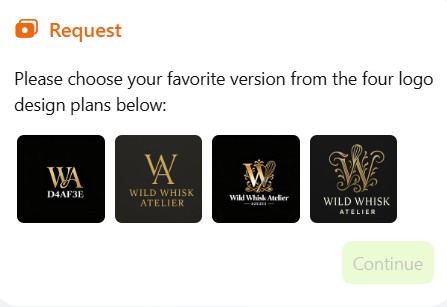
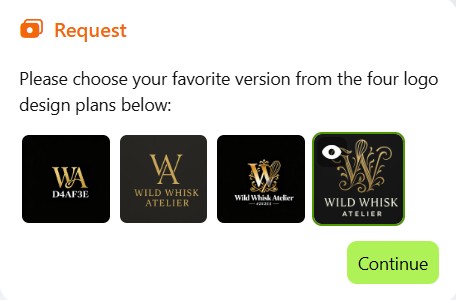
Step 8: Choose One
From the four options, pick the design that best represents your brand vision.
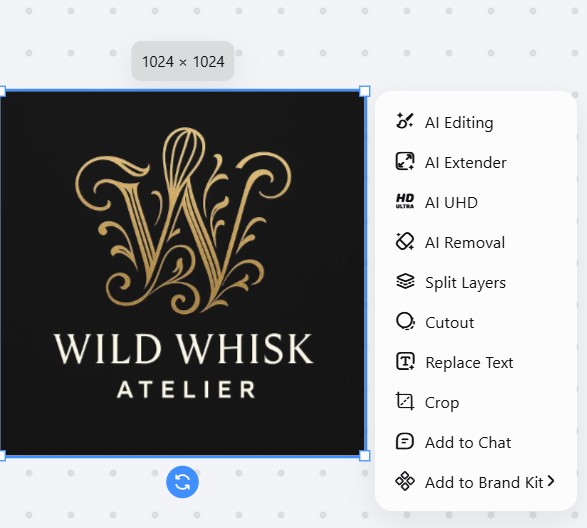
Step 9: Refine It
Make adjustments if needed.
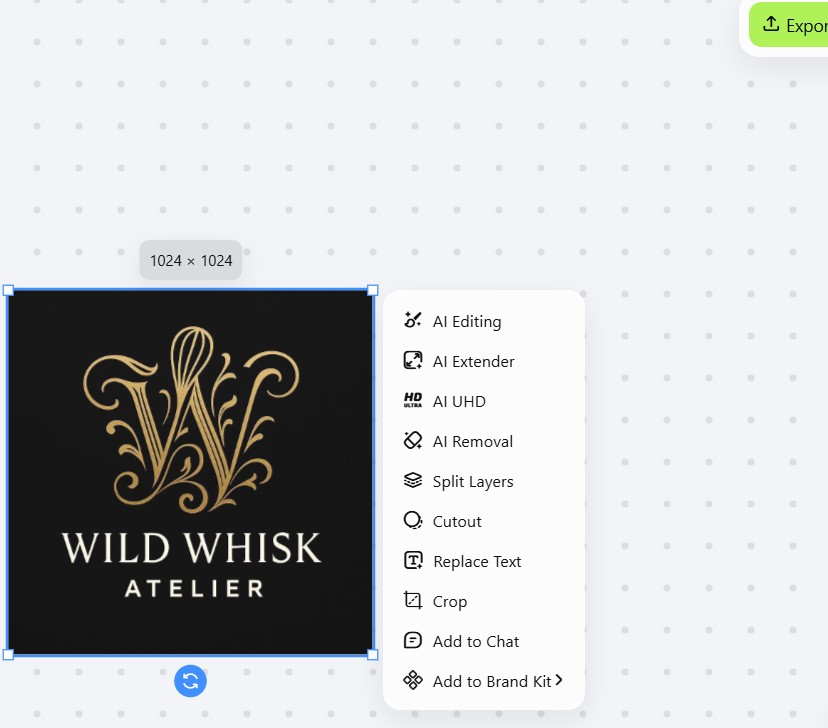
Step 10: Finish with Export
Download your final logo file. Click Export in the top-right corner.
Parting Thoughts
A logo is a feeling that stays even after people leave your bakery. Make sure it is memorable and lasts longer than the taste in their mouths. So, spend some time to create a logo for bakery business. Use different colors, fonts, and graphics to make the one that resonates with your brand. Until then, keep trying and use tools like X-Design to make the process faster and more accessible.
Related articles

How to Design a Good Advertising Poster

Human vs. AI in Design: Who Really Creates Better Art?

The Difference Between Motion Graphics and Animation: A Detailed Analysis