
Smoke Transparent PNG Maker
No image? Try one of these:


How to remove smoke background from images?
Upload your images
Detects Smoke with Accuracy
Export Designer Ready PNG

Smart Smoke Transparent PNG Maker
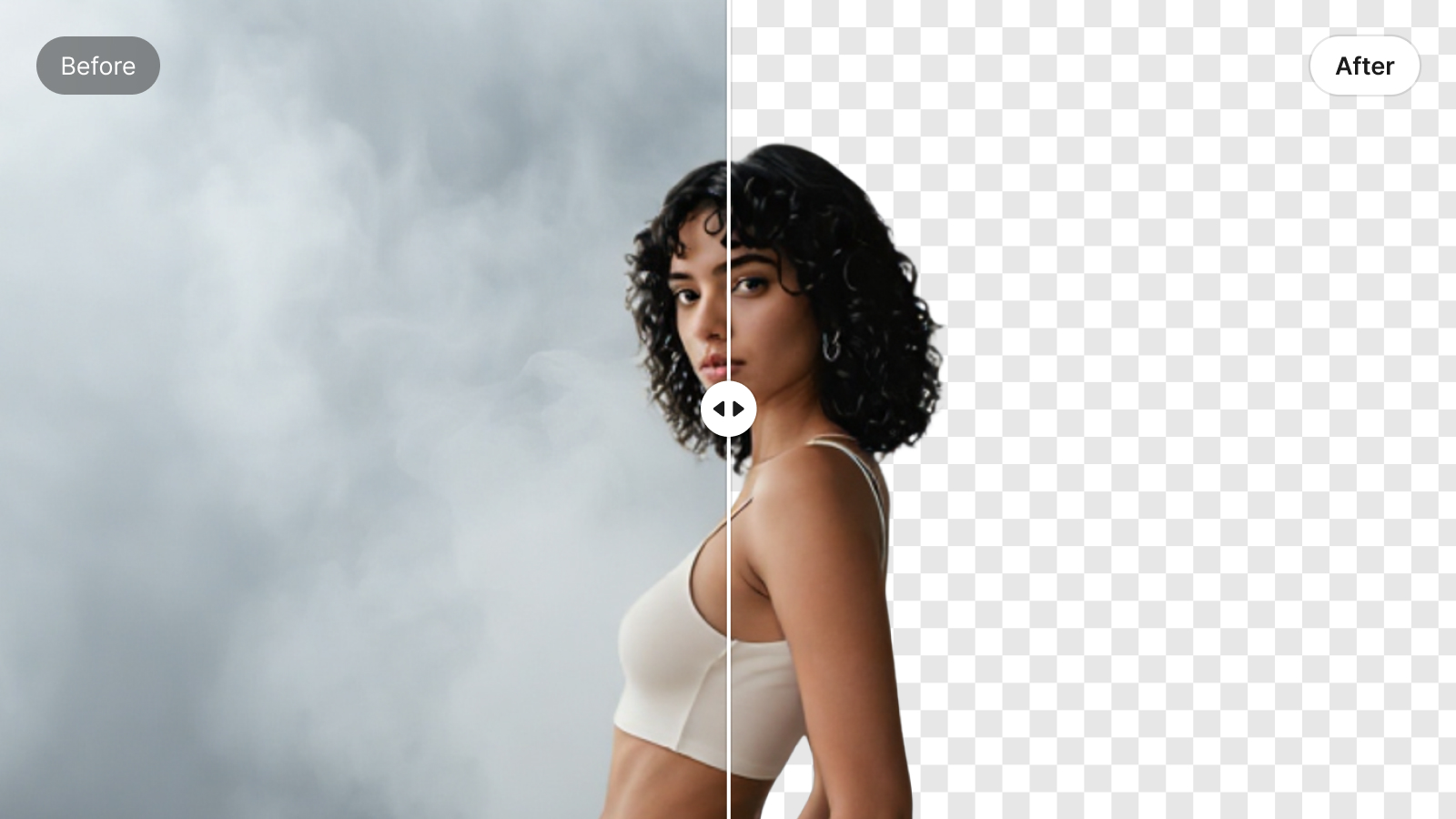
Our tool uses the smart AI feature to detect and extract smoke even from complex backgrounds. The unique algorithm of the X-Designs accurately recognizes smoke, distinguishing it from background objects. With this tool, you don't have to adjust the color or contrast - just upload the picture, and the other work will be handled by the tool as it performs the separation with accuracy. It's a perfect tool for designers, video editors, and photographers.

Get Realistic Effects in an Instant
With a couple of clicks, you can turn your smoke image into a transparent background that will make it look realistic. It not only removes the background but also helps capture the true colors of smoke. This feature ensures that your results blend naturally with the background, regardless of the background you choose later on after removing the previous one.

Recover Clear Smoke from Messy Shots
Images with smoke often tend to get destroyed by the messy and distracting backgrounds. Now, you won’t have to discard the shots. This tool removes the background of the smoke, regardless of how complex the image is. It helps you create a natural-looking smoke effect and allows you to remove the remaining background.

Supports High-Resolution Output
As you know, quality always matters whenever you are working on a professional and large scale. So, the smoke transparent PNG maker is built to handle and export high-quality images without compromising the details. Whether you're working with more smoke trails or thick clouds, the tool retains every curve and texture in full clarity. This ensures that the final transparent image you create is suitable to use on various social media platforms.
Auto smoke transparent png maker

Upload And Forget the Mess
There is no need to edit the image before uploading. The tool will automatically detect the smoke without being unfocussed by the background objects. This means you can make your shots look professional.

Optimized For Subtle Smoke
This tool works fine when the smoke is light and fainted or barely visible. Like other tools that only recognize bold outlines, it can even extract the smoke trails that are thin.

Works On Real and Ai Images
Whether your smoke in the image is real or created by AI, this tool can definitely handle it. Even if your image has unreal smoke or unusual colors, this tool can still find and identify the smoke while removing the background.
Frequently Asked Questions
How does the tool detect smoke without mistaking it for background?
Can I remove the background without disturbing the transparency of the smoke?
Yes, this tool is specially built to retain the soft edges and faded gradients that make smoke look natural. It maintains the image's gradient, which helps give it a realistic look. So, you can get clean images with all backgrounds removed.
What if my image includes smoke as well as fog?
This AI tool of the X-Design is smart enough to separate smoke specifically, even when similar effects are present. In this way, this tool can isolate the smoke while maintaining the rest.
Will the final PNG be ready to use instantly?
Yes, your image is exported in high-quality so that you can use it on any social platform. You don't need to edit this picture again.