8 Best Image-to-Image AI Generators: Transform Existing Photos with AI
Using text to create images is common. The advancements are also there that make the image transformations using images only. It is a simple process. You need a source image to start and give it to the AI agents online. With a simple prompt indicating the need for modifications, one can improve the image on a deeper level. You can begin with artistic style changes to realistic photo improvements. Image-to-image AI offers you faster and more creative control. It is good news for professionals like designers and photographers. Even non-designers can use the AI agents. Let’s learn more about transforming existing photos using image-to-image AI.
What Is Image-to-Image AI?
First things first! Understanding image-to-image AI is a brilliant way to use the capabilities of artificial intelligence. It can impressively change the existing images into a new version. Try X-Design photo enhancer to see how easy it is. Instead of generating a whole new visual, the AI examines different elements like shapes and compositions. Once AI picks the details, it applies changes according to the user's instructions. The changes can include style shifts or enhancements. It may also cover the creative reinterpretations. So, the image-to-image AI allows creators to refine the existing photos. This approach adapts the visuals faster and maintains consistency.
Quick Recap of How Image-to-Image AI Works
Image-to-image AI analyzes the existing image to use it as a visual guide.
The system recognizes the structure, shapes, and key details.
Then, changes are applied using the prompts or reference styles.
Diffusion models refine the image and preserve the crucial elements.
The parameters control how closely the result follows the original image.
Remember this quick process, and you are ready to transform your images. Collect your favorite image you want to modify and start the process.
Key Features That Power Image-to-Image AI
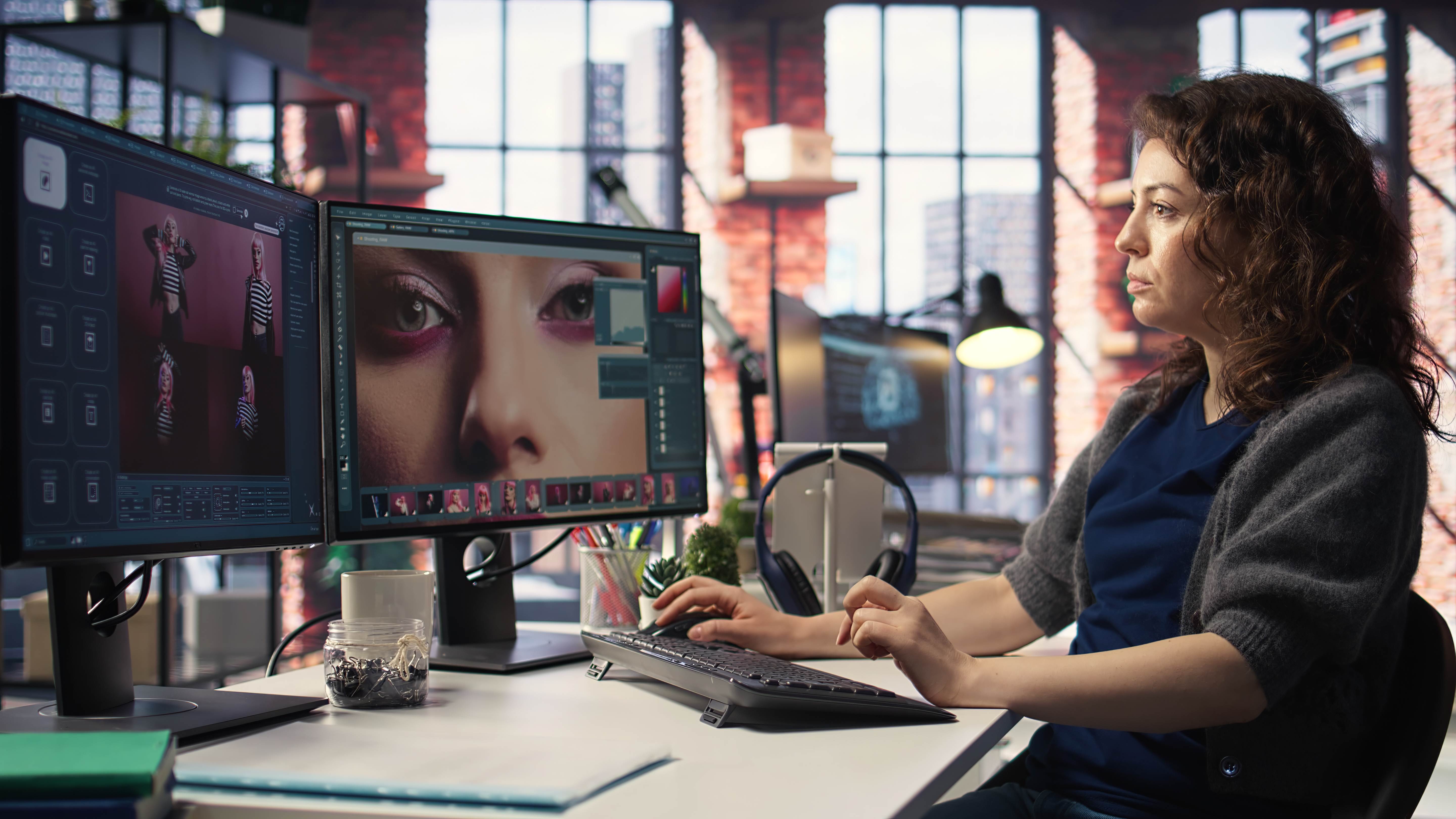
There are different features of image-to-image AI technology. These are making the use efficient for the users. Check a few essential features to note below:
Structural Preservation: Image-to-image AI helps you keep the original layout of images. It ensures that your shapes and composition are preserved from the source image. This allows the changes without losing the main visual identity.
Style Control and Transfer: Another factor that matters is the better style control when making the changes. It means users can apply the artistic styles and visual themes to existing images. The AI technology will merge the selected style with the original image. Also, it ensures a balance of creativity and realism.
Transformation Strength Adjustment: The users can easily control the transformation level in the images. Usually, lower strength values result in subtle edits. On the other hand, higher values allow for dramatic transformations. This flexibility supports minor adjustments and full visual reimagination.
Prompt Guided Editing: The text prompts guide you on how to use AI correctly to modify the images. A clear prompt helps you define the right mood, color palette, and artistic direction. You can go for specific changes. It allows precise creative control over outputs.
Inpainting Capabilities: Image-to-image AI also allows inpainting for specific areas in an image to be changed. The rest of the parts remain completely unchanged. This is a useful way for fixing flaws and replacing objects. It also enhances the details without recreating the entire image.
Detail Enhancement and Upscaling: The next feature to look at is the quality of detail enhancement and upscaling. Various details, like sharpness and textures, are controlled by the image-to-image AI tool. You can easily focus on the fine details. Also, upscaling helps to increase the resolution and preserve clarity.
Iterative Generation: Image-to-image AI also allows for multiple passes on the same image. Each iteration refines the result. It enables gradual improvement and clear experimentation. It does it without starting from scratch.
List of Top 8 Image-to-Image AI Generators
The following list of image-to-image AI generators can help you create the best images. Each one has unique features to offer:
1. X-Design
The first tool on the list is X-Design. It is a powerful image-to-image AI generator that offers you the facility to generate images instantly. X-Design transforms your basic images into polished and production-ready visuals. The intuitive interface and AI integration of the platform help you create professional designs without any prior skills.
Main Highlights:
It can generate logos, posters, and social media visuals
Instant image-to-image generation in seconds
The results are fully editable for fast customization
No design skills are required to use the tool
2. ImgToImg.ai
Another beneficial tool to try is ImgToImg.ai. It is an advanced image-to-image AI generator. It allows you to transform and recreate images effortlessly. The platform is not like some traditional text-to-image tool. It preserves the structure of your original image while applying the changes you describe. You get the full creative control with ImgToImg.ai. It enables professional-quality results in seconds without any design skills.
Highlights:
Users can upload up to 5 images in .jpeg, .jpg, .png, or .webp formats (max 24MB)
You can easily apply transformations via simple text prompts
Get the freedom to choose AI models, aspect ratios, and output quantity
Generated output will be fast and in high resolution up to 4K
It supports versatile artistic styles and real-world edits
3. Artlist
The next tool is Artlist. Its Image-to-Image AI Generator is powerful enough to transform any visual in seconds. You may want to edit, combine, or completely reimagine an image. This AI-driven tool makes it possible. Usually, it is beneficial for storyboarding, product shots, or creative projects. Artlist has the features to generate unique visuals without advanced design skills. Simply upload one or more images, provide a prompt, and get the AI results that you can refine.
Highlights:
You can upload and transform images with simple prompts
Exceptionally fast speed to generate results
There is support for multiple AI models
Users can download or iterate until perfect
Commercial usage is also available under Artlist plans
4. Krea
Moving on to the next image-to-image generator. Krea transforms any photo into stunning new variations instantly with a rightly described prompt. Simply upload an image and describe the desired changes. Next, Krea will generate professional-quality results in seconds. Note that no design skills are required. Thus, Krea allows you to experiment with styles and completely reimagine your images.
Highlights:
You can upload any image (PNG, JPG, HEIC, WebP, AVIF)
Easy to use by transforming with natural language prompts
Generate high-quality and artistic variations instantly
The tool is free to use, and no sign-up is required
5. EaseMate AI
Another popular image-to-image tool to try is EaseMate AI. It is again a free generator that transforms your existing visuals into stunning new creations instantly. There is no need to sign up with this platform. Besides, the outputs you receive are watermark-free. Thus, it is an ideal tool for creators, designers, and marketers. It can give you a variety of results, from anime and Studio Ghibli styles to realistic edits. All you need to do is be specific about what you need.
Highlights:
Users can experience one-click image transformation with AI precision
The platform supports JPG, JPEG, PNG, and WEBP formats
There is support for multiple artistic styles and AI models
Watermark-free and high-resolution downloads are available
No account or subscription required
6. EzRemove
The following tool is EzRemove. It is an AI-advanced image-to-image generator that turns your uploaded images into creative, professional visuals instantly. The reason for the transformation could be anything. For example, restyle portraits, remove unwanted objects, or change backgrounds. EzRemove makes any complex image editing effortless. The AI models like EzRemove 4.0, Nano Banana, and Seedream 4.0 can help you achieve high-resolution results in seconds.
Highlights:
Easily upload JPG, PNG, or WEBP images up to 24MB
You can preserve the structure while applying new styles
Multiple AI models are available for customized effects
Effective background replacement, object removal, and restoration
High-quality image generation for different projects
7. FlexClip
FlexClip is a versatile image-to-image AI generator. It lets you transform ordinary photos into stunning, professional visuals in seconds. The tool is perfect for content creators, marketers, and artists. FlexClip simplifies complex editing tasks like background changes, object removal, and style restyling for users. With advanced AI models, it delivers high-resolution results without requiring any technical expertise.
Highlights:
Quick uploading of JPG, PNG, or WEBP images up to 24 MB
It helps to preserve the original structure while applying new styles
Superb facility of multiple AI models for tailored effects
Easy background replacement, object removal, and image restoration
8. Monica
The final image-to-image generator is Monica. It instantly transforms your images into eye-catching visuals. With a variety of artistic styles, from realistic and anime to watercolor, oil painting, and sketch, Monica lets you unleash your creativity effortlessly. The tool is already trusted by millions worldwide. It simplifies image generation while maintaining high-quality outputs.
Highlights:
Multiple AI styles for unique creations
Instant image enhancement and extension
Watermark removal for clean results
Pixel art & style transfer tools
Old photo restoration and ID photo generation
10M+ active users, highly rated globally
Conclusion
Finally, image-to-image AI is redefining how existing photos are edited and enhanced. The most crucial aspect is that you can easily preserve the structure of the original images effectively. Artists feel more empowered with modern image-to-image AI creator tools. It clearly reduces the manual effort and maintains the visual consistency.
At the same time, challenges like control and ethics may remain. However, the best practices continue to improve the results. Besides, the AI tools become more intuitive and powerful. It can move from a niche innovation to a standard part of creative workflows. One tool that you can try for your work is the X-Design image tool variation. Even non-designers can make the best use of this online platform.