How to Instantly Create Free Store Logo Mockups
For cafés, restaurants, bakeries, salons, spas, and gyms, branding is more than just a logo—it’s the way that logo appears in the real world. While many business owners have a clear vision of their brand style, it can be difficult to see how it will translate onto everyday items that customers interact with: the cup handed across a counter, the takeaway bag leaving the store, the menu setting the tone, the signage on the glass door, or the uniforms and towels used daily by staff.
Traditionally, creating these mockups involves downloading Photoshop templates, adjusting smart layers, and manually bending a logo to match lighting and perspective. Free mockup sites often deliver low-quality or watermarked files, making it time-consuming to get usable results. X-Design simplifies this process by turning a single logo into polished, realistic store mockups within minutes. No design experience is needed, no paid templates are required, and complicated software is unnecessary. Upload your logo, select a store scene, and see it applied across your materials instantly.
What a Logo Mockup Does
A logo mockup is a preview of how your logo will appear once applied to real objects in your store environment. Instead of imagining the outcome, you can see your logo placed on menus, product packaging, storefront windows, aprons, towels, bottles, posters, or even gym equipment. This realistic preview allows you to evaluate your brand identity before printing or production, ensuring consistency across all physical touchpoints.
X-Design’s AI Agent automatically detects the surface your logo sits on—whether it is fabric, glass, paper, metal, or plastic—and adapts the design to lighting, curvature, and material texture. One upload instantly generates a series of realistic mockups across multiple assets, saving hours of manual editing and eliminating the need for professional design tools.
X-Design’s Strength in Store Logo Mockups
Unlike traditional fixed Photoshop templates, X-Design responds dynamically to the environment and material characteristics of each object. Your logo can appear naturally on a ceramic coffee cup, a kraft paper takeaway bag, a glass storefront, a fabric towel, or a metallic product bottle. The result is a full set of store-ready brand assets with stylistic consistency, accurate color representation, and photorealistic rendering.
For cafés, X-Design can instantly create coffee cup mockups, takeaway bags, menus, and packaging boxes. Salons and spas can visualize their branding on towels, aprons, counter displays, and product bottles. Gyms and fitness studios can see logos applied to water bottles, towels, posters, and indoor signage. This approach allows business owners to make informed design decisions, prepare files for printing, and present their brand professionally to team members or partners.
How to Create Free Store Logo Mockups
The workflow is straightforward, even for those without design experience. First, upload your logo as a PNG or SVG, or generate a new one using X-Design’s AI Logo Maker. Once your logo is ready, tell Agent the store scene or material you want to visualize, including cups, takeaway bags, menus, posters, towels, uniforms, bottles, storefront signage, and product packaging. X-Design then automatically applies your logo, adapting to texture, lighting, shadows, and surface curvature. You can adjust placement, opacity, contrast, and size as needed. Finally, export high-resolution images suitable for printing, in-store decoration, social media promotion, marketing materials, or brand presentations—all for free.
Real Store Mockup Examples
Café, Restaurant, Bakery
Your logo can appear seamlessly on a coffee cup, a takeaway bag, the menu, or a packaging box. This allows you to visualize both dine-in and takeaway experiences and maintain consistent brand presence throughout your store.
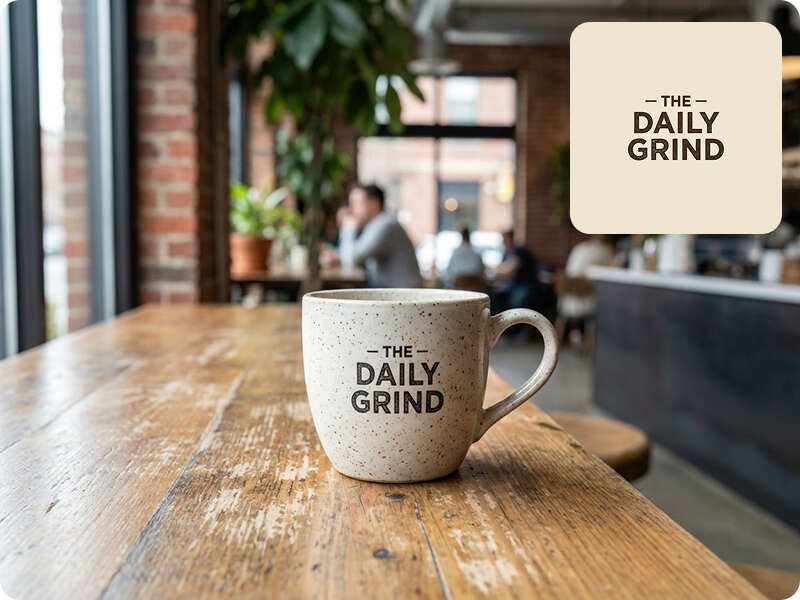
Coffee Cup Mockup
Prompt:A realistic coffee cup with a printed logo on the front, placed on a cafe table, natural lighting, shallow depth of field, modern cafe interior in the background, high-resolution, professional product photography style.
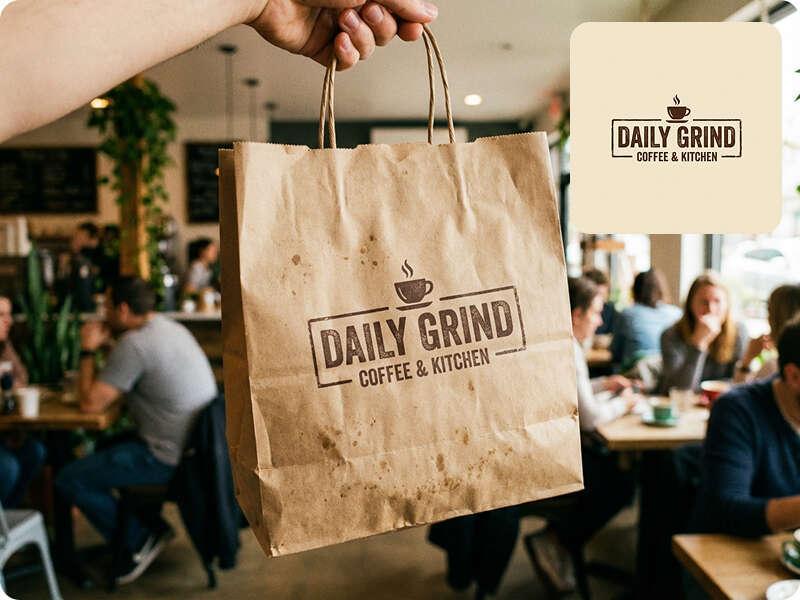
Takeaway Bag Mockup
Prompt:A kraft paper takeaway bag with a logo on the front, hand holding the bag, cafe background with blurred customers, natural daylight, realistic textures, photorealistic style
Menu Mockup
Prompt:Overhead shot of a printed menu with logo on the cover, placed on a wooden cafe table, cutlery nearby, natural soft lighting, realistic colors, professional photography
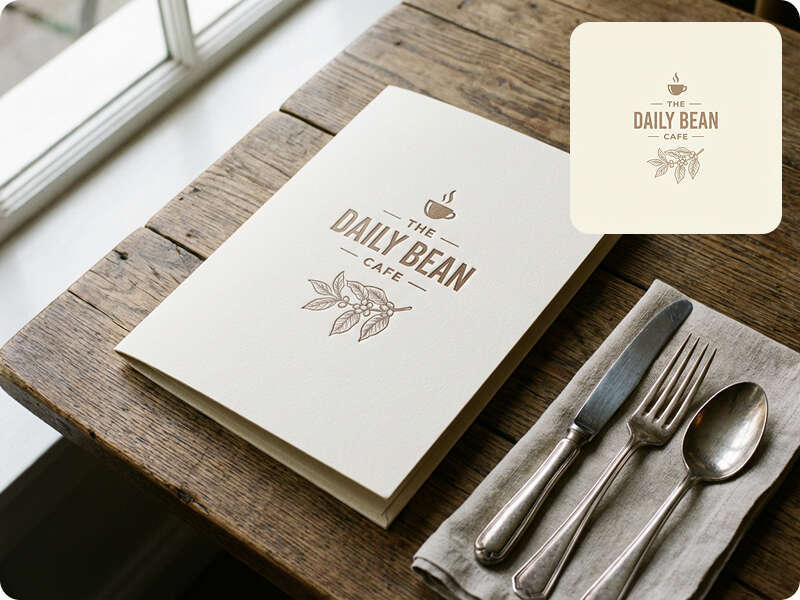
Table Tent / Signage
Prompt:Table-top display with a logo, placed on a restaurant table, angled view, blurred dining environment in background, soft shadows, photorealistic and modern style

Salon, Spa, Barbershop
Mockups can showcase your logo on embroidered towels, product bottles, uniforms or aprons, and counter display cards. These examples highlight service professionalism and strengthen customer perception of your brand.
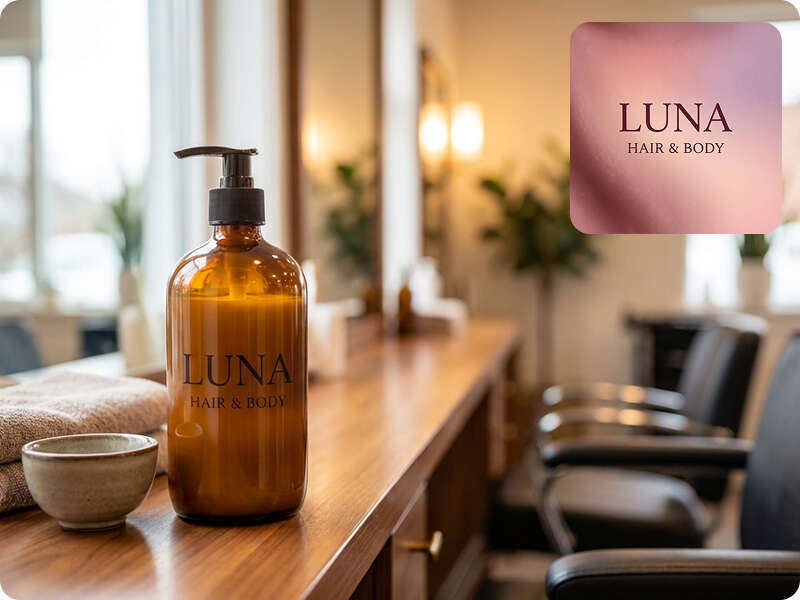
Counter Display / Product Bottle
Prompt:A lotion bottle or hair product on a salon counter, logo clearly visible on the bottle, soft indoor lighting, blurred background with salon interior, realistic textures, photorealistic style
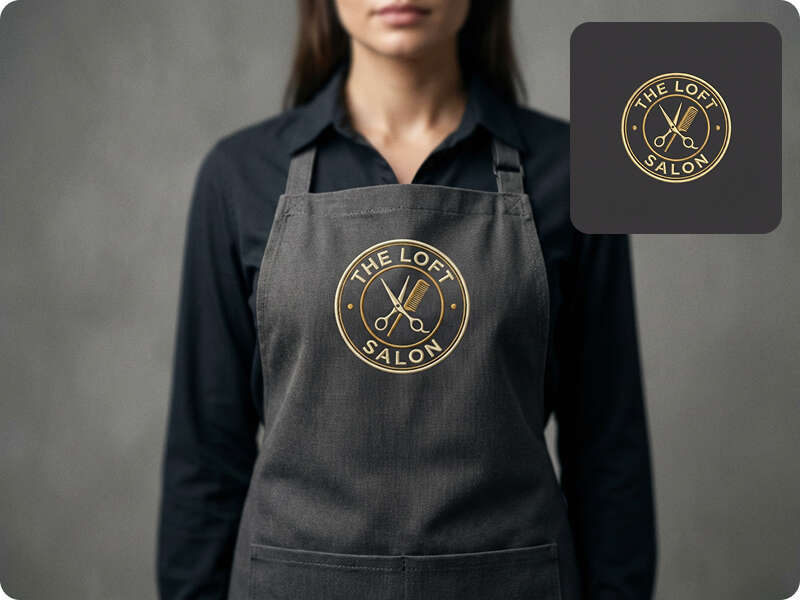
Work Uniform / Apron
Prompt:Front view of a salon apron with embroidered logo, worn by a model or on a hanger, studio lighting, clear focus on logo, realistic texture and folds, professional photography style.
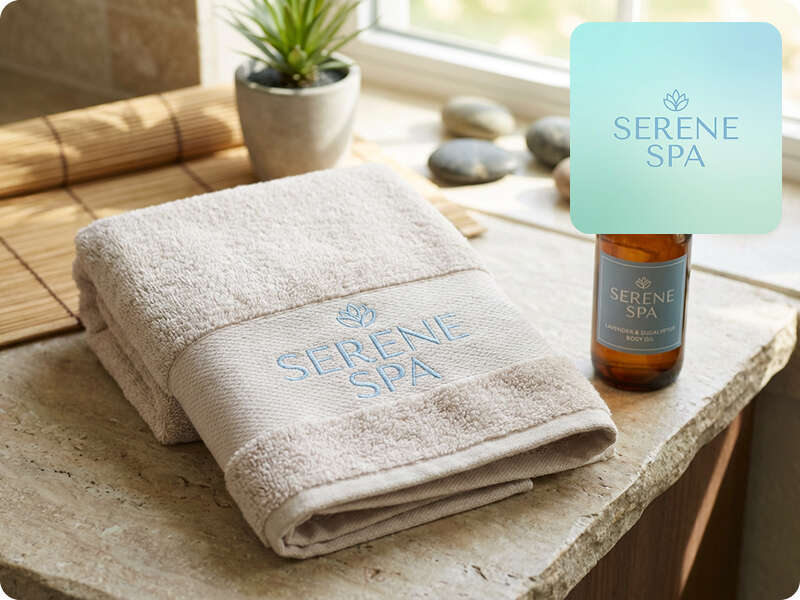
Towels / Product Bottle
Prompt:Folded towel with logo embroidered or printed, next to a product bottle with logo, spa counter background, soft natural light, photorealistic style.
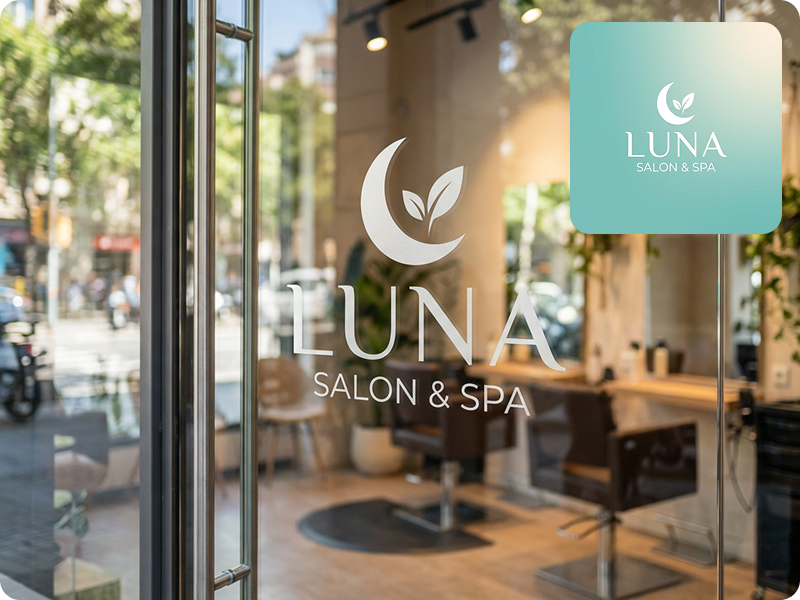
Store Signage / Window Decal
Prompt:Glass door or window with a logo decal, realistic reflection, blurred indoor salon environment, straight-on view, natural lighting, photorealistic and clean style.
Gym, Fitness Studio
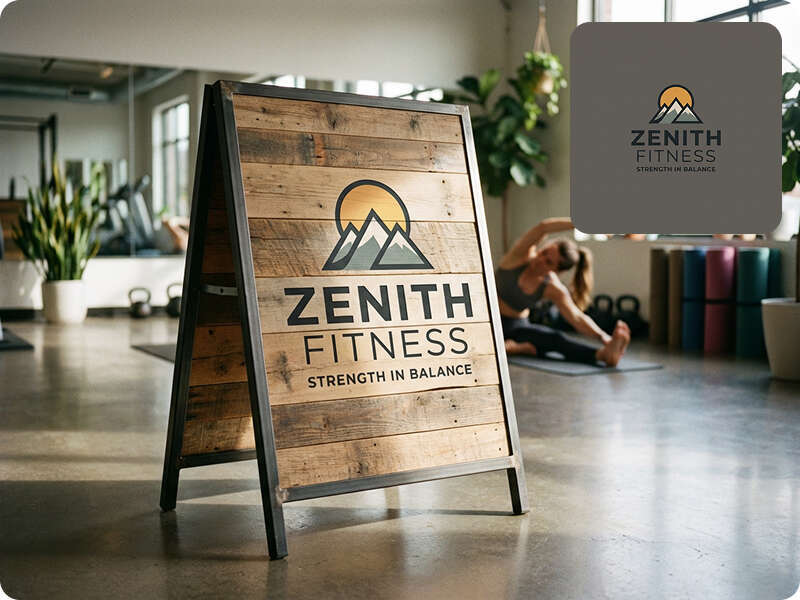
Visualize your logo on water bottles, towels, training posters, and indoor signage. Consistent branding across equipment and promotional materials reinforces a professional, cohesive identity for members and visitors.
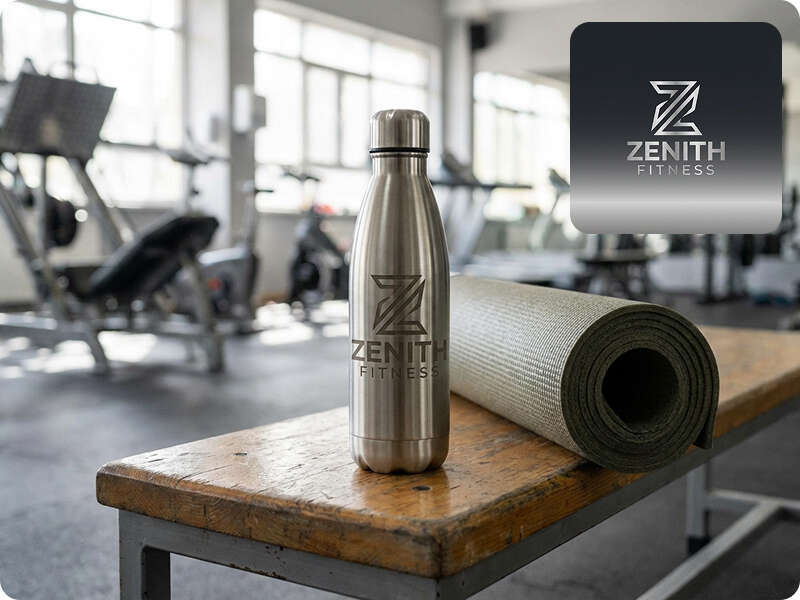
Water Bottle / Sports Equipment
Prompt:Water bottle with a logo, placed on a gym bench or yoga mat, realistic gym environment, soft shadows, photorealistic, lifestyle shot with professional lighting.
Towel / Uniform Mockup
Prompt:Gym towel or staff t-shirt with printed logo, flat lay or hanging on rack, gym interior background, realistic fabric texture, high-resolution photorealistic style.

Gym Signage / Poster
Prompt:Wall poster or freestanding sign inside a fitness studio, featuring logo branding, realistic perspective, natural indoor lighting, professional photorealistic style
Best Practices for Professional Store Mockups
To ensure the most realistic results, use logos with transparent backgrounds and maintain consistent brand colors across all assets. Adjust logo size based on material and scene, and match the mockup environment to your store’s real setting, whether it is modern, rustic, or minimalist. High-resolution exports improve printing and presentation quality, while attention to material texture ensures that each mockup accurately reflects your store experience.
Why X-Design Works for Local Businesses
X-Design was designed for small business owners who need fast, flexible branding without design skills. The platform provides free AI logo mockups, realistic store scenes, automatic material adaptation, and consistent branding across all assets. Its simple workflow allows business owners to visualize their brand identity clearly before printing or applying it to any physical surface, saving time and reducing the cost of trial-and-error mockup creation.
Bring Your Brand to Life
Experience the simplicity of creating free store-ready logo mockups with X-Design. Apply your logo to cups, menus, packaging, uniforms, towels, and signage in real-world settings within minutes. Start today and see your brand come to life with professional-quality mockups, all without design experience or expensive templates.