How to Turn Any Sketch into a Digital Image Using AI
Sketching is a hobby of many people. The relation of pen and paper is incredible to experience. Every time you touch the paper with your pencil or pen, you know that creativity will flow in the sketches you will create. Now, you can turn these paper pieces with art into a digital masterpiece. One hero making it happen is the AI-powered tools. These converters allow many artists to experiment every day.
Online tools are making the creative flow easier for them. The transformation of turning the sketches into a digital image is possible now in seconds. An uneven sketch can also be turned into a sharp digital image. Want to learn more? Get into the overall information about creating high-quality images using AI from your sketch.
- What Does It Mean to Digitize a Sketch?
- Why Use AI to Convert Sketches into Digital Images?
- Types of Sketches You Can Convert Using AI
- Pencil sketches on paper
- Rough concept sketches
- Doodles and notebook drawings
- Colored sketches and mixed media
- Quick Steps to Turn a Sketch into a Digital Image with AI
- Best AI Tools to Turn Sketches into Digital Images
- 1. X-Design
- 2. OpenArt
- 3. Fotor
- 4. Canva
- Conclusion
What Does It Mean to Digitize a Sketch?
Simply, digitizing a sketch means transforming a hand-drawn idea into a clean digital image. It can be edited and refined. You can even share it further online. So, users don't have to rely on scans or manual tracing. The modern tools easily convert lines, shapes, and shading into digital data. This process preserves the original concept. It enhances the clarity and precision. This approach also offers users great flexibility to represent their creativity. After digitizing the sketch, you can make the adjustments. It means you can customize it as per your preference.
The main concern of users is losing the original feel. So, remember, an AI tool like X-Design will turn the rough ideas into polished visuals without losing the soul of the original drawing. It maintains a balance in creativity and professional digital workflows.
Why Use AI to Convert Sketches into Digital Images?
AI has changed how you can turn sketches into digital images. Traditionally, hours of manual tracing and expensive software were needed. Even advanced design skills were necessary. But AI tools have changed the scene. They understand the shapes, styles, and more in the sketches. Then, it turns roughly hand-drawn ideas into polished digital visuals. Besides, the accuracy of seeing is impressive. It makes the creative process faster and easier for users.
Check some solid reasons to use AI for sketch conversion:
It saves time by automating tracing and refinement.
An AI tool produces cleaner images with balanced proportions.
The platform requires no advanced graphic design skills.
You can see better-looking images with textures, shading, and styles.
The tool gives you multiple variations from a single sketch.
Users don't need to rely on costly design software.
There is support for creative experimentation without fear of mistakes.
Types of Sketches You Can Convert Using AI
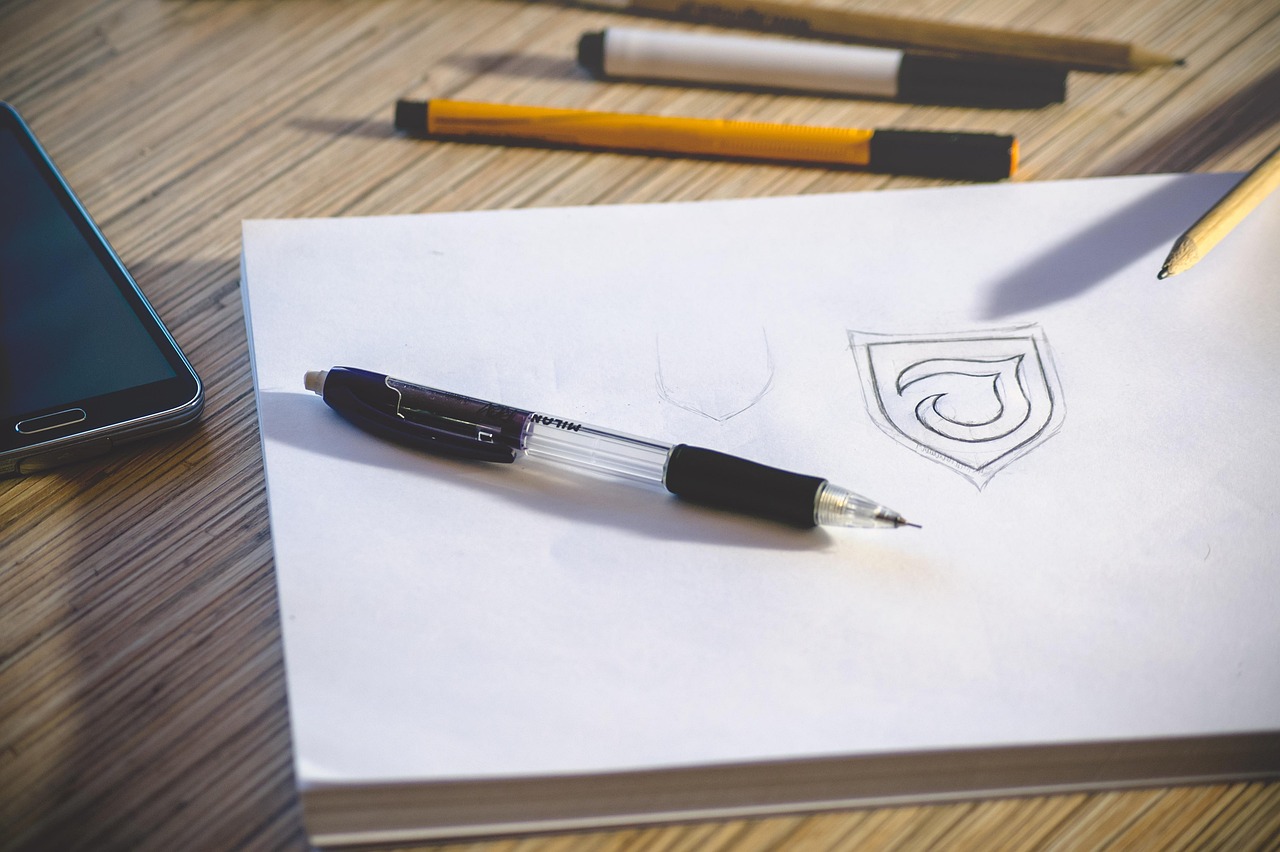
Modern people like to try different options to sketch. And AI tools understand it well. So, there could be a chance that you might be having any of the following types of sketches with you.
Pencil sketches on paper
Pencil sketches on paper are the easiest. These are the most popular sketch types to convert into digital images using AI. You can see that these sketches include the soft graphite lines. It captures raw ideas and emotions. These sketches beautifully hold the creative intent in a natural way. AI tools can enhance these sketches by sharpening lines. The algorithm of the AI platforms improves the contrast better and removes unwanted smudges. Even the background noise can be easily eliminated.
A rough or lightly drawn sketch also has the chance to be changed into clean illustrations. The detailed artwork that AI creates will look realistic. Besides, it can accurately interpret pencil strokes, bringing hand-drawn concepts to life digitally.
Rough concept sketches
Rough concept sketches are quick. Usually, this type of sketch is an imperfect drawing. These are created to get ideas before details are refined. When you see them, they often include loose lines and unfinished shapes. You can mention them as visual shortcuts that communicate direction rather than precision. An AI tool helps here to transform these raw concepts into polished digital images. It does so by interpreting intent, structure, and composition.
There are many designers who make rough sketches. They take them as a reference to explore layouts, characters, or environments. Upload these sketches to an AI image generator to make them a foundation for style and detailed enhancement. These sketches are ideal for brainstorming. Take them to your AI tool and get the image instantly for your idea with direct prompts.
Doodles and notebook drawings
Generally, doodles and notebook drawings are spontaneous expressions of ideas. These sketches capture the concepts without any planning. They may look rough and uneven. You may even find them playful. But AI tools can transform them into polished digital images. The AI generation will give results with better line clarity and correct proportions. In short, AI gives casual doodles new life.
Many students and creators love to doodle. Even the forgotten notebook pages have some amazing illustrations. Let's turn them into impressive digital images to show your creativity. Be experimental with your prompts.
Colored sketches and mixed media
Many people are also indulged in making colored sketches and mixed media artworks. It combines the touch of multiple tools. For example, pencils, markers, and watercolor. Sometimes ink and collage elements are also involved in these sketches. The piece of sketch is expressive, containing a special idea. AI tools can easily interpret these layered inputs surprisingly well. It can preserve the color relationships while refining edges and textures.
Besides, when AI performs the conversion, it excellently separates the materials and tones. The results you get in the end will be a polished digital image. It will still feel handcrafted to you. Artists can easily enhance saturation and unify styles with AI. If you are a hobbyist, pick your color of mixed sketch and turn it into a digital image.
Quick Steps to Turn a Sketch into a Digital Image with AI
Have a look at the simple steps to convert your sketches into a polished digital image with AI-powered tools:
Capture or Scan Your Sketch: Take the sketch using good light and high resolution. AI will read clean lines and details accurately.
Prepare the Image: Try to remove shadows and adjust the contrast. If necessary, crop edges or erase smudges. It will help AI to see your sketch clearly.
Upload the Sketch to an AI Tool: Now, upload your cleaned sketch to a reliable AI tool. Add the correct file format and resolution for accurate transformation.
Add Prompts and Style Instructions: Give the precise prompts and style instructions to guide AI. You can add clarity about the mood, colors, and other details. It will give an artistic direction for the desired results.
Generate and Review the Digital Image: Finally, step ahead to generate the image using AI. After the image creation, review the details. Check the proportions and clarity. Refine more with your prompts or settings.
Export the Final Image: Lastly, download and share the final image. You can show it to your friends or colleagues to show your creativity.
Best AI Tools to Turn Sketches into Digital Images
There are a few tools that can help you convert your sketches into clean digital images. Here are a few to check:
1. X-Design
X-Design helps many beginners and professionals to turn sketches into clean digital images. It makes it happen by enhancing lines and improving clarity. The tool refines the details with AI precision. You can upload your hand-drawn sketch to X-Design and add a clear prompt to give the instructions. The one-click AI power of X-Design creates the ideal digital image in seconds. Users can also get support for HD and 4K upscaling with the tool. It ensures a professional and polished look.
2. OpenArt
OpenArt is another intuitive AI tool to turn hand-drawn sketches into polished digital images. Its fast speed takes only a few minutes to provide the results. You can use it to convert your basic or uneven sketches into realistic visuals. You can even try the creative styles like anime. OpenArt offers users free credits to explore advanced features. You can even go for creative variations for better visual storytelling.
3. Fotor
Moving on to the next AI master tool. Fotor is a powerful AI-advanced platform that makes turning rough sketches into polished digital images effortless. Its AI Sketch-to-Image feature uses advanced technology. The tool easily transforms simple line drawings into realistic or artistic visuals. Users with this tool can choose from a wide range of styles. It can adjust image dimensions and generate multiple variations. So, an overall idea clearly shows that this tool is ideal for beginners and experts.
4. Canva
A final AI tool to use is Canva. It offers an easy way to turn hand-drawn sketches into brilliant digital images. The platform uses its sketch-to-life facility to bring realistic results for users. It generates a detailed photo that matches their vision. Generally, this tool is excellent for beginners and professionals. It has a built-in facility to edit for the users. This tool is already trusted by many. So, you can see it as a good option for your project.
Conclusion
Finally, you get the idea about turning sketches into digital images. The conversion of a hand-drawn sketch into a digital image is now possible in seconds. A beneficial part is that the installation of complex software is not required. AI tools will do their job to turn your sketches into professional-looking visuals in minutes. The fast speed and flexibility will allow you to experiment more. The right prompt adjustments will give you the exact results you want. X-Design improves your images in the best way. The AI agent of X-Design works according to your instructions to generate the results that satisfy your purpose to create. So, be creative and hop on to the dashboard right away!