Image to Drawing with AI for Sketches, Line Art, and Illustrations
Many people have some special images with them. And everyone likes to keep a memorable drawing of their favorite images. But sometimes you don’t have the drawing knowledge. And sometimes you don’t have enough time to draw. With the modern tools, it is no longer an issue. AI is the hero that wears a cape of many possibilities for today’s generation. It is especially beneficial in the design field.
Even creating drawings is becoming a piece of cake for any user. Any beginner or professional can get the drawing results in seconds. Let’s get into it and see how you can make the best drawing with advanced tech!
- What Is Image-to-Drawing AI Technology?
- How Does AI Convert Images into Drawings?
- Types of Drawings You Can Create with AI
- A. Pencil Sketches
- B. Line Art
- C. Ink Drawings
- D. Technical Drawings
- E. Artistic Illustrations
- Benefits of Using AI for Image-to-Drawing Conversion
- Limitations of Image-to-Drawing Tools
- Popular Image-to-Drawing AI Tools
- Conclusion
What Is Image-to-Drawing AI Technology?
Image-to-drawing AI technology is an AI-based solution for modern users. It uses robust algorithms to convert photos and images into hand-drawn-style artwork. The tool has an excellent approach to analyzing the shapes, edges, lighting, and more elements in an image. After the complete analysis, it recreates them as sketches, line art, or illustrated drawings. Generally, this technology relies on machine learning models. The models are trained on thousands of images and drawings. It helps to understand artistic patterns.
Moreover, an image-to-drawing AI tool like X-Design can transform portraits or other objects easily. So, get ready to create your next drawing art with minimal effort. This modern tool is already being used by many artists. It will speed up your creative workflow. And it enables you to explore new visual styles with ease today.
How Does AI Convert Images into Drawings?
Artificial intelligence is a term that has transformed many fields. It has also changed the way images are transformed into artistic drawings. The technology has replaced manual tracing and expert design skills with intelligent algorithms. AI examines the visual data. It understands shapes and textures, and once it is done with enough information to start, it recreates them in sketch-like or illustrated styles. The process to make it happen is simple.
Check here the steps to follow:
Upload the image to the AI tool.
AI will scan the image details thoroughly.
It separated the subject from the background.
The environment with lights, depth, and realism will be analyzed.
Next, the style transfer models apply drawing effects.
The integrated noise reduction will remove unnecessary details.
Better line enhancements will be applied.
Once the transformation is complete, you get the final refined output.
Types of Drawings You Can Create with AI
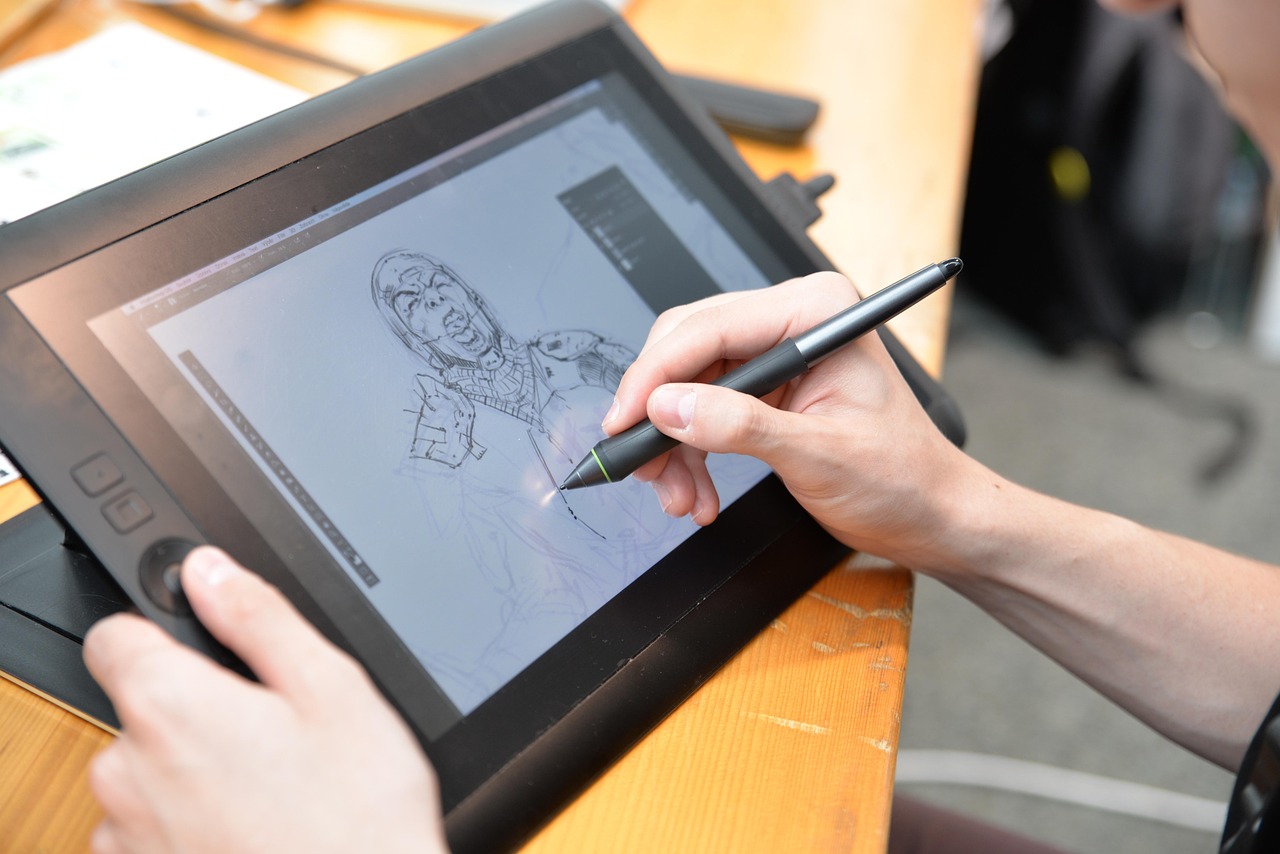
There are different types of drawings that can be generated with images. You can choose the type according to your preference. Here are a few styles that you can check:
A. Pencil Sketches
The first type on the list is pencil sketches. These remain one of the most loved drawing styles. An image-to-drawing AI tech makes them easier to create. When you use AI, it turns your simple photo into soft graphite lines and realistic shading. The final drawing includes the hand-drawn textures.
With the AI technology, the pencil sketch will mimic traditional pencil pressure and strokes. Different users can use the AI pencil sketches for portraits and concept art. Besides, you can do creative experimentation. The results will feel natural and expressive to you.
B. Line Art
The next type on the list is line art. It is among the most striking drawing styles you can create using image-to-drawing AI. When you use it, the tool focuses on clean outlines and sharp edges. It will notice even the minimal details. Then, it turns the images into line art that looks elegant visually. You can play with your photos or sketches to get the line art. Within seconds, you get the clean art on your screen.
This style works for elements like logos or illustrations. It is also ideal for making tattoos and coloring pages. With an image-to-drawing AI platform, you can enhance the consistency and remove unwanted noise.
C. Ink Drawings
Moving on to the next drawing style. These are ink drawings. It is a powerful and timeless drawing style. An image-to-drawing AI technology can help you with it. These drawings are popular for their bold lines, sharp contrast, and expressive details. Besides, the ink works beautifully for illustrations. They are an amazing option to create interesting comics. Many are even using it for tattoos.
Even today, many users are fans of the traditional pen and ink aesthetics. They can choose this type when turning their images into a drawing. With faster speed and flexibility, you will get the clean ink outlines in seconds.
D. Technical Drawings
The technical drawings are another type that modern people prefer. Technical drawings focus on precision and accuracy. They do not have a major concern about artistic expression. These drawings are usually seen in engineering. Or they are also present in architecture and product design.
In any technical line, they are effective in communicating the exact message. The message contains information about dimensions, materials, or more for the viewers. Image-to-drawing AI technology helps you make hand-drawn sketches and blueprints of your images. The choice is yours to pick the right style for better details in the end. Engineers and designers can use the AI platform to visualize their materials in the best way.
E. Artistic Illustrations
The final type on the list is artistic illustration. It represents one of the most exciting drawing styles. The one that you can create using image-to-drawing AI technology. It means you can use a simple photo and transform it into expressive artwork with bold lines. The art will contain the textured shading and unique visual character.
AI tools will examine the shapes, depth, and contrast. And then it reinterprets them through illustrative styles. For example, it generates the results in watercolor, ink, or charcoal effect. And the unique thing is that you can create professional-looking illustrations without advanced drawing skills.
Benefits of Using AI for Image-to-Drawing Conversion
There are various benefits of using an AI-advanced image-to-drawing conversion. It transforms how artists and creators work. The tool brilliantly turns the photos into clean sketches or stylized drawings in seconds. The following are more benefits that you can experience:
It reduces the manual effort.
The tool excellently maintains consistent line quality and artistic style.
AI platforms allow rapid experimentation with multiple drawing styles.
These are accessible to users without advanced drawing skills.
The AI platform provides faster digital outputs ready for printing and sharing.
An ideal tool for creative projects.
Limitations of Image-to-Drawing Tools
After learning the benefits, you must have an idea about some disadvantages of the image-to-drawing AI tools. They offer impressive automation, but they also have some limitations. Check them below:
These tools often struggle with fine details and give inconsistent line work.
The output quality majorly relies on the image resolution and lighting conditions.
Many tools even lack creative judgment.
Sometimes, style customization is limited to repetitive results.
Advanced features are often locked behind paid plans.
The errors still require manual correction.
Overall performance can be slow on weaker hardware systems.
Popular Image-to-Drawing AI Tools
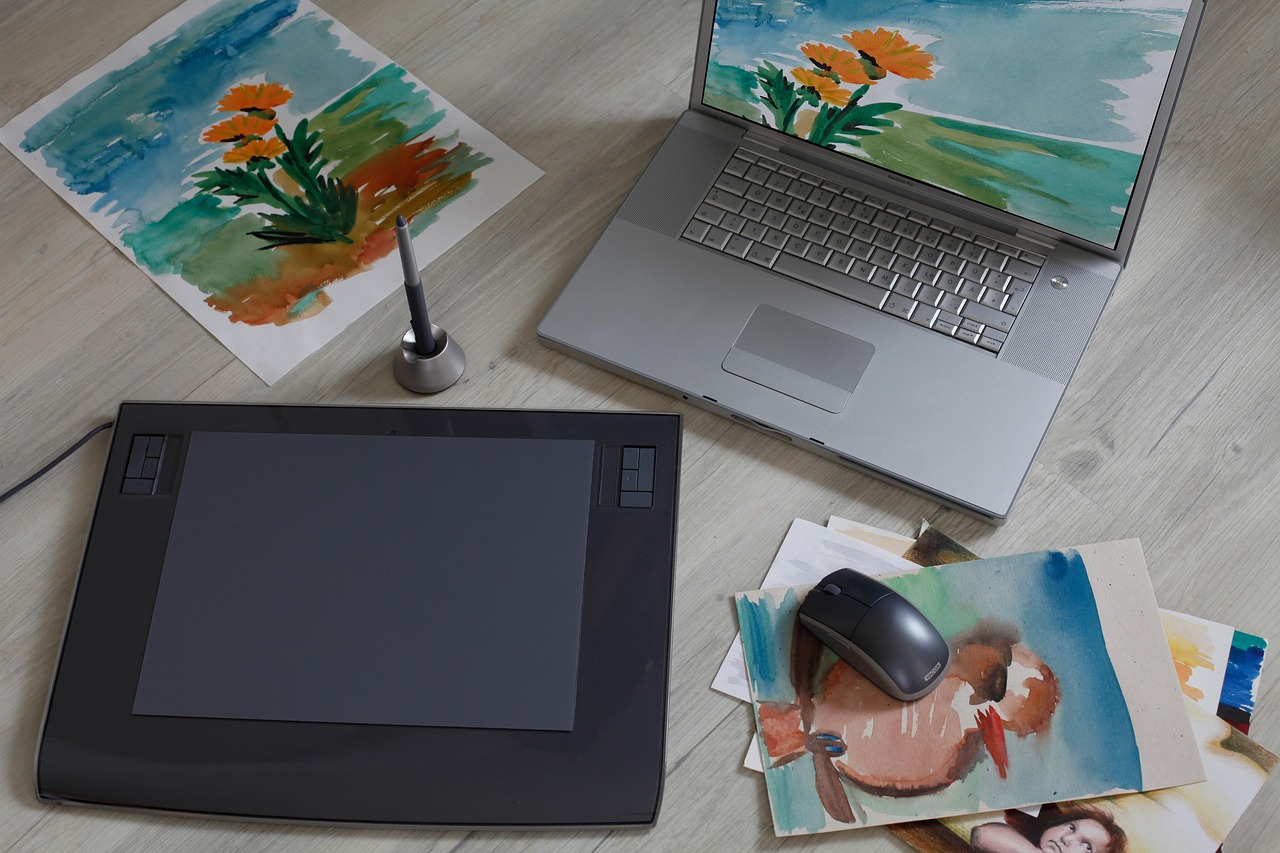
Online image-to-drawing converters are available to help you. But the question is which is the best to use. The following list contains some options that help people turn their favorite photos into memorable drawings.
Canva: The first tool on the list is Canva. It converts simple sketches into realistic images using AI. The main factor to use this tool is that it is beginner-friendly. Besides, its quick generation and built-in editing tools hasten creative workflows.
X-Design: A tool that is an all-rounder in the design area is X-Design. It is helpful to transform photos into clean sketches with AI precision. The unique part is that it carefully preserves fine details. It supports batch processing. And the multiple sketch styles it offers generate various drawing styles.
Fotor: Many people are also using Fotor as their AI partner. It also turns the images into artistic sketches using AI filters. You can generate the styles in pencil, ink, and cartoon styles with easy controls. It is one of the great tools for social media visuals.
DeepArt: Another image-to-drawing AI platform to use is DeepArt. It uses neural networks to recreate images as hand-drawn art styles. Generally, it is known for painterly results inspired by famous artworks. Also, it delivers expressive sketches with solid artistic character.
PicsArt: The last option on the list to look at is PicsArt. It applies AI-powered sketch effects to photos instantly. You can experience its mobile-friendliness with creative filters and adjustable intensity.
Conclusion
Finally, you get the whole idea of turning your images into drawings. AI-powered drawing platforms are making it easier for all. These have changed how sketches and even line art can be created. Usually, the drawings took hours to be completed. But now, all the work gets done in minutes. And the best part is, without losing creative control. Yes, the AI tools cannot replace artistic skill. But they have the power to enhance it.
If you want to enhance your drawings or images a bit more, you can choose the X-Design image enhancer. It will give you the refined results in high quality. Many people are already trusting the enhancements. Check the tool now to see if it helps you!