
Have you ever noticed how some YouTube channels feel recognizable after you see them once? Well, that effect usually comes from a clear, consistent logo. A strong logo improves brand recognition, makes your channel look intentional, and helps it to stand out. Today, you don’t need a designer to achieve that. AI-powered YouTube logo makers make the process quick and accessible for anyone.
A logo is not optional on YouTube because it shapes the first impression before a viewer presses play. It also becomes useful later when you promote your channel off-platform or sell merchandise. A logo is a consistent mark that makes your brand easier to trust and remember.
AI-based YouTube logo makers generate concepts from a name and a few style choices. Most of them export in formats suitable for YouTube, PNG for overlays, SVG for scalability, and Square layouts for profile use.
This guide explains what makes a logo tool worth using. It also reviews the best options available today, including X-Design’s AI agent, so you can choose a tool that fits your workflow and budget.
10 Best YouTube Logo Makers
If you are looking for a quick way to create a YouTube logo, then the following 10 tools make it easier to build your channel’s identity in minutes.
1. X-Design
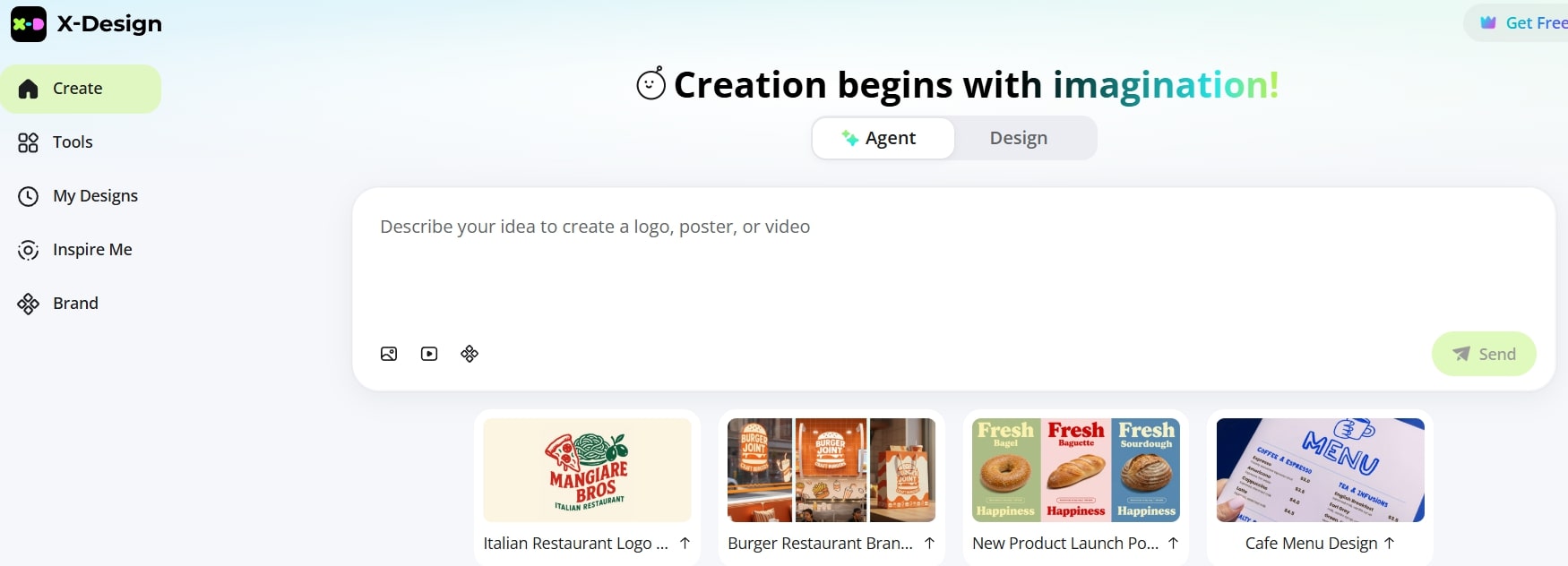
X-Design is a prompt-based YouTube logo maker that creates logo concepts from simple text instructions. Instead of choosing templates manually, you describe your channel, and X-Design suggests and generates designs that match your niche and style. Once a logo is ready, you can preview, edit (even resize image outputs) without leaving the workspace.
Features
Supports high-resolution exports in formats
Allows layer-level editing for cleaner adjustments
Includes industry-sorted logo styles to speed up selection
Provides mockup previews of merchandise and digital assets
Pricing
The tool works on a credit system and you may be required to buy credits to use it.
2. Canva
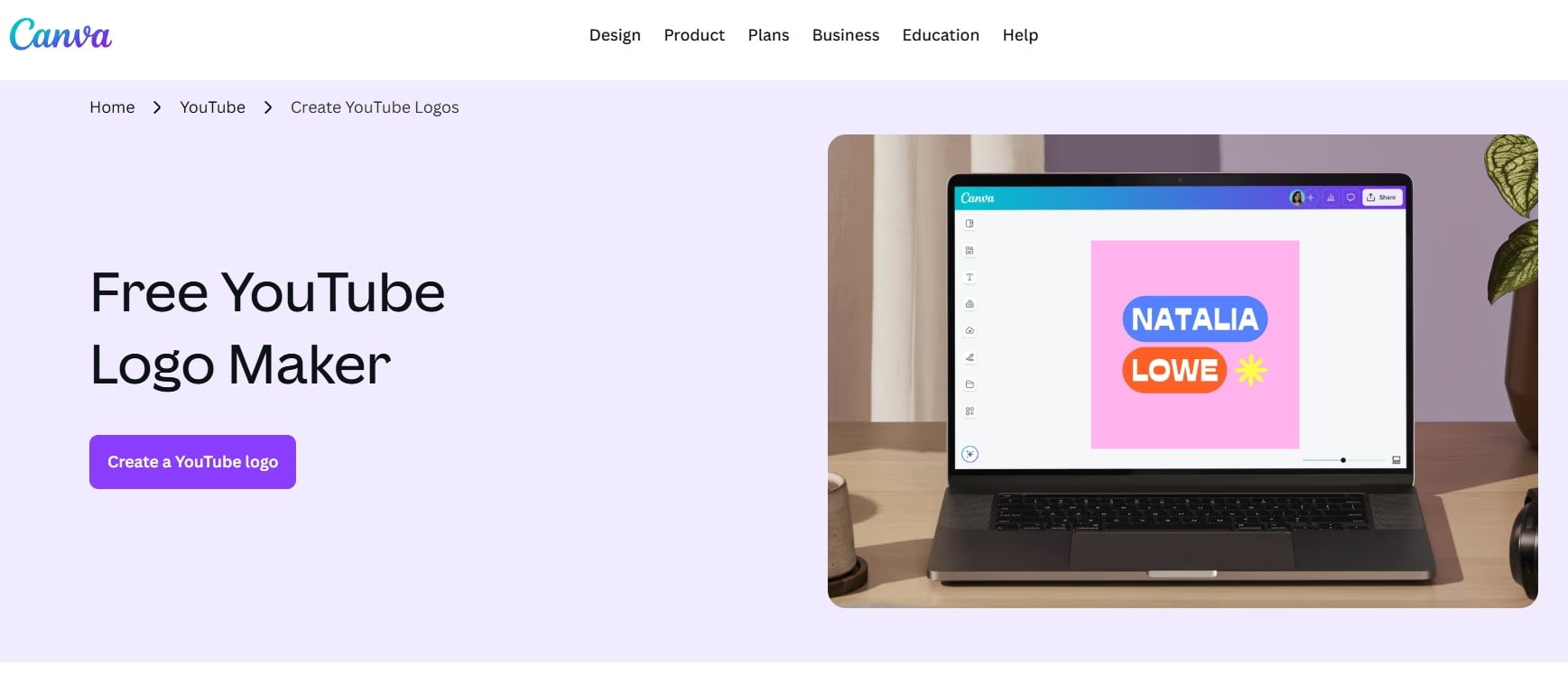
YouTube logo maker Canva is a popular visual design platform. It includes a large library of logo templates suitable for YouTube channels. With no specific design skill needed, you can run it in your browser. Pick a template and style to complement your channel’s style or ask the AI to help you.
Features
Thousands of logo templates across niches
AI-assisted design suggestions and layouts
Drag-and-drop editor with icon and font library
Exports in PNG, JPG, PDF, and with a transparent background
Pricing
Free version available with basic assets. For premium templates, brand kits, and advanced tools, there is a price, and it is $120/year or $15/month.
3. Wix Logo Maker
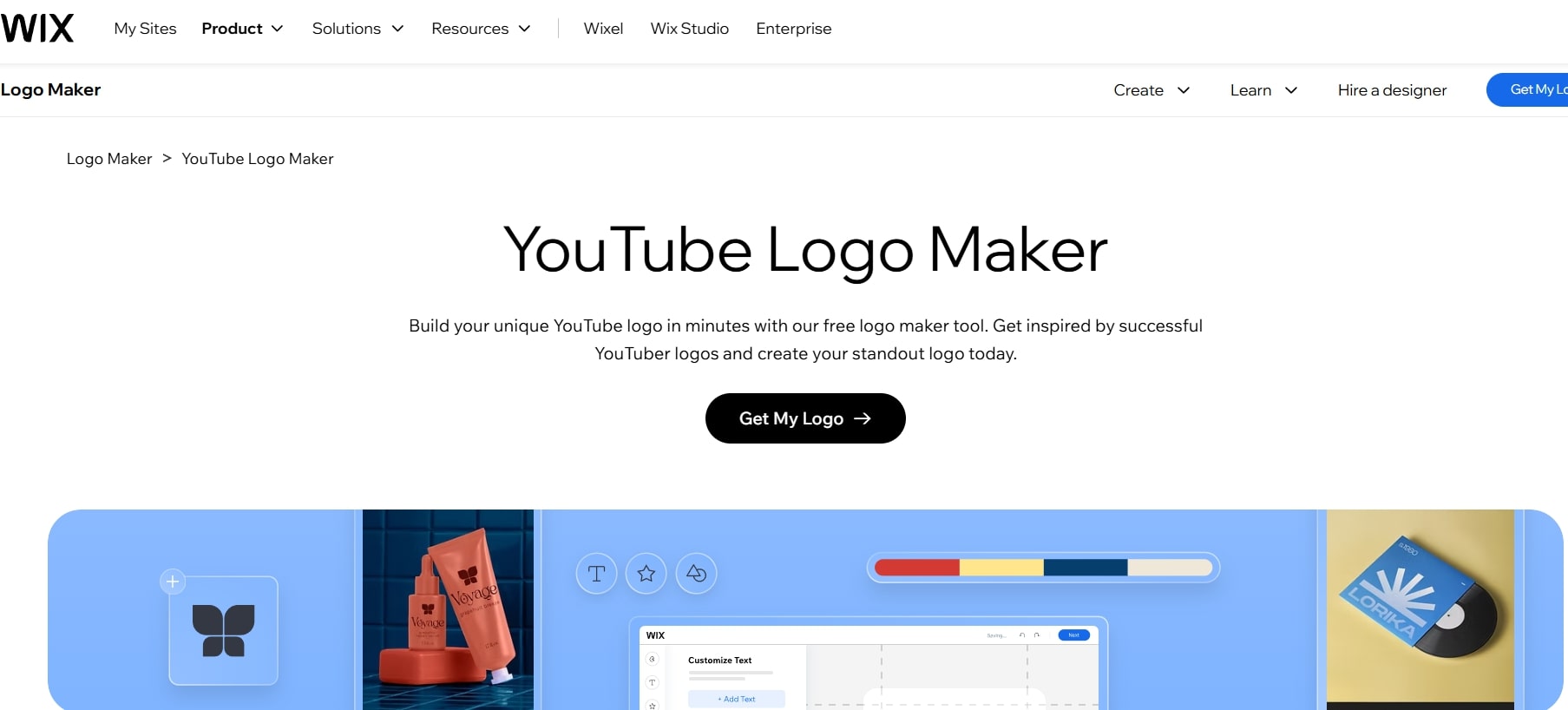
Wix is a good choice if you want a logo without learning design tools. You enter some details, and it creates starter designs for you to edit. It is quick, yet gives room to adjust the layout, colors, and icons. This makes it a solid YouTube logo creator for beginners or anyone in a hurry.
Features
AI-guided logo generation from preference questions
Browser-based editor with live preview
Icon, font, and color customization
Brand assets are available within the same Wix ecosystem
Pricing
You can generate and preview for free. High-resolution files and commercial rights require a paid plan. Basic plan is $49 and the advanced plan costs $99.
4. Turbologo
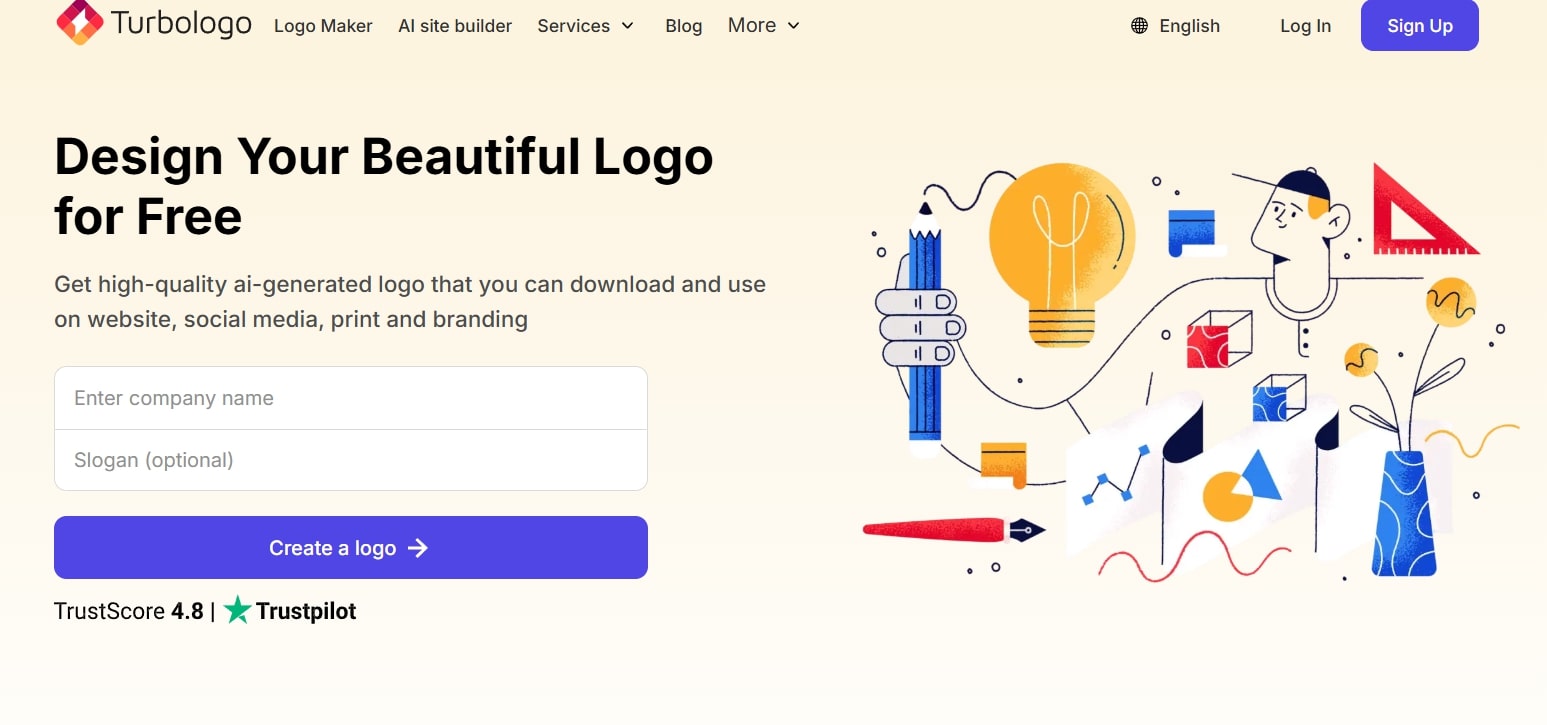
Turbologo is one of the YouTube logo makers that stands out because of its AI automation. The process is simple. As soon as you open the homepage, you are asked key details like business name and slogan. After that, the tool generates logo options within seconds based on a few color choices.
Features
Automatic logo generation from brand inputs
Large selection of templates and customization tools
Support for adding icons, shapes, and resizing directly in the preview
Full control over fonts and colors
Keyboard shortcut support during editing
Pricing
Turbologo charges allow free generation. But to download, there is a fee. It has three plans: Lite - $9; Standard - $14, and Business - $49.
5. Tailor Brands
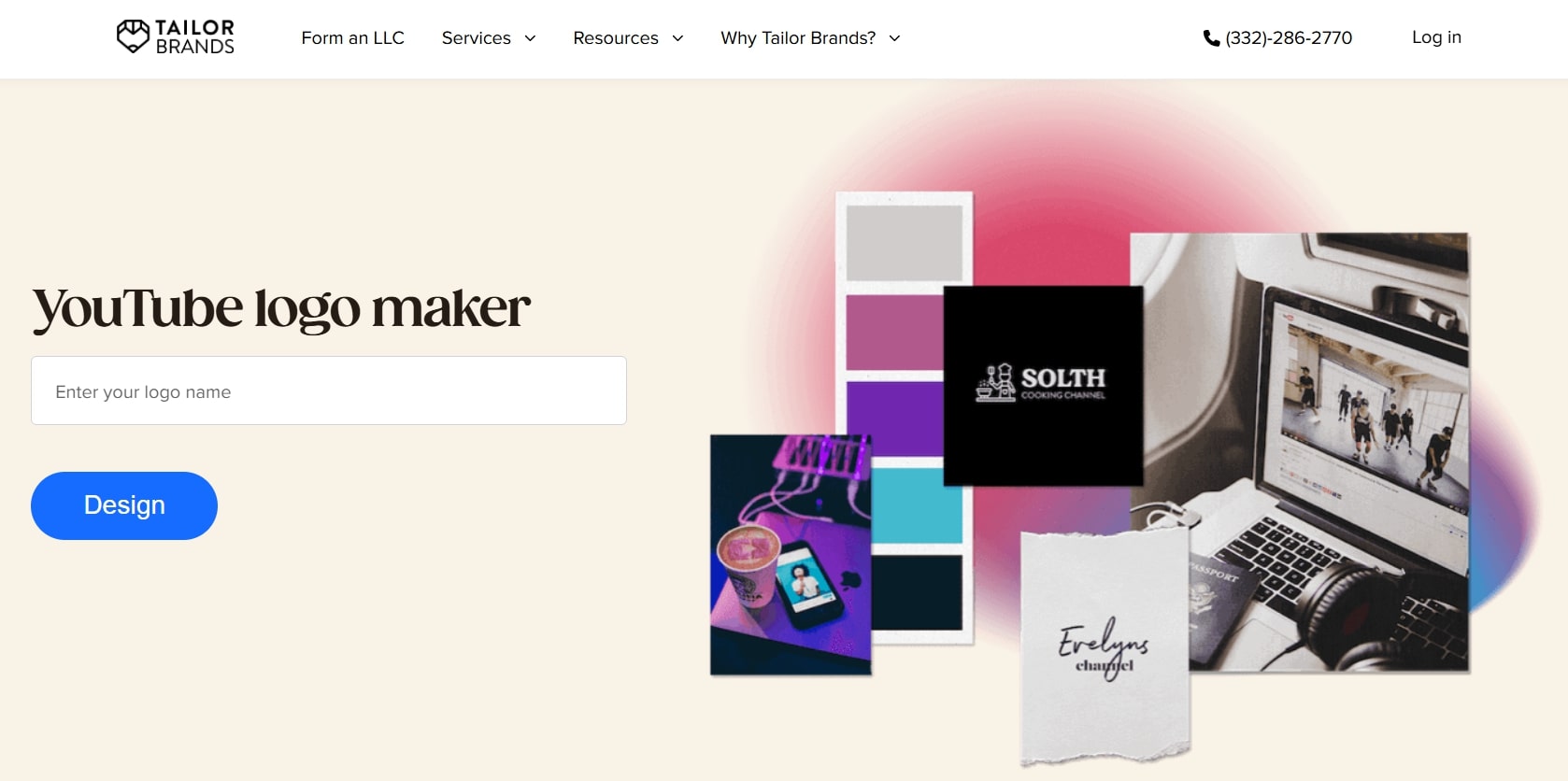
Tailor Brands works like a guided branding assistant. You answer questions and AI decides the logo direction before showing designs. The platform continues to be useful after the logo is created because it includes extra brand tools. Unlike many AI logo tools, users retain logo rights even after cancelling their subscription.
Features
Generates matching brand assets, such as social media designs, alongside the logo
Supports the creation of business-oriented materials from the same dashboard
Offers preset brand packages so users can keep all visuals consistent
Subscription includes access to ongoing branding utilities, not just a file export.
Pricing
The Basic plan is for $3.99/month. It includes full logo ownership and high-quality logo files. The Annual plan is $5.99/month and offers Vector EPS logo files, branded business decks and presentations
6. Looka Logo Maker
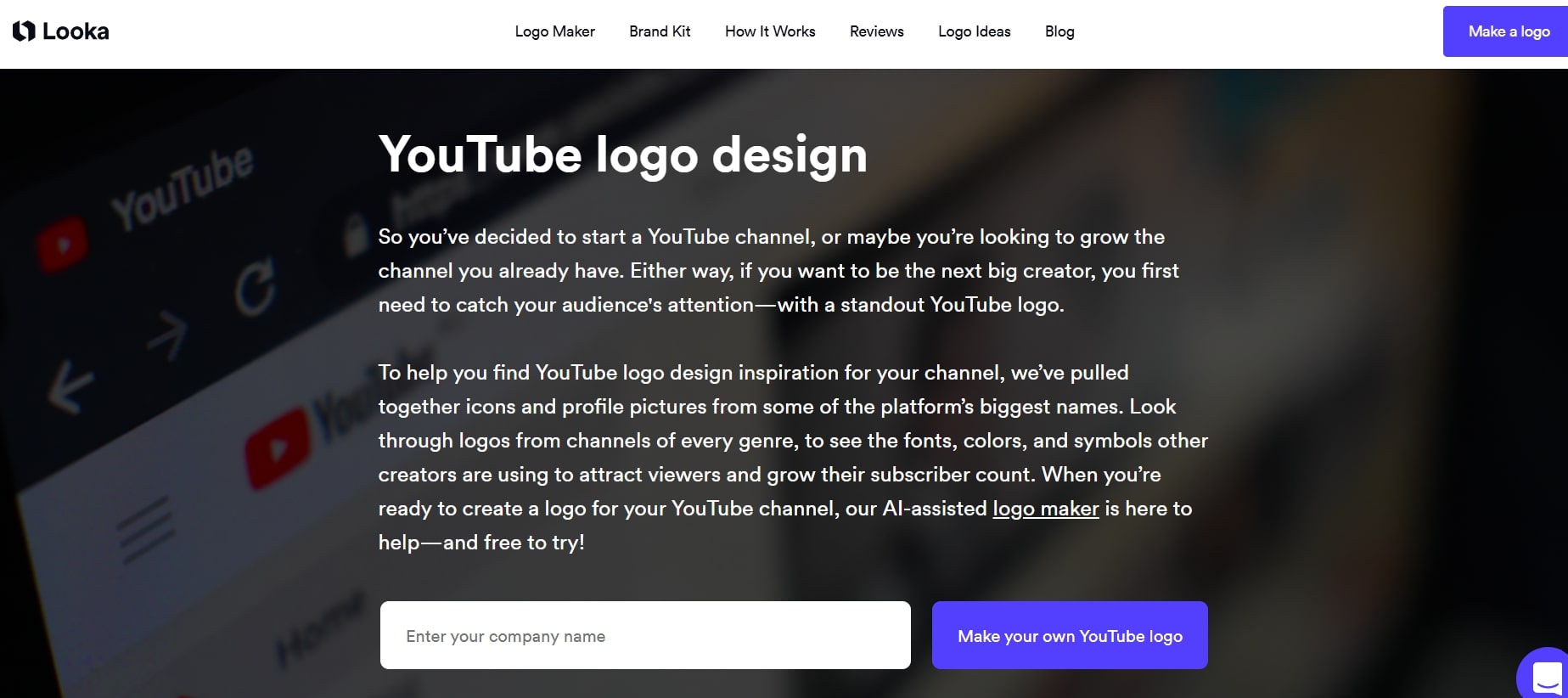
Looka helps create logos that feel professionally planned. It asks for your business name, sector, and design preferences. Then uses those inputs to create brand-style suggestions you can review. One of its standout traits is that it previews the design in real-world contexts so you can judge it before paying. This helps users understand whether the logo will actually work outside the editor screen.
Features
Lets users filter concepts by design moods like “Script”, “Elegant”, “Bold”, or “Delicate”
Allows fine-tuning of spacing, symbol sizing, word case, and visual weight
Offers built-in mockups for products, stationery, and online profiles
Suggestions update dynamically as users adjust their selections
Pricing
Looka uses a tiered model. You can buy a one-time Basic Logo Package for $20 USD. You can also upgrade to the Premium Logo Package for $65 USD to get high-resolution and multiple formats.
7. Logomaster.ai
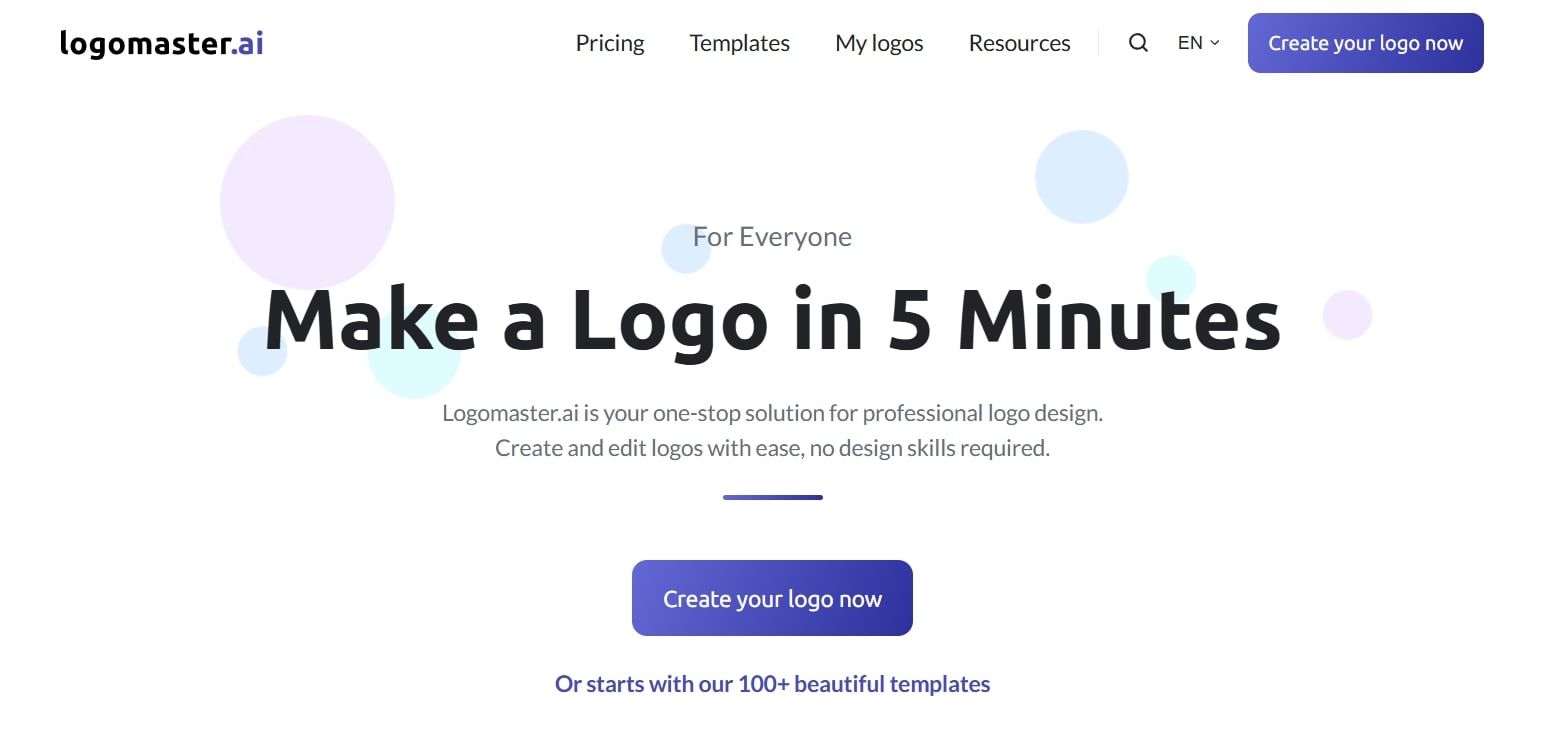
Logomaster.ai YouTube logo maker AI offers a fast and affordable way to create logos. The platform gives you around 100 starter templates to begin with. These can then be adapted based on your business name and style choices. You can edit the selected design and export it for commercial use.
Features
Make changes to the font, color, and style to match your brand.
Download logos in PNG, PDF, SVG, and EPS formats.
Offers royalty-free use of the logo created
Pricing
You can design for free and only pay when you download. The basic plan comes at $19.99 whereas a full brand kit is priced $49.99.
8. Designhill
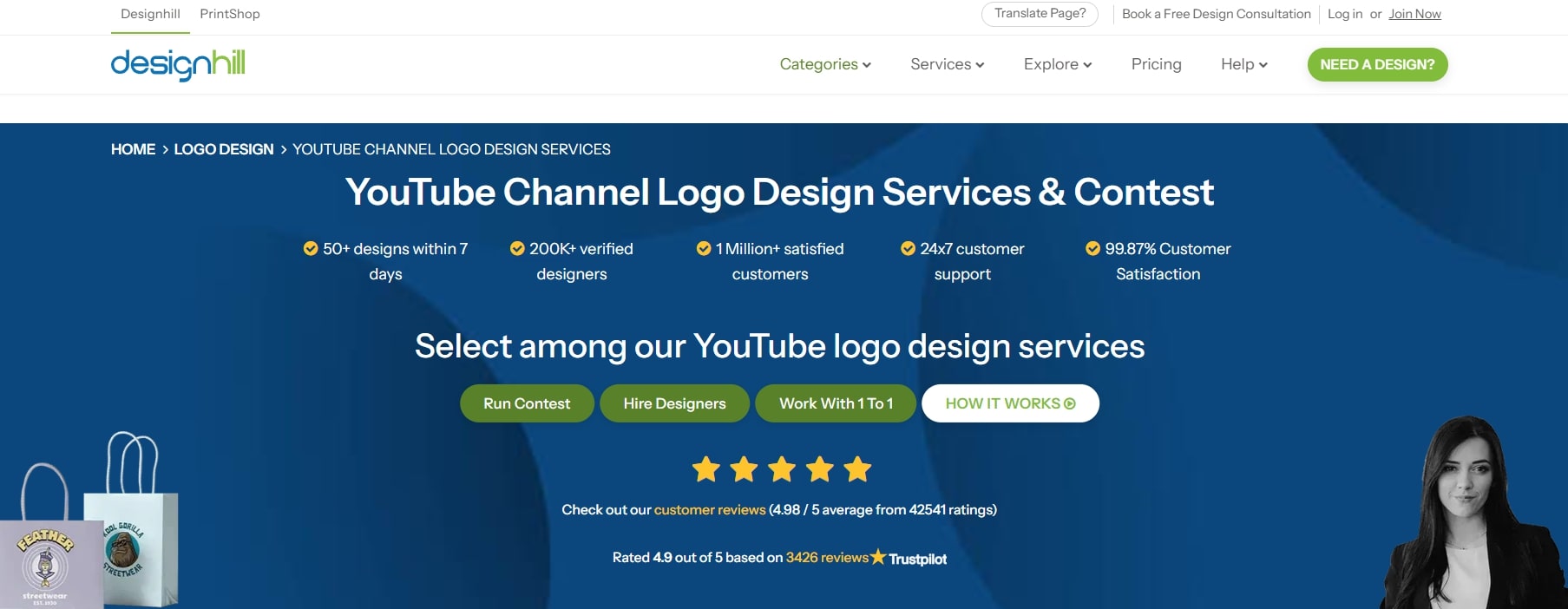
Designhill logo maker is a DIY design tool where you can create your logo in minutes. First, select your company name, industry, and preferred style. From there, it generates hundreds of logo ideas. It then allows you to personalise one with fonts, colors, icons, and layout choices. What sets it apart is the scale of template variety and the fact that you retain full ownership of the logo once downloaded.
Features
High-resolution logo files in vector and PNG/JPG formats.
Several templates for industries such as fashion, gaming, food, sports and more.
Allows exploring logo animations and motion versions for added brand impact.
Includes brand guidelines with font names and color palettes included for future use.
Pricing
You can design and preview for free, but downloading the final logo formats and vector files requires choosing among packages (Basic ($20), Premium (65$), and Enterprise ($120)) whose cost varies depending on file types and rights.
9. Renderforest
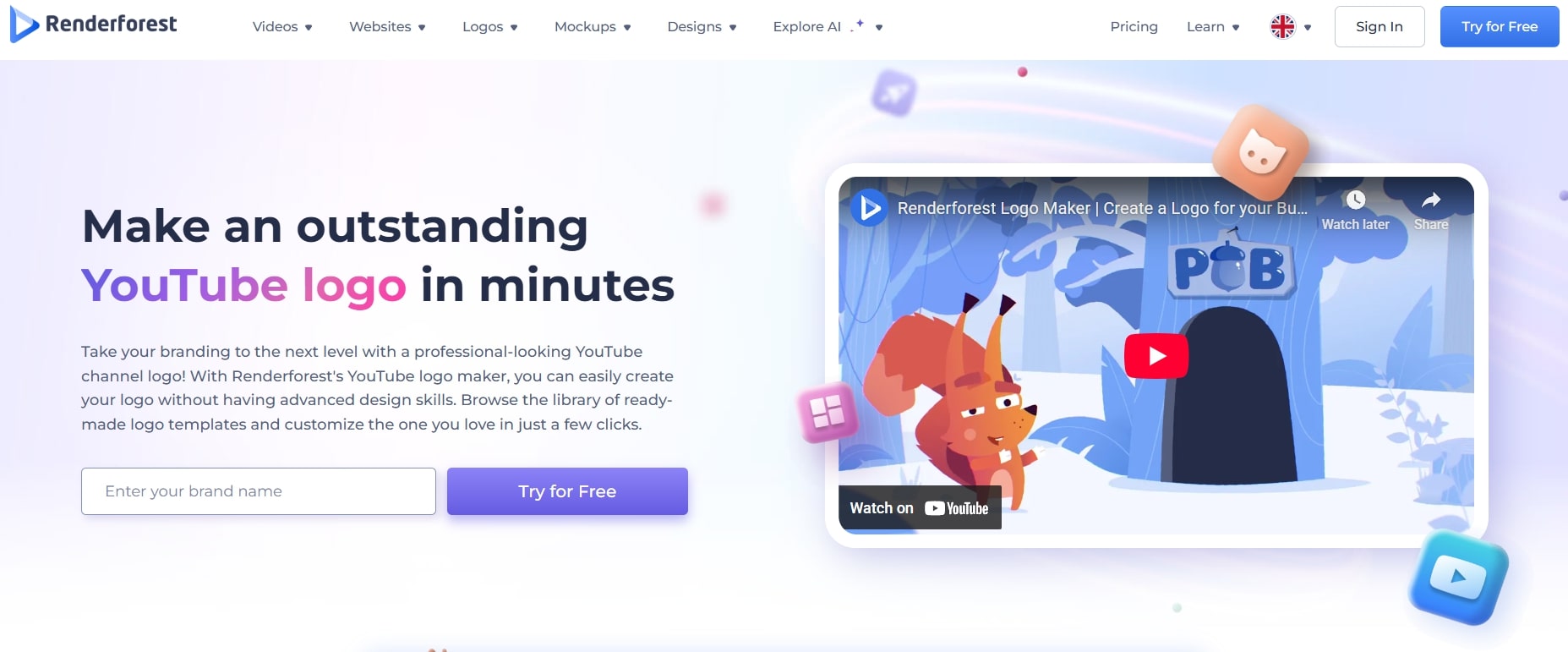
If you want a YouTube logo maker online that handles more than just logos, Renderforest fits well. It offers logo creation alongside video intros, mockups, and full branding visuals and even YouTube backgrounds to match your channel style. This will help you to roll your YouTube channel identity out across thumbnails, intros, and graphics. Users say it’s easy to use and produces clean-looking assets quickly, though some editing flexibility is limited.
Features
Provides pre-built brand kits and templates for different industries
Supports export in multiple file formats for digital and print use
Includes a built-in editor to adjust fonts, icons, layout, and color
Gives access to non-logo assets within the same account
Pricing
Designing is free, and you can download a logo with a basic, standard resolution at no cost. But a paid subscription is required for vector files, high-resolution files, and ones for commercial use. Lite is $9/month, and Pro comes at $19/month.
10. Adobe Express
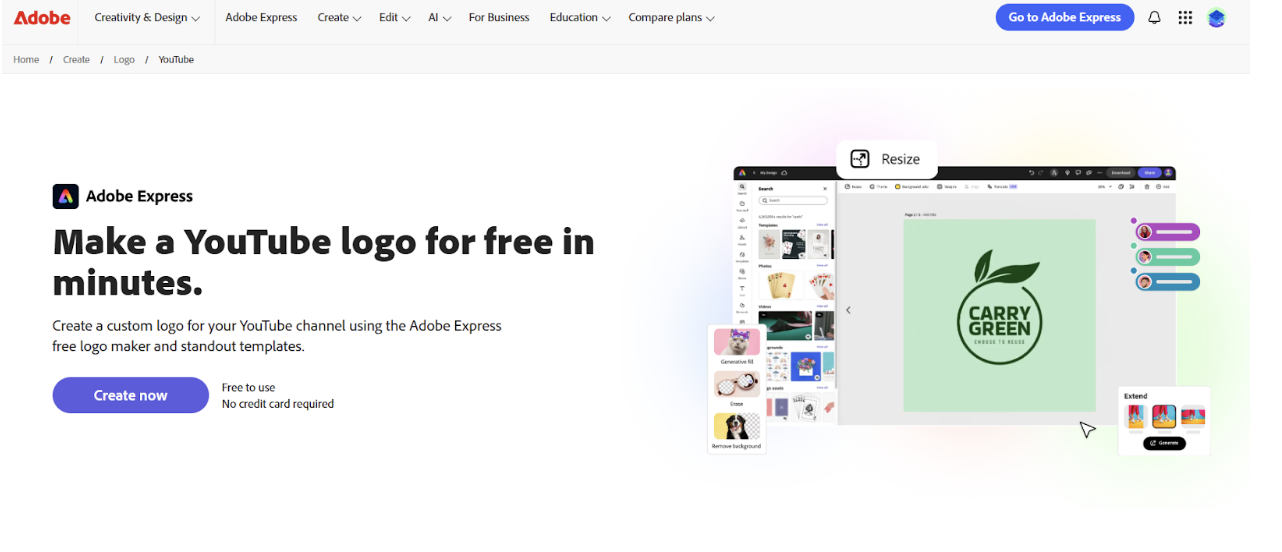
Making a YouTube logo in Adobe Express requires no designing skill. One can start with a ready-made layout and then customize the colors and text to match your channel. Since the tool can also make thumbnails and banners, it helps maintain your channel’s visual style.
Features
Ready-made layouts for quick logo creation
Easy controls to change colors, fonts, and icons
Access to extra graphics through Adobe Stock
Pricing
It is free with basic tools. The paid plan starts at around $9.99/month and offers more templates, assets and export options.
Criteria for a Good YouTube Logo Maker Online
Before you choose a tool, read below to know what actually makes YouTube logo makers worth using.
Functionality
A useful tool should not require design experience. It should guide users from ideas to export with simple steps. AI generation or template libraries reduce the time spent on drafting. Editing options such as font swap, icon replacement, and logo color changer must be easy to apply without a learning curve. Batch creation is a plus when testing variations.
Quality and Output
The tool must produce files that remain sharp at different sizes. Export options should include transparent PNG and preferably SVG for vector use. Logos must remain readable in small placements such as profile icons and video thumbnails. The design should not break when used across different surfaces.
Pricing and Licensing
Transparent pricing matters more than low pricing. The user should know whether a logo is free for commercial use, locked behind a subscription, or one-time licensed. No tool should bury usage limits or watermark removal inside unclear terms.
Added Features such as Brand Kits
Good platforms go beyond a single logo file. Brand kits, reusable color palettes, font systems, social templates, and a built-in YouTube banner maker help keep a channel visually consistent across uploads and future campaigns.
Types of YouTube Logos
Icon-based logos — use a symbol that reflects the channel topic or niche.
Wordmark logos — rely only on the channel name or initials for recognition.
Mascot logos — feature a character or avatar, common in gaming and personality channels.
Badge or minimal logos — simple, compact designs suited for professional or clean branding.
Use-Case Guide: Choosing the Right YouTube Logo Maker
Use Case | Best Tool | Why this fits |
Generate a logo fast using AI from a text prompt | X-Design | Built around AI-first generation without manual design work |
Need simple templates and easy drag-and-drop edits | Canva | Non-designers can customize quickly using template library |
Prefer guided AI questions instead of browsing designs | Wix Logo Maker | Uses a style quiz to shape logo concepts |
Want a fast, one-off logo with extensive editing options | Turbologo | A huge amount of editing and customisation features |
Need logo + full brand system in one subscription | Tailor Brands | Includes branding tools beyond just a logo file |
Want polished concepts and brand mockups before buying | Looka | Previews logo on cards, websites and assets before checkout |
Need editable vector files and formal ownership rights | Designhill | Provides high-resolution exports with commercial usage |
Need logo + intro videos + mockups in one place | Renderforest | Offers branding videos, mockups and logo in same platform |
Need an all-in-one design suite (logo + thumbnails + banners) | Adobe Express | Covers logos plus YouTube graphics and short videos |
Want a fast, beginner-friendly logo tool with commercial use included | Known for quick setup, starter-friendly flow and usage rights |
How to Make a YouTube Logo with X-Design?
Let's make logos in X-Design by giving it a prompt. This is another big plus of using this tool.
Logo 1
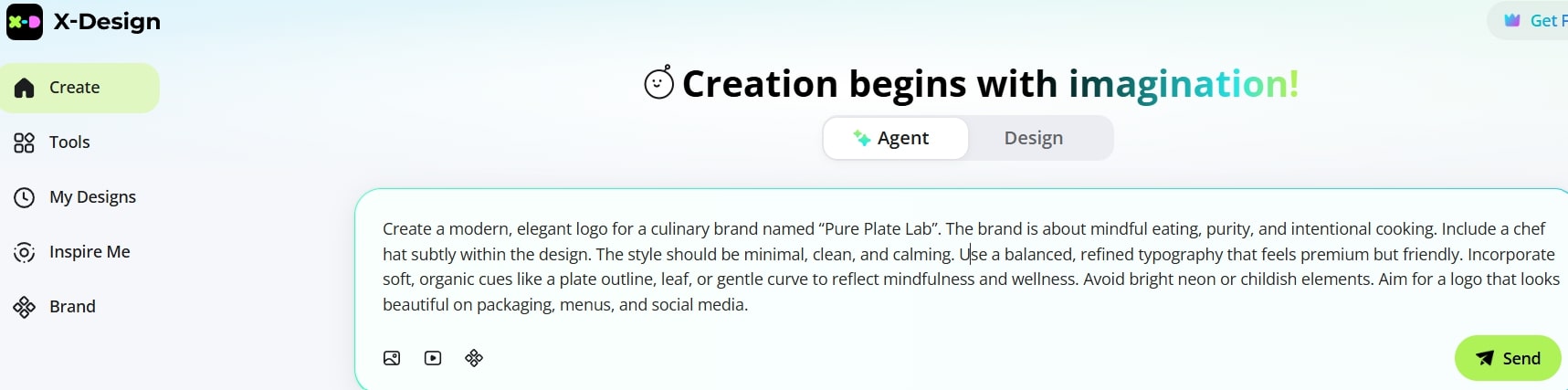
The first one is for Pure Plate Lab, a culinary business.
Step 1: Begin with your brief
Open the X-Design workspace and enter your logo prompt. Click Send.
Step 2: Check the references
Review the design inspirations X-Design suggests from across the web.
Step 3: Pick one suggestion
Pick the closest match to your brand vision and click Continue.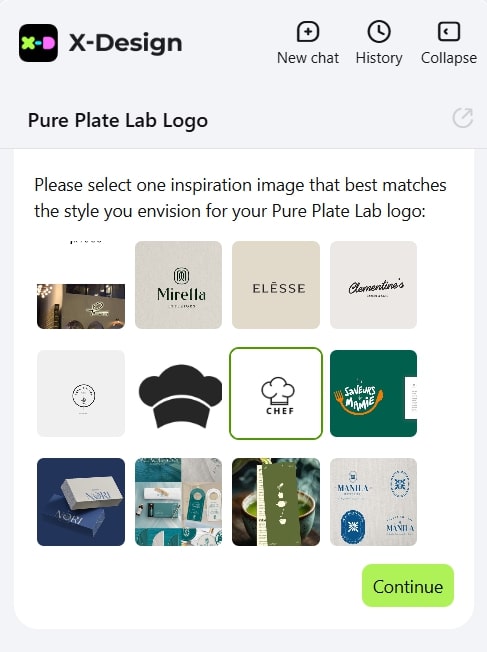
Step 4: AI decodes the style
The Image Analyzer will break down the logo type, style, color palette, and hex values, then build a brand guide and tone.
Step 5: Select a draft
Choose an idea you like.
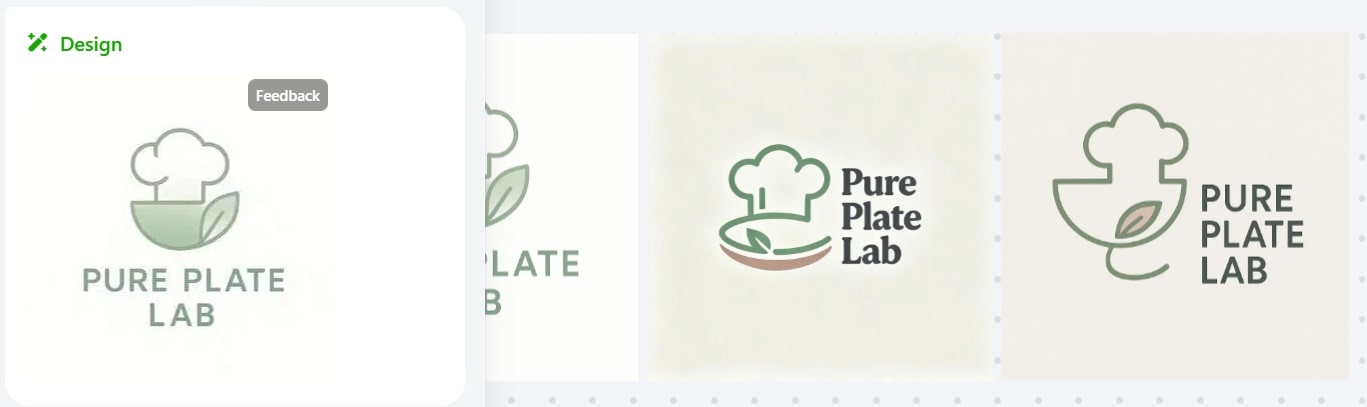
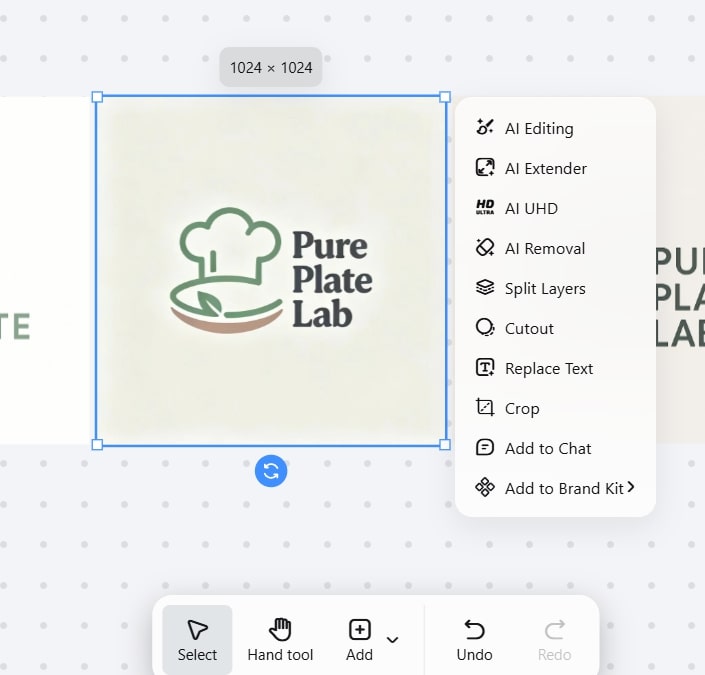
Step 6: Refine
Click on a concept to open the editor and tweak details, if needed.
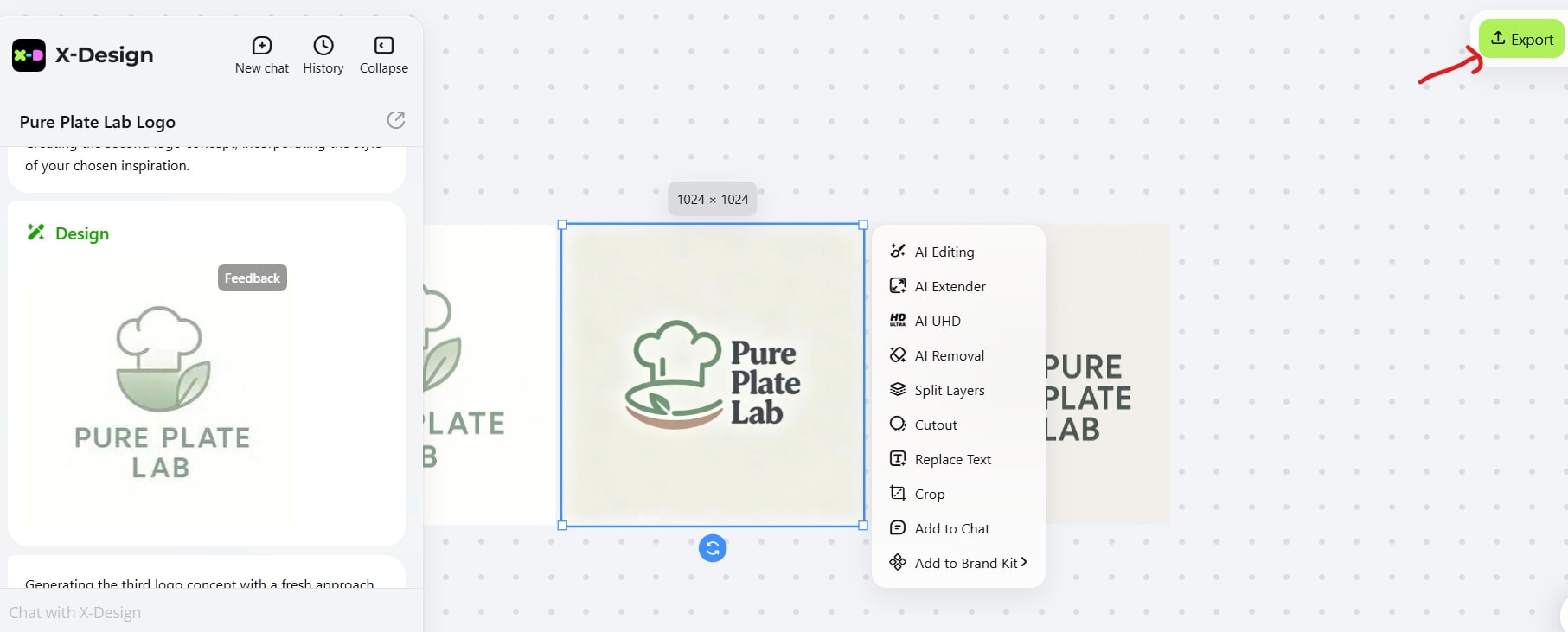
Step 7: Export and Save
Once final, click Export (top-right) to download your logo.
Logo 2
The second logo is for a gardening-related website Gardenly Done.
Step 1: Enter the prompt
Click X-Design Workspace again and type your logo prompt in the box. Click Send.
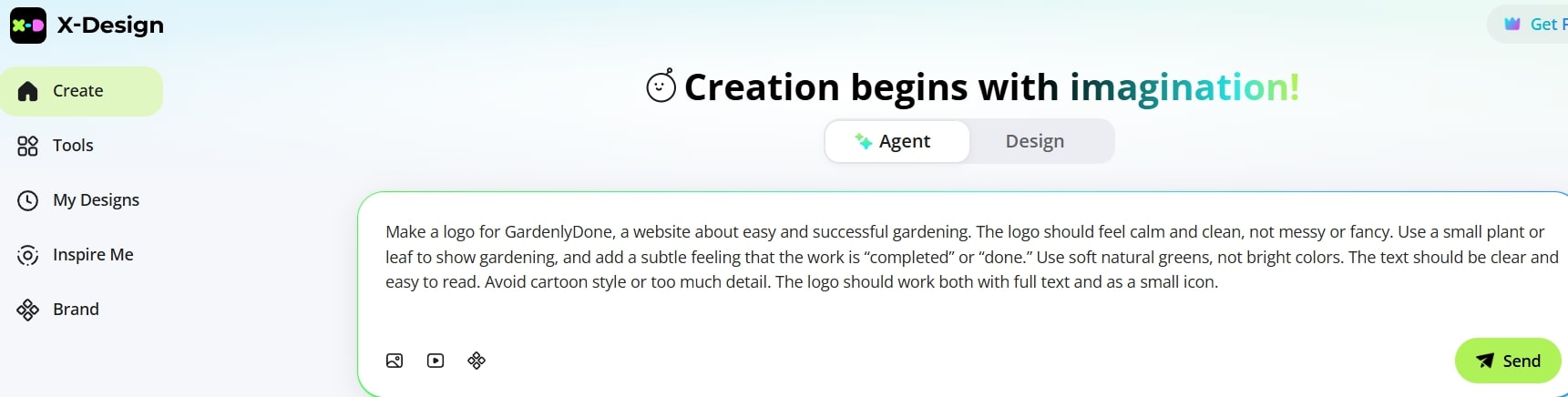
Step 2. Review the inspirations
X-Design will suggest some sample logo ideas (taken from around the web)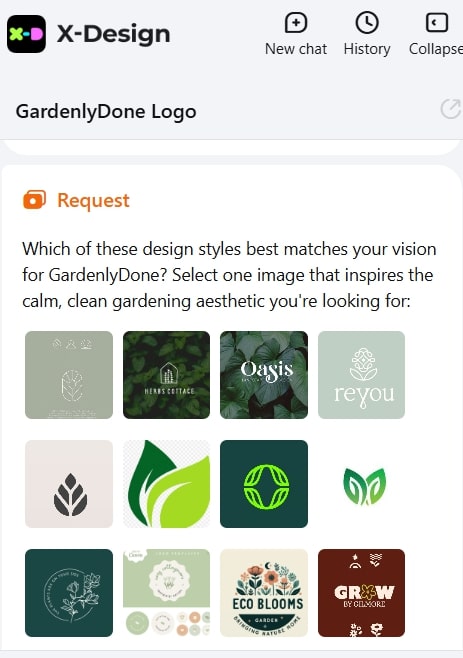
Step 3: Select a preference
Choose one logo that appears closest to your imagination of how your website logo should be.
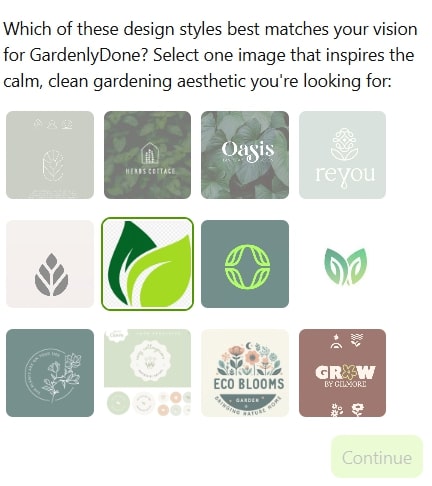
Step 4: AI analyzes the style
The advanced AI algorithm will identify the logo category, style mood, and color scheme. It will then create a draft brand guide.
Step 5: Get initial logo options
X-Design will produce some initial logo options.
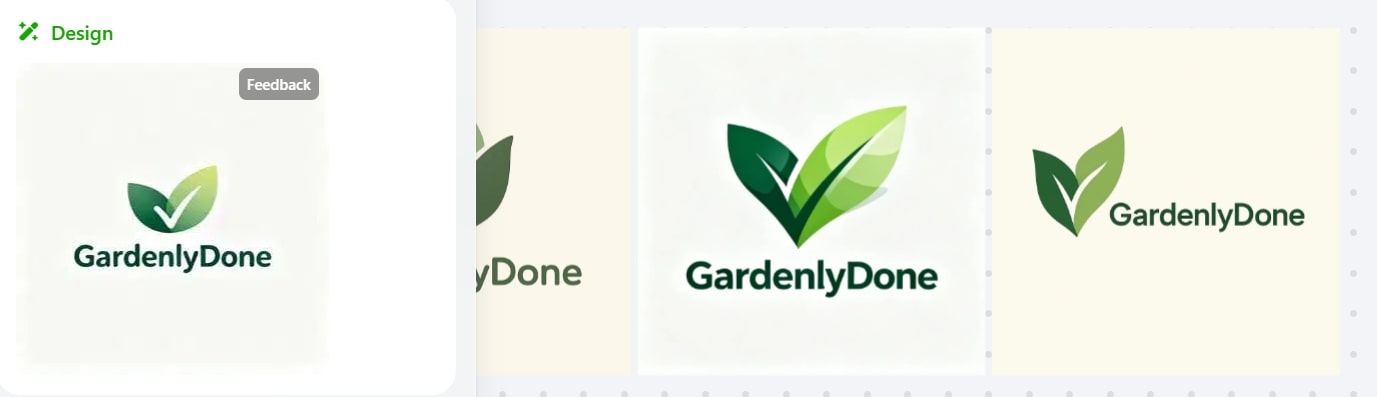
Step 6: Edit or proceed
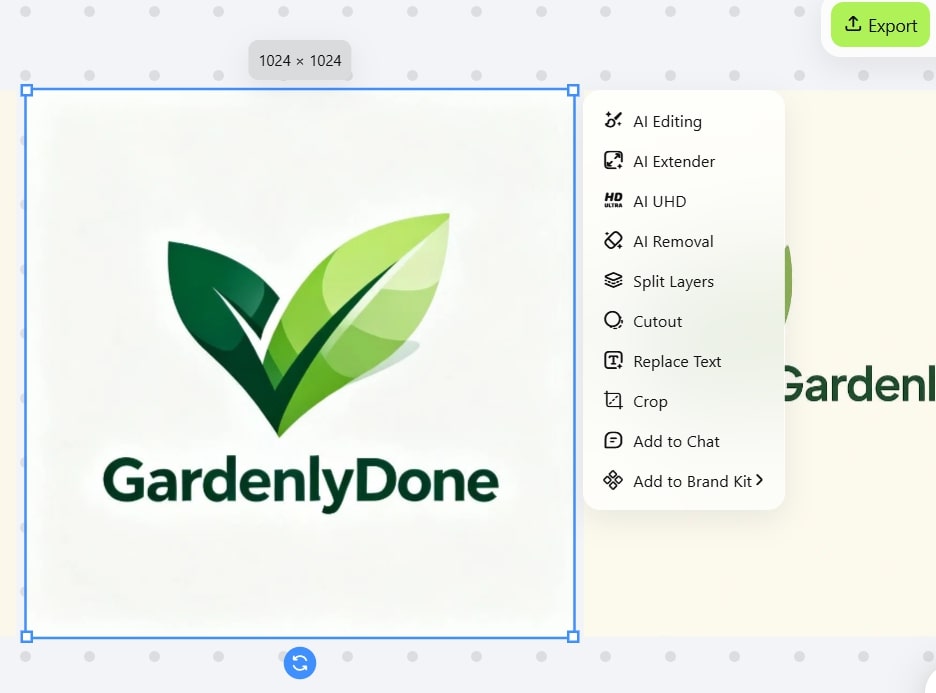
Select one option. This will open the editor options. Make adjustments, if need be, or proceed.
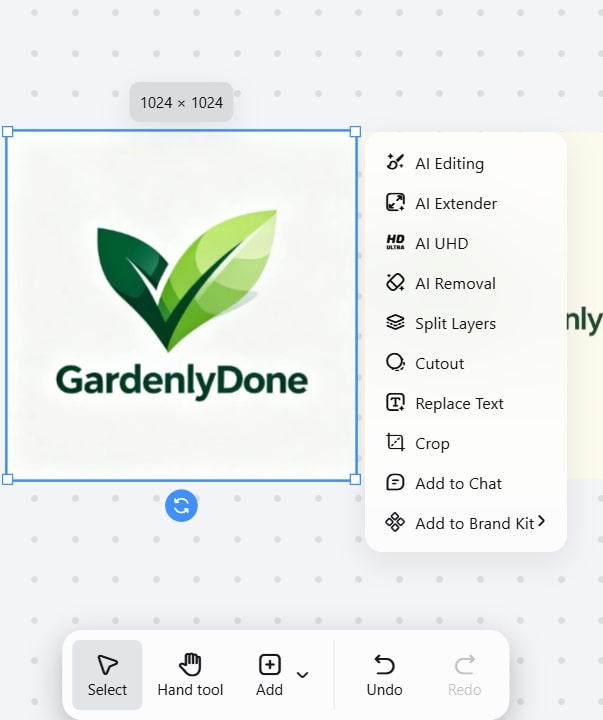
Step 7: Download
If satisfied, go to Export in the top-right corner and download your logo files.
What to Keep in Mind While Creating a Logo
Define your brand. Know about your values and also what sets your channel apart.
Select an appropriate shape, typography, and icons that suit the tone of your brand. These should be compatible with YouTube logo makers.
Colors have connotations and influence how your channel is viewed. So choose them carefully.
Select a suitable typography. The font should represent your brand's personality and remain readable in small sizes.
A logo must be scalable both as a small icon on phones and a big graphic on YouTube banners.
Parting Thoughts
A good YouTube logo helps people remember your channel. Instead of paying a designer, you can now create one yourself using modern YouTube AI logo makers. Look through the options carefully before deciding. A fitting logo makes your channel look more credible and easier to trust. So go ahead and design a DIY logo with the tool that suits your requirements the most.
Related articles

How to Design a Good Advertising Poster

Human vs. AI in Design: Who Really Creates Better Art?
The Difference Between Motion Graphics and Animation: A Detailed Analysis